
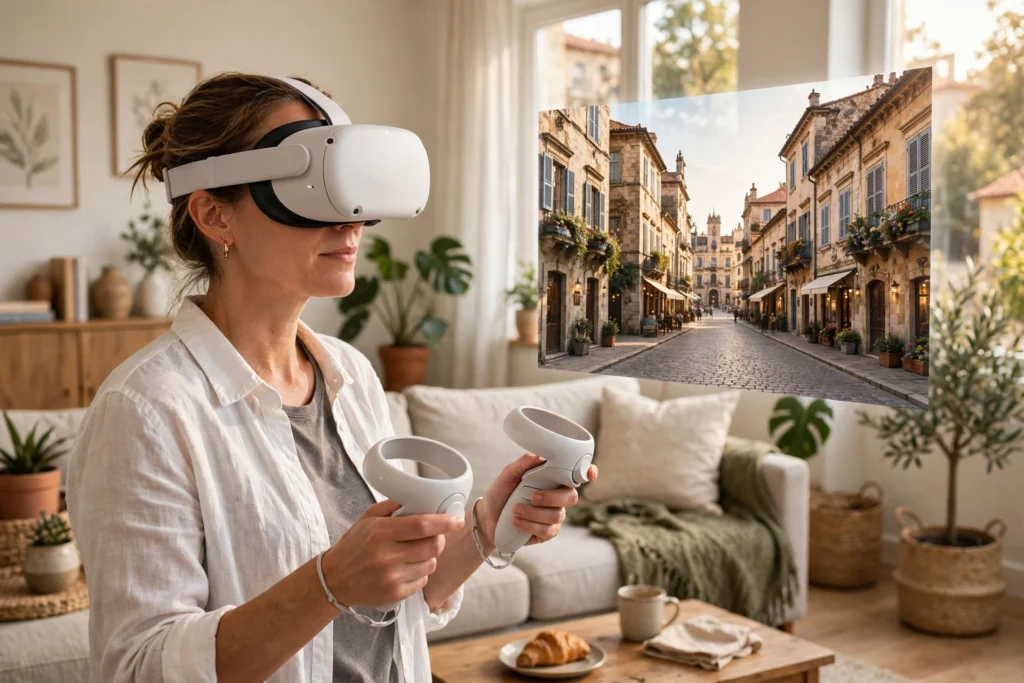
VR travel lets you visit a place without leaving home. A headset shows you a 360-degree scene, tracks your head as you look around, and lets you walk, point, or choose where to go next. It is not the same as a real trip, but it can feel surprisingly close.
Key Takeaways
- VR travel uses headsets, 360-degree photos or video, and sometimes 3D models to recreate a place.
- You can look around freely, follow a guided route, or explore at your own pace.
- Museums, historic sites, cities, and natural landscapes are among the most common virtual trips.
- A comfortable first session is short, seated, and in a clear space.
- VR travel works well for previewing a trip, learning about a place, or visiting somewhere hard to reach.
How does a virtual trip actually work?
At its simplest, a virtual trip is a set of images or a 3D scene wrapped around you. When you turn your head, the headset’s sensors notice the movement and shift the view to match. That link between your movement and the picture is what makes the scene feel like a place, rather than a flat video on a screen.
Some tours use 360-degree photos taken at a real location. You stand in the middle of the scene, in effect, and look in any direction. Others use video, so you can watch a walk through a street or a gallery as it unfolds. More detailed experiences use 3D models, which let you move a few steps, lean in to look at an object, or step from one room into another. The headset, controllers, and tracking work together to keep all of that steady and believable. If you want the basics of the hardware first, our guide to how VR headsets work explains screens, lenses, and tracking in plain terms.
Sound matters more than people expect. Footsteps in a gallery, wind on a coastal path, or a guide’s voice can make a scene feel much more real. Good tours also keep movement gentle. A sudden jump from one viewpoint to another can feel odd, so many tours fade between scenes or let you choose when to move on.
What kinds of virtual trips can you take?
Museums are a natural fit. You can walk through a gallery, stop in front of a painting, and read a short label, all without crowds pressing in around you. Some museum tours add a guide who talks you through the highlights, while others leave you free to wander and linger where you like.
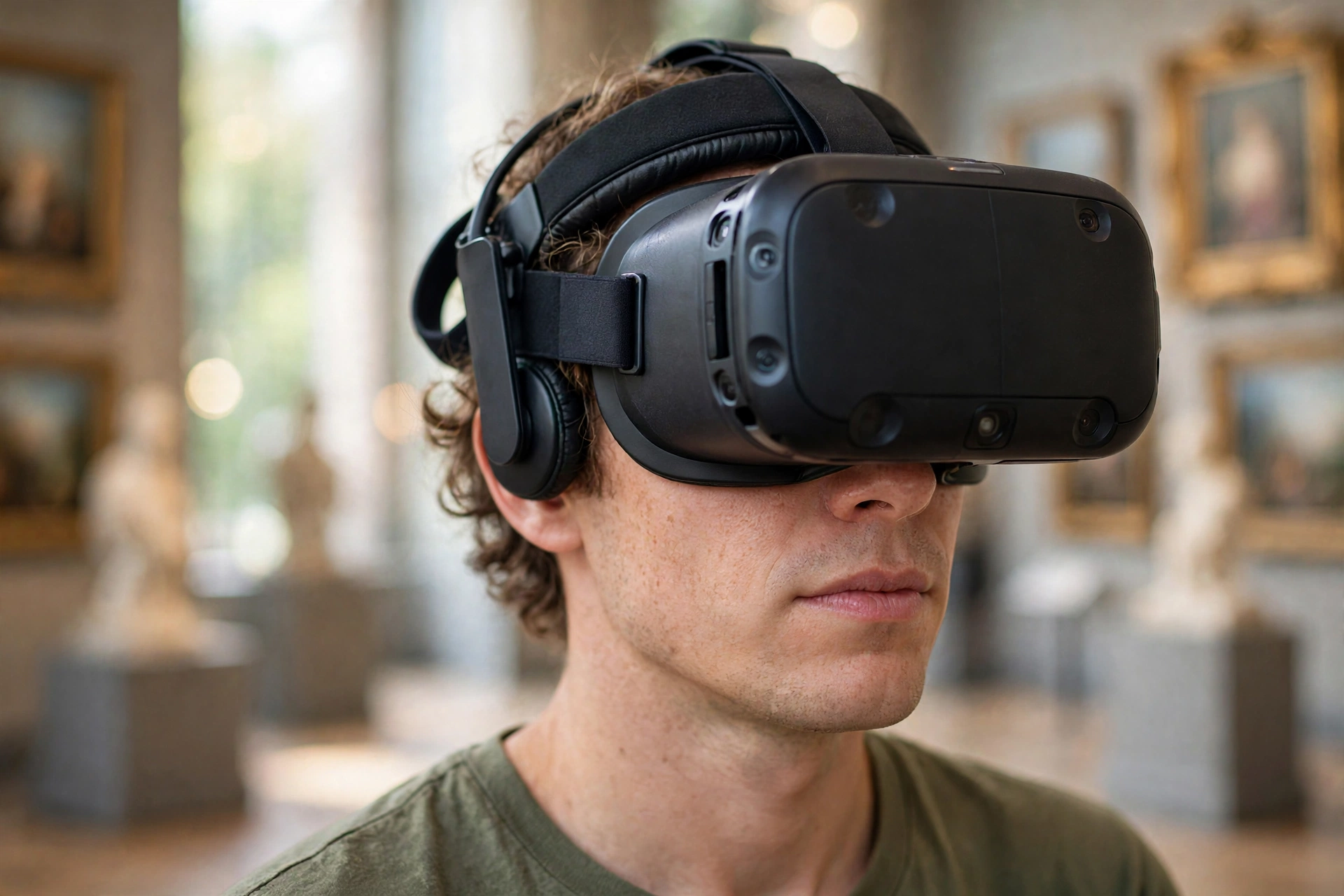
Historic sites work in a similar way. A virtual visit can show you a castle, a temple, or an old street as it looks today, and sometimes add a reconstruction of how it may have looked in the past. That pairing — the present-day view plus a careful reconstruction — can help you understand a place’s history in a way a single photo cannot.
City tours are another popular choice. A guided virtual walk can take you along a famous street, across a square, or up to a viewpoint, with stops for stories about the buildings you pass. Nature tours go the other way: quiet landscapes, wildlife reserves, and mountain trails, where the point is often just to slow down and look around.
There are also practical uses that sit close to travel. Hotels, cruise ships, and holiday homes sometimes offer virtual tours so you can check a room or a deck before you book. Schools use virtual trips for lessons, and travel planners use them to shortlist destinations. None of this replaces the real thing, but it can make the planning stage much more concrete.
Is VR travel the same as really being there?
No, and it helps to be honest about that. You will not feel the sun on your face, smell a market, taste local food, or bump into a stranger who tells you about a hidden café. A virtual trip is a window, not a door. What it does well is give you a sense of scale, layout, and atmosphere: how big a cathedral feels, how narrow an old lane is, or how a coastline curves.
That sense of place is useful in a few specific ways. It can help you decide whether a destination is worth a real visit, prepare you for what you will see, or let you revisit a place you loved. It can also open up places that are hard to reach — a remote island, a fragile historic interior, or a site with limited visitor numbers. For people who cannot travel easily, whether for health, cost, or caring reasons, that access matters a lot.
It is worth keeping expectations modest on a first try. The picture may not be as sharp as real life, especially at the edges of your view, and fast movement can feel uncomfortable. A short, calm tour is a better introduction than a long, fast-paced one.
What do you need to try VR travel?
You need a headset and a tour to open on it. Standalone headsets, which do not need a separate computer, are the simplest starting point for most people at home. A phone-based viewer or a computer screen can also show 360-degree tours, though the feeling of being inside the scene is weaker without a headset.
Controllers help you point, select, and move, but many tours work with simple gaze controls or a single button press. If you are new to this, our explainer on how VR controllers work covers buttons, tracking, and haptics without jargon. You will also want a clear space around you, even for a seated tour, so you do not knock anything over when you turn.
A steady internet connection helps, because 360-degree video and 3D scenes can be large files. Downloading a tour in advance, where that option exists, avoids buffering in the middle of a gallery. And if you share the headset, wipe the face cushion between users and adjust the straps and lens spacing for each person — a comfortable fit makes a big difference.
How to try VR travel at home
Start small. Pick one short tour, ten to twenty minutes, and sit in a comfortable chair with room to turn your head. Choose something you are genuinely curious about — a museum you have always wanted to see, or a city you hope to visit one day — rather than the flashiest demo you can find.
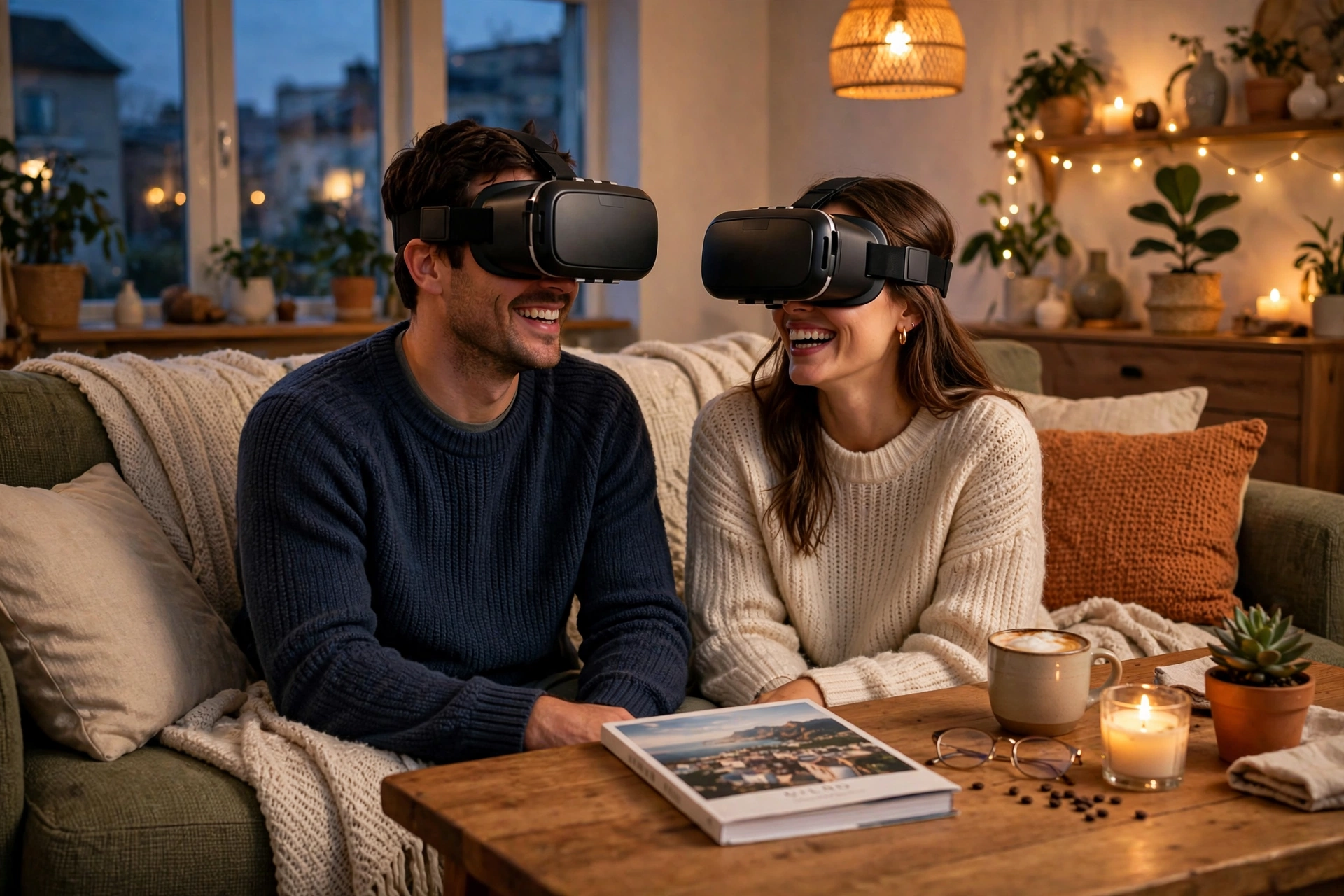
Set the headset up before you start the tour, not during it. Adjust the fit, check that the picture looks sharp, and find the pause or exit control so you can stop easily. If you start to feel dizzy or tired, take the headset off and rest. That is normal, especially at first, and it does not mean VR is not for you. Shorter sessions, slower movement, and seated tours usually help.
Try a guided tour first, then a free-exploration one, and notice which you prefer. Some people like a guide’s stories; others would rather wander quietly. If you are planning a real trip, use the virtual tour as a shortlist tool: note which rooms, viewpoints, or streets you want to see in person, and which ones you can happily skip.
If you want to understand how the headset knows where you are in a room, our guide to how VR room mapping works explains spatial tracking in beginner-friendly terms. And for the wider picture beyond travel, see Virtual Reality Beyond Gaming, which covers training, healthcare, and design uses. For background on the technology itself, Britannica’s overview of virtual reality and Wikipedia’s article on the virtual tour are useful starting points.
FAQs
Can I visit a real place in VR, or is it all computer-made?
Both exist. Many tours use real 360-degree photos and video from a genuine location, while others use computer-built 3D models. Real-photo tours tend to look more lifelike; 3D tours tend to let you move around more freely.
Do I need an expensive headset for VR travel?
Not necessarily. A standalone headset is a common choice, but many 360-degree tours also work on a phone or computer, just with less immersion. Start with what you already have, and only consider a headset if you enjoy the format.
Will VR travel make me feel sick?
It can, especially during fast or unexpected movement. Choose seated, slow tours, take breaks, and stop if you feel unwell. Most people find short sessions much easier than long ones.
Can VR travel help me plan a real holiday?
Yes, within limits. It is good for checking the layout of a hotel, the scale of a museum, or the feel of a neighbourhood. It cannot tell you about food, weather, crowds, or local transport, so use it alongside ordinary travel research.
Is VR travel suitable for children?
It depends on the headset maker’s age guidance and the content itself. Keep sessions short, supervise younger users, and choose calm, age-appropriate tours. Check the guidance for your specific headset before handing it over.
Conclusion
VR travel is best thought of as a preview and a learning tool, not a replacement for going somewhere. It gives you a real sense of a place’s scale and atmosphere from your living room, and it can open doors to sites that are distant, fragile, or hard to reach. Try one short, seated museum or city tour this week, note what surprised you, and use that to decide whether a real visit — or another virtual one — is worth your time.