Direct answer
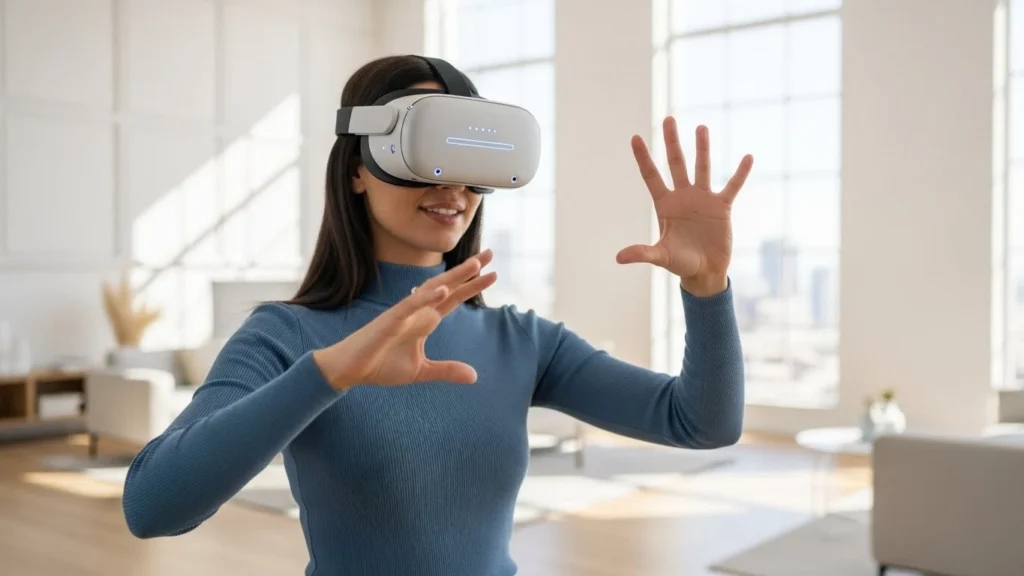
A VR headset shows a slightly different image to each eye, bends that light through lenses so it feels far away, and tracks your head and hands many times a second so the virtual world moves when you do. When those pieces line up, your brain reads the scene as a place you are standing inside, not a flat screen.
Key Takeaways
- Two small screens, one per eye, create depth through slightly different views.
- Lenses widen the view and make a close screen feel like a distant scene.
- Head tracking keeps the virtual world steady as you turn and lean.
- Controllers or hand tracking let you point, grab, and move inside VR.
- A good fit, a clear play space, and short first sessions make VR far more comfortable.
What is inside a VR headset?
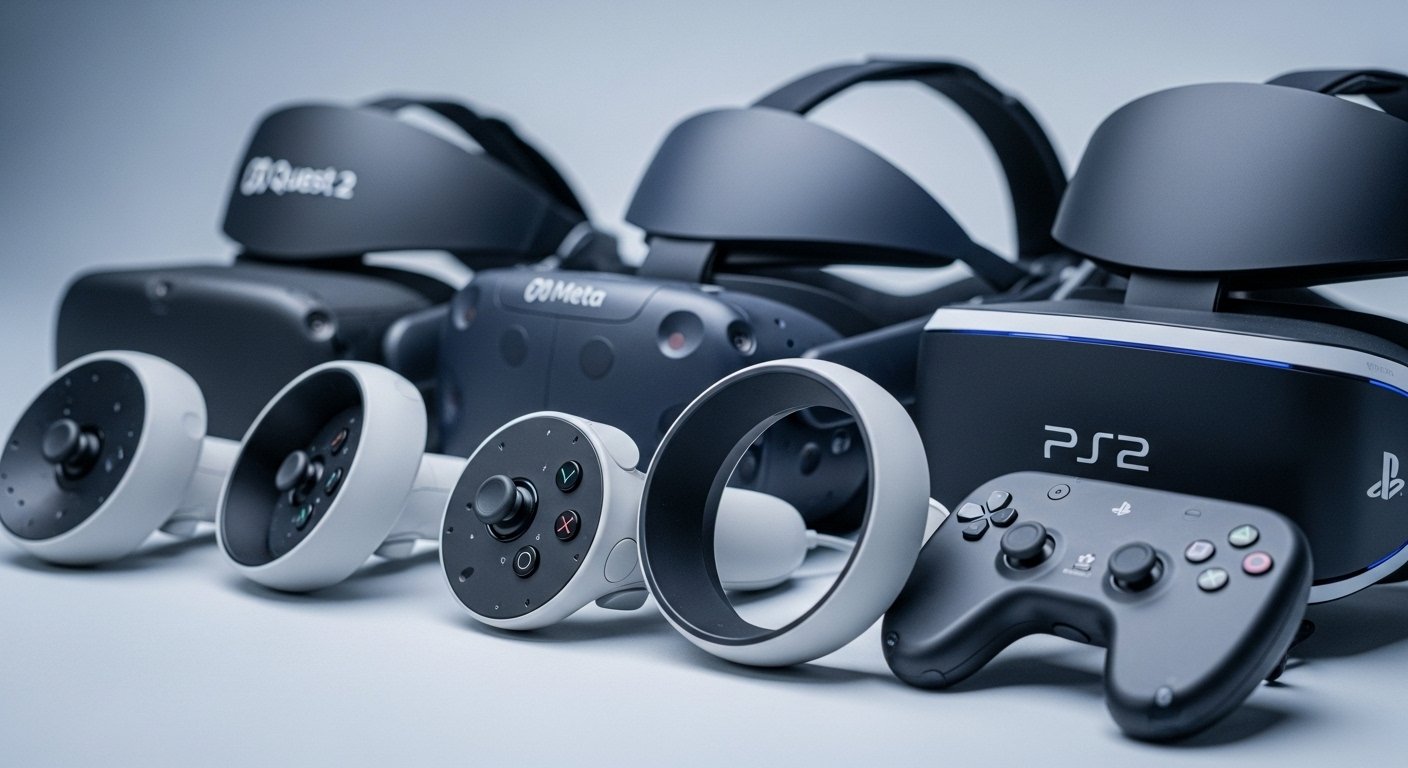
Think of a headset as a screen split in two, wrapped in sensors, and strapped to your face. Most standalone headsets carry their own processor, battery, memory, and storage, so you do not need a computer or cable to start. Others connect to a PC or console for more detailed graphics, which usually means a sharper image but also a wire to manage.
How do the screens and lenses create depth?
Your eyes sit a little apart, so each one sees the world from a slightly different angle. Your brain combines those two views into depth. A VR headset copies that trick, rendering two images of the same scene, shifted just enough to match what each eye would see on its own.
The lenses do the rest. Without them, a screen an inch from your face would be a blurry mess. Lenses bend the light, push the focal point farther away, and spread the image across a wide field of view. That is why a good headset feels roomy rather than like peering through a letterbox. Some headsets let you slide the lenses apart to match the distance between your eyes, which is worth doing. If the spacing is wrong, text looks soft and your eyes tire faster.
How does motion tracking follow your head?
This is the part that sells the illusion. Inside the headset, tiny motion sensors measure acceleration and rotation, much like the sensors in your phone that know when you turn it sideways. Cameras on the outside add the missing piece: they track fixed points in your room, such as furniture edges and wall patterns, and use them to judge where your head is in space.
Together, they tell when you turn, tilt, lean, or take a step, and the scene is redrawn to match. Turn left, and the virtual room turns with you. Lean toward a table, and the object on it gets closer. The delay between your movement and the new image needs to be tiny. When it is, your brain accepts the movement as real. When it lags, the mismatch can feel strange.
What do controllers and hand tracking add?
A headset on its own lets you look around. Controllers let you do things. Most come in pairs, one for each hand, with a trigger, a grip button, a joystick or touchpad, and buttons you can reach without looking. Sensors inside the controllers, plus the headset cameras watching them, tell the system where your hands are and how they are tilted.
So you can point at a menu, pick up a virtual tool, throw a ball, or draw in mid-air, and the virtual hands follow. Some headsets also offer hand tracking with no controllers at all. Cameras watch your fingers, so pinching, pointing, and swiping work directly. It feels natural for menus and simple tasks, though controllers still win for games and precise work, because buttons give you a clear click you can feel.

Why do some people feel sick in VR?
VR sickness is real, and it is not a sign you are doing something wrong. It usually comes from a mismatch: your eyes tell your brain you are moving, but your inner ear says you are standing still, or the other way round. Smooth gliding movement in a game, a low frame rate, or a headset that slips during play can all make that mismatch worse.
A few habits help a lot. Start with seated or standing experiences that let you look around without artificial walking. Take breaks every 20 to 30 minutes in your first sessions, and stop if you feel warm or uneasy rather than pushing through. Keep the room cool, make sure the headset is fitted and the lenses are clean, and turn on comfort settings such as snap turning or a vignette that narrows the view during movement. Most people adjust over days and weeks, but there is no prize for enduring discomfort. Short, pleasant sessions beat one long miserable one.
What should you check before buying a VR headset?
Start with what you want to do with it. If you mainly want games and simple apps with no fuss, a standalone headset is the easiest route. If you want the most detailed PC games or professional design work, a headset that connects to a powerful computer may suit you better, but check the computer requirements first.
Frequently Asked Questions
Do you need a powerful computer for VR?
Not always. Standalone headsets run on their own hardware and need no computer at all. PC headsets need a computer that meets the maker’s stated requirements, especially for graphics, so check those specs before you buy.
Can you wear glasses inside a VR headset?
Often, yes. Many headsets leave room for glasses or offer lens inserts, but it depends on the frame size. Check the maker’s glasses guidance and try the fit if you can, because scratched lenses are a costly mistake.
How much space do you need for VR?
Many experiences work seated or standing in a small clear area. Room-scale games need more space, roughly a couple of metres in each direction, with furniture and cables moved out of the way. The headset’s boundary system will guide you.
Is VR safe for children?
Makers set different age guidance, so follow the guidance for your specific headset. Keep sessions short, supervise younger users, and make sure the play space is clear. If a child feels dizzy or unwell, stop and take a break.
Why does VR look blurry sometimes?
Blur usually comes from a loose fit, dirty lenses, or lenses spaced wrongly for your eyes. Adjust the straps, clean the lenses with a soft cloth, and set the lens spacing if your headset allows it. If blur stays in one eye only, check the fit again before assuming the headset is faulty.
Conclusion
A VR headset is not magic, though it can feel like it. Two images, clever lenses, fast tracking, and controllers you can actually use add up to a world that responds to you. If you are curious, try a short demo first, learn the boundary and comfort settings, and start with a calm app that lets you look around at your own pace. Once the basics feel natural, you will know quickly whether VR is a novelty for you or a tool you will reach for again.