
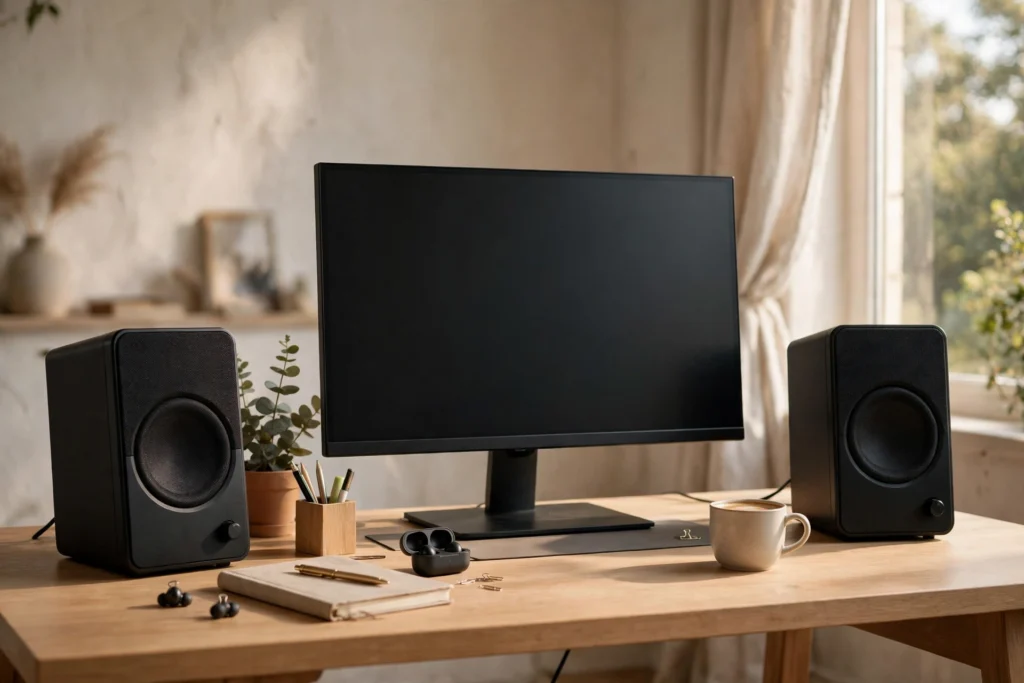
A computer speaker turns the digital audio stored on your computer into sound you can actually hear. Your computer sends an electrical signal to the speaker, an amplifier strengthens that signal, and a moving cone pushes air back and forth. Those tiny air movements reach your ears as music, speech, or game sound.
Key Takeaways
- A speaker does not create sound from nothing: it converts an electrical audio signal into moving air.
- The driver is the moving part. Its cone vibrates, and the speed and size of those vibrations shape pitch and loudness.
- Different drivers handle different sounds. Woofers cover low notes, tweeters cover high notes, and a crossover shares the work between them.
- The box matters too. It stops sound from the back of the cone cancelling sound from the front.
- Placement, volume, and the connection you use can change how clear the sound feels, even with the same speakers.
How Does Sound Travel from a File to Your Ears?
It helps to follow the signal step by step. A music file, video, or video call does not contain sound itself. It contains instructions that describe sound as numbers. Your computer reads those numbers and turns them into an electrical signal that changes many times a second.
That signal is usually too weak to move a speaker cone on its own, so an amplifier boosts it. In many desktop speakers, the amplifier is built into one of the speakers, which is why that speaker often has a power cable and a volume knob. In a laptop, the amplifier is a small circuit inside the machine, feeding its tiny built-in speakers.
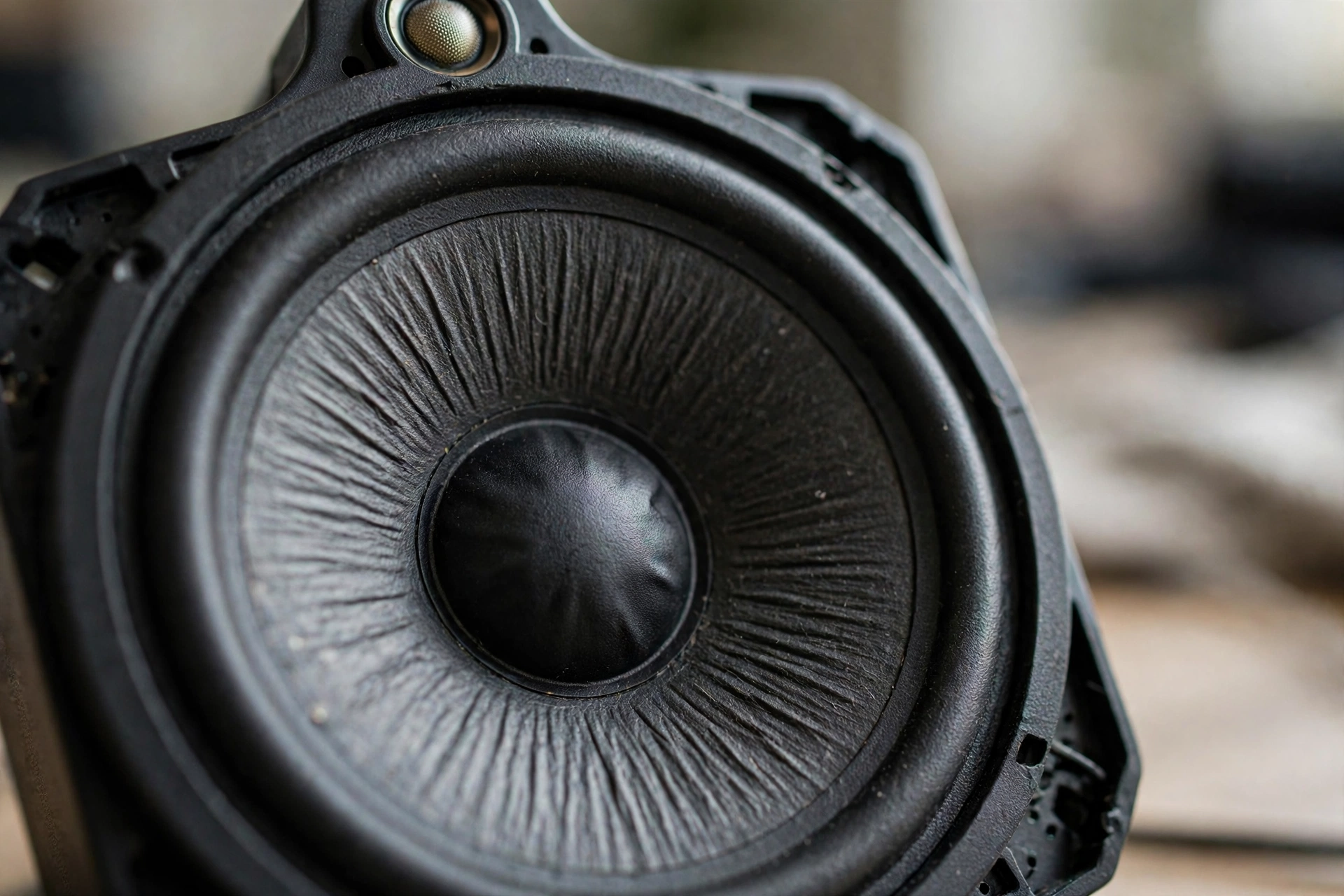
Once amplified, the signal reaches the driver. Inside a common dynamic driver, the signal flows through a coil of wire called a voice coil, which sits inside a magnetic field. Electricity flowing through the coil makes it act like a magnet, and it is pushed and pulled by the fixed magnet around it. Because the coil is attached to the cone, the cone moves with it. When the cone moves forward, it pushes air; when it moves back, it pulls air with it. That repeating push and pull is a sound wave.
What Do the Woofer, Tweeter, and Crossover Do?
No single driver handles every sound equally well. A large cone can move a lot of air, which suits low, deep notes, but it cannot change direction fast enough for very high notes. A small, light driver can vibrate quickly for high notes, but it cannot push enough air for deep bass. That is why many speakers use more than one driver.
A woofer is the larger driver, and it handles bass and lower midrange sounds. A tweeter is the smaller driver, and it handles treble, such as cymbals, consonants in speech, and the sparkle on an acoustic guitar. Some speakers also add a midrange driver for voices and instruments in the middle of the range.
The crossover splits the signal by frequency, sending lows to the woofer and highs to the tweeter. Without it, each driver would receive sounds it cannot reproduce well, and the result could sound muddy or harsh.
Why Does the Speaker Box Matter So Much?
Take the cone out of its box and it still makes sound, but the sound becomes thin. That happens because the back of the cone moves in the opposite direction to the front. It creates a sound wave that is out of step with the front wave, and the two partly cancel each other out, especially at low frequencies.
The box separates those waves. It traps the rear wave inside, or channels it through a tuned port. A sealed box tends to give tighter bass, while a ported box can reinforce bass and make a small speaker sound fuller.
Wired, Bluetooth, or USB: Does the Connection Change the Sound?
A computer speaker can receive audio in a few ways, and each has a trade-off. A wired 3.5 mm cable is simple and direct: the computer’s sound hardware converts the digital file to an electrical signal and sends it down the cable. A USB speaker, by contrast, receives the audio as digital data and does its own conversion inside the speaker, which can bypass a noisy built-in sound circuit on an older computer.
Bluetooth speakers receive audio wirelessly, which is convenient when you want to move the speaker or share it with a phone. The audio is compressed for transmission, and while modern Bluetooth can sound very good for everyday listening, the link adds a small delay. That delay rarely matters for music, but it can be noticeable if you are watching video and the lips do not quite match the words. For films and games, a wired or USB connection is usually the safer choice. If you want the basics of wireless audio, our guide to how Bluetooth works explains pairing and range in plain language. How Does Bluetooth Work?
For a deeper reference on speaker design, Britannica explains how a loudspeaker converts electrical energy into sound. Britannica loudspeaker Wikipedia’s loudspeaker article also walks through drivers, enclosures, and crossovers in more detail. Wikipedia loudspeaker
Your monitor shows the picture while your speakers supply the sound, so keeping both in step matters for calls and films. How Does a Computer Monitor Work? A keyboard can pause music, but does not change how a speaker works. How Does a Computer Keyboard Work? Streaming over a home network can also stutter before it reaches the speaker. How Does Wi-Fi Work?

What Should You Check Before Buying Computer Speakers?
Finally, listen if you can, and listen to something you know well. A familiar song or voice reveals more than a shop demo track. Pay attention to whether voices sound natural, whether bass notes stay distinct rather than turning into one blur, and whether high notes feel sharp without being painful. If voices sound muffled, no amount of volume will fix that; it is a sign the speaker is not reproducing the middle range cleanly.
Why Is My Computer Speaker Quiet, Buzzing, or Only Playing on One Side?
Most speaker problems have simple causes, so work through them in order before assuming the speaker is broken. First, check the obvious: the volume in your operating system, the volume in the app itself, and the volume knob on the speaker. It is easy to mute one of them by accident, and each one can silence the whole setup.
FAQs
Can a computer speaker work without an amplifier?
No. The signal is too weak on its own. Every setup has an amplifier somewhere: in the speaker, in the computer, or in a separate box.
Why do small speakers struggle with bass?
Bass needs moving air, which needs a larger cone or longer movement. A small driver cannot shift as much air, so deep notes come out quieter. A ported box or subwoofer can help, but cannot fully replace size.
Is a soundbar the same as a pair of computer speakers?
It uses the same idea in one long box. It saves desk space, but it cannot separate left and right sound as widely as two speakers placed apart.
Does a more expensive speaker always sound better?
Not necessarily. Price can reflect better parts, but also brand and extra features. Listening to a familiar recording tells you more than a price tag.
How long do computer speakers usually last?
A well-made pair can last many years. What usually ends its life is a damaged cable, a failed power supply, or a torn driver, rather than the electronics simply ageing out.
Conclusion
If you are choosing speakers, try a practical next step: measure your desk, decide whether you need wired, USB, or Bluetooth, and listen to a song you know well on any pair you are considering. Check that voices sound natural and bass notes stay separate. That short test, plus a little space around the speakers, will do more for everyday sound than chasing a single specification.