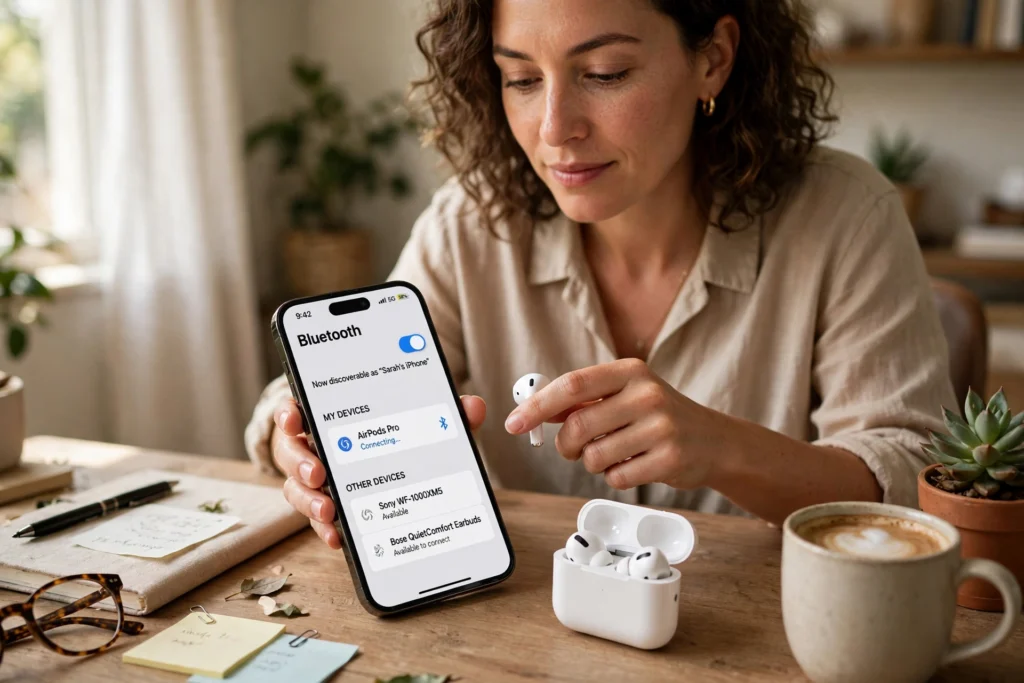
Bluetooth is a short-range wireless system that lets nearby devices swap sound and data using radio waves, without a cable between them. Your phone and earbuds first introduce themselves and agree on a secure connection, then hop between radio channels many times a second to keep the link steady. That hopping is why earbuds can play music across a room, yet still cut out when you walk too far away or put too many walls between them.
Key Takeaways
- Bluetooth uses short-range radio waves, not your home Wi-Fi or mobile network.
- Pairing is a one-time introduction; trusted devices usually reconnect on their own.
- Range, walls, interference, and low battery can all affect sound quality.
- Bluetooth Low Energy suits small sensors and wearables that sip power.
- Most problems come down to distance, an old pairing, or a competing signal.
What exactly is Bluetooth?
Think of Bluetooth as a quiet conversation between two gadgets that are close together. It was designed for personal devices: phones, earbuds, speakers, watches, keyboards, cars, and game controllers. It needs no router, SIM card, or data plan — just two devices that speak the same wireless language and are near enough to hear each other. The name comes from Harald Bluetooth, a tenth-century Danish king who united Danish tribes. The practical point is simpler: Bluetooth was built to replace short cables, not to replace the internet.
How does Bluetooth send sound and data?
Bluetooth works in the 2.4 GHz radio band, the same crowded neighbourhood Wi-Fi also uses — a link explored in our guide to How Does Wi-Fi Work?. Instead of sitting on one channel, it splits data into small packets and hops between channels, sometimes hundreds of times a second. If one channel is noisy, the next packet can hop somewhere clearer. When you play music, your phone compresses the audio, sends it in packets, and your earbuds unpack it in order. There’s a tiny delay in that process, which is why Bluetooth audio can lag slightly behind video, though for music and calls you won’t usually notice.
What happens when you pair two devices?
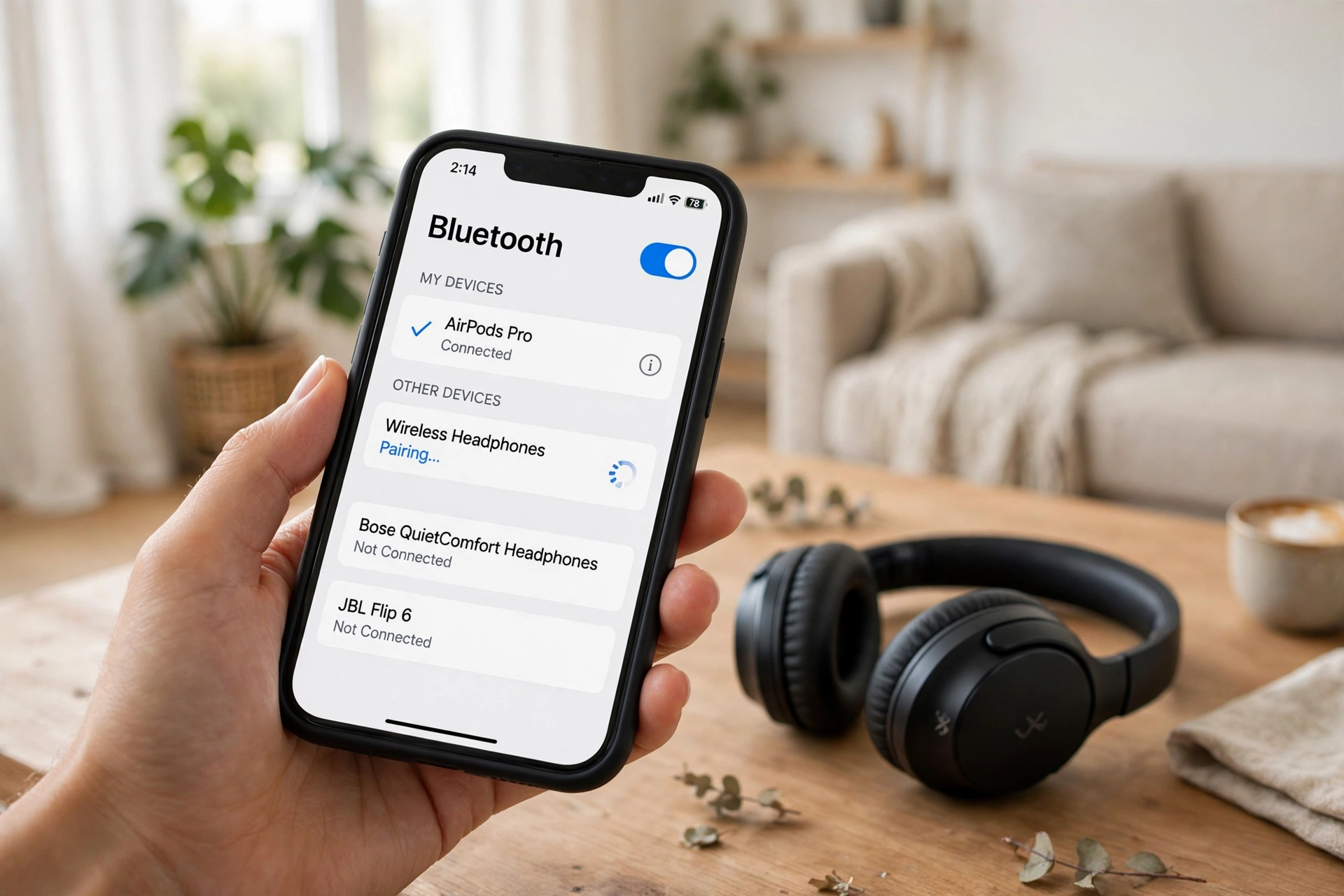
Pairing is just an introduction with a handshake. Put the earbuds or speaker into pairing mode, and it starts announcing itself. Your phone scans for nearby devices, shows the name, and when you tap it, the two exchange keys that let them recognise each other later. Once paired, they remember each other, so opening an earbuds case near your phone often connects them before you’ve put them in. If you sell a device, remove — or “forget” — that pairing. If pairing goes wrong, the device may already be connected to another phone, or its battery may be too low to stay in pairing mode. Forgetting it on your phone and starting again usually clears that up.
How far does Bluetooth actually reach?
Most everyday connections are comfortable within about 10 metres, or roughly 33 feet, in open space. Some newer devices claim much longer ranges, but in a real home walls, floors, metal appliances, and even your own body shrink that range fast. Think of it like talking across a room: in an empty hall your voice carries, but through two closed doors and a fridge it doesn’t. A phone in your back pocket may struggle more than one on the desk beside you. Power matters too: small earbuds keep range short to save battery, while a powered speaker or car system can push further. Bluetooth 5 and later versions generally improved range, but both devices need to support the newer features.
Why does Bluetooth sound sometimes stutter or drop?
Don’t assume the earbuds are broken. Start with the simplest causes: are you near the edge of the range, is your phone in a bag or another room, or is something else competing for the same radio space? Distance is the most common culprit, followed by interference from a busy Wi-Fi network. Low battery can also matter, since some earbuds drop the connection sooner when nearly flat. Then there’s the codec question: devices agree on a method for compressing audio, and not all methods sound the same. If one side only supports a basic codec, you’ll get fine but not brilliant sound — a compromise between quality, delay, and battery life, not a fault.
What is Bluetooth Low Energy, and why does it matter?
Not every device needs to stream music. A heart-rate sensor, door sensor, or luggage tracker just sends tiny updates now and then. Bluetooth Low Energy, or BLE, was designed for that job: it wakes up, sends a small packet, and goes back to sleep. That sipping approach can stretch a coin-cell battery for months. It’s why wearables and smart-home sensors use BLE — they don’t need speed, they need to last. Classic Bluetooth, by contrast, stays more active and suits steady streams like music and calls.
Where is Bluetooth used beyond headphones?
Bluetooth is quietly everywhere: cars for hands-free calls, game controllers, keyboards and mice, and fitness devices passing data to a phone. Any health use should be checked against the device maker’s own guidance rather than a general article like this one. Phones pack many radios and sensors side by side; for the other hardware in your handset, see How Mobile Phone Sensors Work. Smart-home gear uses it too, a theme explored in our Home Automation Server guide and in Best Home Assistant Automations. Newer broadcast audio can even send sound from one source to many listeners at once, handy in a gym class or museum. For official technical background, see the Bluetooth technology overview and Bluetooth on Wikipedia.
FAQs
Do I need the internet for Bluetooth to work?
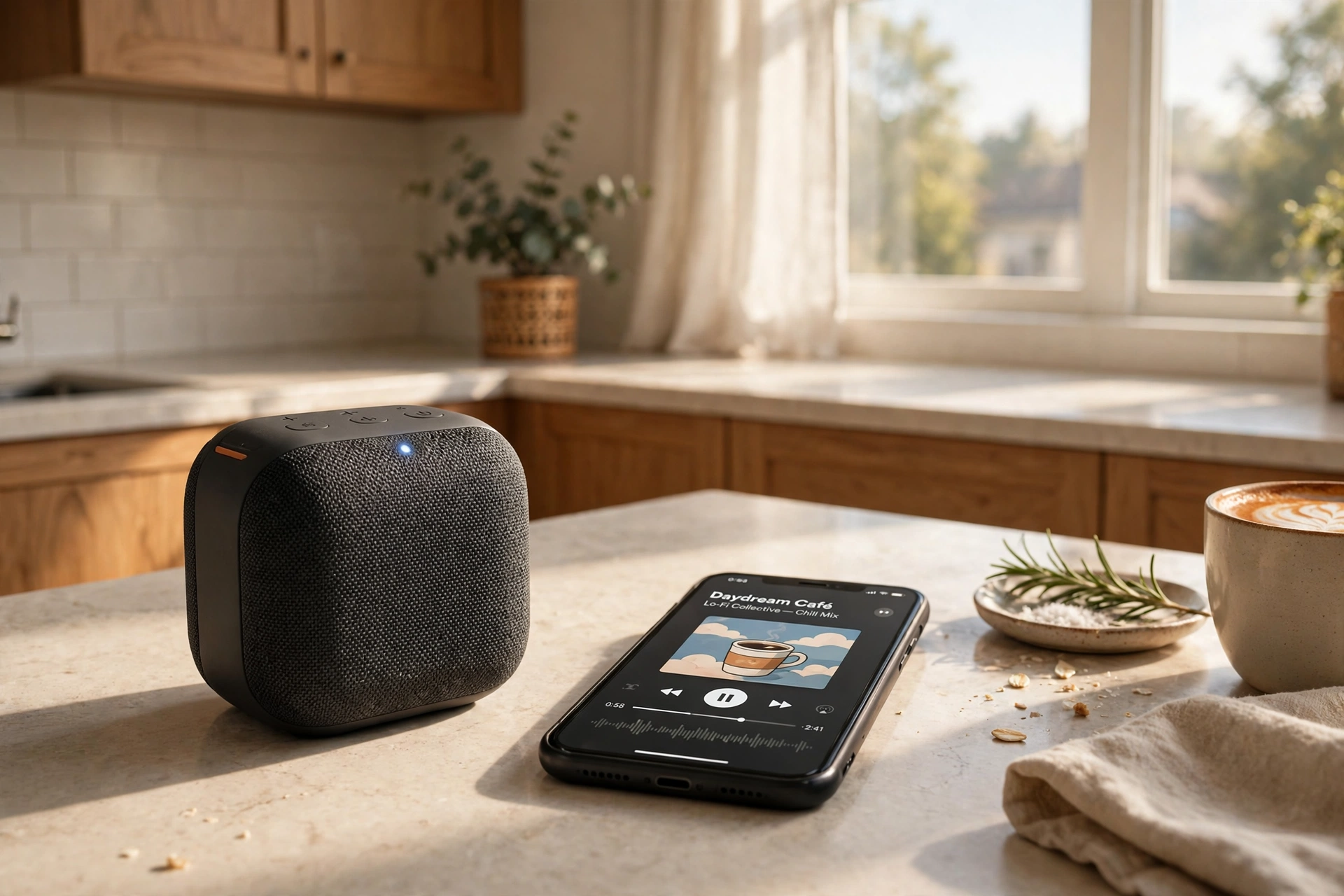
No. Bluetooth creates a direct link between two nearby devices. You need the internet to stream music in the first place, but the hop from phone to earbuds doesn’t use Wi-Fi or mobile data.
Why won’t my earbuds pair with my phone?
Check they are in pairing mode, charged, and not already connected to another device. Forget the old entry on your phone, restart both devices, and try again.
Does Bluetooth drain my phone battery a lot?
For music and calls the drain is modest on modern phones, and Low Energy uses even less. If your battery drops fast, screen use or a background app is more likely the cause.
Can I connect one phone to several Bluetooth devices at once?
Often yes, with limits. Many phones can stay connected to a watch and earbuds at the same time, but playing the same music through two speakers depends on both supporting that feature.
Is Bluetooth 5 much better than older versions?
In general yes, when both devices support it: better range, faster data, and better low-energy support. An old speaker will still limit a new phone, though.
Conclusion: a small link that does a lot
Bluetooth won’t replace your home Wi-Fi, and it isn’t meant to. Its strength is the short, simple link: phone to earbuds, watch to phone, controller to console. Once you understand pairing, range, and interference, most problems become a checklist: move closer, clear the old pairing, update the software, try again. Your next step is a small one: pick the device that frustrates you most, forget its pairing, and set it up fresh with your phone nearby and fully charged.