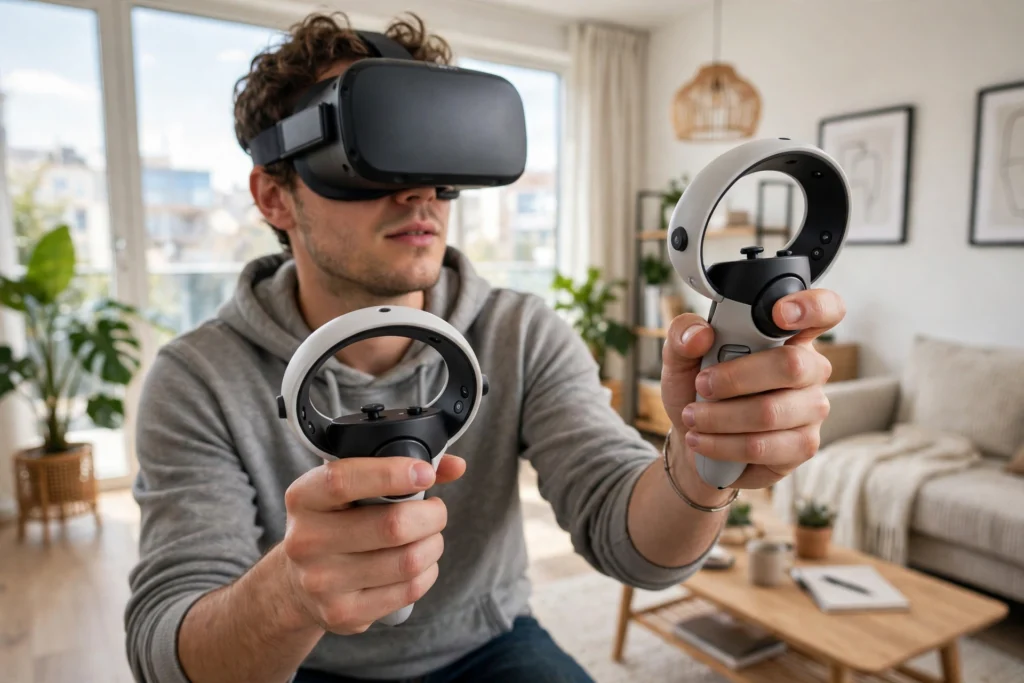
A VR controller works by telling the headset exactly where your hand is, how it is tilted, and which buttons or triggers you are pressing, many times every second. The headset combines that tracking data with finger and motion sensors, then turns it into a virtual hand that can point, grab, and push buttons in the virtual world.
Key Takeaways
- VR controllers are tracked in three dimensions, so the headset knows their position and rotation, not just left or right.
- Most modern controllers use a mix of cameras, infrared lights, and motion sensors to stay accurate even when you move quickly.
- Buttons, thumbsticks, and triggers handle deliberate actions, while grip sensors and finger tracking handle natural gestures like grabbing.
- Haptics — small vibrations and resistance — give your hands feedback, so a virtual object feels like it has weight or texture.
- Good tracking depends on light, clear space, and charged batteries, so simple setup habits prevent most glitches.
How does a VR controller know where your hand is?
The short answer is that it never works it out alone. The headset and the controller share the job. In many current headsets, cameras on the headset watch the room and look for the controller, often by spotting a pattern of infrared lights on its ring or body. At the same time, motion sensors inside the controller — accelerometers and gyroscopes — report how fast it is moving and how it is rotating. Software blends both sources, so a brief moment when a camera loses sight of the controller does not instantly break the tracking.
That is also why controllers behave differently in different rooms. Bright sunlight, mirrors, and very dark rooms can confuse the cameras, and a hand held behind your back is harder to see than one in front of you. Our guide to how VR headsets work covers the screens, lenses, and tracking cameras that make this possible.
What do the buttons, sticks, and triggers actually do?
Think of a VR controller as a game controller that also knows where it is in space. The thumbstick usually moves your character or scrolls through menus, while face buttons confirm choices, open menus, or trigger actions such as jumping. The trigger under your index finger is often the main action button — for picking something up, firing, or selecting — and many controllers add a grip button on the side that you squeeze to hold an object.
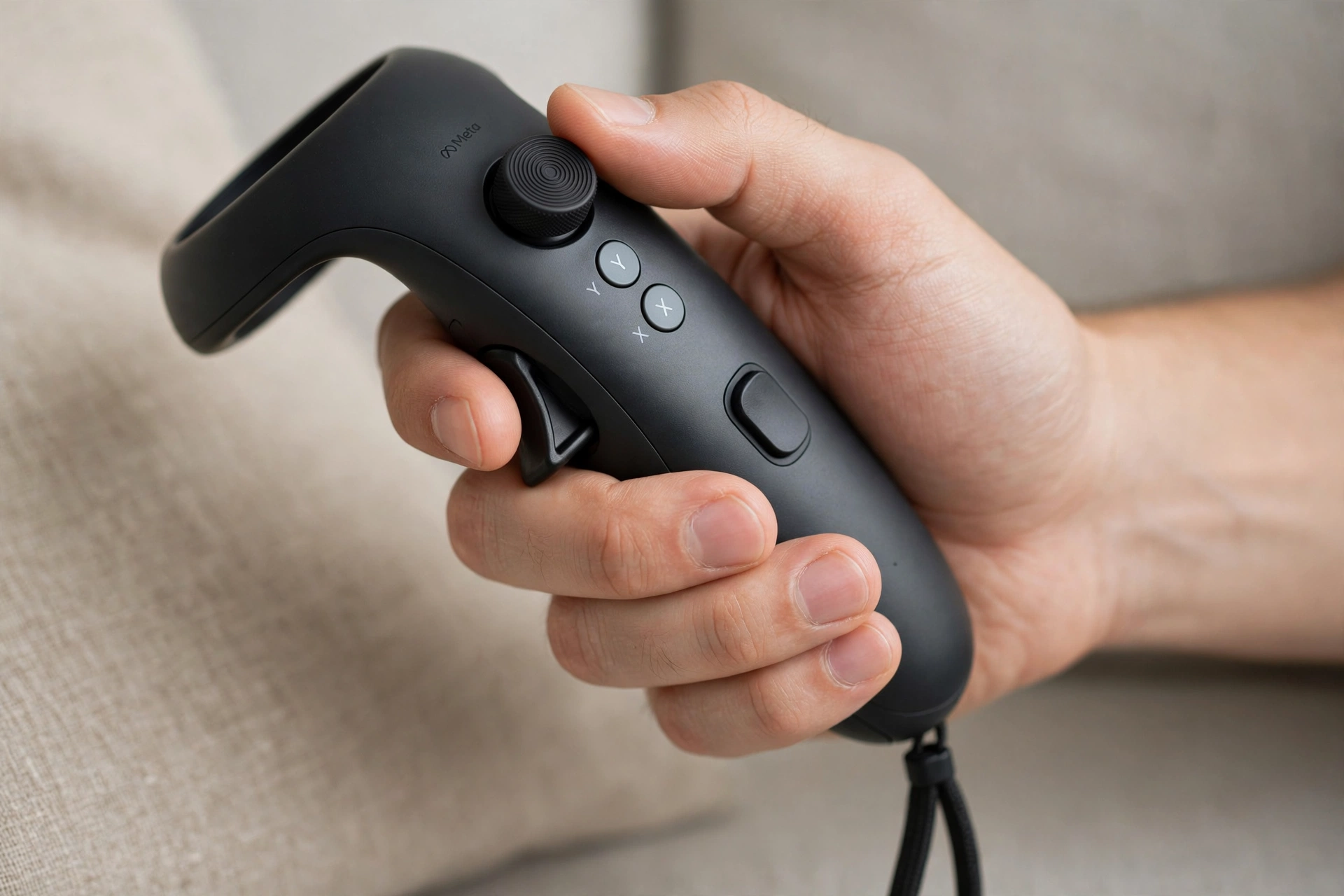
Developers can assign these controls differently in each app, which is why the same button might grab a block in one game and open a menu in another. A short tutorial inside each new app is worth doing rather than guessing. Some newer controllers, such as Meta’s Touch Pro, even track themselves with onboard cameras instead of relying on the headset.
How does finger tracking and grabbing work?
Early VR controllers treated grabbing as a simple on-off switch: squeeze the grip, and your virtual hand closes. Newer controllers go further. Capacitive sensors can tell when your thumb, index finger, or middle finger is resting on a surface, and some systems use cameras to watch your real fingers. The result is a virtual hand that can point, give a thumbs-up, or pinch a small object without you pressing anything at all.
This matters more than it sounds. When your virtual fingers match your real ones, picking up a cup or turning a dial feels natural. Room mapping builds on the same idea, mapping the space around you so the headset knows where you can move safely. For a broader definition, Britannica’s virtual reality overview explains how computer modelling creates an artificial three-dimensional environment.
What are haptics, and why do they matter?
Haptics is the word for touch feedback in VR. The simplest form is vibration: a short buzz when you press a button, a longer rumble when you fire a tool, or a gentle pulse when your hand touches a surface. Some controllers add trigger resistance, so pulling a trigger feels stiffer when you draw a bowstring than when you press a light switch.
None of this reproduces real touch exactly. A buzz cannot recreate the weight of a hammer or the texture of cloth. What it does well is confirm actions: when you feel a click as you grab something, your brain accepts the grab more easily, and you are less likely to drop the object by accident.
Why do VR controllers lose tracking, and how do you fix it?
Most tracking problems have boring causes, which is good news because they are easy to fix. Low batteries make sensors and lights weaker, so keep controllers charged or use fresh batteries. A room that is too dark, too bright, or full of reflective surfaces can confuse the headset cameras, so try even, indoor lighting and move mirrors out of view if you can. Playing too close to a wall or furniture can also block the cameras’ view of the controller.
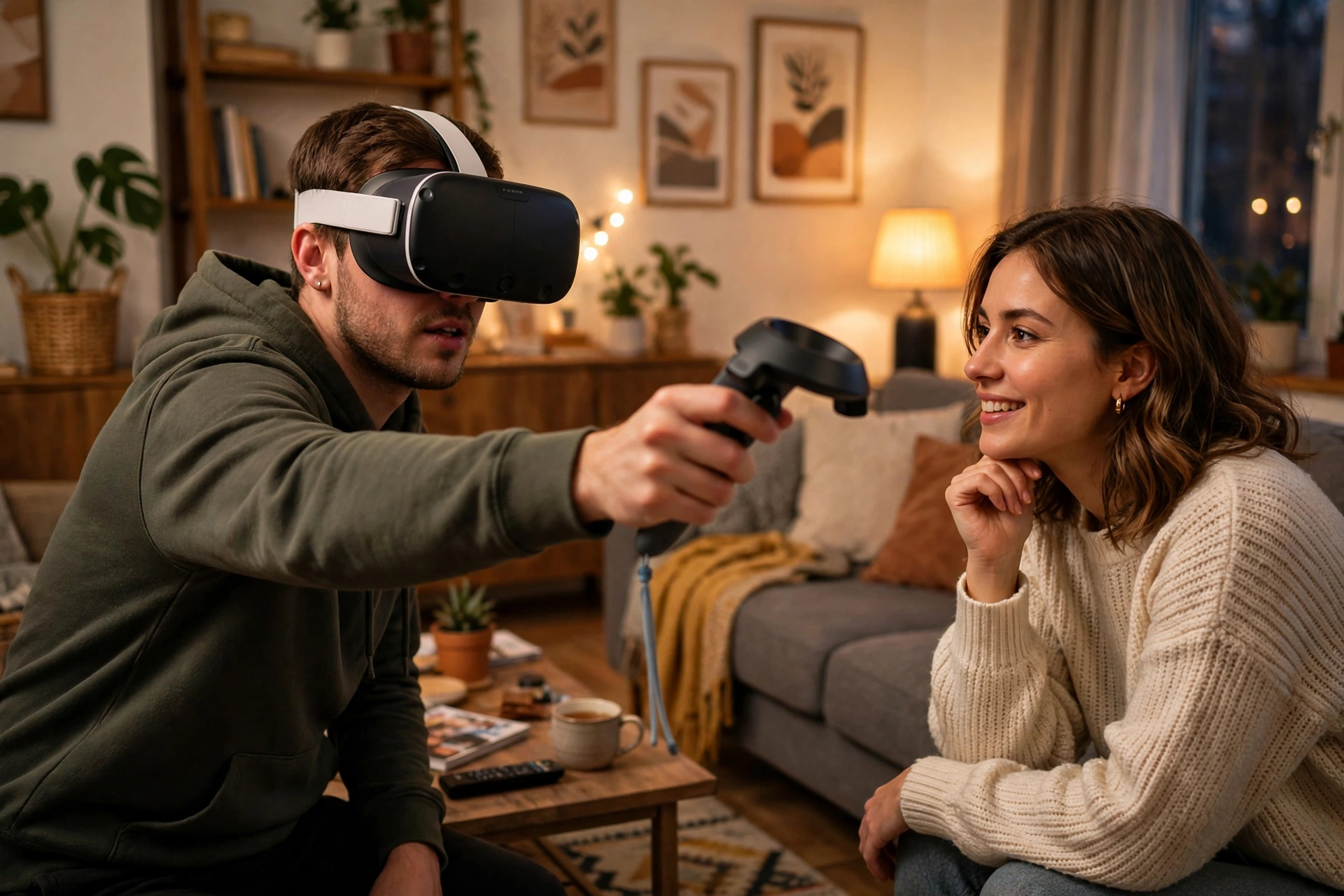
A quick checklist helps: charge the controllers, clear the play space, wipe the headset cameras gently if they are dusty, and restart the headset if tracking stays jumpy. Other virtual reality accessories, from straps to charging docks, can also make long sessions more comfortable. VR is also used well beyond games, in training, healthcare, and design.
FAQs
Do you need controllers to use VR?
Not always. Some headsets support hand tracking with no controllers, using their cameras to watch your bare hands. Controllers still tend to be more precise for games, training, and long sessions, and they give you buttons and haptics that bare hands cannot.
How long do VR controller batteries last?
It varies by model, but many last several hours of active play on a charge or a set of batteries. Heavy vibration drains them faster, so charge between sessions.
Can VR controllers cause motion sickness?
Controllers themselves do not usually cause motion sickness. Sickness in VR more often comes from movement in the virtual world that does not match your real body, or from low frame rates. If you feel unwell, stop, take a break, and try shorter sessions with comfort settings turned on.
Are VR controllers the same across headsets?
No. Button layouts, tracking methods, and battery types differ between brands and models, and controllers from one headset usually do not work with another. Check compatibility before buying a replacement or a spare.
What should a beginner practise first?
Start with pointing, selecting, and grabbing in a tutorial or calm demo app. Once those three actions feel natural, most other VR tasks fall into place.
Conclusion
VR controllers work by combining position tracking, motion sensors, buttons, and haptics into one device your headset can follow in three dimensions. The technology is doing a lot behind the scenes, but the user experience is simple: point, grab, press, and feel a small buzz that confirms it worked. A good next step is to run your headset’s built-in controller tutorial in a clear, well-lit space, then try a simple grabbing or building app to practise the grip and trigger before jumping into a fast game.