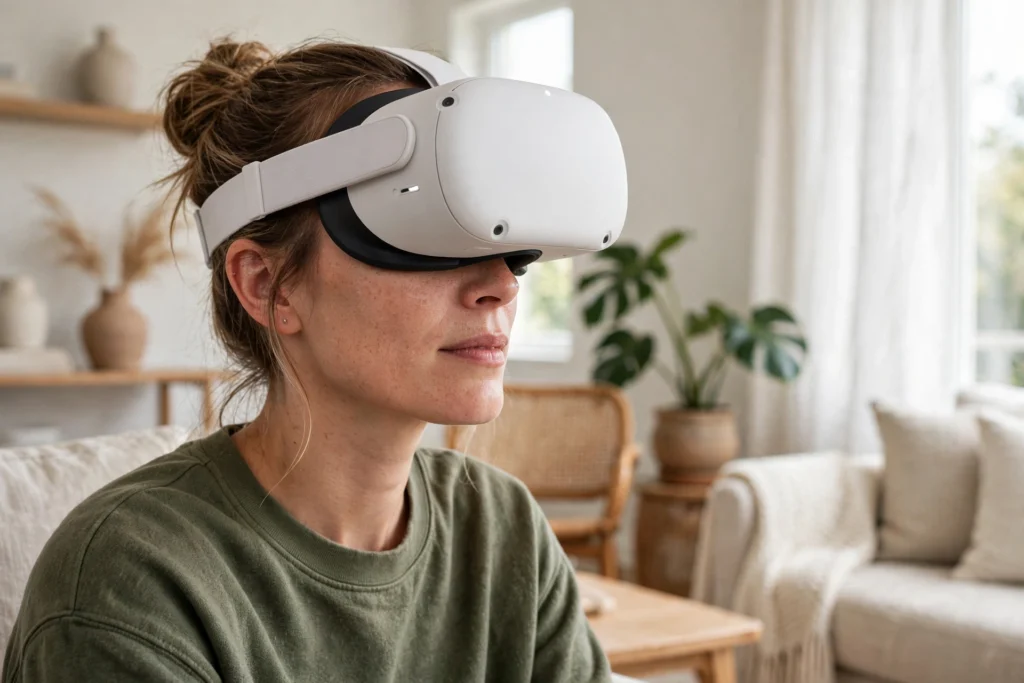
VR eye tracking is a headset feature that works out where you are looking inside a virtual world. Small cameras inside the headset watch your eyes, and software turns what they see into a gaze direction. That direction can sharpen the part of the scene you focus on, move an on-screen pointer, or make an avatar’s eyes look where yours do.
Key Takeaways
- VR eye tracking uses small inward-facing cameras and infrared light to estimate where each eye is pointing.
- Its main jobs are foveated rendering, gaze-based selection, and more natural avatar eye contact.
- A short calibration, usually following a dot around the screen, helps the headset learn how your eyes move.
- Eye tracking is normally off by default and can be switched off in settings at any time.
- Glasses, lighting, and headset fit can all affect accuracy, so it does not work equally well for everyone.
How does a headset know where you are looking?
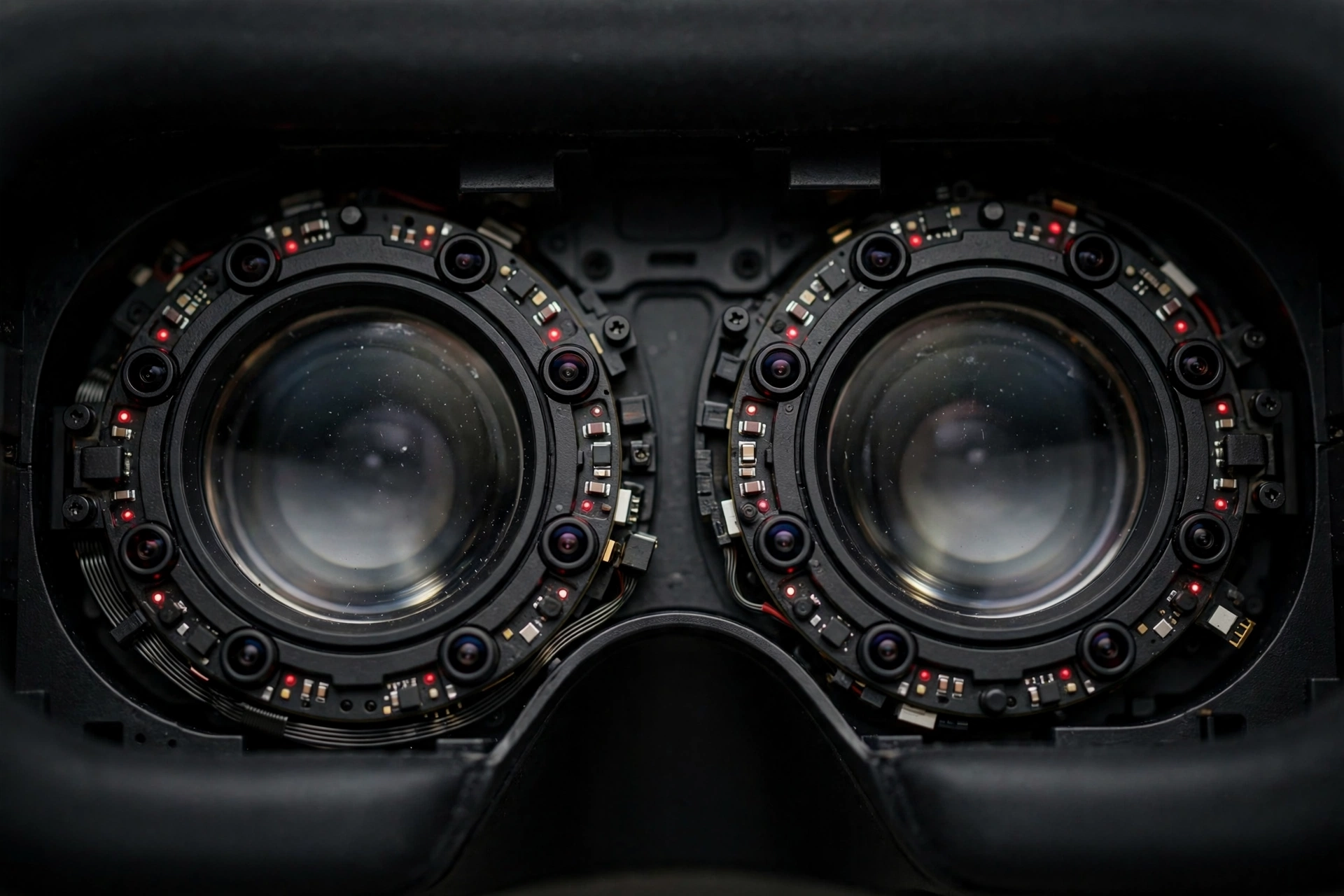
Most eye-tracking headsets shine low-power infrared light towards your eyes, then use tiny cameras near the lenses to capture the reflections. Your pupils and the bright reflections on the surface of your eye move in different ways as your gaze shifts, and that difference is what the software measures. From those measurements it builds an estimate of your gaze direction, updated many times per second.
A short calibration step helps a lot: you follow a dot as it moves to a few positions, and the headset learns how your eye shape and movement map to points on the display. Fit matters here too. If the headset sits too low, too high, or too far from your face, the cameras get a poorer view of your eyes, so adjusting the strap and lens spacing can be the difference between steady tracking and a pointer that drifts.
If you are new to the rest of the headset, our guide to how VR headsets work explains the screens, lenses, and tracking that eye tracking sits on top of.
What is foveated rendering, and why does it matter?
Your own vision already works a bit like this. Only a small area in the centre of your view is really sharp; the rest is softer, and your brain fills in the gaps without you noticing. Foveated rendering copies that idea. The headset renders the spot you are looking at in full detail and renders the edges of your view at lower detail, which saves processing power.
That saving can mean smoother performance or longer battery life on a standalone headset, or a sharper, richer scene on a more powerful setup. The trick only works if the gaze estimate is fast and accurate, though. If tracking lags behind your eyes, you may notice a brief blur or shimmer at the edge of your focus as the sharp area catches up.
What can you actually do with eye tracking?
The simplest use is pointing without your hands. Look at a menu button and it highlights. Hold your gaze for a moment, or add a small pinch or controller click, and it selects. That sounds minor, but it changes how menus feel: you stop hunting for a pointer with your hand and start just looking at what you want, which is handy when your hands are busy or resting.
In social VR, eye tracking changes how avatars behave. Without it, an avatar’s eyes often stare straight ahead, which can feel odd in conversation. With it, your avatar can glance at whoever is speaking and hold eye contact in a way that feels more present.
There are quieter uses too. A training app might check whether you actually looked at a warning label before proceeding, and a design app might let you look at an object to bring up its options. None of these replace controllers or hand tracking — they work best alongside them, as in our guide to how VR controllers work, where gaze can aim and a button press can confirm.
Does eye tracking work for everyone?
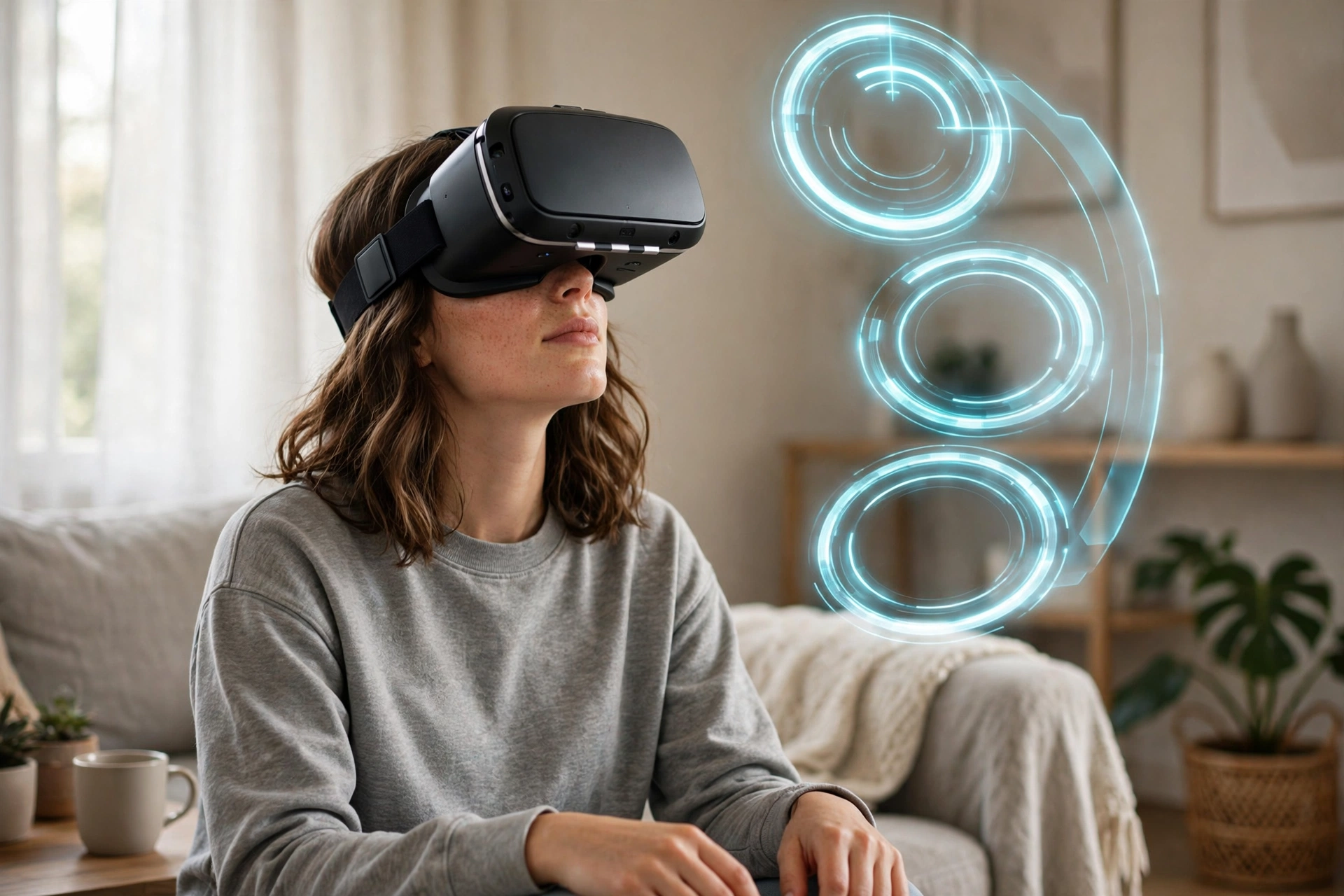
Not equally, and it is worth knowing the limits before you buy a headset for this feature alone. People who wear glasses can run into reflections or a reduced view for the inward cameras, though prescription lens inserts help on many headsets. Contact lens wearers usually have fewer issues, but very dark or unusual lighting can still affect the infrared reflections the system relies on.
Some eye conditions, drooping eyelids, or heavy mascara can also make tracking less reliable, because the cameras need a clear view of the pupil. Blinking is usually fine, but a headset that slips during movement can cause dropouts. If tracking keeps failing, refit the headset, clean the lenses and sensors, redo calibration, and check whether the app actually supports eye tracking.
What about privacy?
Eye tracking raises a fair privacy question, because it involves cameras pointed at your eyes. For headsets that follow Meta’s Quest Pro approach, eye tracking is off by default, you choose whether to turn it on, and raw eye images are processed on the headset and deleted after processing. Apps may receive only an abstracted gaze estimate — numbers describing where you are looking — not a video of your eyes.
Still, gaze data can reveal what held your interest, so check per-app permissions, not just the headset-wide switch. If an app does not need eye tracking, leave it off for that app. Meta’s eye-tracking help page explains the Quest Pro controls in plain terms.
How do you set eye tracking up well?
Start with fit, then calibration, then a quick test. Put the headset on, adjust the strap so it is snug but not tight, and set the lens spacing to match your eyes as closely as the headset allows. Then run calibration in settings and follow the dot slowly, moving your eyes rather than your head.
Next, open an app that supports eye tracking and try the basics: look at a menu item, watch it highlight, then confirm a selection. If the pointer feels jumpy, redo calibration in the same lighting you will actually use, since bright sunlight or a dark room can change the result. Keep the inside of the headset clean, too — a smudge on a lens or sensor can quietly degrade tracking.
Finally, remember that eye tracking is one input among several, alongside head movement, hand tracking, and controllers. Room-scale tracking, covered in our guide to how VR room mapping works, handles where your body is in the room; eye tracking handles where your attention is inside the scene. Together, they make the virtual world respond to you in a more complete way.
FAQs
Do all VR headsets have eye tracking?
No. It is still found mainly on higher-end or newer headsets, not every model. Check the specifications for the exact headset you are considering, since some models include the hardware but keep the feature off until an app supports it.
Can eye tracking replace controllers?
Not really, at least not yet. Gaze is excellent for aiming and selecting, but controllers and hand tracking are still better for grabbing, drawing, typing, and fine control. Most people get the best experience by combining gaze with a confirm action, like a pinch or button press.
Is eye tracking safe for your eyes?
Headsets use low-power infrared light, designed to stay within safety limits. Take regular breaks, stop if you feel strain, and follow the age and health guidance for your specific headset. If you have an eye condition, checking with an eye-care professional before long sessions is sensible.
Does eye tracking record video of your eyes?
On headsets that follow the approach described above, raw eye images are processed on the device and deleted after processing, and apps receive a gaze estimate rather than eye video. Policies differ by maker and app, so read the privacy notice for your headset and check per-app permissions.
Why does my eye tracking keep losing my gaze?
The most common causes are headset fit, a missed calibration, dirty lenses or sensors, or an app that does not support the feature. Refit the headset, clean the lenses, redo calibration in your normal lighting, and confirm the app lists eye tracking as supported before assuming the hardware is faulty.
Conclusion
VR eye tracking is a small change with an outsized effect: once a headset knows where you are looking, it can sharpen that spot, let you select things with a glance, and make avatars feel a little more alive. It is not a replacement for controllers, but as a complement to head tracking and hand tracking, it makes virtual worlds feel noticeably more responsive.
If you are trying it for the first time, start with the practical next step: check whether your headset supports it, turn it on in settings, run calibration in your normal room lighting, and spend ten minutes in a menu-based app just looking and selecting. That short test will tell you more about whether eye tracking earns its place in your setup than any specification sheet will.