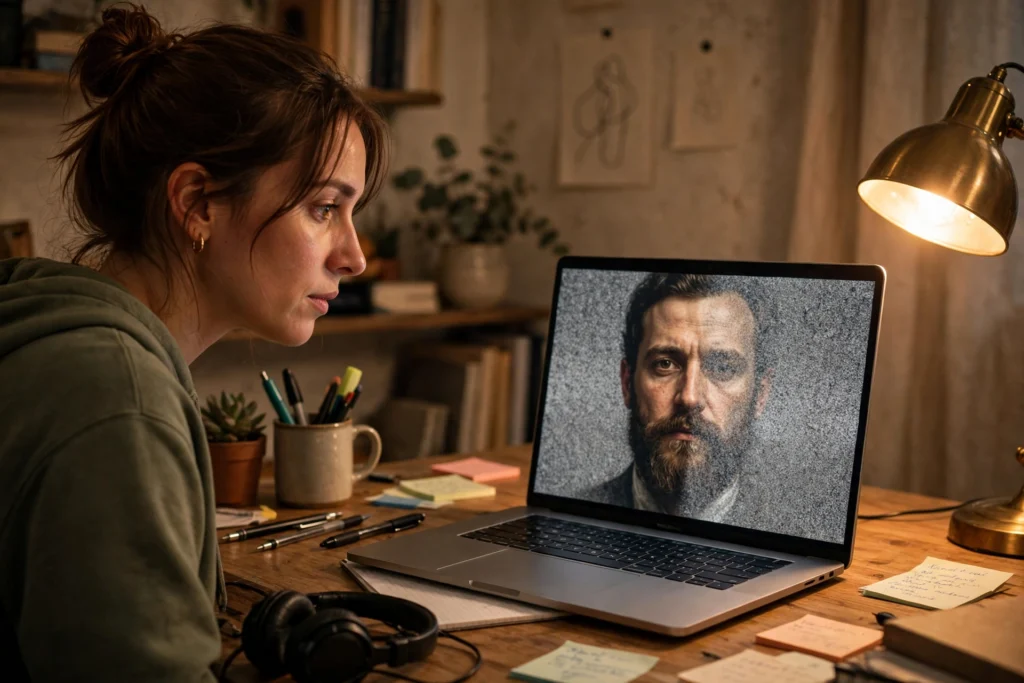
Diffusion AI is a type of generative AI that creates images by starting with random noise and cleaning it up, step by step, until a clear picture appears. Think of it like watching a photo develop in reverse: the model does not paint from a blank page, it removes the mess a little at a time, guided by your words.
Key Takeaways
- Diffusion models learn by adding noise to images, then learning to undo that noise.
- At generation time, they start from pure noise and refine it through many small steps.
- A text prompt steers the result, but it does not guarantee every detail.
- The same prompt can give different images, because the starting noise changes.
- Checking the result closely matters, especially before sharing it as if it were a real photo.
What is diffusion AI?
In everyday terms, diffusion AI is a system trained to turn disorder into a picture. During training, it sees many real images with increasing amounts of noise added, a bit like a photo being slowly covered in TV static. The model learns what the noise looks like at each stage, and how to predict a slightly cleaner version.
That sounds backwards, and in a way it is. Most of us expect a creator to start with an idea and add detail. A diffusion model starts with almost nothing recognisable and works towards detail. The clever part is that it has seen enough examples to know which patterns are likely: where an edge should go, how light usually falls, or what a tree line tends to look like beside a lake.
It is part of the wider family of generative AI, which also includes tools that write text or make music. If you want the bigger picture, the site’s guide to artificial intelligence explains how these systems fit together, and the deep learning guide covers the neural networks underneath them.
How does the forward process work?
Training starts with a clear image. The system adds a small amount of random noise, then a little more, then more again. After enough steps, the original picture is gone and only noise remains. This is sometimes called the forward process, or the diffusion process.
Each step is simple on its own. The model is not asked to jump straight from noise to a finished image. Instead, it learns a much smaller job: given a noisy image, guess what it looked like one step earlier, when it was slightly less noisy. Repeated over millions of examples, that small job becomes a useful skill.
You can picture it as learning to un-blur a photo in slow motion. No single step does much, but the steps add up. It also helps to explain why diffusion images often look smooth and natural: the model has practised the same gentle cleanup again and again, rather than trying to invent a whole scene in one go.
How does the reverse process create a new image?
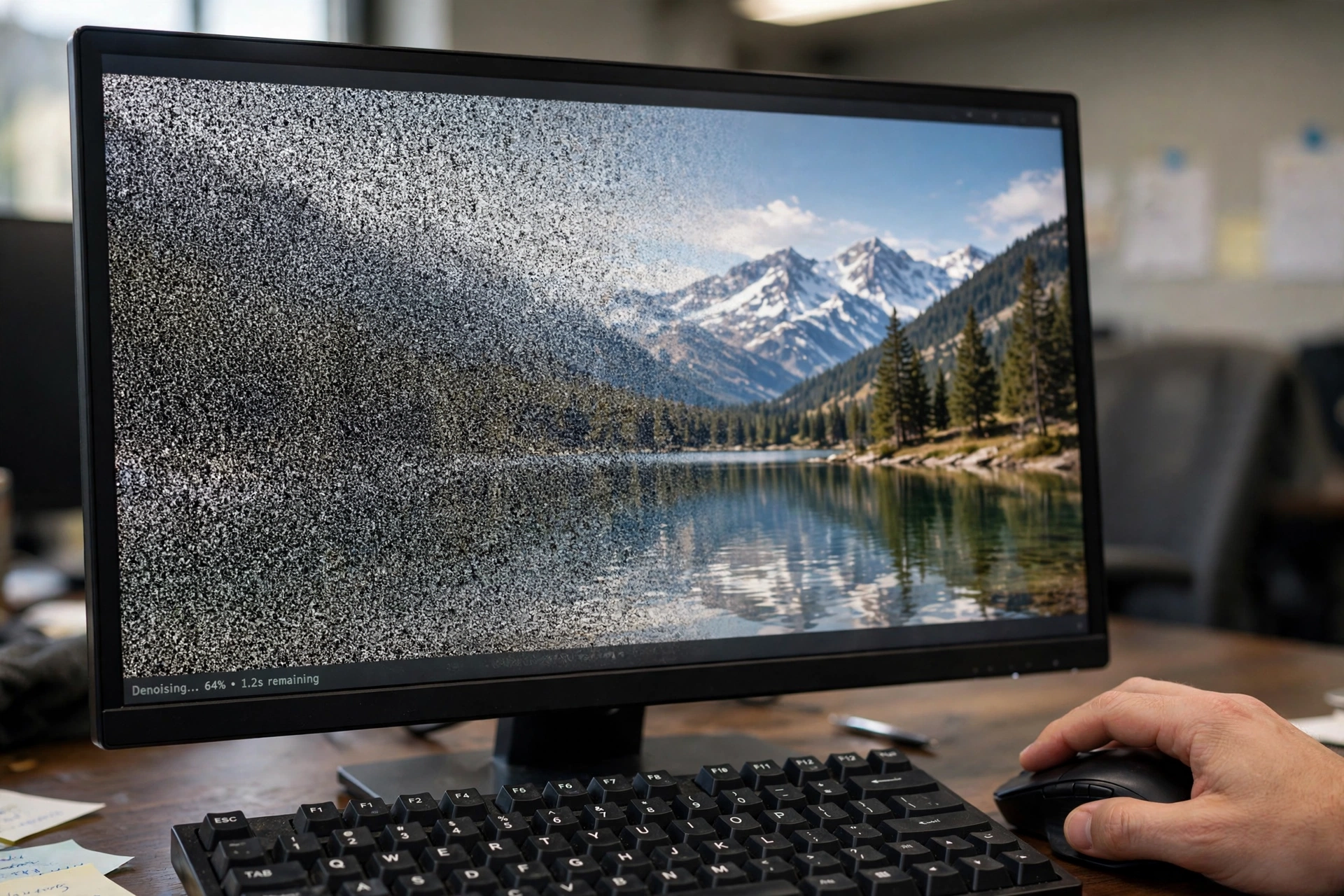
When you ask for a new image, the process runs in reverse. The model starts with random noise — basically digital static — and applies what it learned, step by step. Each step removes a little noise and sharpens the picture a touch. After dozens or hundreds of steps, a scene emerges.
Your prompt acts as a guide throughout that journey. In a text-to-image tool, the words are turned into a form the model can use, and they nudge each cleanup step towards the scene you described. “A mountain lake at sunrise” should push the emerging shapes towards water, peaks, and warm light, not towards a city street.
Still, the prompt is guidance, not a blueprint. The model fills in gaps from patterns it learned during training, so it may invent a plausible-looking shoreline, change the number of trees, or give a reflection a shape you did not ask for. That is why two runs with the same prompt can look like cousins, not twins.
Where is diffusion AI used?
The best-known use is image generation from text, which you may have seen in art tools, design mock-ups, and social media experiments. It is also used for editing: a user can ask for a change to part of an image, such as swapping the sky, while the rest stays close to the original.
Beyond still pictures, researchers use similar ideas for video, for filling in missing parts of an image, and for making variations on a theme. In design work, it can be a fast way to test ideas — a rough concept in seconds, before anyone spends hours on a polished version. For a related look at systems that combine different kinds of input, the multimodal AI guide is a useful next read.
None of this means the output is a photograph. Even when it looks real, it is a generated image built from learned patterns. Treating it as evidence, or posting it without saying it was generated, can mislead people. A quick caption or note avoids that problem.
Why do prompts and settings matter so much?
A short, vague prompt leaves more room for the model to guess. “A dog” could become almost any breed, pose, or background. Adding a few concrete details — the setting, the light, the mood — usually narrows the result, though it still will not control every pixel.
Settings matter too. Some tools let you change how strongly the prompt is followed, how many cleanup steps are used, or how random the starting noise is. More steps often give a cleaner result, but they also take longer. A stronger prompt setting can make the image match your words more closely, yet it can also make it look stiff or odd if pushed too far.
A practical habit helps: start simple, look at the first result, then change one thing at a time. If you change the prompt, the seed, and the strength all at once, you will not know which change helped. Small, patient tweaks tend to beat long, hopeful prompts.
What are the limits of diffusion AI?
Diffusion models can struggle with fine detail. Hands, text in an image, and repeated patterns are common trouble spots, though newer models handle them better than early ones did. A sign in a generated street scene may contain letters that look right at a glance but spell nothing, and a crowd may contain faces that melt into each other.
Training data also shapes the result. If a model has seen far more of one style, place, or type of person than another, its guesses will lean that way. That bias can show up in subtle choices: who appears in a professional scene, what a “typical” home looks like, or which landscapes feel most familiar to the model.
There are also questions about consent and copyright when a model is trained on images made by other people. Tools and rules in this area are still changing, so it is worth checking the terms of the tool you use, especially for commercial work. For a sense of how large models can be made smaller and cheaper to run, the model distillation guide covers a related technique.
How can you use diffusion images well?
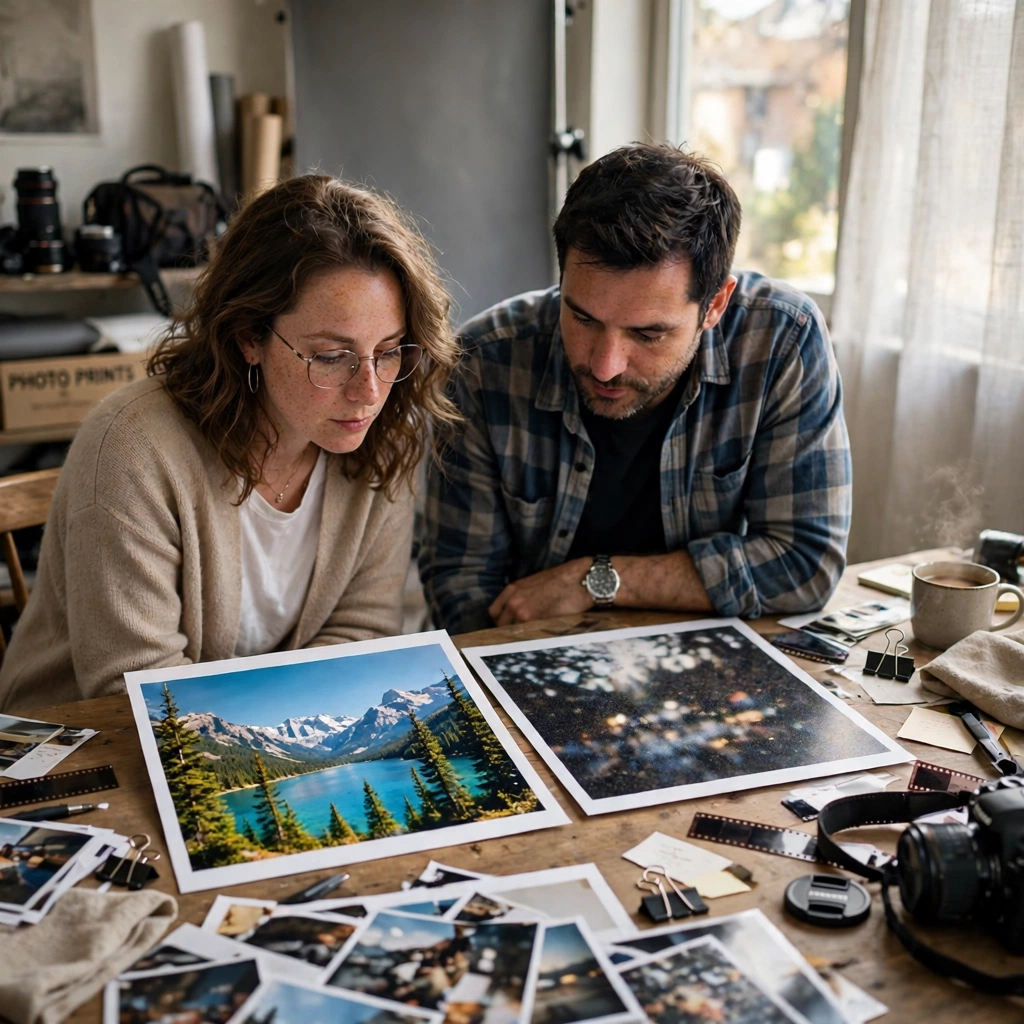
Use them as a starting point, not a final answer. Generate a few options, pick the strongest, and be ready to edit it in a normal image editor. Check hands, text, edges, and backgrounds at full size, not just in a small preview.
Keep notes on prompts that worked. A short line about the subject, setting, and light is often more useful than a paragraph of adjectives. If you need the same character or product to look consistent across images, expect extra work: diffusion tools are good at new variations, and less reliable at exact repeats.
Finally, be clear with your audience. If an image is AI-generated, say so where it matters. That honesty protects readers, and it also protects you if someone later asks whether a striking image was a real photograph.
Frequently Asked Questions
Is diffusion AI the same as other AI image generators?
Not exactly. Diffusion is one method for generating images, and it has become very popular, but other approaches exist. What matters for most users is the result and the controls, not the name of the method behind the tool.
Does diffusion AI copy images from its training data?
It learns patterns from training images, and it can sometimes produce something close to a familiar image, especially with a very specific prompt. That is one reason to avoid asking for a named artist’s style or a trademarked character without permission, and to check outputs before publishing them.
Why does the same prompt give different images?
Each run usually starts from different random noise, and the model makes many small choices along the way. Changing the seed, where a tool offers one, can make a result more repeatable, but small changes can still shift details.
Can diffusion AI make videos too?
Yes, similar ideas are being applied to short video clips, often by generating frames that stay consistent over time. Video results are improving, but they can still show flicker, odd movement, or objects that change shape between frames.
Is diffusion AI free to use?
Some tools offer free trials or limited free use, while others charge by subscription or by image. Features, limits, and commercial terms vary, so check the tool’s pricing and licence before you rely on it for work.
Conclusion
Diffusion AI is easy to grasp once you flip the usual idea of creation on its head: instead of painting a picture from nothing, it starts with noise and cleans it up, guided by your words. That simple idea powers a wide range of image tools, from quick concept art to careful edits.
Your next step is a small, honest test. Pick one tool, try a clear prompt, and compare three results side by side. Look closely at the details, note what worked, and decide where a generated image genuinely helps — and where a real photo, a sketch, or a designer’s touch would serve you better.