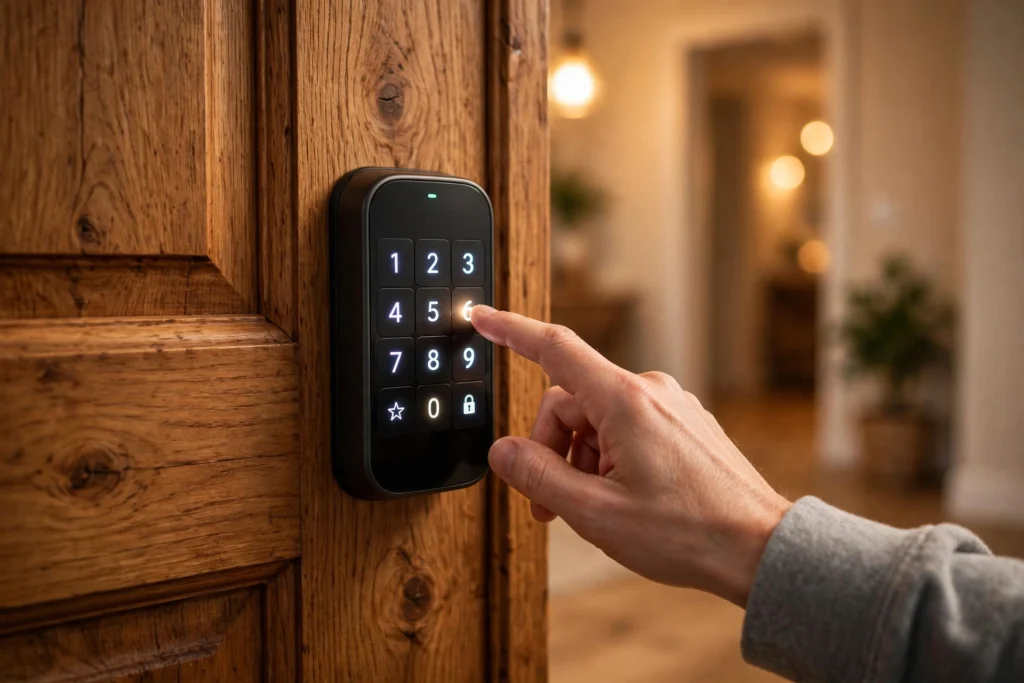
A smart lock lets you lock and unlock a door without a traditional metal key. You might tap in a code, hold a phone nearby, or use a fingerprint, and a small motor inside the lock moves the bolt for you. Behind that simple tap, though, there is a short chain of checks: the lock has to recognise who you are, confirm that you are allowed in, and then move the bolt cleanly into place.
It is still, at heart, a lock. The electronic parts sit on top of a familiar mechanical job, which is why a door that does not close properly or a bolt that rubs against its frame can cause trouble for a smart lock just as it would for an ordinary one.
Key Takeaways
- A smart lock replaces the metal key with a code, phone, fingerprint, or card, but a motor still moves the bolt.
- The lock checks your credential locally first, so codes and fingerprints usually work even without internet.
- Bluetooth works nearby, Wi-Fi adds remote control, and a hub can bridge the two.
- Batteries, door alignment, and a backup entry method matter more than extra features.
- Good habits — unique codes, updated software, and a spare way in — protect a smart lock better than any single specification.
How does a smart lock check who you are?
Think of the process in three steps: present, check, and move.
First, you present a credential. That could be a four- to eight-digit code on a keypad, a phone sending a secure signal over Bluetooth, a fingerprint on a small sensor, or a key card held against a reader. Some locks accept several of these at once, so different people in a household can use the method that suits them best.
Second, the lock checks that credential against a list it stores itself. In most home locks, this check happens inside the lock, not on a distant server. That is an important detail: it means a code you set yesterday should still work if your broadband goes down, because the lock does not need to ask the internet whether the code is valid.
Third, if the check passes, a small motor turns gears that slide the deadbolt in or out. If the check fails, the lock stays shut and may record the attempt, depending on its settings. The whole sequence usually takes a second or two, though a stiff door or a low battery can slow it down.
What moves the bolt, and why does alignment matter?
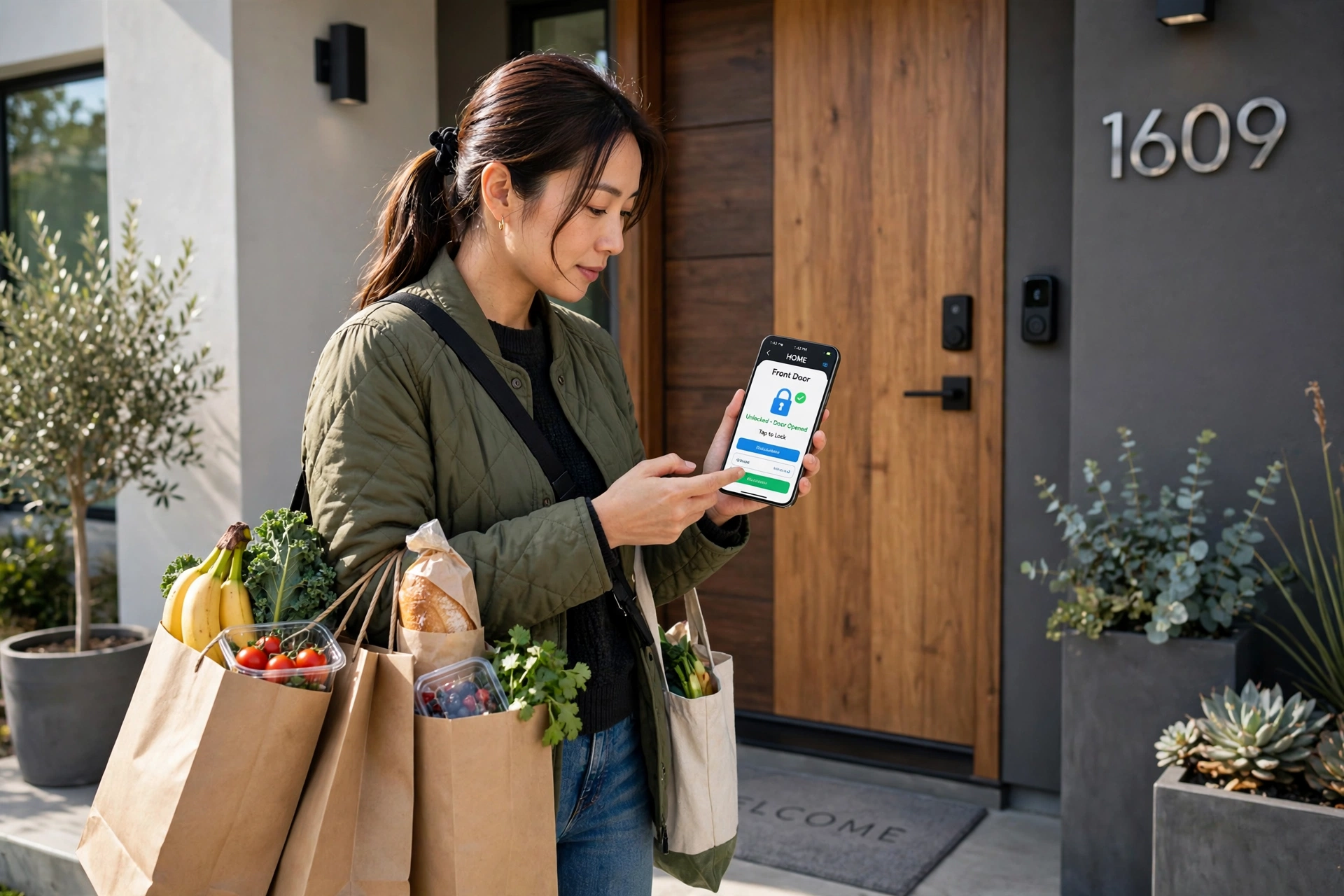
Inside the lock, you will find a motor, a set of small gears, a circuit board, and batteries. The board runs the checks, the motor provides the turning force, and the gears convert that force into the straight push that moves the bolt.
That is also why fitting matters so much. A deadbolt needs to slide freely into the hole in the door frame, called the strike. If the door has sagged, swollen in damp weather, or was never quite square, the bolt may scrape or jam halfway. A person turning a metal key can feel that resistance and push a little harder. A small motor cannot always do the same, so it may give up and report a jam instead.
Before fitting any lock, check that the door closes with a gentle push and that the bolt slides smoothly by hand. Fixing alignment first saves a lot of puzzling error messages later, and it is worth rechecking after a season change if a wooden door starts to stick.
How do Bluetooth, Wi-Fi, and hubs differ?
Not all smart locks connect in the same way, and the difference shapes what you can do from away from home.
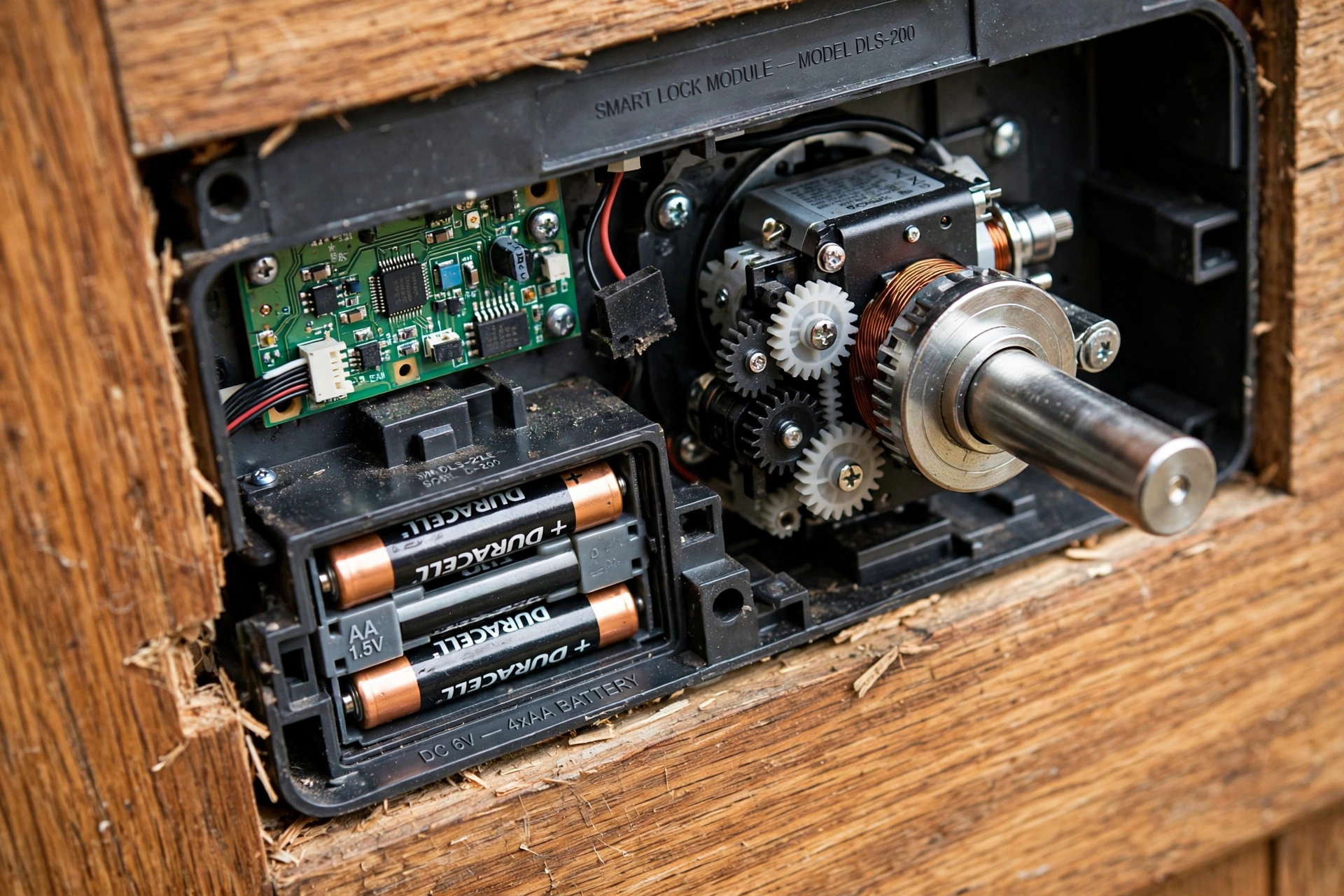
A Bluetooth lock talks directly to a nearby phone. Stand at the door, open the app or let the phone unlock automatically as you approach, and the lock responds. Bluetooth uses little power, which helps battery life, but its range is short — typically the room or the hallway, not the other side of town.
A Wi-Fi lock connects straight to your home network. That lets you lock the door from work, check whether it is locked, or send a temporary code to a guest while you are out. The trade-off is power: keeping Wi-Fi awake uses more battery, so these locks often need charging or new batteries more often.
A third pattern uses a hub or bridge. The lock talks to the hub over Bluetooth or another low-power radio, and the hub talks to your router over Wi-Fi. This gives you remote control without putting a hungry Wi-Fi radio inside the lock itself, but it adds one more box to keep plugged in and updated.
Some newer locks also work with home platforms that use mesh radios, which pass messages from device to device. The names change from year to year, but the practical question stays the same: does this lock do what you need when you are standing at the door, and does it also do what you need when you are not?
How do temporary codes and guest access work?
One of the most useful smart-lock features has nothing to do with your own entry. It is the ability to give someone else access for a limited time, then take it away without collecting a key.
A typical setup lets you create a code for a cleaner, a dog walker, or a visiting relative, and set it to work only on certain days or hours. When that window ends, the code stops working. Some locks also keep a log showing which code was used and when, which can be handy for a household trying to work out whether the door was locked after someone left.
That convenience needs a little discipline. Delete codes you no longer need, avoid sharing your main code with visitors, and do not reuse a code you already use for something else, such as a bank card PIN. A temporary code is only temporary if someone remembers to remove it, so a quick monthly tidy-up of the code list is worth building into your routine. A home security camera can complement this nicely, since it shows who actually approached the door, while the lock log shows which code opened it.
What happens when the power, Wi-Fi, or battery fails?
This is the question most people ask before buying, and the honest answer is: it depends on which part fails, because a smart lock has several independent parts.
If Wi-Fi goes down, local entry usually keeps working. Codes, fingerprints, and Bluetooth unlocking do not need the internet, so you can still get in. What you lose is remote control and instant alerts until the connection returns. That is also why understanding how Wi-Fi works in your home helps: a lock at the far end of a house with a weak signal may be slow to report its status even when local unlocking is fine.
If the batteries run low, most locks warn you well in advance through the app, a beep, or a flashing light. Many also have a backup, such as a USB port on the outside that lets you power the lock briefly from a phone charger, or a traditional key cylinder hidden behind a cover. Keep that backup in mind when you first install the lock, not when the batteries are already flat.
If the lock’s electronics fail completely, a good installation still leaves you with a mechanical way in, whether that is a key or another door. A lock that leaves you with no fallback at all is a risk, however clever its app looks. Check the fallback before you need it, and make sure everyone in the household knows where the spare key or backup method is kept.
How does a smart lock fit with the rest of a smart home?
A smart lock rarely works alone. It often sits beside a smart doorbell, which can show who is at the door before you unlock it, and it may join routines that turn lights on when you arrive home or lock the door automatically at bedtime.
Those routines are convenient, but they add moving parts. An automatic lock at a set time is only helpful if everyone is actually home, and a routine that unlocks the door when a phone arrives nearby needs careful settings so it does not trigger while you are simply walking past the house. Start with one routine, test it for a week, and only then add another.
Security basics apply here just as they do elsewhere. Use a strong, unique password for the lock’s account, turn on two-step sign-in if it is offered, and keep the lock’s software updated. If you share access with someone, use their own code rather than sharing yours, so you can remove just that person later. Similar habits help with Bluetooth devices in general: pairing, passwords, and updates are part of the device, not an optional extra.
What should you check before buying one?
Start with the door, not the lock. Measure the thickness of the door, check the existing deadbolt size, and confirm whether your door uses a standard deadbolt or a different latch. Most makers publish a compatibility guide, and a few minutes with a tape measure can prevent a return.
Next, decide which entry methods you actually want. A household with children may prefer codes, because no phone or fingerprint is needed. A household with older relatives may prefer a simple keypad with large, clear buttons. Fingerprint readers are fast when they work well, but wet or dusty fingers can sometimes cause a retry, so a code backup is still sensible.
Then think about power and connectivity. How often are you willing to change batteries? Do you need remote control, or is nearby unlocking enough? Is there a socket nearby for a hub, if one is required? Answering those questions narrows the field far faster than comparing every feature on a long list.
Finally, read the maker’s guidance on data and updates. Find out what activity data the app stores, how long it keeps it, and whether you can delete it. A lock that stops receiving security updates after a short time is a poorer long-term choice than a simpler lock that keeps getting them.
FAQs
Does a smart lock work without internet?
Yes, for local entry. Codes, fingerprints, and Bluetooth unlocking usually work without internet, because the check happens inside the lock. Remote locking, guest-code changes from away, and instant alerts need a connection.
Can someone hack a smart lock?
Like any connected device, a smart lock can have weaknesses, which is why updates, strong account passwords, and two-step sign-in matter. In practice, a poorly fitted door, a shared code, or an unlocked window is often a more likely weak point than a sophisticated attack on the lock itself. No lock, smart or not, can make a home completely secure on its own.
How long do smart lock batteries last?
It varies with use, connection type, and temperature, but many locks run for several months on a set of batteries. Wi-Fi models tend to use more power than Bluetooth-only models, and a door that needs several motor attempts because of poor alignment will drain batteries faster.
What if my phone battery dies?
Use another entry method, such as a code, fingerprint, or key, if your lock has one. This is a good reason not to rely on phone-only unlocking. Keep at least one non-phone method set up and tested before you need it.
Are smart locks suitable for rented homes?
Sometimes. Many locks replace only the inside part of an existing deadbolt and can be removed without changing the outside cylinder, but rules vary by landlord and building. Check your agreement first, keep the original parts safe, and restore them when you move out if required.
Conclusion
A smart lock is a familiar deadbolt with a small computer, a motor, and a choice of credentials added to it. It checks a code, phone, or fingerprint locally, then moves the bolt, and it can add remote control and temporary guest access when it is connected. Its weak points are usually ordinary ones: a door that does not align, batteries left too long, a code shared too widely, or no backup way in.
As a practical next step, look at the door you use most, check that its bolt slides freely, and list who actually needs access and how they would prefer to enter. That short list — door, people, backup — will tell you more about the right lock than any feature table.
For background reading, see Wikipedia’s overview of smart locks and Vivint’s guide to how smart locks work.