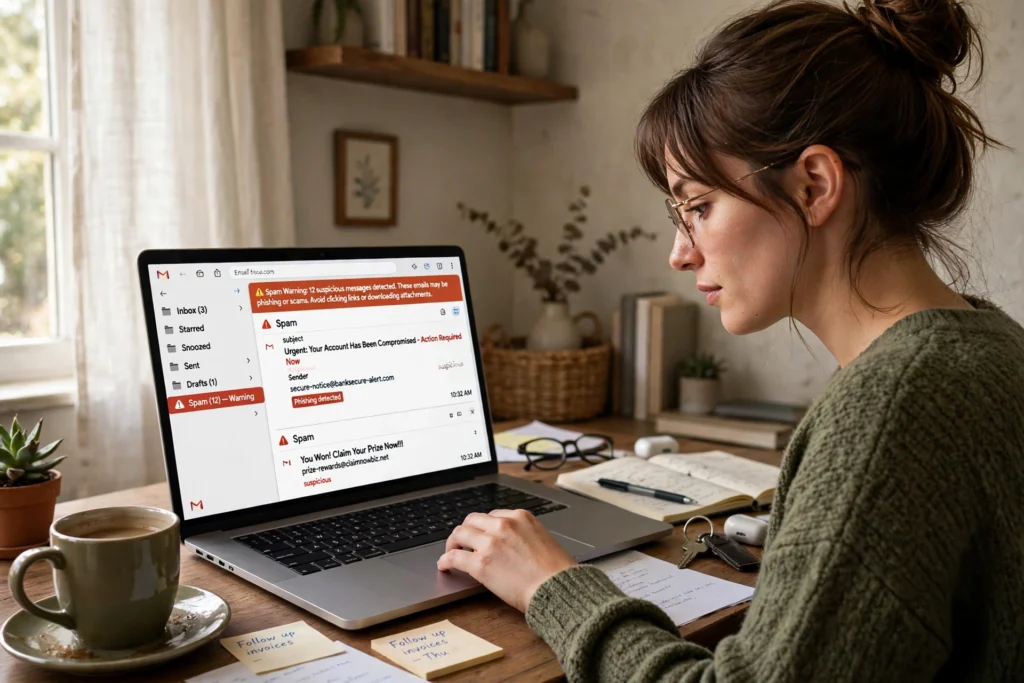
AI spam detection works by scoring each incoming email against patterns learned from millions of earlier messages, then deciding whether it belongs in your inbox, a spam folder, or quarantine. It does not read your mail like a person would. Instead, it checks the sender, the wording, the links, and the message history, and acts on the combined result.
Key Takeaways
- AI spam filters score messages using sender reputation, wording, links, and attachments, not one single clue.
- A message can look normal and still be flagged if several small warning signs add up.
- Your “mark as spam” and “not spam” clicks help the filter learn what you consider unwanted.
- No filter catches everything, so a suspicious message can still reach your inbox.
- When in doubt, do not click a link or download an attachment; check the sender through a separate, trusted route.
What does an AI spam filter actually do?
Think of the filter as a gatekeeper with a checklist. When a message arrives, the system first checks where it came from. Is the sending server known for bulk mail? Does the sender address match the domain it claims to come from? Has this address sent similar messages before? Those checks happen before the words are even considered in detail.
Next, the system looks at the content itself. Natural language processing helps it understand phrases, tone, and structure, rather than just hunting for a list of banned words. A message that pressures you to act now, asks for a password, or promises an unlikely prize will score higher for risk, especially when those features appear together.
Finally, the filter weighs everything and chooses an action. Low-risk mail goes to the inbox. Borderline mail may be marked as spam or moved to a separate folder. High-risk mail may be blocked outright. The exact thresholds differ between providers, which is why the same message can land in different places for different people.
What clues does AI check in a suspicious email?
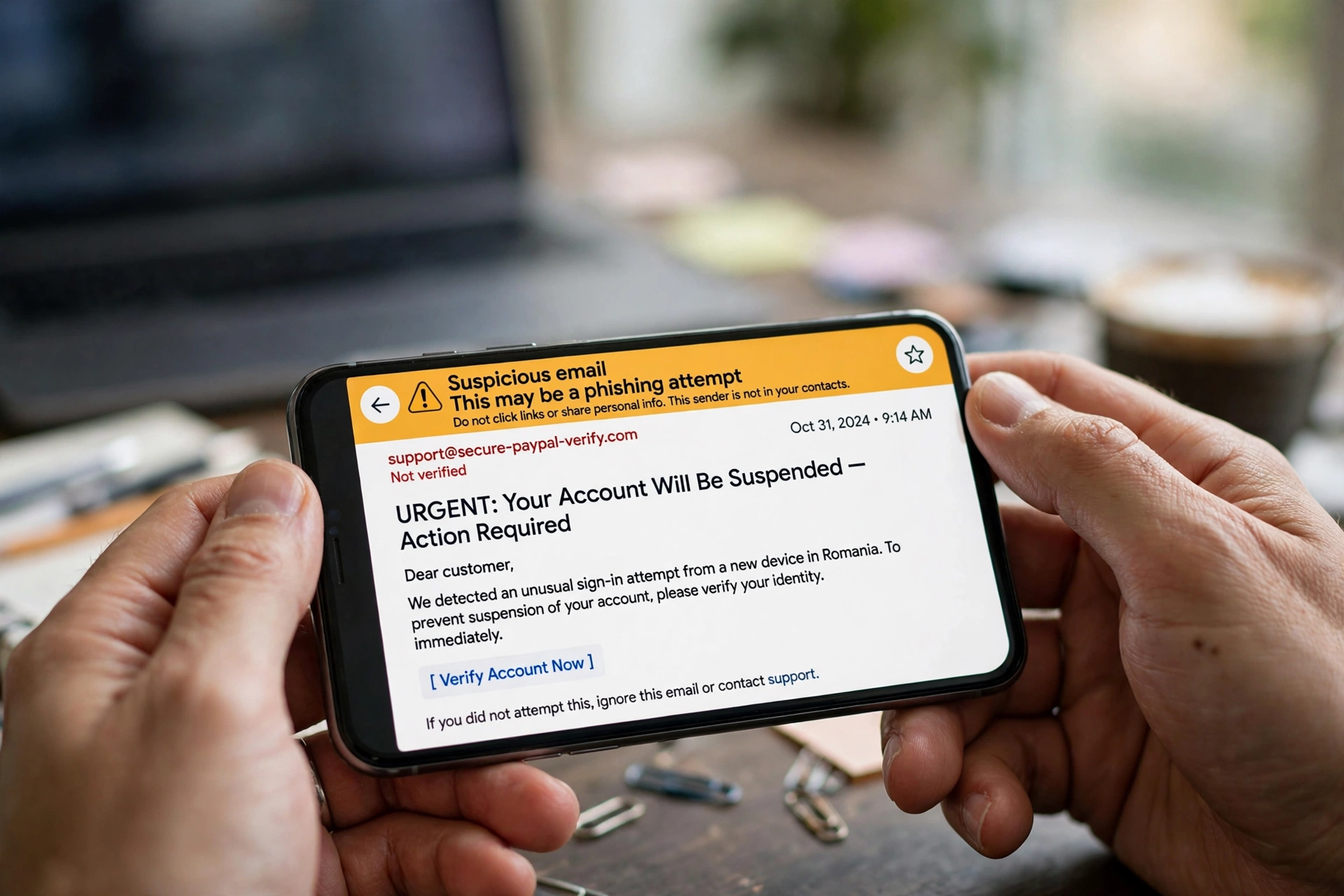
The strongest clues are often boring, not dramatic. A sender name that does not match its address is one. A reply-to address that points somewhere different is another. Links that display one destination but lead somewhere else are a classic warning sign, as are attachments with unusual file types or names that do not match the message.
Wording matters too, but in context. Words like “urgent”, “verify”, or “prize” are common in ordinary mail as well, so a good filter does not rely on them alone. It looks at combinations: urgency plus a mismatched link plus a new sender, for example, is far more suspicious than any one of those on its own. Images, formatting, and even the time and volume of mail from one source can add to the score.
How does the filter learn from examples?
Most modern filters are built with machine learning. During training, the system is shown large sets of messages already labelled as spam or not spam. It learns which features tend to appear in each group, then builds a model that can score new messages it has never seen before.
That model keeps changing. When many people report the same campaign, the filter can learn its fingerprints quickly. When you move a message out of spam, you are giving it a small correction. One click will not rewrite the whole model, but repeated corrections from many users help it separate newsletters you actually want from bulk mail you do not.
Why does genuine mail sometimes land in spam?
False positives are frustrating, and they usually happen for understandable reasons. A newsletter sent to a huge list at once can look like bulk spam. A new business address with no sending history has no reputation to vouch for it. A message with lots of links, images, and promotional wording can resemble marketing spam even when you asked for it.
The practical fix is simple, if a little dull: check your spam folder now and then, especially when you are waiting for something important. Mark genuine mail as “not spam” and add trusted senders to your contacts where your provider allows it. Those actions teach the filter about your preferences over time.
What happens after you mark a message as spam?
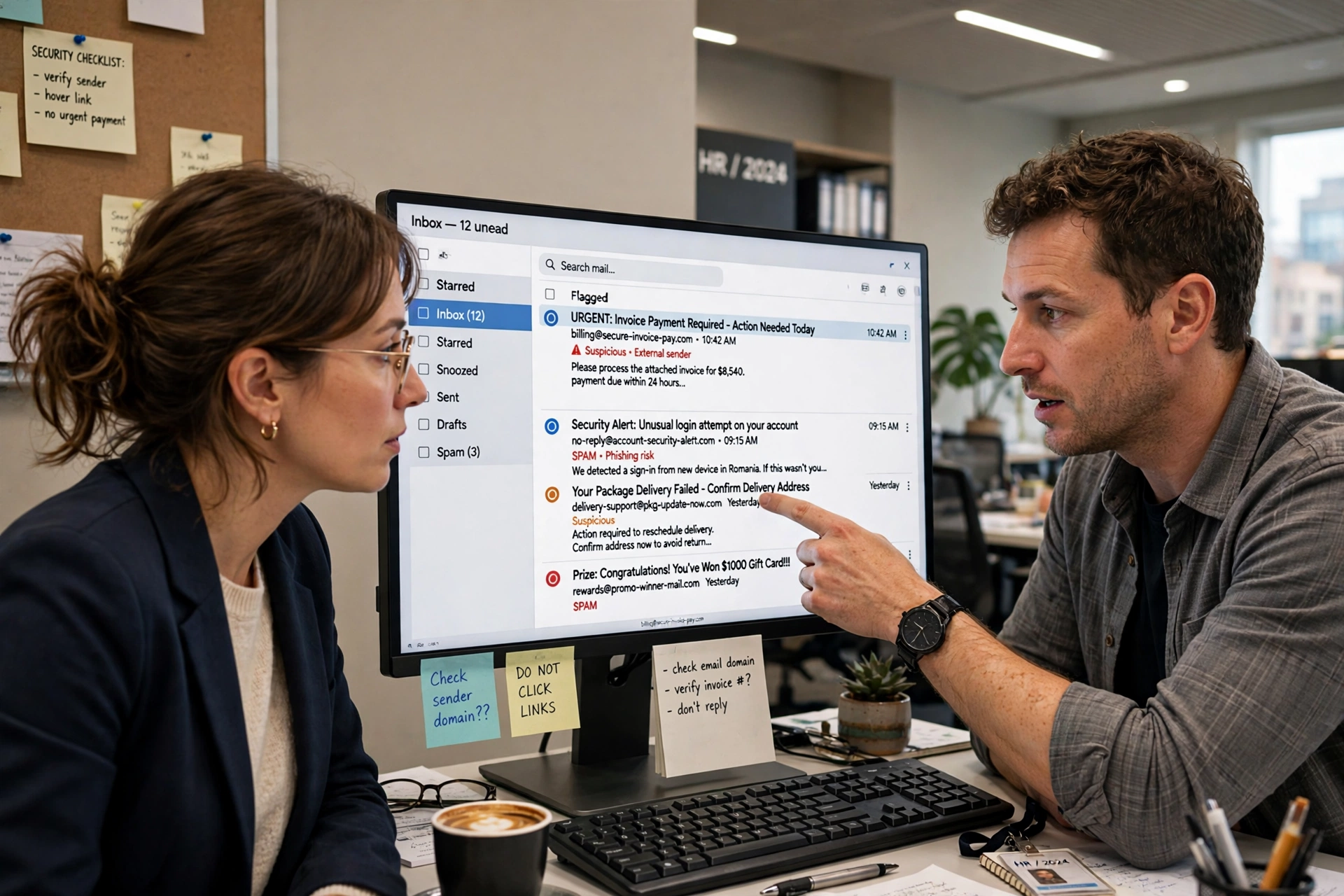
Marking a message does more than move it out of sight. It feeds the filter a fresh example, and it can also help protect other users if the same campaign is hitting many inboxes. Providers usually combine individual reports with wider signals, such as how many people received the same message and whether its links match known harmful destinations.
How can you help the filter do a better job?
You do not need to understand the model to help it. Start by checking the sender address closely, not just the display name. Hover over links, where your device allows it, before tapping them. Be wary of messages that create urgency around money, passwords, or account closure, and go to the service’s own app or website instead of following the link in the email.
This kind of detection sits inside a wider field of applied AI. The complete guide to artificial intelligence explains how systems like this learn from data, while AI deepfake detection shows a similar idea at work: small clues, combined and scored, can reveal a message or media file that is not what it claims to be. Spam filtering is less glamorous than either, but it quietly protects the inbox every day.
FAQs
What is AI spam detection?
AI spam detection is the use of trained models to score incoming email for unwanted or harmful traits, such as deceptive senders, suspicious links, and bulk-mail patterns, before deciding where the message should go.
Can AI spam filters read my private emails?
Filters process message content to make a delivery decision, but that is not the same as a person reading your mail. Providers differ in how they handle data, so check your provider’s privacy policy if this matters to you.
Why do some spam messages still reach my inbox?
Spammers constantly change wording, domains, and sending patterns to evade filters. A new campaign may slip through until enough reports and signals allow the filter to recognise it.
Should I click “unsubscribe” in a spam message?
Only unsubscribe from mail you recognise and once signed up for. For clearly unwanted or deceptive mail, mark it as spam instead, and do not click links inside it.
What should I do if an important email is in spam?
Move it to your inbox and mark it as “not spam”. If you keep missing mail from the same sender, add the address to your contacts and check whether the sender’s domain checks are set up correctly.
Conclusion
AI spam filters work by combining many small signals into one decision, then learning from the results. They are not perfect, and they never will be, because both genuine mail and spam keep changing. Your next step is a small one: spend two minutes checking your spam folder today, mark one genuine message as “not spam” if needed, and report one clear piece of spam. Those two clicks help the filter serve your inbox better tomorrow.
Sources for further reading: IBM text classification tutorial and Wikipedia on email spam.