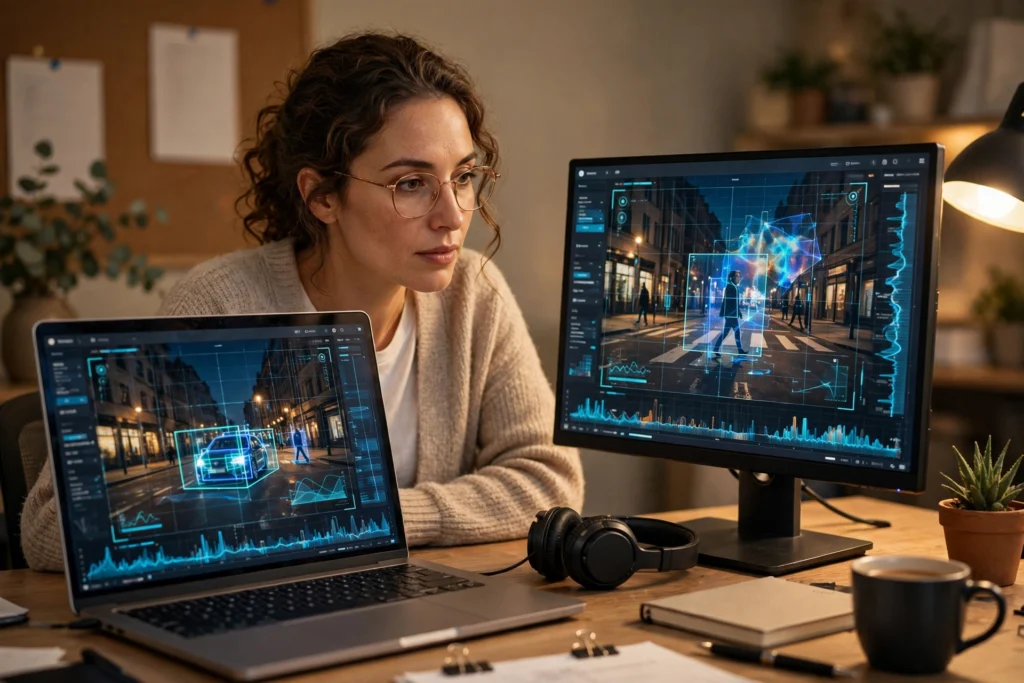
AI detects deepfakes by looking for small clues that people often miss. It compares a face, voice, or file against patterns learned from real media, then flags anything that does not fit. No single check settles the question, so good systems combine several kinds of evidence and still leave room for doubt.
Key Takeaways
- Deepfake detection looks at pixels, motion, sound, and file history together, not just one visual glitch.
- Face clues include uneven lighting, blurred edges, odd blinking, and lip movement that drifts away from the words.
- Voice checks listen for flat pitch, missing breaths, and timing that feels too smooth.
- Provenance tools, such as signed capture data and watermarks, can help confirm real media, but they are not yet everywhere.
- A detector’s score is a warning sign, not proof. Always check the source before sharing a surprising clip.
What Is a Deepfake, in Plain Terms?
A deepfake is media made or changed with AI so that a person appears to say or do something they did not. The best-known examples swap faces in video or copy a voice, but the same ideas apply to still images and short audio clips. Some uses are harmless, such as a film effect or a training video with a consenting presenter. Others are made to mislead, embarrass, or steal, and those are the ones detection tools are built to catch.
It helps to think of detection as forensic work, not magic. A camera records light in a particular way, a human body moves in a particular way, and a microphone picks up a room in a particular way. Generative tools imitate those patterns, but they often leave faint traces where the imitation breaks down. Detection models are trained to notice those traces.
How Does Visual Detection Work?
Visual detectors start with single frames. They check whether skin texture looks consistent, whether the edges around a face blend naturally into the background, and whether light and shadows agree across the scene. If one eye reflects light differently from the other, or if a jawline looks slightly soft while the rest of the face is sharp, that can raise a flag.
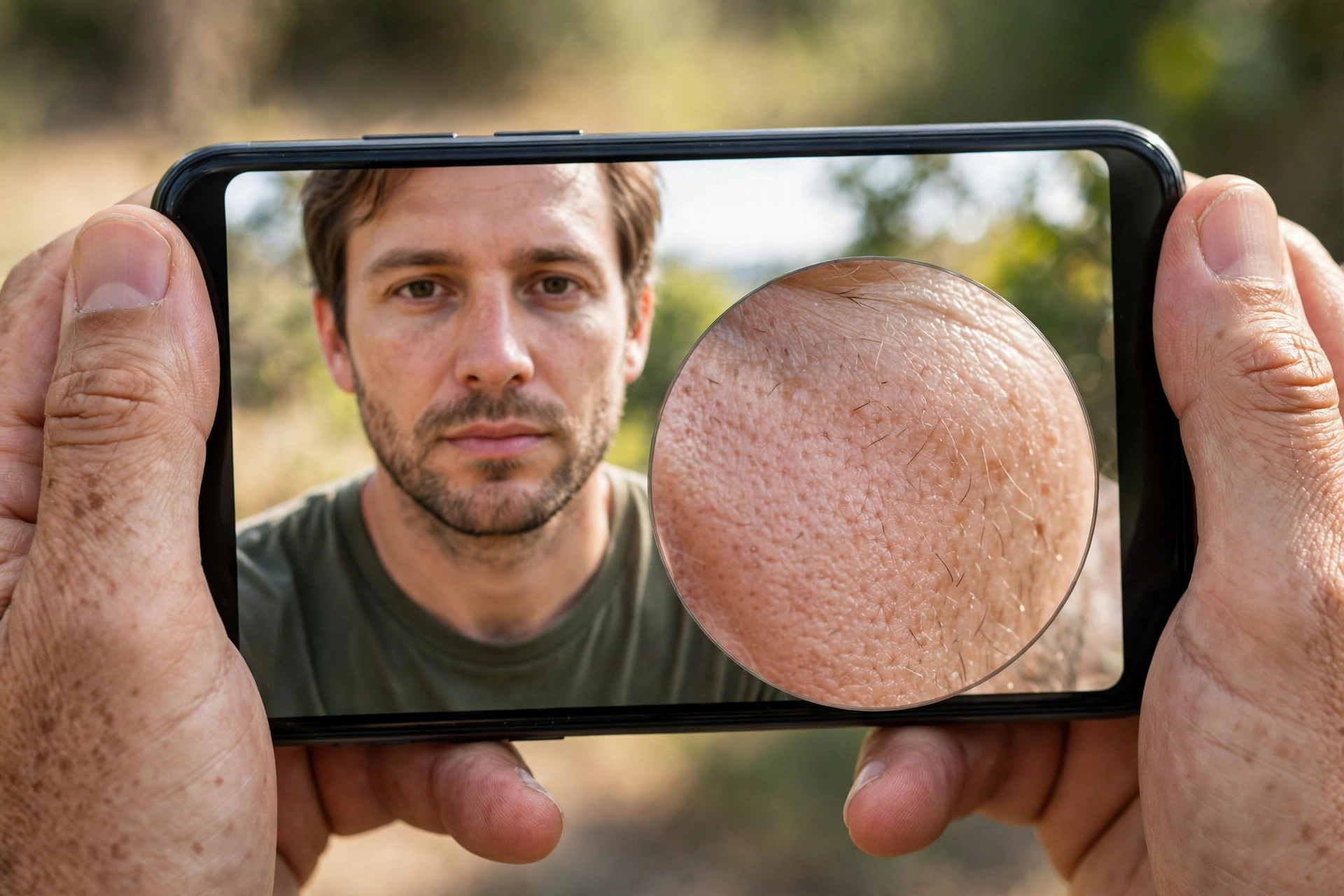
Then they look across frames, because video gives away more than a photo. Real faces blink in irregular rhythms, heads move with small natural hesitations, and expressions change gradually. A swapped face may flicker at its boundary, freeze for a moment, or move a fraction too smoothly. Detectors trained on many real and synthetic clips learn these motion patterns, even when no single frame looks obviously wrong.
There is a limit here, though. Compressed video, the kind shared on social apps, throws away fine detail. That can hide both real and fake clues, and it can also create artefacts of its own. So a detector that works well on a high-quality original may struggle with a clip that has been downloaded, cropped, and re-uploaded several times.
What Can Voice and Lip-Sync Checks Reveal?
Audio deepfakes are often harder to spot by ear than video fakes are by eye, because a short voice clip gives listeners little to compare. Detection tools therefore measure things listeners sense only vaguely. They look at pitch stability, breathing, pauses, and the rhythm of speech. A cloned voice may sound clear and confident, yet stay oddly even in pitch, or it may skip the tiny breaths and hesitations that real speech contains.
Lip-sync is another strong check. In real speech, mouth shapes line up closely with sounds, and they change in a predictable way from one sound to the next. If the lips lag, lead, or form shapes that do not match the words, a multimodal detector can catch the mismatch even when the face and the voice each look plausible on their own. That is why combining audio and video evidence matters: a fake may pass one test and fail another.
Can File History and Watermarks Prove a Clip Is Real?
Not every answer comes from analysing pixels. Some tools check provenance, which means the history attached to a file. That can include capture information, editing traces, and cryptographic signatures added when media is created. The C2PA standard, for example, is designed to carry provenance information with a file so that later viewers can see where it came from and whether it was edited.
Watermarking works in a related way. Some AI systems embed a hidden signal in generated images, audio, or text at creation time. If that signal is present, a checker can identify the media as AI-generated, even if it looks real. The catch is coverage. Provenance and watermarks only help when the creator, camera, or platform supports them, and a determined attacker can strip metadata or re-record a screen. They are useful supporting evidence, not a complete shield.
Why Do Detectors Sometimes Get It Wrong?
Detection is an arms race. Each time a detector learns to spot a flaw, newer generators learn to hide that flaw, and the cycle repeats. A model trained mainly on one kind of generator may also miss fakes made by a different system, because it has learned that system’s fingerprints rather than a universal rule for “fake”.
False results cut both ways. A real video can be flagged because of poor lighting, heavy compression, or an unusual camera angle. A fake can slip through because it is short, low-resolution, or carefully edited. That is why responsible tools report a score or a level of confidence, rather than a simple yes or no, and why a human reviewer still matters for high-stakes decisions.
What Should You Check Before You Trust a Clip?
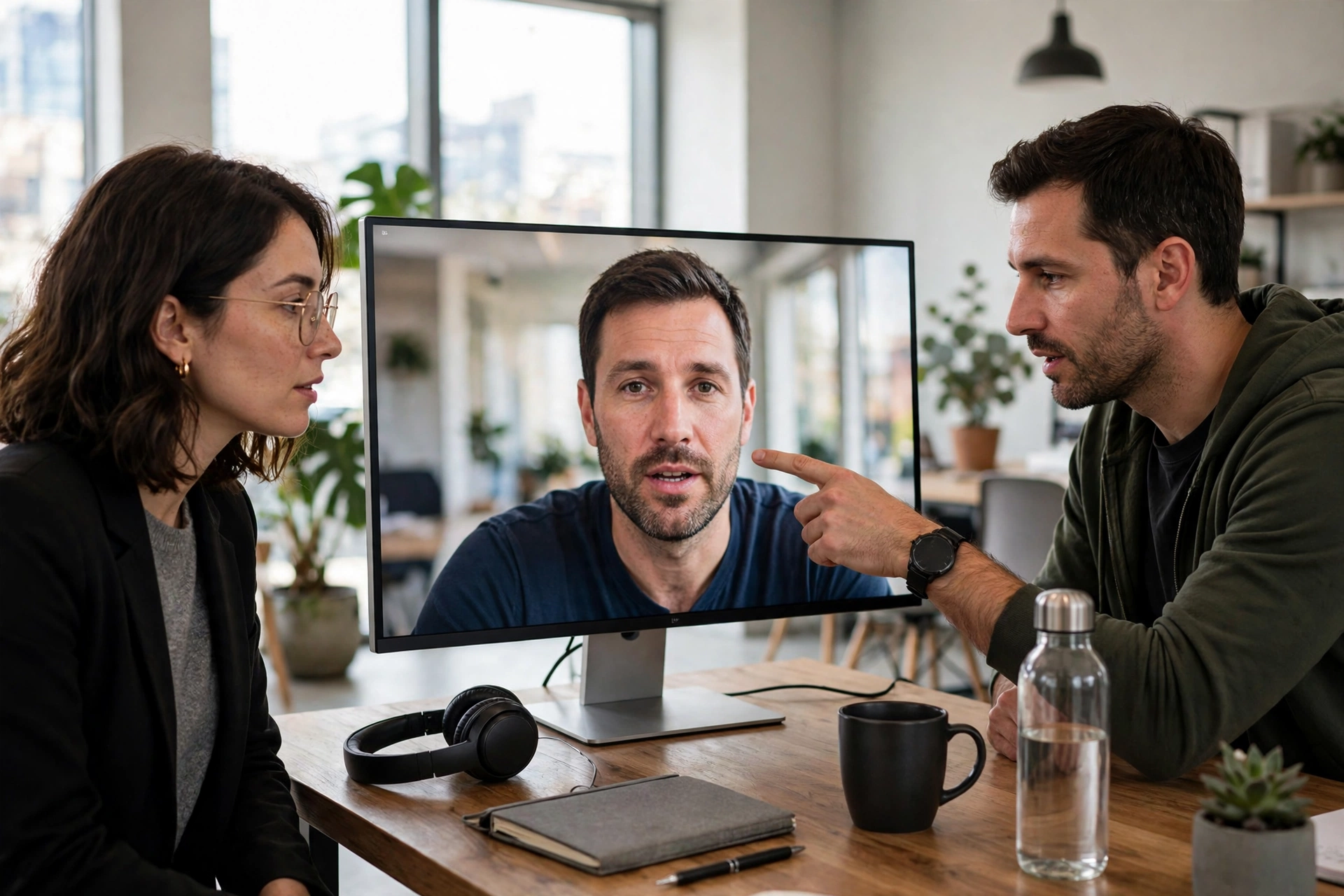
Start with the source. Is the clip posted by the person or organisation it claims to come from, or by an unknown account that benefits from surprise? Look for the same story in a second, independent place, and check whether the original, longer version exists. A clip cut to a few seconds, with no context, deserves extra caution.
Then watch closely, but do not rely on your eyes alone. Play the clip at full size if you can, listen with sound on, and notice whether the lighting, background, and voice all feel consistent. If something feels off, slow down before sharing. Sending a doubtful clip onward can do real harm, even if you add “not sure if this is real” — many people will only remember the image, not the caveat.
For organisations, the practical step is to pair tools with process. Use a detector as a first screen, keep the original file rather than a re-compressed copy, and have a named person review anything flagged before it is published or acted on. If a clip is being used to demand money, change a password, or approve a payment, stop and verify through a separate channel you already trust. That simple habit defeats many audio and video scams, whether or not a detector was involved.
FAQs
What is the easiest way to spot a deepfake?
There is no single easy tell. Look for inconsistent lighting, odd blinking or lip movement, and a voice that sounds too even, then check the source and look for an independent version before deciding.
Can AI detect every deepfake?
No. Detectors improve all the time, but newer generators, low-quality copies, and short clips can all reduce accuracy. Treat a detector’s result as one piece of evidence, not a final verdict.
Are deepfake detectors free to use?
Some basic tools and browser extensions are free, while business-grade systems are usually paid. Free tools can be a useful first check, but they vary in quality, so do not rely on one result for an important decision.
Does a watermark mean a clip is definitely AI-generated?
A genuine watermark is strong evidence that AI was involved, but its absence proves nothing. Many generators do not watermark, and metadata can be removed when a file is copied or re-recorded.
What should I do if I receive a suspicious voice message from a colleague?
Do not act on its instructions straight away. Contact that person through a different, trusted channel, such as a number you already have, and ask them to confirm. If it involves money or account access, pause the request until you have that confirmation.
Conclusion
AI detects deepfakes by combining visual, audio, motion, and file-history clues, and by learning from large sets of real and synthetic examples. That combination is powerful, but it is not perfect, and it will keep changing as generators improve. Your best next step is practical: use a detector as a first check, verify surprising clips through their original source, and never act on a voice or video instruction alone when money, access, or reputation is at stake.
Internal links
- What Is Artificial Intelligence? The Complete Guide
- What Is Machine Learning? A Beginner-Friendly Guide to How Machines Learn from Data
- What Is Deep Learning? How Neural Networks Learn from Data
- What Is AI Hallucination? Why AI Sometimes Makes Things Up