VR music lessons put you inside the lesson instead of in front of a screen. You wear a headset, see a virtual instrument or a set of falling notes, and play along while the system watches your hands and timing. It is not quite the same as sitting with a teacher and a real instrument, but for many beginners it turns practice from a chore into something they actually look forward to.
Key Takeaways
- VR music apps show notes, finger positions, and timing in three dimensions, so you can see what to play and when.
- Headset cameras and controllers track your hands, giving instant feedback on missed notes, rhythm, and hand position.
- Piano, drums, and guitar-style lessons work best in VR, because their playing actions are clear and repeatable.
- VR cannot fully reproduce the weight, touch, and sound of a real instrument, so it works best alongside real practice.
- Short, regular sessions with clear goals help more than long sessions spent chasing a high score.
How does a VR music lesson actually work?
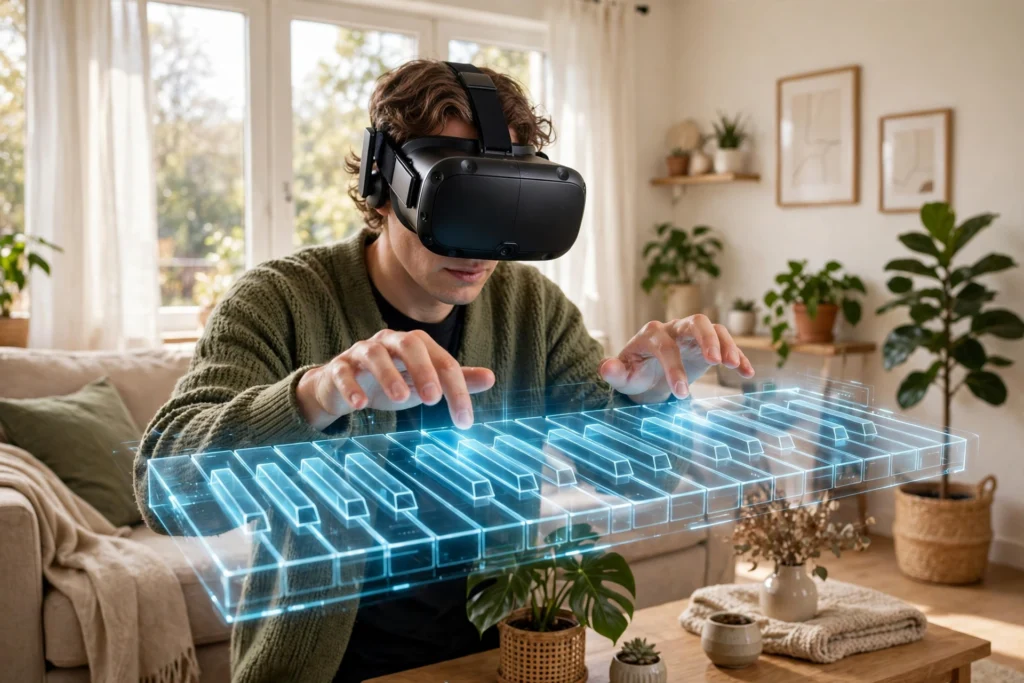
A typical lesson starts with a simple scene: a piano keyboard, a drum kit, or a guitar neck floating in front of you, with notes moving towards you in time with the music. When a note reaches the right place, you play it. The headset tracks your head, and its cameras track your controllers or your bare hands, so it knows roughly where your fingers are and when they move.
That timing is the heart of the lesson. Hit the note on the beat and you score well; hit it early, late, or with the wrong hand and the app tells you straight away. Many apps slow a piece down for beginners, highlight the next few notes, and repeat a tricky bar until it feels natural. That loop — see, play, get feedback, try again — is very close to how a teacher works through a passage, except the feedback is immediate and the lesson never gets impatient.
Some apps also add a virtual teacher or a shared room, where a real teacher can watch your playing from another headset. That version is closer to a normal lesson, because the teacher can talk, demonstrate, and correct you in real time. Others are self-guided, with recorded lessons and graded exercises that you work through at your own pace.
What instruments work best in VR?
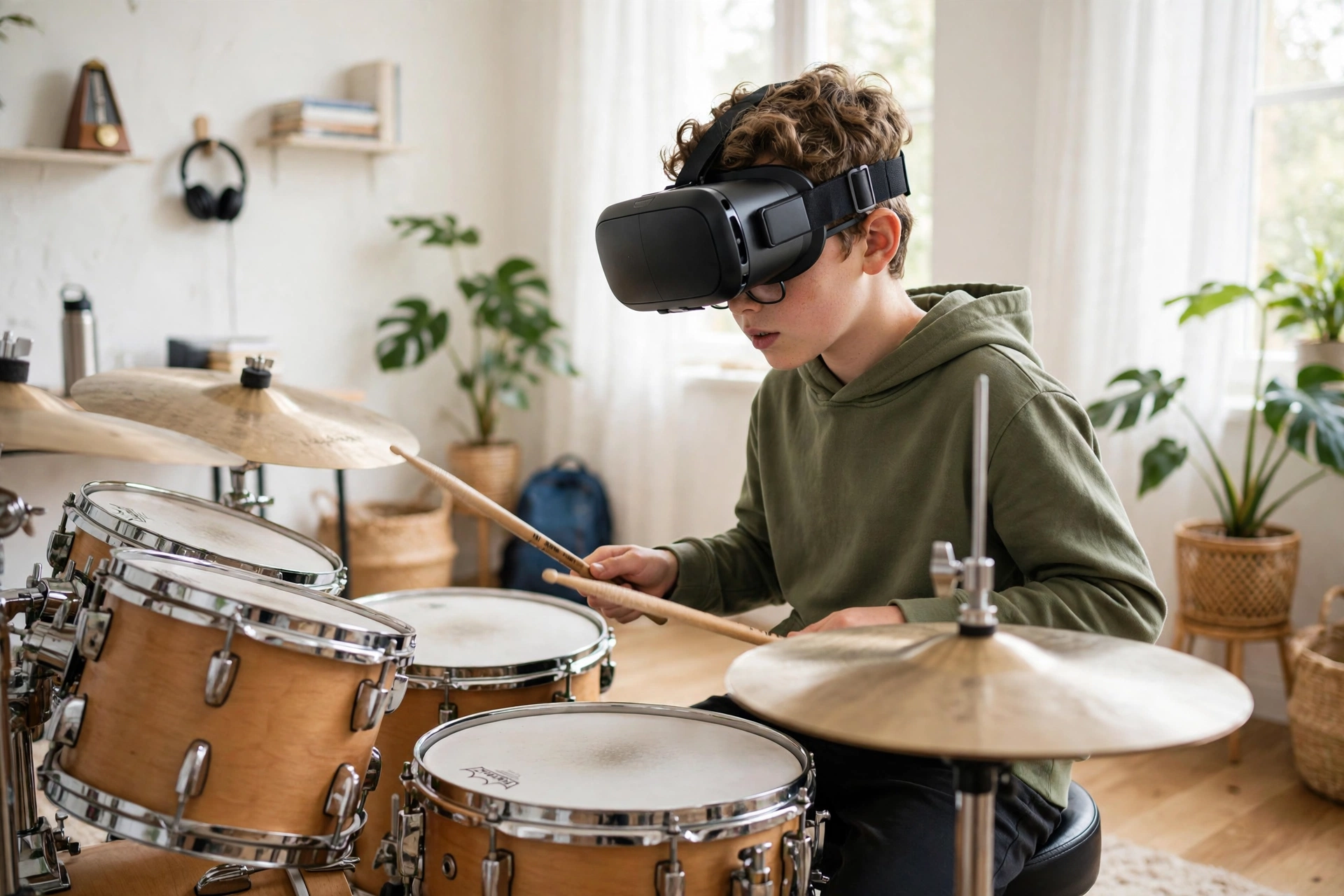
Piano and keyboard lessons translate well, because the keys are laid out in a straight line and your hands stay in a fairly fixed place. A virtual keyboard can light up the next key, show finger numbers, and let you practise scales without owning a full piano. Drums work well too: you hold sticks or controllers, hit virtual pads in rhythm, and get clear feedback on timing. That makes drums a good first VR instrument, even if the feel is lighter than a real kit.
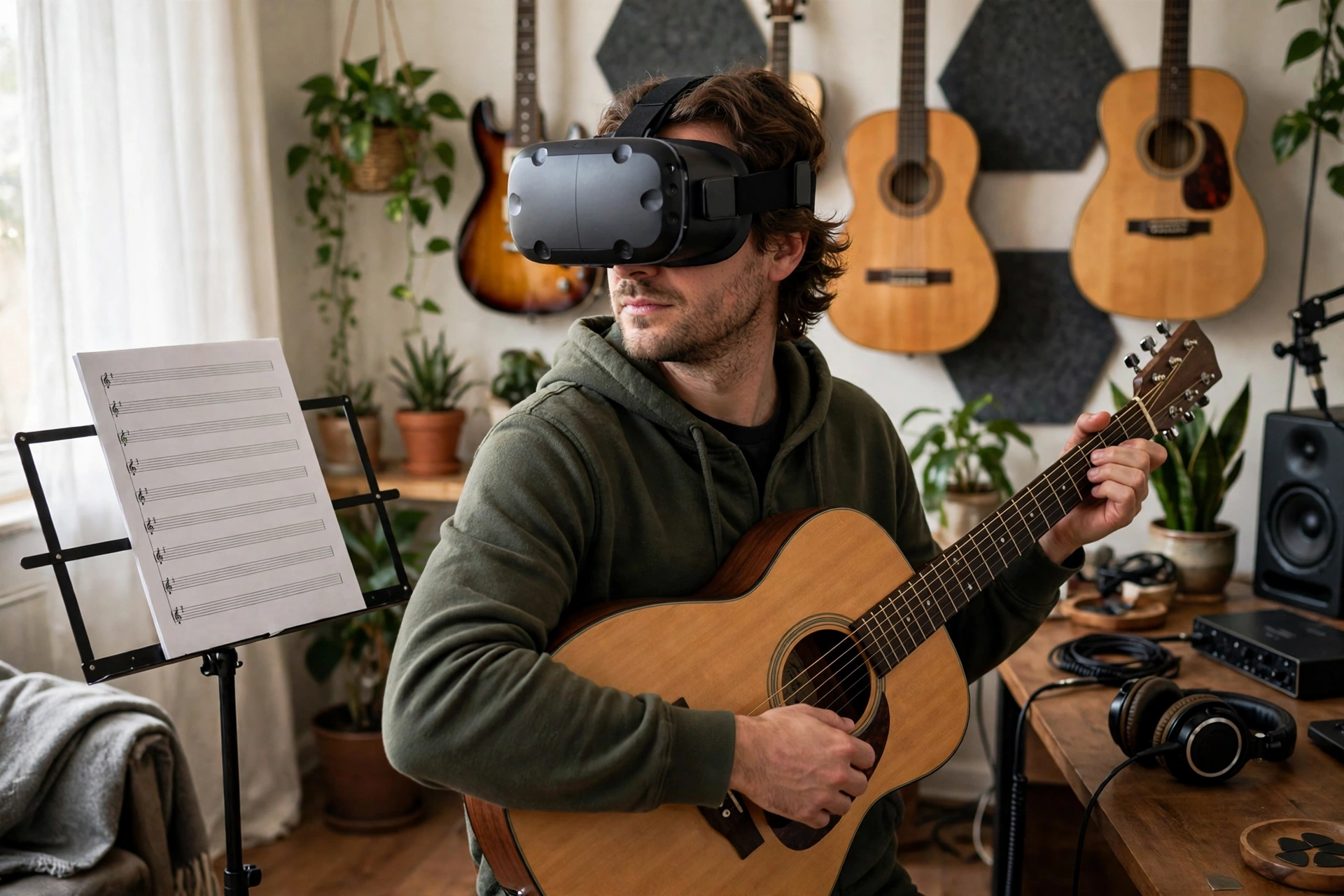
Guitar is trickier. A virtual guitar can teach chord shapes, strumming patterns, and rhythm, but it cannot give you the exact feeling of pressing a string against a fret. Some apps solve this by pairing VR with a real guitar, using the headset to show chord diagrams and timing while you play the real instrument. That hybrid approach is often the most useful for guitar, because you keep the real touch while gaining the visual guidance.
Wind and string instruments that depend on breath, bow pressure, or fine finger pressure are harder to copy convincingly in VR. They are not impossible, but the feedback is less precise, and a teacher’s ear and eye still matter more for those instruments.
Why do learners enjoy VR practice?
Part of it is simply that practice feels like playing a game. Notes arrive like targets, streaks build up, and a difficult passage becomes a level to clear rather than a page to repeat. For children and adult beginners, that can be enough to turn ten minutes of daily practice from a negotiation into a habit.
There is also a confidence benefit. In VR, you can make mistakes in private, repeat a section as many times as you like, and slow the tempo right down without feeling judged. You can also practise at home at any hour, which matters if lessons are expensive, hard to reach, or scheduled at awkward times. A learner who practises a little every day usually progresses faster than one who practises for a long time once a week, and VR makes that little-and-often pattern easier to keep.
That said, enjoyment is not the same as progress on its own. An app that only rewards speed can encourage sloppy playing, so look for lessons that also check accuracy, hand position, and steady tempo, not just how many notes you hit.
What can VR not replace?
Touch is the biggest gap. A virtual piano key does not push back the way a real key does, a virtual drum pad does not bounce like a real skin, and a virtual string does not vibrate under your finger. Those small physical details matter as you improve, because they teach control, dynamics, and tone — how loudly or softly you play, and how clean each note sounds.
Sound is another limit. Headset speakers or headphones can sound good, but they do not replace the sound of a real instrument in a real room, or the way a teacher hears a slightly sharp note or an uneven rhythm. VR also cannot easily correct posture, breathing, or hand shape in the same detailed way a teacher in the room can, especially for younger learners who are still forming habits.
For those reasons, VR works best as a practice partner, not a full replacement. Use it to learn notes, build rhythm, and repeat passages, and use a real instrument and, when you can, a teacher to refine touch, tone, and technique.
How do you set up a good VR music practice session?
Start with a quiet, clear space where you can sit or stand comfortably without hitting anything. If you are using a real instrument alongside VR, place it where you can reach it easily and check that cables and stands are out of the way. Keep the headset charged, clean the lenses before you start, and set a timer: twenty to thirty minutes is plenty for a focused session, especially for beginners.
Choose one clear goal per session, such as learning the first eight bars of a piece, fixing a rhythm pattern, or practising a single chord change. Play it slowly first, then build up speed only when the notes are accurate. If an app lets you loop a section, use that feature rather than playing the whole piece badly from start to finish. End by playing something you already know well, so the session finishes on a confident note.
How can you choose a good VR music app?
Start with your instrument and level, not with the app’s graphics. A good app should explain what it is teaching, let you change tempo, and give feedback on timing and accuracy, not just a score. Check whether it needs controllers, hand tracking, or a real instrument, and whether it includes beginner lessons or jumps straight to full songs.
Try a free lesson or trial first, and notice how your hands feel afterwards. Are the instructions clear? Can you see the next notes easily? Does the app correct mistakes in a way you understand? If the answers are yes, it is worth sticking with. If the app feels confusing, uncomfortable, or focused only on speed, try another one. The best app is the one you will actually open tomorrow.
It is also worth checking how the app handles progress. Lessons that build step by step, revisit earlier skills, and let you track what you have practised tend to work better than a collection of unrelated songs. A simple practice log, even a notebook, can help you see that progress over weeks.
FAQs
Do you need a real instrument for VR music lessons?
Not always. Many piano and drum apps are fully virtual, so you need only a headset. Guitar and some other instruments work better when VR guidance is paired with a real instrument, so check what each app requires before buying.
Can VR music lessons replace a human teacher?
They can support learning, especially for notes, rhythm, and regular practice, but they do not fully replace a teacher. A teacher can hear tone, correct technique in detail, and adapt lessons to you in ways most apps cannot yet match.
Is VR suitable for children learning music?
It can be, with supervision and short sessions. Choose age-appropriate apps, check the headset maker’s age guidance, and make sure an adult can help with setup, breaks, and practising on a real instrument too.
Why does timing feel different in VR?
Timing can feel slightly delayed if the headset, controllers, or audio are not well matched, and virtual instruments do not give the same physical feedback as real ones. Slowing the tempo, using headphones, and practising the same passage slowly usually helps.
How long should a VR music practice session last?
Twenty to thirty minutes is a good target for most beginners. Short, regular sessions help you build notes and rhythm without tired hands, sore eyes, or losing focus.
Conclusion
VR music lessons work by showing you what to play, tracking your hands, and giving instant feedback on timing, which makes regular practice easier and more enjoyable. They are strongest for piano, drums, and rhythm, and most useful when paired with a real instrument and, when possible, a teacher. Try one beginner lesson this week, pick a single passage to practise slowly, and see whether that short daily habit helps you play it more confidently by the end of the week.