
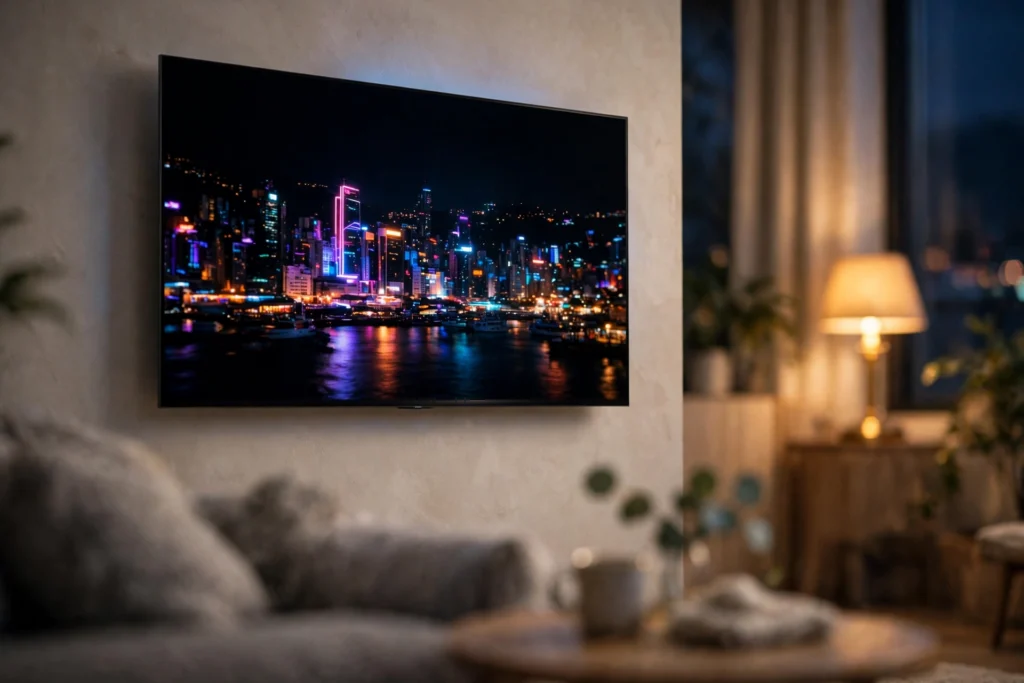
An OLED display is a screen where every pixel makes its own light. OLED stands for organic light-emitting diode, and unlike an LCD, it needs no backlight: each tiny pixel glows on its own and switches fully off for black. That is why OLED phones and TVs show deeper blacks, richer colours, and thinner screens than most LCDs.
Key Takeaways
- No backlight: each pixel makes its own light and can switch fully off.
- “Organic” means carbon-based layers that glow when electricity passes through them.
- Perfect blacks, wide viewing angles, and fast response are the big strengths.
- OLED usually costs more than LCD and can dim gradually over years of heavy use.
- You will find OLED in phones, TVs, smartwatches, and some laptops.
What does OLED actually stand for?
OLED stands for organic light-emitting diode. The word “organic” trips people up, because it sounds like something from a health-food shop. Here it simply means the light-making layers are built from carbon-based molecules, the same family of chemistry behind plastics and dyes.
The first practical OLED was demonstrated by Kodak researchers Ching Wan Tang and Steven Van Slyke in 1987. Early screens were small and expensive, but by the late 2010s OLED had become the standard screen in most flagship phones and high-end TVs.
You will also see the term AMOLED, short for active-matrix OLED: the usual way of controlling the pixels, with a thin layer of tiny transistors switching each one on and off. Almost every OLED phone or TV you can buy today is an AMOLED, even if the box just says OLED.
How does an OLED display make light?
Think of an ordinary LED, the kind in a torch or a fairy light. Push electricity through it and it glows. An OLED works on the same idea, but flattened into thin films instead of a chunky little bulb.
A simple OLED stack is a sandwich: a substrate of glass or flexible plastic, two electrodes (the anode and the cathode), and two thin organic layers between them. When you switch the screen on, electrons flow into the organic layers and drop into gaps called holes, shedding spare energy as light. Each pixel holds red, green, and blue sub-pixels, mixed to build every shade you see. No backlight is involved at any point, and that single fact explains almost everything people love — and a few things they complain about — with OLED.

Why do OLED blacks look so much deeper?
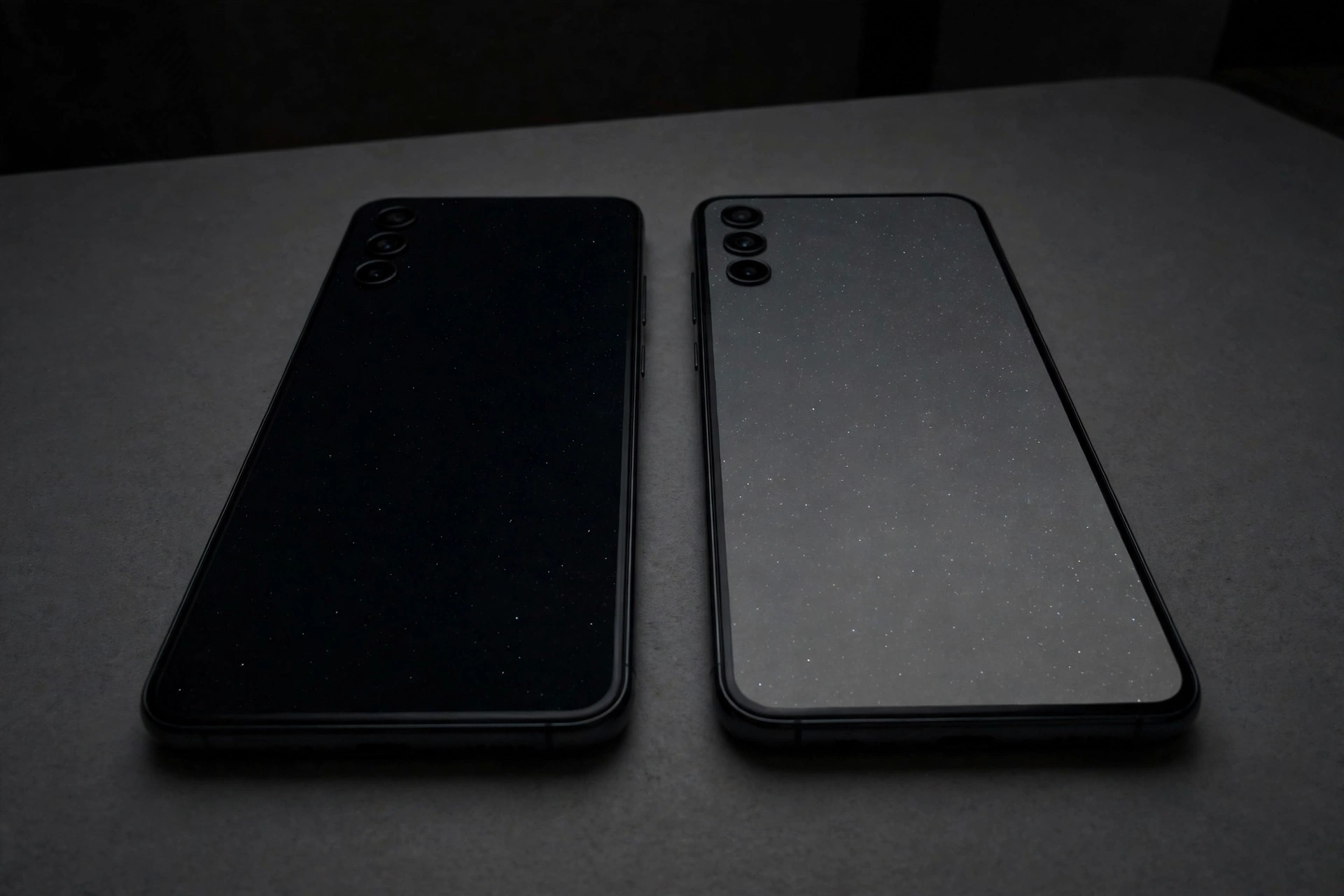
An LCD screen always has a backlight shining behind it, even when the picture is meant to be black. The liquid crystals block most of that light, but some leaks through, so “black” on an LCD is really a very dark grey.
An OLED pixel showing black is simply switched off. It makes no light at all. Next to it, a bright pixel can shine at full strength, so the contrast between the two is enormous. Night scenes in films look properly dark instead of washed out, and stars against a black sky look like pinpricks rather than smudges.
The same design helps with viewing angles — the picture barely changes from the side of the sofa — and with speed, since OLED pixels switch far faster than liquid crystals can twist. That is one reason gamers like OLED TVs, whether they play on a console or through cloud gaming.
OLED vs LCD: what is the real difference?
| Feature | OLED display | LCD display |
|---|---|---|
| Light source | Each pixel glows on its own | Backlight shines through liquid crystals |
| Black levels | True black — pixels switch off | Dark grey — backlight leaks through |
| Contrast | Very high | Good, but limited by the backlight |
| Viewing angle | Wide, little colour shift | Narrower, can wash out from the side |
| Thickness | Very thin, can flex | Thicker, needs a backlight layer |
| Brightness | Good, but top LCDs can go brighter | Often brighter outdoors |
| Price | Usually higher | Usually cheaper |
| Long-term wear | Can dim gradually; static images may leave a faint ghost | Backlight ages too, but no burn-in in the same way |
Neither technology wins on every row. OLED usually wins on picture quality; LCD often wins on price and on raw brightness in a sunlit room.
Where will you find OLED screens?
Flagship phones have used OLED for years, and so have smartwatches — a watch face that is mostly black saves battery precisely because those black pixels are off. High-end televisions are the other big home for OLED, and a growing number of laptops, tablets, and handheld games consoles use it too.
Cheaper devices still tend to use LCD, and that is fine — for a bedroom TV showing mostly daytime programmes, the difference may not matter. OLED shows its advantage most in a dark room, with films, games, or photos that have plenty of shadow in them.
There are newer twists as well: QD-OLED pairs a blue OLED layer with quantum dots to boost colour brightness, and foldable phones use OLED because the thin layers can bend where a rigid LCD cannot. At the other end of the scale, e-ink displays use no light of their own at all.
What are the downsides of OLED?
The first is price: OLED panels cost more to make, so the same size of TV or phone usually carries a higher price tag. The second is brightness in very bright rooms: a top LCD can push out more light than most OLEDs, so in a sun-drenched living room an LCD can sometimes look punchier. The third is wear over time. The organic layers age as they are used, and bright, static images such as a news channel logo, left on screen for thousands of hours, can leave a faint ghost image behind. Manufacturers fight this with pixel-shifting and brightness limits, and for most people watching varied content it never becomes a problem.
A quick check you can do on your own phone
Not sure whether your phone has an OLED display? Try this tonight. Go into a dark room, turn the brightness up, and open a plain black image so it fills the screen. On an OLED phone, the black parts disappear into the darkness — you cannot tell where the screen ends and the room begins. On an LCD phone, the whole rectangle stays faintly visible, glowing dark grey.
Now look at a photo with bright colours on a black background: on OLED, the colours seem to float on nothing, because the pixels around them are genuinely off.
Frequently Asked Questions
Is OLED better than LCD?
For picture quality in a dark room, usually yes. For price and peak brightness in a bright room, LCD can still be the better buy.
Does OLED burn in?
A static image shown for very long periods may leave a faint ghost. Modern screens use pixel-shifting to reduce the risk, and varied everyday use rarely causes visible burn-in.
Do OLED screens use less battery?
It depends on what is on screen. Dark content uses less power, because black pixels are off — which is why dark mode saves battery on OLED phones, most of which also support wireless charging. A mostly white screen can use as much as an LCD.
What is the difference between OLED and AMOLED?
AMOLED is a type of OLED: the active-matrix control layer that switches each pixel individually. If a phone says AMOLED, it is an OLED screen.
Are OLED TVs worth the extra money?
If you watch films, play games, or view photos in a dim room, the difference is easy to see and often worth paying for. In a bright room showing mostly daytime television, a good LCD may serve you just as well for less.
Conclusion
An OLED display earns its reputation with one simple idea: every pixel makes its own light, and a pixel that should be black simply turns off — giving true blacks, vivid colours, wide viewing angles, and screens thin enough to fold.
It costs more, it can struggle a little in direct sunlight, and it needs sensible care to avoid long-term image retention — but for phones, watches, and TVs used in normal, varied ways, those trade-offs are modest next to the picture you get. Shopping for a new screen? Do the dark-room test above on the display models: ten seconds of looking at a black image will tell you more about OLED than any spec sheet will.
Further reading: RTINGS: OLED vs LED · Explain That Stuff: How OLEDs work