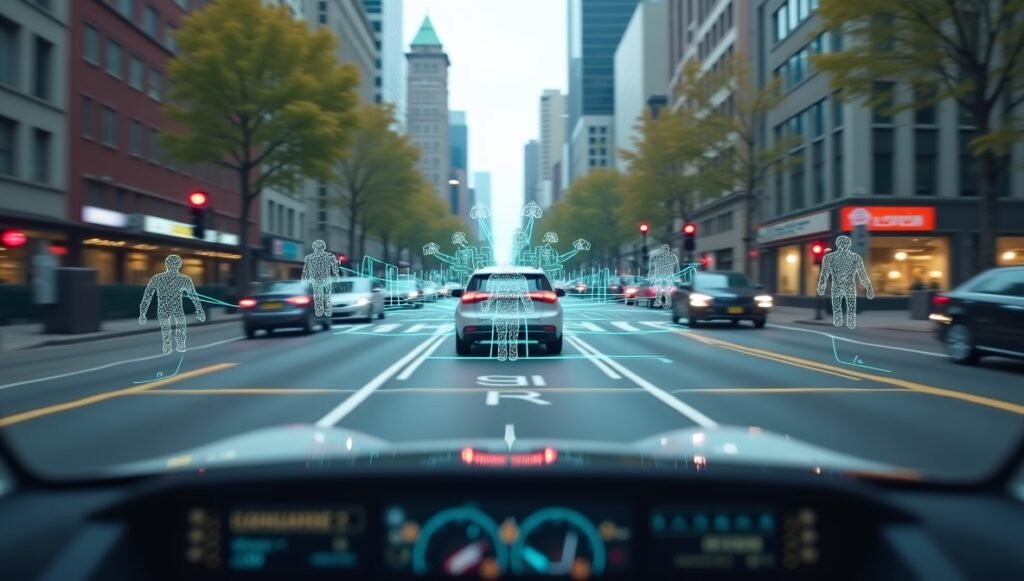
Computer vision is a branch of artificial intelligence that teaches computers to see and understand images and video. Cameras capture pictures, and computer vision software analyzes the pixels to recognize objects, faces, or text. The result is software that can sort photos, guide robots, scan barcodes, and help cars detect obstacles, turning pictures into information a computer can act on.
Key Takeaways
- Computer vision lets software recognize objects, people, and text in images and video.
- It works by learning visual patterns from large numbers of labeled example images.
- It is already used in phones, cars, hospitals, stores, factories, and farms.
- It still struggles with unusual conditions, bad lighting, and biased training data.
How Does Computer Vision Work?
To a computer, an image is just a grid of numbers: each pixel has a value for brightness and color. Computer vision works by finding patterns in those numbers. Edges, shapes, textures, and colors combine into
features the software can recognize, and those features combine into objects — a face, a cat, a street sign, a tumor on a scan.
Training teaches the software which patterns matter. Developers feed the system large collections of labeled images: thousands of pictures marked “cat”, “dog”, “car”, and so on. The software adjusts its internal settings until it can label new, unseen pictures correctly most of the time. Modern systems learn these patterns through layered neural networks, but the basic idea is pattern-matching at a huge scale.
Once trained, the software runs on cameras or uploaded files. A photo is captured, the model analyzes it in a fraction of a second, and it returns an answer: what is in the picture, where it is, or whether something important has changed.
What Are the Main Tasks of Computer Vision?
Computer vision is not one single job. It covers several related tasks, each useful in different situations.
Image Classification
The simplest task: decide what an image shows. A photo-organizing app might label pictures as “beach”, “dog”, or “receipt”. A factory camera might classify parts as good or defective. Classification answers one question: which category does this image belong to?
Object Detection
A step further: find and locate objects inside an image, often drawing boxes around them. A self-driving car needs to know not just that a pedestrian exists somewhere, but exactly where they are in the frame. A warehouse robot uses detection to find the correct box on a shelf.
Facial Recognition and Verification
Recognizing or verifying human faces is one of the best-known uses. Phone face unlock compares your face to a stored scan. Airport and border systems match travelers to passport photos. This task is powerful but also the most privacy-sensitive application of the technology.
Reading Text in Images (OCR)
Optical character recognition reads printed or handwritten text inside images. It powers receipt scanners, license plate readers, document digitization, and the phone feature that lets you copy text straight from a photo of a sign or menu.
Video and Motion Analysis
Applied to video frame by frame, computer vision tracks movement over time: counting people entering a store, watching a production line for defects, analyzing an athlete’s form, or monitoring traffic flow at an intersection.
Where Is Computer Vision Used?
Smartphones and Everyday Photos
Your phone is a computer vision device. Face unlock, portrait-mode blur, automatic photo sorting, QR code scanning, and live translation of foreign signs through the camera all run on vision models built into the phone.
Transportation and Driving
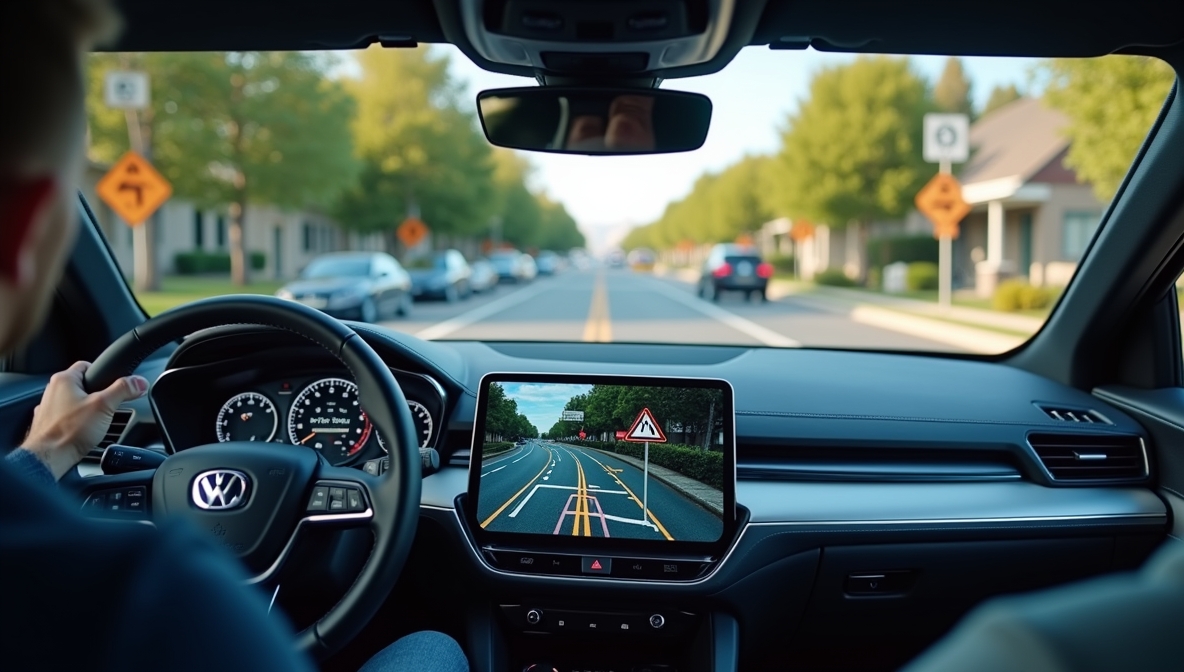
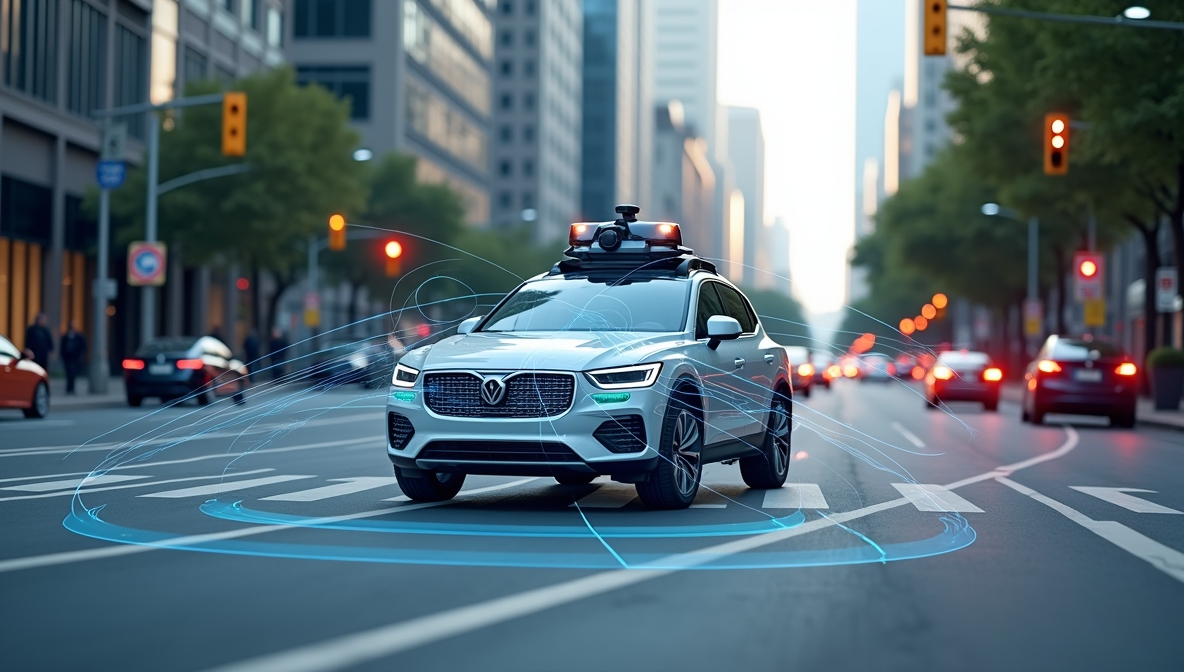
Cars with driver-assistance features use cameras and vision software to detect lane markings, other vehicles, pedestrians, and traffic signs. Self-driving prototypes depend heavily on vision: the car builds a picture of the road around it many times per second and decides how to steer, brake, and accelerate.
Healthcare and Medicine
In hospitals, vision systems help specialists review medical images such as X-rays, scans, and microscope slides. They can flag areas that might need a closer look and help with screening programs where large numbers of images must be checked. These tools support clinicians; they do not replace a doctor’s diagnosis.
Retail and Warehouses
Stores use vision cameras for self-checkout (recognizing items without barcodes), monitoring shelves, and counting foot traffic. Warehouses use it for sorting packages, reading labels, and guiding robots that pick items from shelves.
Agriculture and Manufacturing
On farms, cameras mounted on tractors or drones spot weeds, check crop health, and sort fruit by ripeness. In factories, vision systems inspect products on fast-moving production lines, catching defects that would be hard for human eyes to see at speed.
What Are the Limits of Computer Vision?
Computer vision fails when conditions differ from its training. Heavy rain, fog, glare, darkness, or an unusual angle can confuse even good systems. This is why driver-assistance systems can struggle in bad weather and why photo apps sometimes mislabel odd images.
Training data bias is a deeper problem. If the example images used to train a system under-represent certain groups of people, the system can perform worse for those groups — for example, facial recognition has historically been less accurate on some demographics. Checking performance across different groups is an important part of responsible development.
Privacy is the third concern. Cameras plus recognition software can track people without their knowledge. Many regions now have rules about where facial recognition can be used, and workplaces, schools, and shops face real scrutiny when they deploy it. The technology is powerful, but where and how it is used matters as much as how well it works.
Frequently Asked Questions
Is computer vision the same as image recognition?
Image recognition is one task inside the larger field of computer vision. Computer vision also covers object detection, video tracking, 3D understanding, and other ways of interpreting visual data.
Does computer vision need special hardware?
Mostly, it needs a camera and enough computing power. Many applications run on ordinary phones or computers; heavy real-time work, like in self-driving cars, uses specialized processors to analyze many frames per second.
Can computer vision work in the dark or bad weather?
It struggles more in poor conditions. Some systems add infrared or thermal cameras to compensate, but unusual lighting and weather remain common causes of errors.
Is facial recognition legal everywhere?
No. Rules differ by place and by use. Some jurisdictions restrict or ban facial recognition for police or public surveillance, while private uses like phone unlock are widely accepted. Check local rules before deploying it.
Will computer vision replace human inspectors and security staff?
It already handles routine monitoring and inspection at scale, but humans still manage exceptions, judge ambiguous cases, and make final decisions. In most settings it assists workers rather than replacing them outright.
Conclusion
Computer vision gives software the ability to see: to recognize objects, people, and text in images and video, and to act on what it finds. It is already quietly built into phones, cars, stores, hospitals, and factories, and its limits — bad conditions, biased data, privacy concerns — deserve as much attention as its abilities. A practical next step is to try the vision features already on your phone: scan a document, translate a sign through the camera, or sort your photo library, and notice how much of it runs on computer vision.