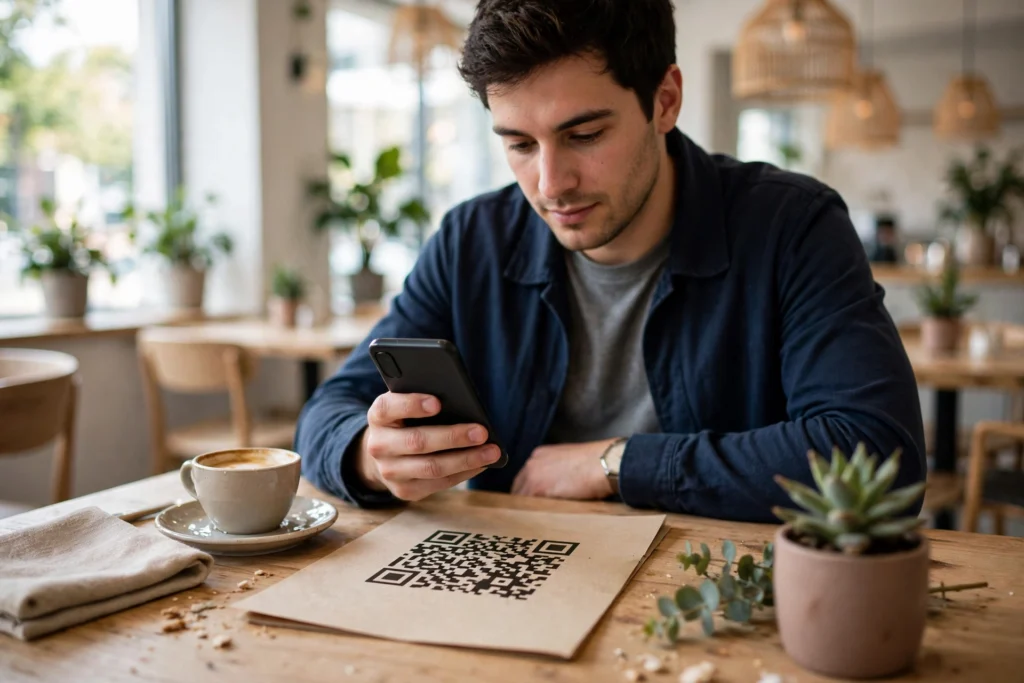
A QR code works by storing information in a pattern of black and white squares that your phone’s camera can read in a fraction of a second. Point your camera at the code, and your phone decodes the pattern, checks that it read it correctly, and then acts on what it finds — usually opening a website, showing a menu, or starting a payment. You don’t need a special scanner anymore, because most modern phones have QR scanning built right into the camera app.
Key Takeaways
- A QR code is a two-dimensional barcode: it stores data across a grid, not just in a single line.
- The three large squares in the corners help your phone find the code and work out which way up it is.
- Built-in error correction means a code can still scan even if part of it is scratched or covered.
- Most QR codes simply hold a short piece of text or a web address; your phone decides what to do with it.
- Always check where a code leads before you tap, especially on stickers in public places.
What Is a QR Code, Exactly?
QR stands for “quick response,” and the name is a fair description. The codes were invented in Japan in 1994 by Denso Wave, a company that needed a faster way to track car parts in factories. Ordinary barcodes could only hold a small amount of information in one thin strip. A QR code, by contrast, spreads information across a whole square, so it can hold far more — a web address, a Wi-Fi password, a ticket reference, or a short message.
That’s why you now see them everywhere: on restaurant tables, parcels, tickets, and payment counters. The idea hasn’t changed since the factory floor — it’s still just a neat way to move a small chunk of information into a phone without anyone typing it out.
How Does Your Phone Read a QR Code?
When you point your camera at a QR code, a few things happen very quickly, and in a particular order.
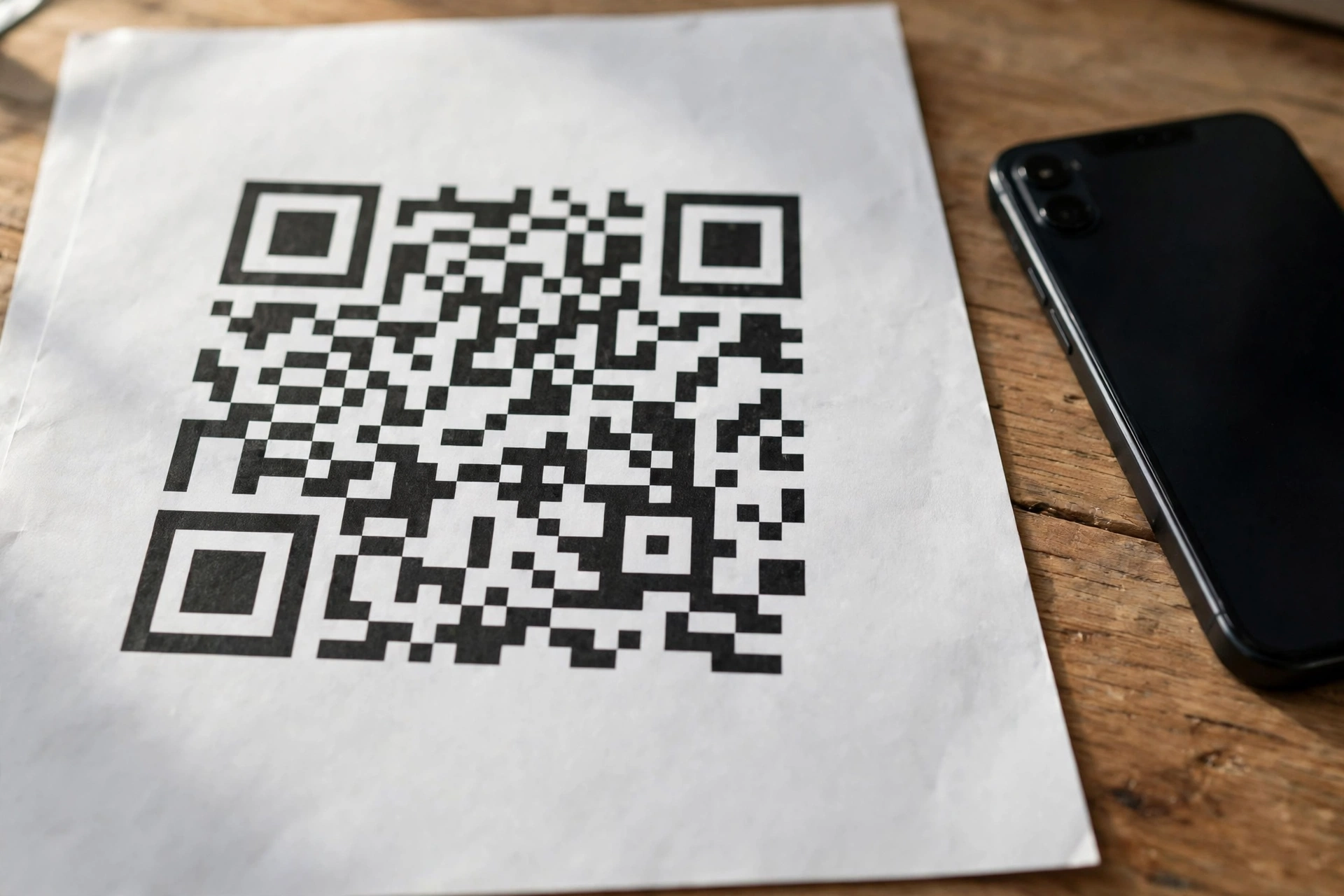
First, your phone looks for the three big finder patterns — the squares in the top-left, top-right, and bottom-left corners. They tell the camera where the code is and which way it’s pointing, which is why a code still works when tilted or photographed at an angle.
Next, the camera reads the grid of smaller squares between those landmarks — dark usually means one value, light the other — plus alignment and timing patterns that help it map the grid, even on a curved cup or wrinkled poster.
Finally, the phone decodes the pattern and runs error-correction checks. QR codes include extra, redundant information, so a smudged corner or partly peeled sticker can often be filled in. More protection means surviving more damage but holding a little less data — most everyday codes strike a middle ground.
What Kind of Information Can a QR Code Hold?
Most QR codes you meet in daily life hold something short and simple. Common examples include:
- A website address, such as a restaurant menu or an event page
- Wi-Fi network details, so guests can join without typing a long password
- Payment information, which opens your payment app with the amount and recipient filled in
- A ticket or boarding pass reference that a scanner at the gate can check
- Contact details, so you can save someone’s number without typing it
The code itself doesn’t “do” anything clever. It just carries the information. Your phone, and the app it opens, do the actual work. That distinction matters, because it explains both the convenience and the main risk: a code can point anywhere, including somewhere you wouldn’t want to go.
This is also why QR codes pair so well with other everyday tech. A code on a cafe table might open a menu, but the phone still needs Wi-Fi or mobile data to load it — which is where How Does Wi-Fi Work? comes in. And a code used for payment sits alongside tap-to-pay options like How Does NFC Work?, even though the two work in quite different ways.
QR Codes vs Barcodes: What’s the Difference?
A traditional barcode is one-dimensional: it stores information in a single row of bars of different widths. It works well for a product number at a checkout, but it can’t hold much, and it usually needs a dedicated laser scanner held close and level.
A QR code stores information in two dimensions — across and down — so it holds much more in a similar amount of space. It can also be read from farther away, at an angle, and by an ordinary phone camera. That’s the main reason QR codes took over jobs that barcodes couldn’t handle, like menus, tickets, and payments.
How Are QR Codes Used Every Day?
Menus, Tickets, and Check-Ins
Scan a code on a table and the menu opens on your phone — no app download, no paper menu. The same idea powers event tickets and boarding passes: a scanner at the door checks your code in seconds.
Payments
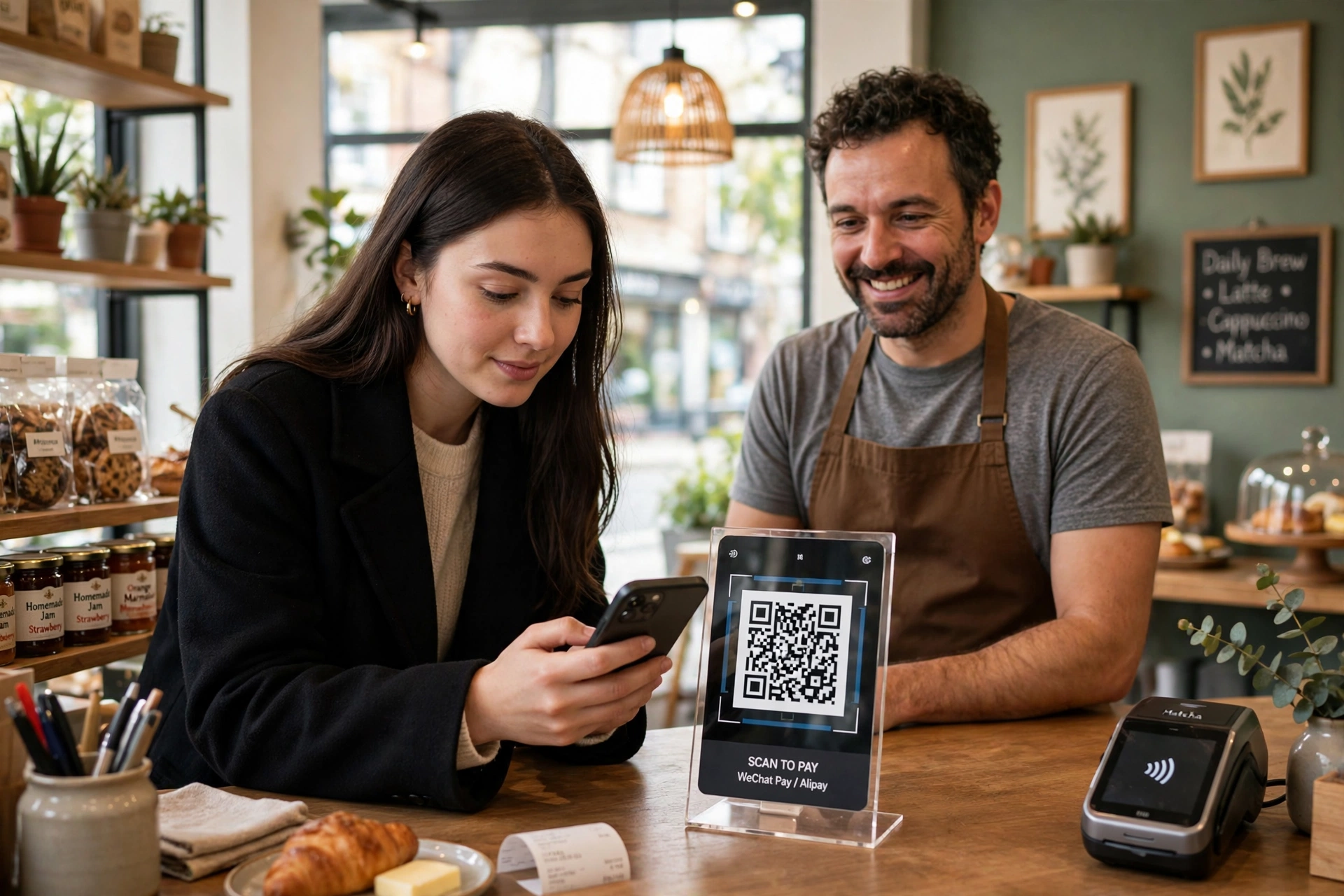
In many shops you scan the merchant’s code, check the amount, and confirm; in others, the shop scans a code on your phone. Either way the code just carries the payment details — your bank or payment app handles the money. For the tap-to-pay alternative, see How Does NFC Work?.
Sharing Wi-Fi and Contacts
A code can share a Wi-Fi password without anyone reading it aloud or typing it wrong, and a code on a business card can drop contact details straight into a phone. For more on short-range connections, see How Does Bluetooth Work?.
Linking to Files and Cloud Content
Codes also link to documents and forms stored online — scan a poster and a file opens from the cloud. That only works while the file is still there, so see How Does Cloud Storage Work? before relying on a code as the only route to something important.
Are QR Codes Safe to Scan?
Mostly, yes — but look before you tap. A code can hide its destination, so a sticker placed over a genuine code in public could send you somewhere unexpected. This is sometimes called “quishing,” and the defence is simple.
Before tapping, check the preview your phone shows: does the address look like the business you expect? If it asks you to download an app or enter a password straight away, pause — a menu or ticket shouldn’t need that. And never pay via a code unless you’re sure of the recipient and amount.
A few rules cover most cases: prefer codes printed by the business itself over loose stickers, check the URL preview before opening it, don’t enter passwords or bank details just because a scanned page asks, and keep your phone’s software up to date. Used that way, QR codes are a handy shortcut — not something to fear, just something to glance at before you trust.
Frequently Asked Questions
Do I need a special app to scan a QR code?
Usually not. Most modern iPhones and Android phones scan QR codes directly from the built-in camera app — just point the camera at the code and tap the notification that appears. If yours doesn’t, a scanner app from your official app store will do.
Can a QR code work if it’s damaged or partly covered?
Often, yes. QR codes include error correction, so they can still scan with part of the pattern missing or dirty. A badly torn or heavily covered code will eventually fail — and that’s by design, since guessing missing data would be worse than refusing.
Do QR codes expire?
The pattern itself doesn’t expire, but what it points to can change: a menu link dies if the page is taken down, and a ticket code stops working after the event. A code holding plain text, like a Wi-Fi password, works until that password changes.
Can a QR code store a virus?
Not directly. A code is just data, not a program, so it can’t infect your phone on its own. The risk is where it sends you — a malicious site could try to trick you into downloading something harmful or handing over details.
Why do some QR codes look different, with logos or colours?
Designers often add a logo in the centre or brand colours. Error correction lets a code survive a little decoration, but heavy styling can make it harder to scan in poor light, so good designs keep the corner patterns clear and the contrast high.
Conclusion
QR codes work because they’re simple: a grid of squares, three corner markers to orient your phone, and enough built-in redundancy to survive everyday wear and tear. They don’t do anything magical on their own — they just hand your phone a short piece of information, quickly and without typing.
The practical next step is a small habit change. Next time you scan a code, pause for one second and read the preview before you tap. If the destination matches what you expect, go ahead and enjoy the shortcut. If it doesn’t, you’ve just saved yourself a headache — and that’s the whole trick to using QR codes well.
For background on the invention and the official history of the code, see the QR code overview on Wikipedia and the inventor’s own site at QRcode.com by DENSO WAVE.