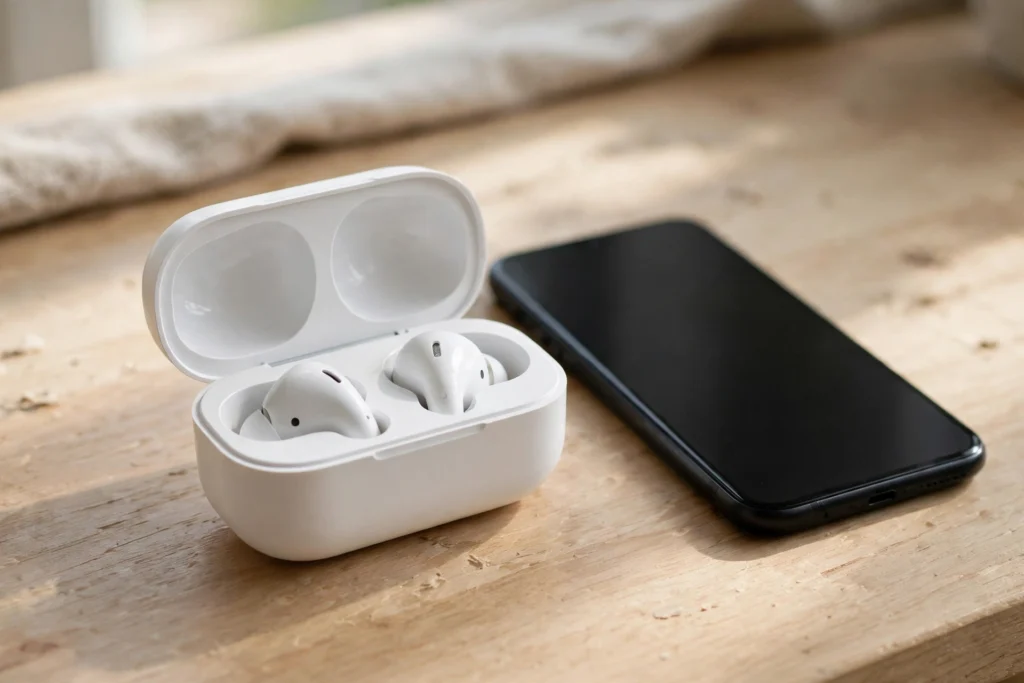
Wireless earbuds work by receiving audio over Bluetooth from your phone, laptop, or watch, turning that digital signal back into sound inside each tiny earbud, and keeping the left and right sides in step with each other. There is no wire to the phone, and in true wireless models there is no wire between the buds either. A small battery, a Bluetooth chip, a digital-to-analogue converter, and a miniature speaker driver do most of the job, all packed into a shell that has to fit comfortably in your ear.
Key Takeaways
- Your phone sends compressed audio over Bluetooth; each earbud decodes it and turns it into sound.
- True wireless earbuds have no cable at all, so they must stay synchronised with each other as well as with the phone.
- The charging case is part of the system: it tops up the buds and often pairs them when you open the lid.
- Battery life, fit, and Bluetooth support matter more in daily use than any single headline feature.
- Active noise cancelling can soften steady background sound, but it does not silence everything.
How does Bluetooth carry the sound?
Bluetooth is a short-range wireless standard that uses radio waves, usually around 2.4 GHz, to move data between nearby devices. When you press play, your phone does not send raw, uncompressed audio in most cases. It compresses the audio with a codec — common examples are SBC, AAC, and aptX — and sends it in small packets. Think of a codec as a packing method: it shrinks the audio so it fits through a narrow wireless link, then unpacks it at the other end.
That compression is why Bluetooth audio can sound slightly different from a wired connection, especially on a busy connection or at the edge of range. It is also why codec support matters. If your phone and earbuds share a higher-quality codec, you may get clearer sound; if they fall back to a basic codec, the sound may still be perfectly fine for podcasts and calls, but music lovers may notice less detail. You can learn more about the underlying connection in our guide to How Does Bluetooth Work?
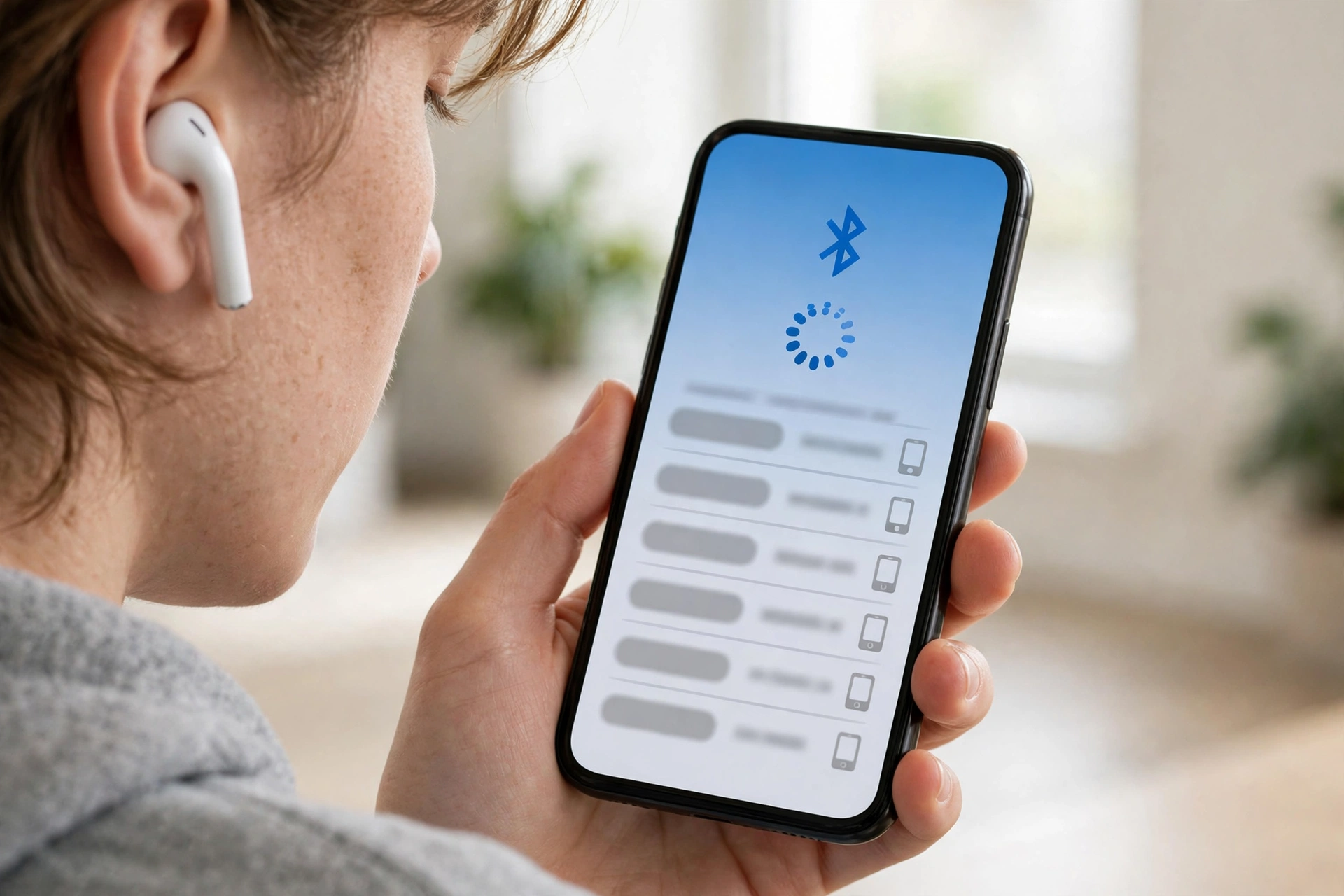
Pairing is the first step. When you open the case or press and hold a button, the earbuds announce themselves, your phone lists them, and you tap the name to connect. After that first pairing, most earbuds reconnect automatically when you take them out of the case, because they remember the trusted device. If pairing fails, the usual fixes are simple: put the buds back in the case, close the lid for a few seconds, turn Bluetooth off and on again on the phone, and try once more.
How do the two earbuds stay in sync?
This is the clever part. Early true wireless earbuds often used one bud as the leader: the phone sent audio to that bud, which then passed the other channel on to the second bud and adjusted timing so both played together. Newer designs often connect both buds directly to the phone, each receiving its own left or right channel. Either way, timing matters. Even a small delay between ears would make music sound smeared and video lip-sync feel wrong.
To avoid that, the earbuds constantly compare timing information and nudge playback so the two sides line up. That is also why a single bud can often work on its own. Take out just the right bud for a call, for example, and it can still receive and play audio without its partner. When you put the second bud back in, the pair resyncs and stereo sound returns.
Range is limited by design. Bluetooth is meant for nearby devices, so walls, your body, and other wireless signals can shorten the useful distance. If you walk away from your phone with the buds in, the sound may stutter before it drops. Coming back into range usually restores it without needing to pair again.
What turns the signal into sound you can hear?
Inside each earbud, a Bluetooth chip receives the packets and a digital-to-analogue converter, or DAC, turns the digital audio into an electrical signal. That signal drives a tiny speaker, called a driver. The driver has a diaphragm that vibrates, moving the air in your ear canal and creating the sound waves you hear.
Driver size and design affect how the earbuds sound, but they are not the whole story. The fit matters just as much. A good seal with the right ear tip size keeps bass from leaking out and helps block some outside noise passively, before any electronic noise cancelling kicks in. If your earbuds sound thin or keep slipping, trying a different tip size is often worth more than changing a setting.
Microphones handle the other direction. On a call, a mic on each bud picks up your voice, and the earbuds send it back to the phone over Bluetooth. Many models use more than one mic per bud so they can separate your voice from background noise. Touch controls or a small button let you pause, skip, adjust volume, or wake a voice assistant without reaching for your phone.
How does active noise cancelling work?
Active noise cancelling, or ANC, does not block sound by building a thicker wall. It listens to outside noise with microphones, then plays an opposite sound wave that reduces that noise before it reaches your ear. When the original wave and the opposite wave meet, they partly cancel each other out — a process called destructive interference.
ANC works best on steady, low sounds such as an engine hum or air conditioning. Sharp, sudden sounds and voices are harder to cancel completely, because they change too quickly for the system to match perfectly. That is why many earbuds also offer a transparency or awareness mode, which deliberately lets outside sound in so you can hear traffic, announcements, or someone talking to you. Bose explains the basic idea in its guide to ANC earbuds, and it is worth trying both modes in a real setting before deciding which you prefer.
How do the battery and charging case work?
Each earbud has a small rechargeable battery, usually enough for several hours of listening on a charge, though the exact time depends on volume, ANC use, and codec. The case holds a larger battery. When you drop the buds into the case, spring contacts connect and the case charges them, often giving several extra charges before the case itself needs plugging in.
Many cases charge over USB-C, and some also support wireless charging on a pad. That wireless charging step uses coils to transfer power without a cable, as explained in our guide to How Does Wireless Charging Work? Some cases also support fast top-ups: a short time in the case can add enough charge for a commute or a workout, though the exact amount varies by model.
Battery care is mostly common sense. Avoid leaving earbuds in a very hot car, do not let them sit flat for weeks at a time if you can help it, and keep the charging contacts clean and dry. If one bud drains faster than the other, it is often because that bud is doing more work — handling the main Bluetooth link or the microphone on calls — rather than a fault, but a persistent large gap is worth checking with the maker’s support.

Why do wireless earbuds sometimes cut out or lag?
Cut-outs usually come down to range, interference, or a weak link between the buds. A crowded train station, a phone in a back pocket with your body between it and the buds, or a low battery can all cause brief stutters. Video lag is a related issue: because Bluetooth compresses and buffers audio, sound can arrive slightly after the picture. Many phones and apps compensate for this, and newer Bluetooth features aim to reduce the delay, but some lag can remain, especially with games.
If you use earbuds mainly for calls, look for clear mic performance and a stable connection rather than chasing the longest spec sheet. If you use them for music on the move, fit, ANC, and battery life will shape your day far more than a codec name you may never notice in practice. For other short-range wireless ideas, NFC offers a different kind of tap-to-connect convenience, as covered in our guide to How Does NFC Work?
What should you check before buying a pair?
Start with fit. If possible, try different tip sizes and wear the buds for more than a few minutes. Next, check the basics that match your routine: battery life with ANC on, whether the case charges wirelessly, water resistance if you run or train outdoors, and whether one bud works alone for calls. Then look at controls. Touch panels can be fiddly with gloves on, while buttons are easier to find by feel.
Also check what your phone supports. There is little point paying extra for a codec your phone does not use. Finally, think about where you will listen. A quiet office and a noisy commute reward different strengths, and a transparency mode matters more on a busy street than it does at home. Wi-Fi can also affect your listening at home if you stream over a weak connection, so our guide to How Does Wi-Fi Work? may help if music keeps buffering indoors.
FAQs
What is the difference between wireless and true wireless earbuds?
Wireless earbuds may still have a cable or neckband joining the two sides, while true wireless earbuds have no cable at all — each bud is separate and connects over Bluetooth.
Do wireless earbuds need the internet?
No. Bluetooth connects the earbuds directly to your phone or laptop, so downloaded music, podcasts, and calls work without internet, though streaming itself still needs a connection.
Can you use just one wireless earbud?
In most cases, yes. You can use a single bud for calls or listening, and the other bud will usually reconnect and resync when you put it back in.
Why does one earbud run out of battery faster?
One bud often handles the main Bluetooth link or the microphone, so it works harder. A small difference is normal; a large, persistent gap may need support.
Does active noise cancelling block all sound?
No. ANC softens steady background noise best and reduces other sounds to a degree, but it does not silence voices, sudden noises, or everything around you. Transparency mode lets sound back in when you need to hear it.
Conclusion
Wireless earbuds look simple from the outside — pop them in, press play — but inside they are a small balancing act between Bluetooth, batteries, timing, and sound. The best pair for you is not necessarily the one with the longest feature list; it is the one that fits well, stays connected on your usual route, and lasts through your day. As a practical next step, try the fit and ANC on a short walk or commute before settling in, and check that the case charges the way you expect. That ten-minute test will tell you more than any box label.
For a clear overview of the whole process, Bose also explains how wireless earbuds work from pairing to sound.