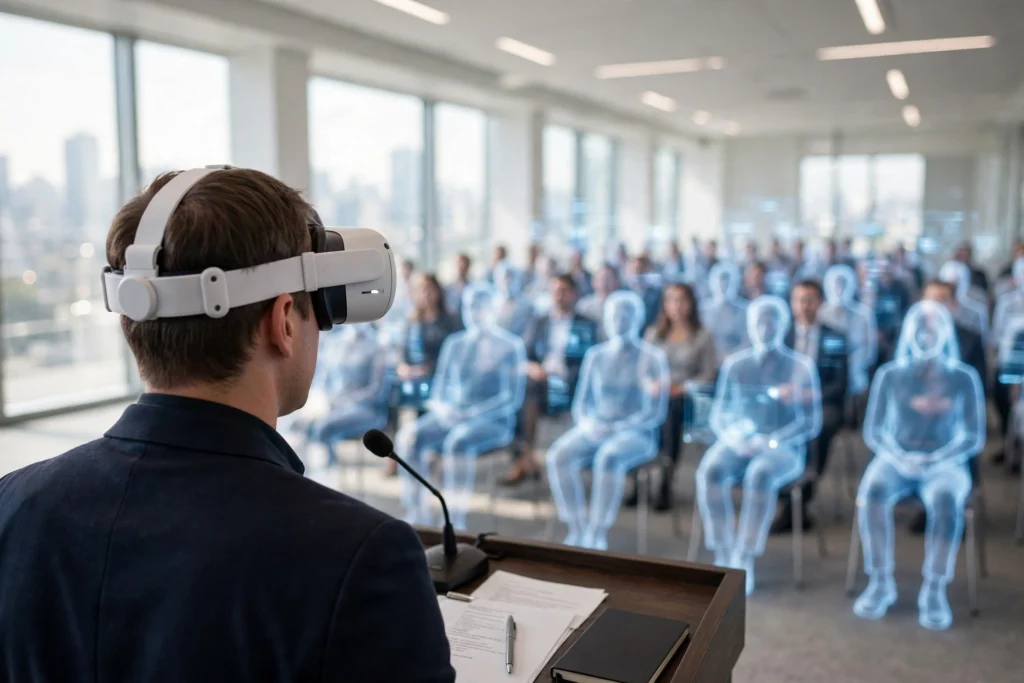
VR public speaking practice puts you in front of a simulated audience so you can rehearse the talk itself, not just read it silently. You wear a headset, see a room of listeners, and work through your opening, pauses, and closing in a setting you control. It cannot replace a real audience, but it is a low-stakes place to repeat the hard parts.
Key Takeaways
- VR creates a believable audience, room, and set of distractions so you can practise delivery, not only wording.
- Head and hand tracking let you look around the room, use gestures, and move between slides or notes.
- Many tools give feedback on pace, filler words, eye contact, and time, which helps you spot habits you might miss on your own.
- Short, focused repeats tend to help more than one long, tiring session.
- The skills still need a live test: try the talk with real people before the day that matters.
What happens inside a VR speaking session?
You start by choosing a scene. That might be a small meeting room, a classroom, a conference hall, or a large stage. Once the headset is on, the room surrounds you. You can usually see a lectern, your slides, and rows of listeners. Some audiences sit quietly. Others nod, look away, whisper to a neighbour, or ask a question at the end.
That variety is the point. A talk that feels easy in an empty room can feel very different when twenty faces are turned towards you. VR lets you meet that pressure in small doses. You can stop, breathe, restart a section, or try a slower opening without worrying about wasting anyone’s time.
The headset tracks your head movement, so turning to look at one side of the room changes what you see, just as it would in real life. Controllers or hand tracking let you point, advance slides, or hold a virtual clicker. Some systems add spatial sound, so a cough from the back row sounds like it came from behind you. Together, these details make the brain treat the room as a place to perform in, even though you know it is simulated.
How does VR feedback actually help?
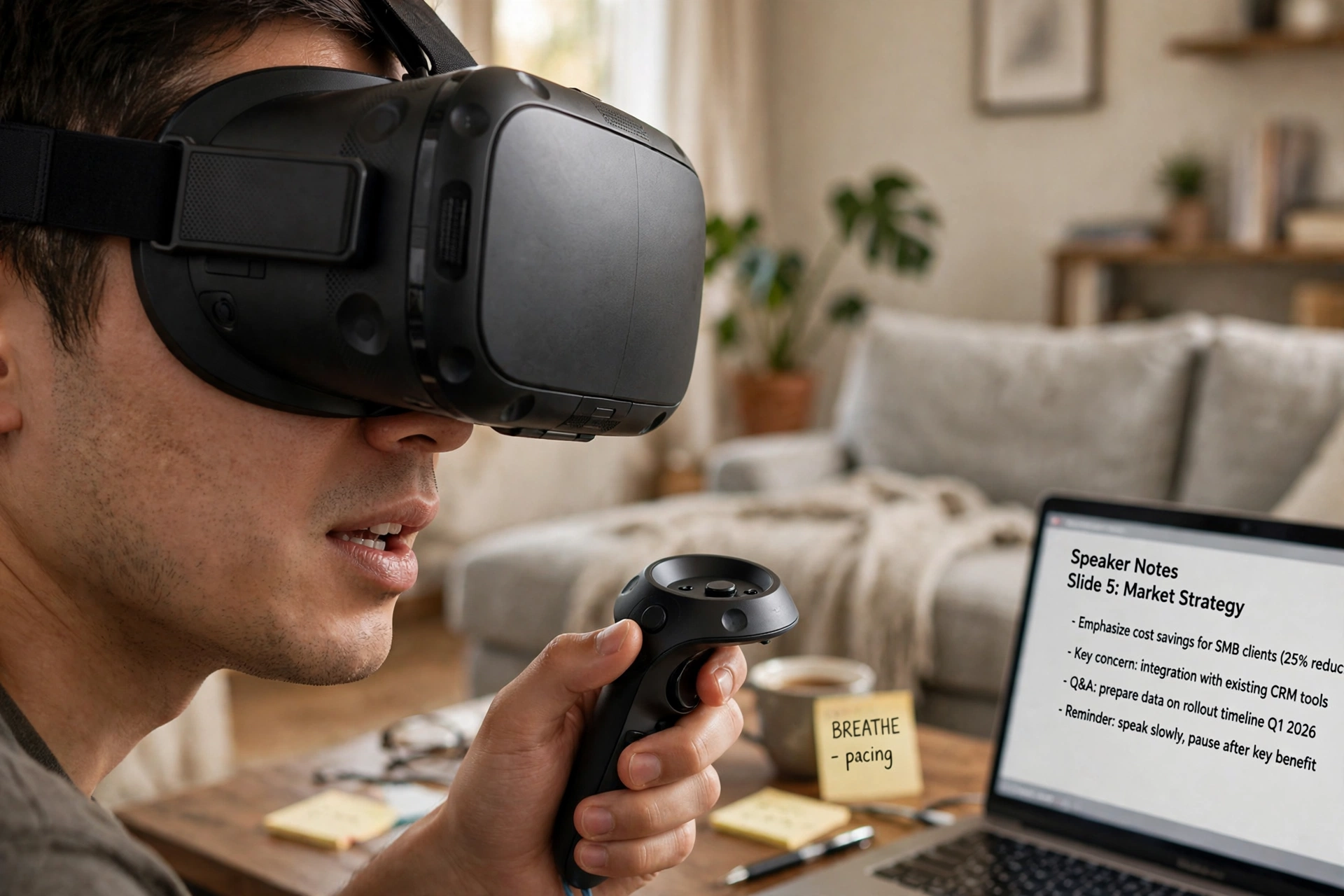
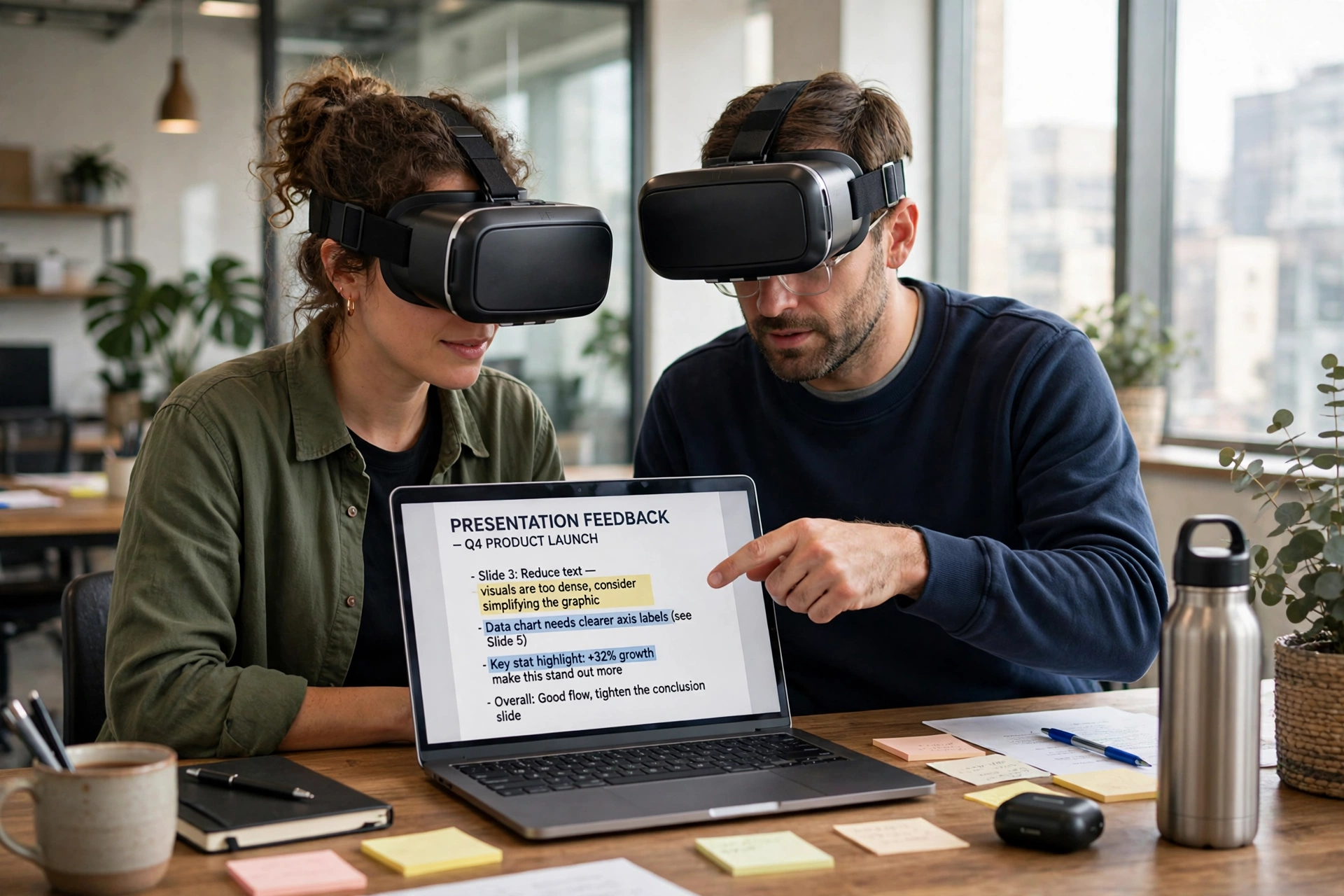
Good feedback is specific. Instead of a vague feeling that a talk went well or badly, a VR session can show you how long you spoke, how often you paused, and whether you rushed the middle section. Some tools flag filler words such as “um” and “you know”, while others estimate how much time you spent looking at the audience rather than at your notes.
That kind of detail is useful because speakers often misjudge their own pace. You may feel you paused for ages, when in fact you barely stopped. Or you may think you made eye contact, when your gaze stayed fixed on one friendly face. A short report after the session makes those patterns visible, and you can pick one thing to fix next time.
Feedback works best when you treat it as a guide, not a score to chase. A perfectly even pace can still sound flat. A talk with a few filler words can still be warm and clear. Use the numbers to notice habits, then judge the talk by whether a listener could follow your main point and remember it afterwards.
Can VR really reduce nerves about speaking?
It can help, and the reason is mostly about familiarity. Nerves often spike because the situation feels new and unpredictable. Repeating a talk in a room that looks and sounds like the real one makes the first minute less of a shock. You have already stood at a lectern, heard the room tone, and handled a pause.
That said, VR does not remove nerves completely, and it should not be expected to. A simulated audience cannot fully copy the tension of a room full of colleagues, a job panel, or a large hall. What it can do is lower the surprise factor. Many speakers find that after a few VR runs, they worry less about freezing and more about the content itself, which is a much better problem to have.
If speaking anxiety is severe or affects work and daily life, VR practice is not a substitute for professional support. Think of it as a rehearsal tool, not treatment. A coach, a trusted colleague, or a health professional can help with the parts a headset cannot reach.
What should a good practice session look like?
Start with a clear goal. “Get through the talk without stopping” is a good first goal. “Cut two minutes from the middle” or “pause after each main point” works well for later runs. Trying to fix everything at once usually makes the session feel messy.
Keep the session short. Ten to twenty minutes is often enough, especially if you repeat one section rather than the whole talk every time. Stand up if you will stand for the real talk. Use the same notes, clicker, or slide order you plan to use on the day. Small details like that make the practice transfer better.
Afterwards, spend five minutes on notes. Write down one thing that worked, one thing to change, and one line that still feels awkward. That short review matters more than running the same talk five times without thinking about it. If you can, record yourself or practise with a friend watching the same session, so you get a human view alongside the tool’s report.
What are the limits of VR speaking practice?
The audience is simulated, so reactions can feel polite, repetitive, or slightly out of sync. A virtual listener may nod at the wrong moment or stare a little too steadily. That can be distracting at first, and it is a good reminder not to over-read every reaction.
The technology also has practical limits. Headsets need charging, a clear play area, and a comfortable fit. Long sessions can cause eye strain or motion discomfort for some people, so breaks matter. And not every tool covers every kind of talk: a wedding speech, a technical briefing, and a sales pitch need different audiences, questions, and tones.
Finally, VR cannot teach you everything about a real room. It cannot tell you that the microphone will squeak, that the projector remote has flat batteries, or that a listener will ask a question you never expected. Use it to build fluency and confidence, then add a live rehearsal for the messy, human parts.
How do you choose a VR speaking tool?
Look first at the audience options. Can you change the room size, the number of listeners, and their behaviour? A tool that only offers one silent hall will get boring quickly. Next, check the feedback: does it show pace, pauses, and timing in a way you can understand at a glance?
Comfort matters too. If the headset feels heavy or the controls feel awkward, you will avoid practising. Try a short session before committing to a longer programme. Check whether you can import your own slides, and whether the tool works with the headset you already own. Fancy features matter less than a simple setup you will actually use twice a week.
Cost is another practical point. Some tools are one-off purchases, others are subscriptions, and some are built into wider training platforms. Start small if you can. A few focused sessions will tell you whether VR practice suits you before you pay for a long plan.
FAQs
Do I need an expensive headset to practise public speaking in VR?
Not necessarily. Many speaking tools run on common standalone headsets, and some offer a desktop mode with less immersion. A comfortable, reliable headset matters more than the most expensive model, especially for short practice sessions.
How long should I practise in VR before a real talk?
A few short sessions spread over several days usually beat one marathon session the night before. Aim for two or three focused runs, then one live rehearsal with real listeners if you can arrange it.
Will VR practice make me sound robotic?
It can if you only chase the feedback numbers. Use the report to spot habits, but keep your natural wording, pauses, and humour. Read the talk aloud in VR the way you would speak to a colleague, not the way a script looks on paper.
Can VR help with questions from the audience?
Some tools include simple questions at the end, which is a good start. For harder questions, practise with a friend or colleague who can ask follow-ups and push back politely. That live exchange is hard for a simulated audience to copy well.
Is VR speaking practice only for work presentations?
No. The same setup can help with class talks, community speeches, wedding toasts, and interview practice. Change the room and audience to match the occasion, and keep the goal small: one clear message, delivered calmly.
Conclusion: try one short, focused session
VR public speaking practice works best as a rehearsal room you can visit again and again. Pick a real talk, choose a room that resembles the real setting, and run it once with a single goal in mind. Note what helped, fix one habit, and repeat the tricky section rather than the whole talk.
Then take the next step in the real world: deliver the talk to one trusted person, a small group, or a friendly colleague. That live run will show you what VR could not, and it will turn a practised talk into one you actually own. For background on how headsets create that sense of presence, see the guides on how VR headsets work and how VR controllers work, and for wider training uses, see how VR works for job training.
Related reading: How Do VR Headsets Work?, How Do VR Controllers Work?, How Does VR Room Mapping Work?, How Does VR Work for Job Training?
Further reading: Britannica virtual reality, Wikipedia virtual reality.