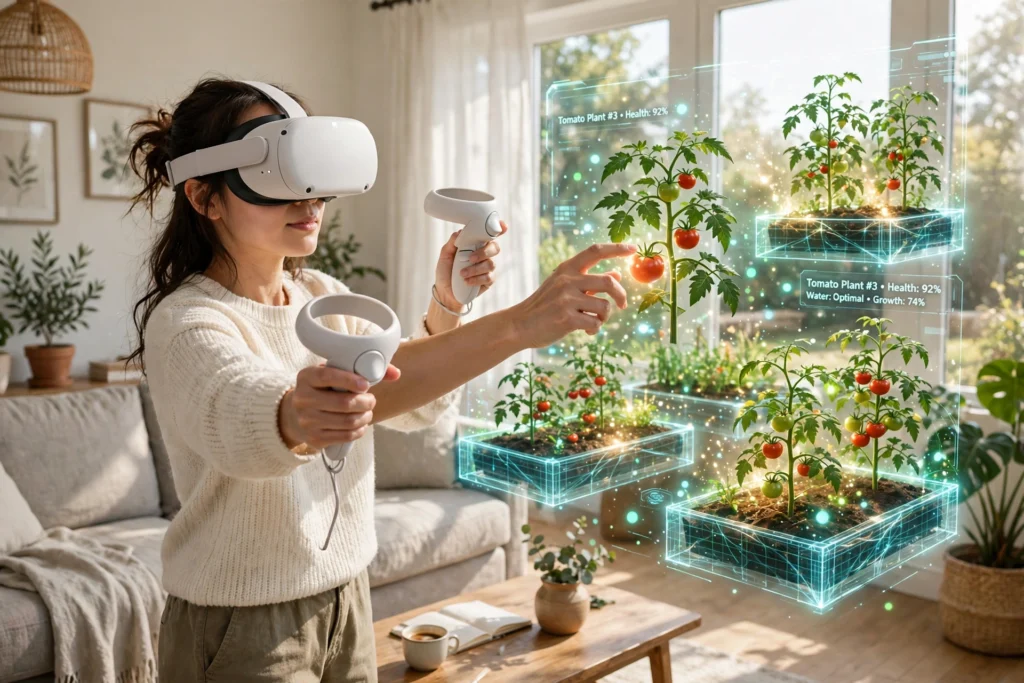
VR work for gardening turns a headset into a practice garden. You put on the headset, step into a virtual plot, and try out planting, pruning, and watering before you do any of it for real. Nothing gets dug up by mistake, and no plant is lost while you are still learning.
Key Takeaways
- VR gardening apps build a virtual plot you can walk around, plant, and tend with hand controllers.
- You can plan beds, test layouts, and see how tall plants grow before you commit to a real garden.
- Pruning, watering, and harvesting can be practised safely, with hints showing what to cut and when.
- VR teaches the basics well, but it cannot replace real soil, weather, and hands-on experience.
- A short virtual session is a good warm-up before a real gardening job, not a substitute for it.
How does a virtual garden actually work?
A virtual garden is a 3D space built by an app. When you wear a VR headset, the screens in front of your eyes show that garden all around you, and the headset tracks your head so the view moves as you look around. Hand controllers act as your virtual hands, so you can pick up a seed packet, dig a hole, or snip a stem.
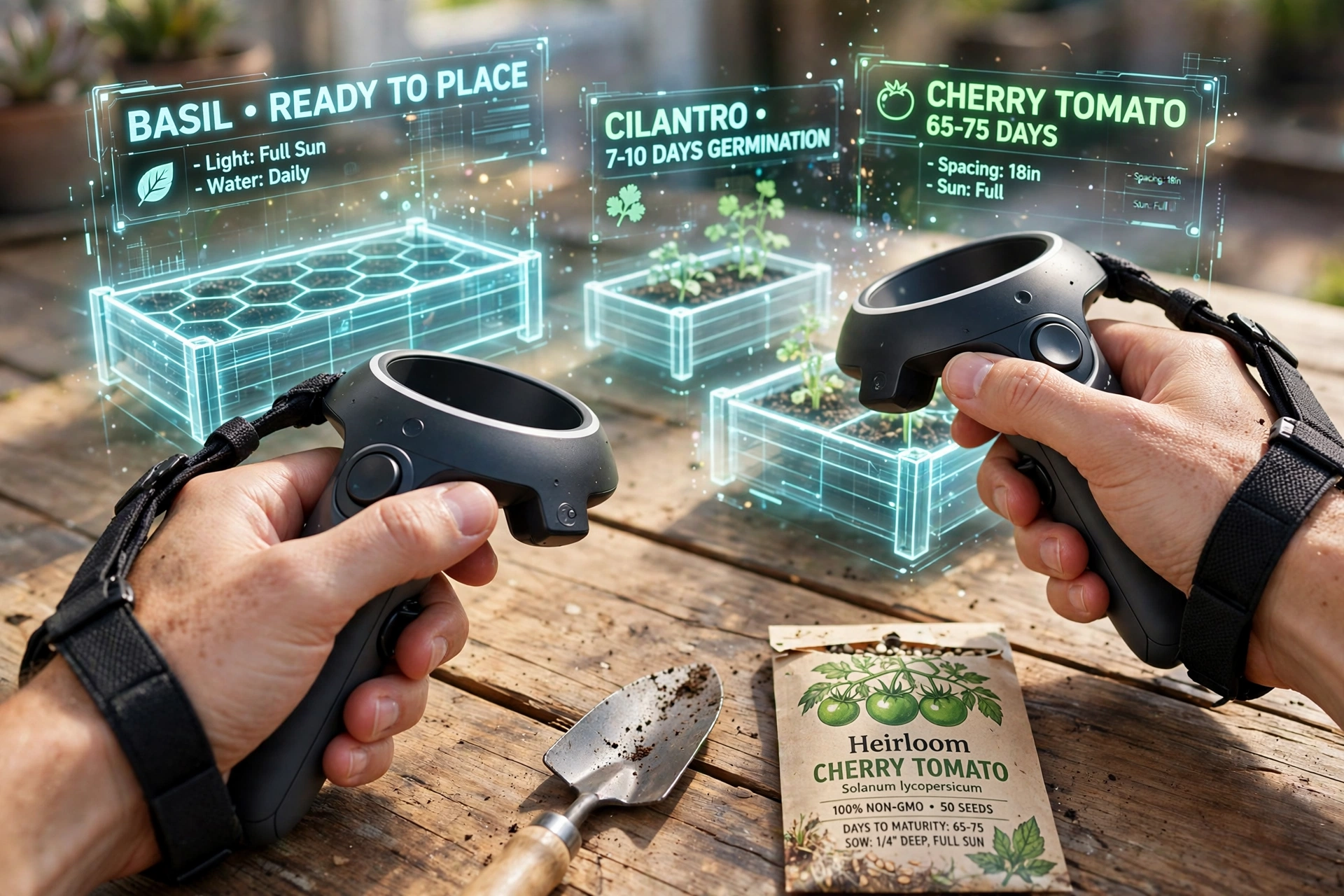
Most gardening apps start with an empty plot. You choose its size, add beds and paths, then pick plants from a list. The app knows roughly how big each plant grows, how much sun it likes, and how often it needs water. That is what makes the practice useful: the virtual tomato plant grows tall and needs a stake, while the basil stays low and bushy.
Some apps use room mapping to fit the garden into your real space. If you have used VR room mapping before, the idea is familiar: the headset scans your room, and the app places the virtual beds where there is actually clear floor. You walk around your living room, but you see a garden.
What can you practise in VR before you garden for real?
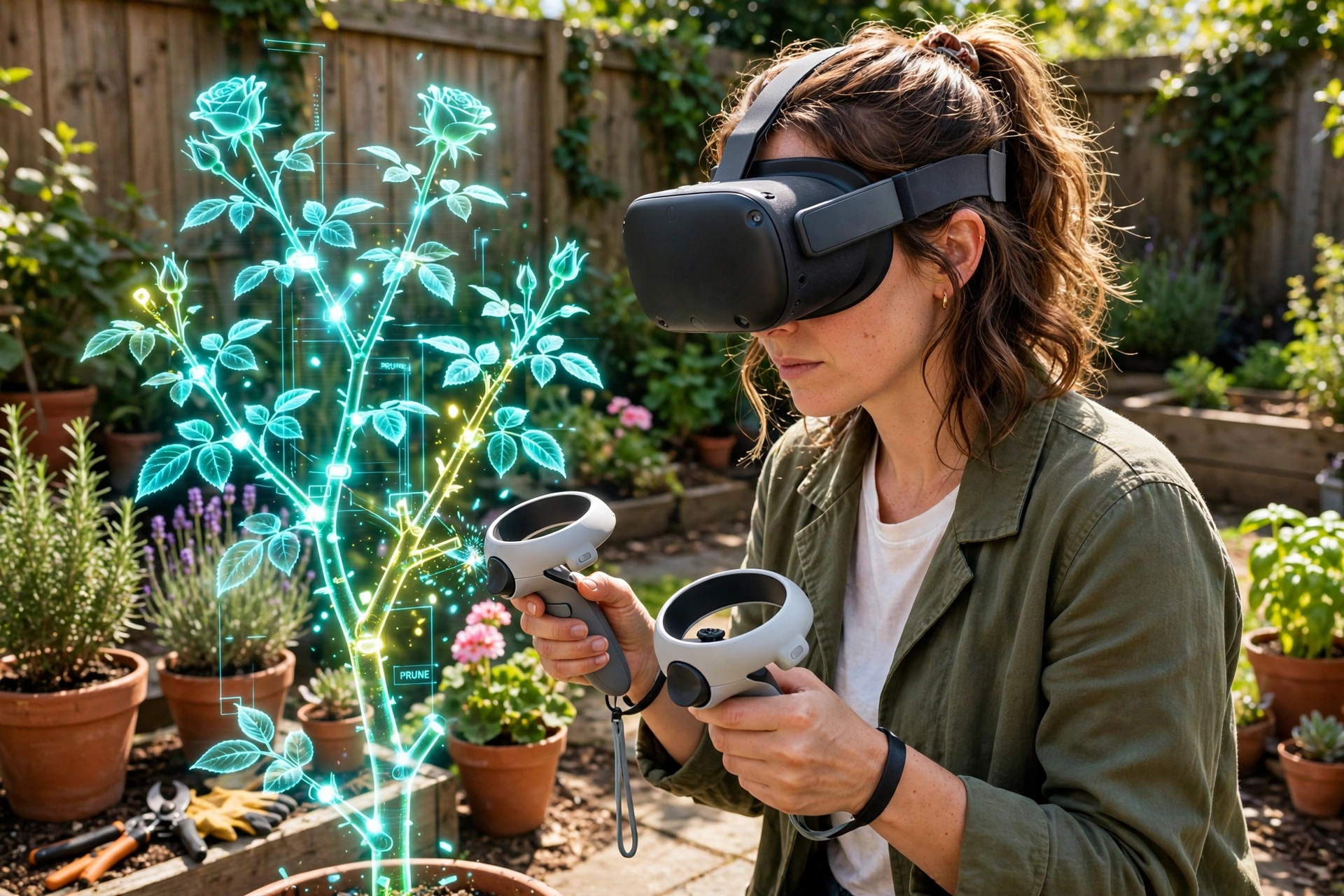
The most useful practice is the kind that is hard to undo outdoors. Pruning is a good example. Cut a branch in the wrong place on a real rose, and you wait a season to see the result. In VR, you can cut, undo, and try again in seconds. The app can highlight the stem it thinks you should remove and explain why, which helps you learn what to look for.
Planning is the other big win. You can drag beds around, try a herb corner by the door, or see whether tall beans would shade your lettuce. Seeing the layout at full size, rather than on a small phone screen, makes spacing mistakes obvious before you buy a single plant.
Watering and feeding practice is simpler, but still helpful. The app shows dry soil changing colour as you water, or a plant wilting if you forget it for a few virtual days. It builds the habit of checking soil before watering.
Can VR teach you real gardening skills?
It can teach the thinking behind gardening, though it cannot teach the feel of it. You will learn which plants like sun and which prefer shade, how far apart to space seedlings, and when to prune. You will not learn how heavy wet soil feels, or how much force a pair of secateurs really needs.
That gap matters, so treat VR as a rehearsal. Learn the plan and the steps in the headset, then go outside and do the job with real tools. Many people find this two-step approach less stressful than starting cold in a real garden, especially if they have never gardened before.
What do you need to get started?
You need a standalone VR headset and a gardening app, and not much else. Most headsets sold today work without a computer, and gardening apps are usually simple to install from the headset’s own store. A clear space about the size of a rug is enough for most apps, since you mostly stand and reach rather than walk far.
Controllers matter more than you might expect. Planting and pruning both rely on small, precise hand movements, so check that your controllers feel comfortable and that their batteries are charged.
You do not need real gardening tools for the virtual part, but keep a notebook nearby. Jotting down which layout you liked makes it easy to carry the plan into the real garden later.
Where does VR gardening fall short?
The biggest limit is that virtual plants do not behave exactly like real ones. An app follows simple rules, but a real garden has pests, sudden cold snaps, and soil that varies from one bed to the next. A plan that works perfectly in VR can still struggle outside if the weather turns. For practical growing advice, the RHS is the UK’s gardening charity.
VR also struggles with smell and touch. The scent of fresh herbs and the resistance of a root in dry soil are all missing. These details sound small, but they are part of how experienced gardeners read their plants.
Is VR gardening good for children and beginners?
Yes, with a little care. Children often take to it quickly because it feels like a game: plant a seed, water it, and watch it grow in fast-forward. That instant feedback keeps them interested in a way a slow real garden sometimes does not.
For beginners of any age, the low stakes help. There is no embarrassment in killing a virtual plant, and starting over costs nothing. That freedom encourages experimenting, and experimenting is how most gardeners actually learn.
FAQs
Do I need a garden to use VR gardening?
No. You can practise in a flat, a classroom, or anywhere with a little clear floor. When you are ready, take what you learned to a real plot, a balcony, or a community garden.
Can VR gardening help me grow real vegetables?
It can help with planning and technique, which are a big part of growing vegetables. It shows you spacing, sunlight needs, and watering habits. The actual growing still depends on real soil, weather, and care.
How much space do I need for VR gardening?
Most apps work in a space about two metres square. You stand in one spot and reach around you, turning as needed. Clear away trip hazards first, and use the headset’s boundary system so you know where the safe area ends.
What is the best way to start VR gardening?
Pick one small project, like a herb bed or a row of tomatoes, and practise it in VR first. Plan the layout, try the pruning steps, and note what the app suggests. Then do the same job for real, comparing what happens with what the app showed you. That loop, virtual practice then real work, is where the learning sticks.
Conclusion
VR gardening works best as a rehearsal space. It lets you plan beds, practise pruning, and learn plant care without risking real plants, and it is a friendly way for beginners and children to start. Its limits are real too: no app can copy weather, soil, or the feel of a garden. So use the headset to learn the plan, then step outside and put it into practice. Try one small virtual bed this week, and see how much more confident you feel when you plant it for real.