
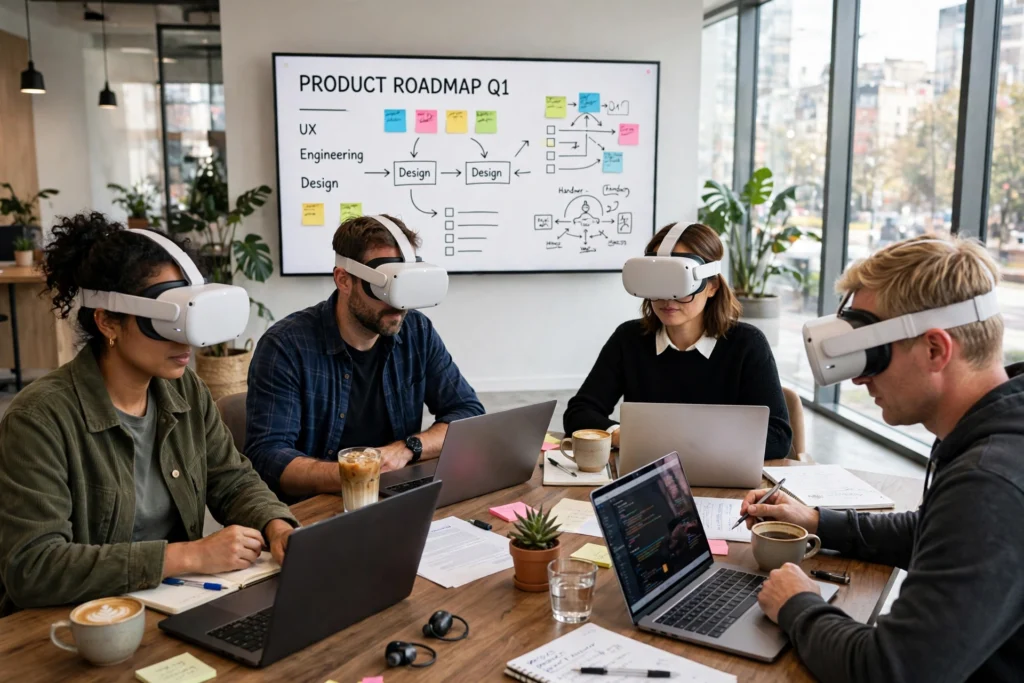
VR work for meetings puts your whole team in one shared virtual room, even when everyone is at home. You wear a headset, appear as an avatar, and talk, point, and sketch together as if you were around the same table. It works best for small groups and hands-on sessions, not for every video call.
Key Takeaways
- A VR meeting places each person in a shared 3D room as an avatar, with voices coming from the direction of the speaker.
- You need a standalone headset, a meeting app, and a steady internet connection; most people join in under five minutes once set up.
- Shared whiteboards, 3D models, and sticky notes are where VR beats a flat video call.
- Sessions work best at 30 to 45 minutes, because headsets get warm and heavy over time.
- Cost, comfort, and motion sickness are still real limits, so VR suits some meetings and not others.
How does a VR meeting actually work?
It starts the same way a video call does: someone sends a link or a room code. The difference is what happens after you click it. Instead of a grid of faces, you put on a headset and step into a virtual room. Your headset tracks your head and hand movements, so when you turn to look at a colleague, your avatar turns too.
The room itself is software. It might look like a boardroom or a blank studio with a whiteboard. Everyone sees the same space from their own point of view, which is what makes it feel like being together. If you walk over to the whiteboard, your avatar walks over too, and the people behind you hear your voice get quieter, just like in a real room. Sound helps the illusion: VR meetings use spatial audio, so a voice comes from the direction of the person speaking, and a side conversation fades as you step away from the group.
Most meeting apps run on standalone headsets, so there is no PC or cable involved. The headset handles the graphics, tracking, and audio on its own. A typical setup takes a few minutes the first time: you create an avatar, adjust the fit, and draw a safe play area on the floor. After that, joining a meeting is about as quick as opening a video-call app.
What do you see inside a VR meeting?
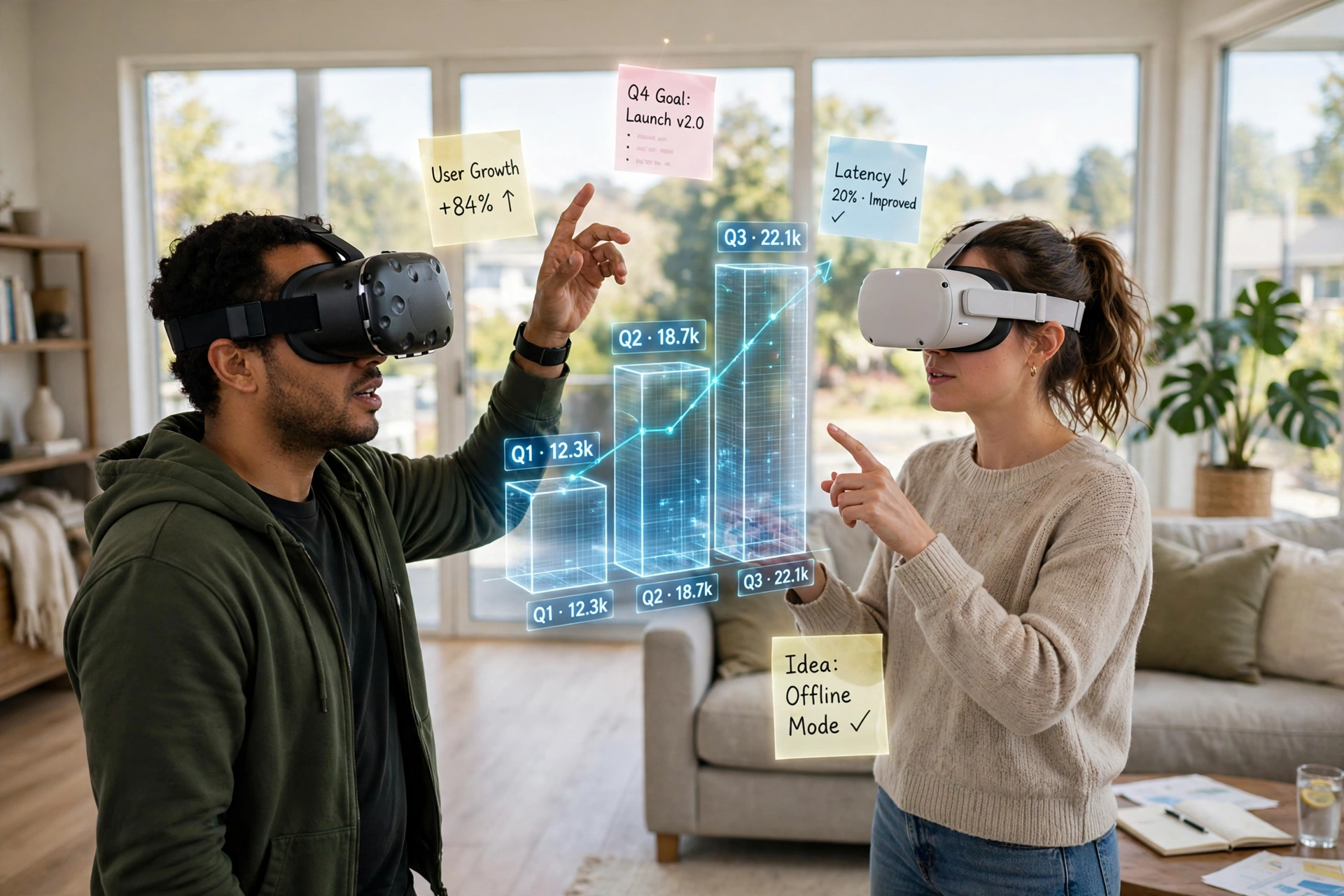
You see avatars, not video feeds. Early avatars were cartoonish, all floating heads and stiff arms. Newer ones are far more natural, with faces that move when you talk and hands that follow your controllers. The more interesting tools are built for three dimensions: a team can gather around a 3D model of a product and mark it up in mid-air.
What equipment and software do you need?
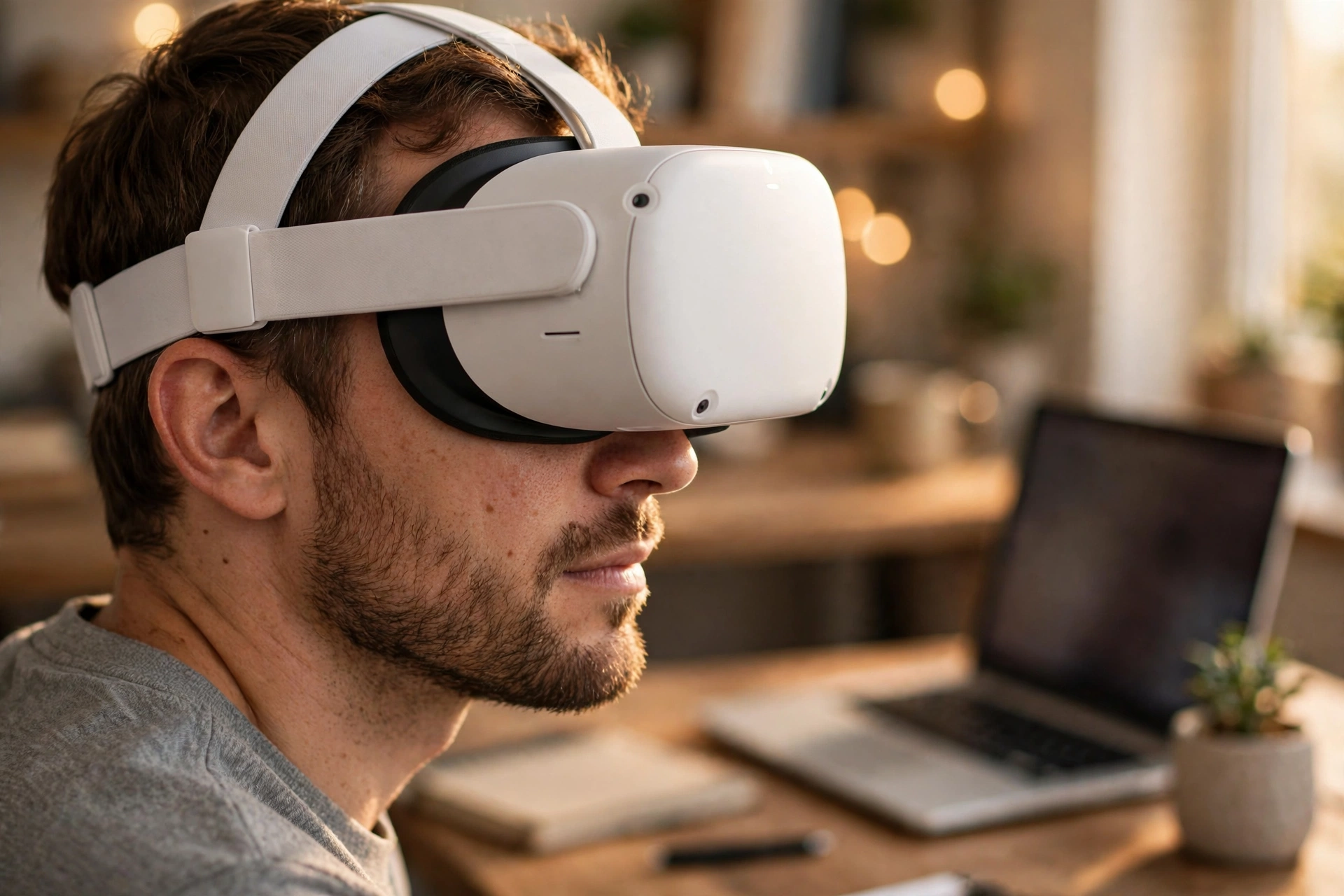
The core piece is a standalone VR headset. These are the most common choice for meetings because they are self-contained, quick to start, and easy to pass around an office. A headset, two controllers, and Wi-Fi are enough for most people. Some apps also let people join from a laptop or phone as a flat-screen guest, which helps when not everyone owns a headset.
On the software side, the main options are built around team collaboration, but the landscape is shifting, so check current availability before you commit. Meta’s Horizon Workrooms was the best-known example, yet Meta has stopped selling its Horizon managed services to new business customers, with support for existing customers running until January 2030. Microsoft retired its Mesh apps in December 2025 and folded the idea into immersive events inside Teams. What matters is the approach, not the brand: a persistent virtual room, avatars, and shared whiteboards.
For more on how the headset understands your space, see how VR room mapping works, and for wider uses of the technology beyond meetings, see Virtual Reality Beyond Gaming: Training, Healthcare, and Design.
A few practical details matter. You need a clear patch of floor, roughly two metres square, and good lighting so the headset can track your hands. Most standalone headsets run for about two hours on a charge, which is plenty for a meeting but not for a full day of back-to-back calls.
What are the real benefits over video calls?
The honest answer is that VR meetings are not better at everything. For a quick status update, a video call is faster and lighter. VR earns its place in a narrower set of situations, and it helps to know which ones.
First, attention. In a video call, everyone is a small rectangle, and it is easy to drift off to another tab. In VR, you are in the room, and that sense of presence keeps people engaged. Teams that hold design reviews in VR often say the conversation flows more naturally, because people can gesture at the same object instead of describing it over a grid of faces.
Second, space. A video call gives you one shared screen. A VR room gives you walls, tables, and corners. You can split into small groups just by walking to different parts of the room, which makes workshops and breakouts feel natural instead of managed.
If you want the background on the hardware that makes all of this possible, our guide to how VR headsets work covers the screens, lenses, and tracking inside the device. And if you are curious about the avatars themselves, how VR avatars work explains how they are built and animated.
What are the limits and downsides?
VR meetings have real limits, and it is better to know them before you buy headsets for a whole team. The biggest one is comfort. Headsets are lighter than they used to be, but wearing one for an hour still leaves a mark on your face and a warm feeling around your eyes. Most people are comfortable for 30 to 45 minutes, and then they want a break.
Motion sickness is the second limit. Some people feel queasy in VR, especially when avatars move quickly or the frame rate drops. It varies a lot from person to person, and it often improves with short, regular use. Still, if someone on your team gets sick in VR, no meeting tool will fix that, and they should have a flat-screen way to join.
Then there is the practical side. Headsets cost money, they need charging and storage, and someone has to keep them updated. A team of ten needs ten headsets, or a booking system for a shared set. And not every meeting is worth the setup: a five-minute check-in is faster on a phone call, and a meeting with twenty people is usually better as a video call or a written update.
How to run your first VR meeting well
Start small. Pick a meeting that suits VR: a design review, a brainstorm, or a team social. Keep it to six people or fewer, and keep it under 45 minutes. Send the room link a day early, and ask everyone to open the app once before the meeting so the first five minutes are not spent on setup.
Set a few ground rules. Agree that people can take the headset off whenever they need a break. Assign one person to run the whiteboard or the shared screen, so the group is not fighting over controls. And end with a written summary, because notes taken inside VR are easy to lose.
Frequently Asked Questions
Do you need a VR headset to join a VR meeting?
Usually yes for the full experience, but most major apps let a few people join from a laptop or phone as flat-screen guests. They see the room on a normal screen and can talk and share files.
Can you use VR meetings with people in different countries?
Yes. Everyone joins the same virtual room over the internet, so location does not matter as long as each person has a decent connection. Time zones are the only real barrier, same as with any remote meeting.
How long should a VR meeting last?
Aim for 30 to 45 minutes. That is long enough for a real discussion and short enough that most people stay comfortable. For longer workshops, build in a ten-minute break where everyone takes the headset off.
Is VR better than Zoom or Teams for meetings?
Not always. Video calls are quicker and easier for short updates and large groups. VR works better for hands-on sessions where people gather around a model, a whiteboard, or a shared space and talk naturally.
Do VR meetings work for people who wear glasses?
Most modern headsets fit over glasses, and some offer prescription lens inserts. Try the headset on before a meeting and adjust the fit, because a poor fit is the fastest way to a headache.
Conclusion
VR meetings put remote teams in one room, with avatars, spatial sound, and shared tools that video calls cannot match. They are not a replacement for every meeting: comfort, cost, and motion sickness set real limits. But for small, hands-on sessions, they are worth trying. A practical next step is to borrow or buy a single headset, set up a free meeting room, and run one real brainstorm in VR with your team.