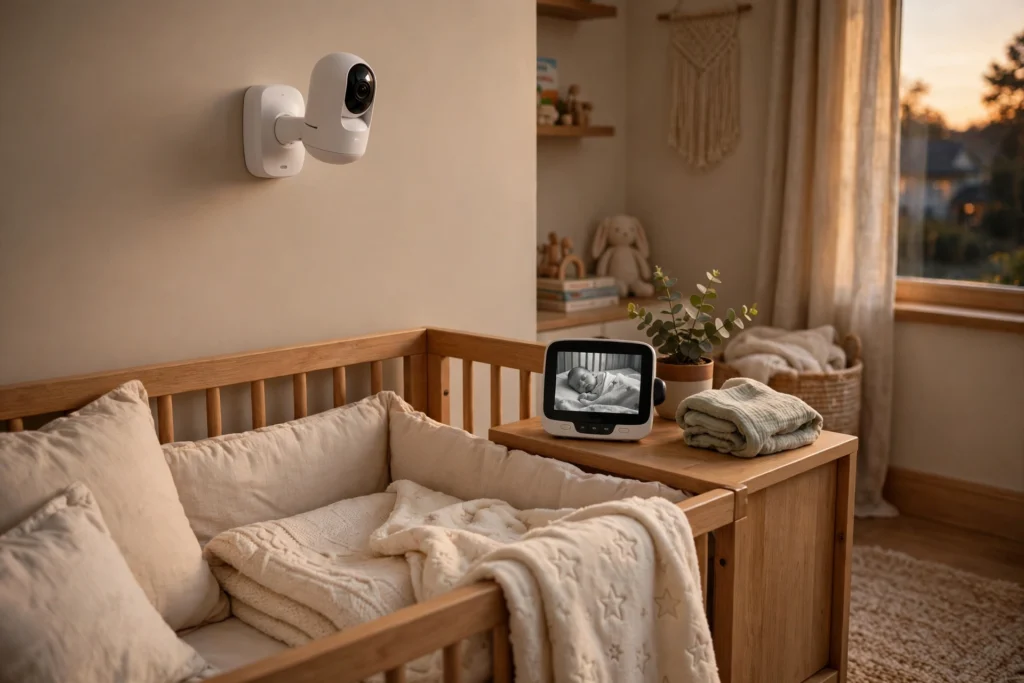
A baby monitor works by placing a small camera and microphone in your baby’s room and sending what they pick up to a screen you keep nearby. The camera watches the crib, the microphone listens for crying, and a wireless link carries the picture and sound to you in another room, so you can check on your baby without tiptoeing in and risking waking them.
Key Takeaways
- A baby monitor has two parts: a camera unit in the nursery and a parent unit (or phone app) that shows the picture and plays the sound.
- The camera uses infrared light to see in the dark, so night vision works without a lamp.
- Most monitors send video over a private radio link or home Wi-Fi, and the two types differ in range, privacy, and features.
- Extras such as temperature readings and pan-and-tilt controls are handy, but the core job is the same: a clear picture and sound you can trust.
What are the two parts of a baby monitor?
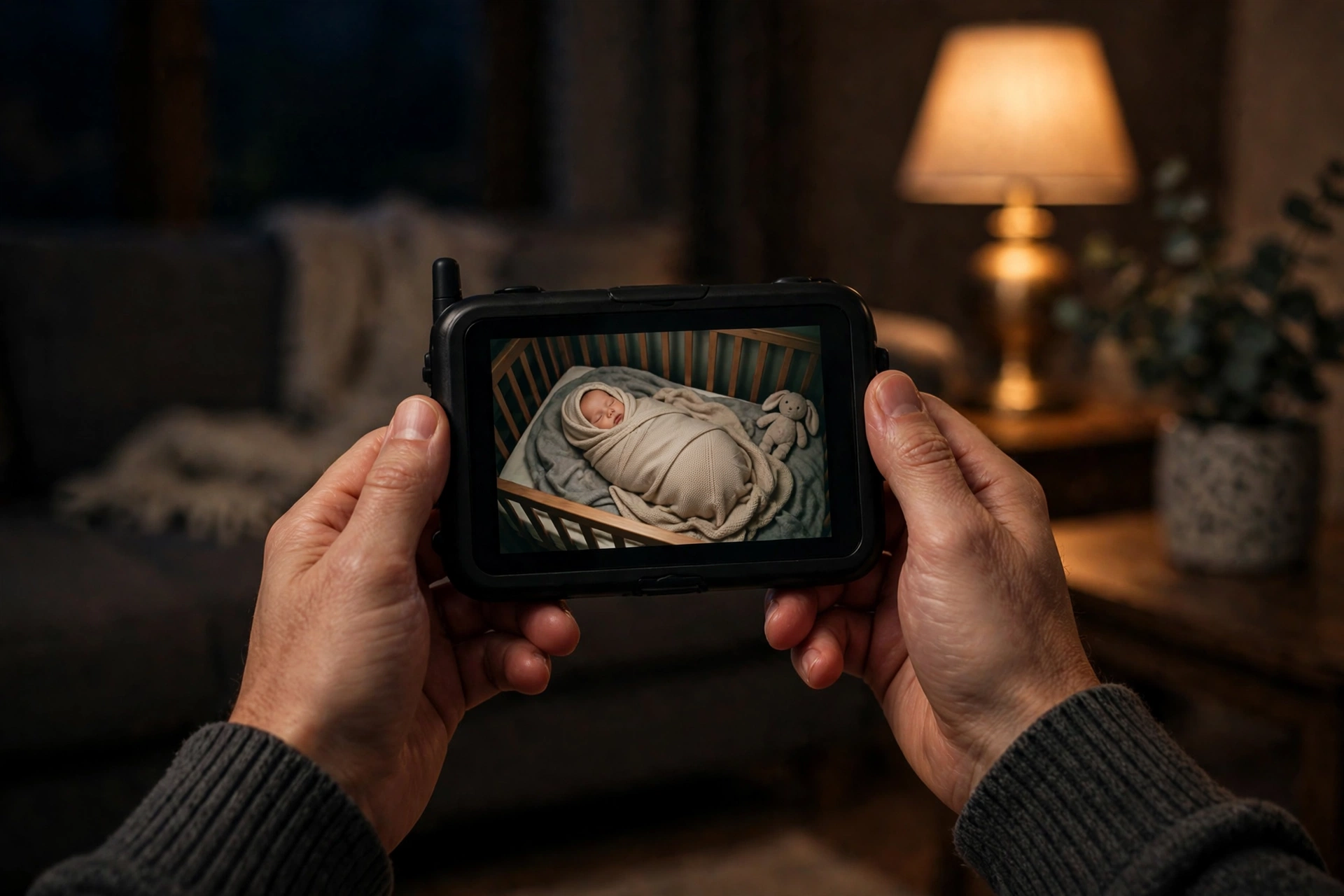
Every video baby monitor is really two devices talking to each other. The first is the camera unit, sometimes called the baby unit, which sits in the nursery. It holds the lens, the microphone, a small speaker for two-way talk, and often a temperature sensor. The second is the parent unit, a small handheld screen with its own speaker, or an app on your phone that does the same job.
When you switch the set on, the two units pair up and the parent unit shows a live feed with only a short delay. Some sets let you add a second camera for a toddler’s bedroom. Audio-only monitors skip the camera and send only sound, which makes them cheaper, but most families choose video because seeing the baby settles a worry faster than sound alone.
How does the camera see in the dark?
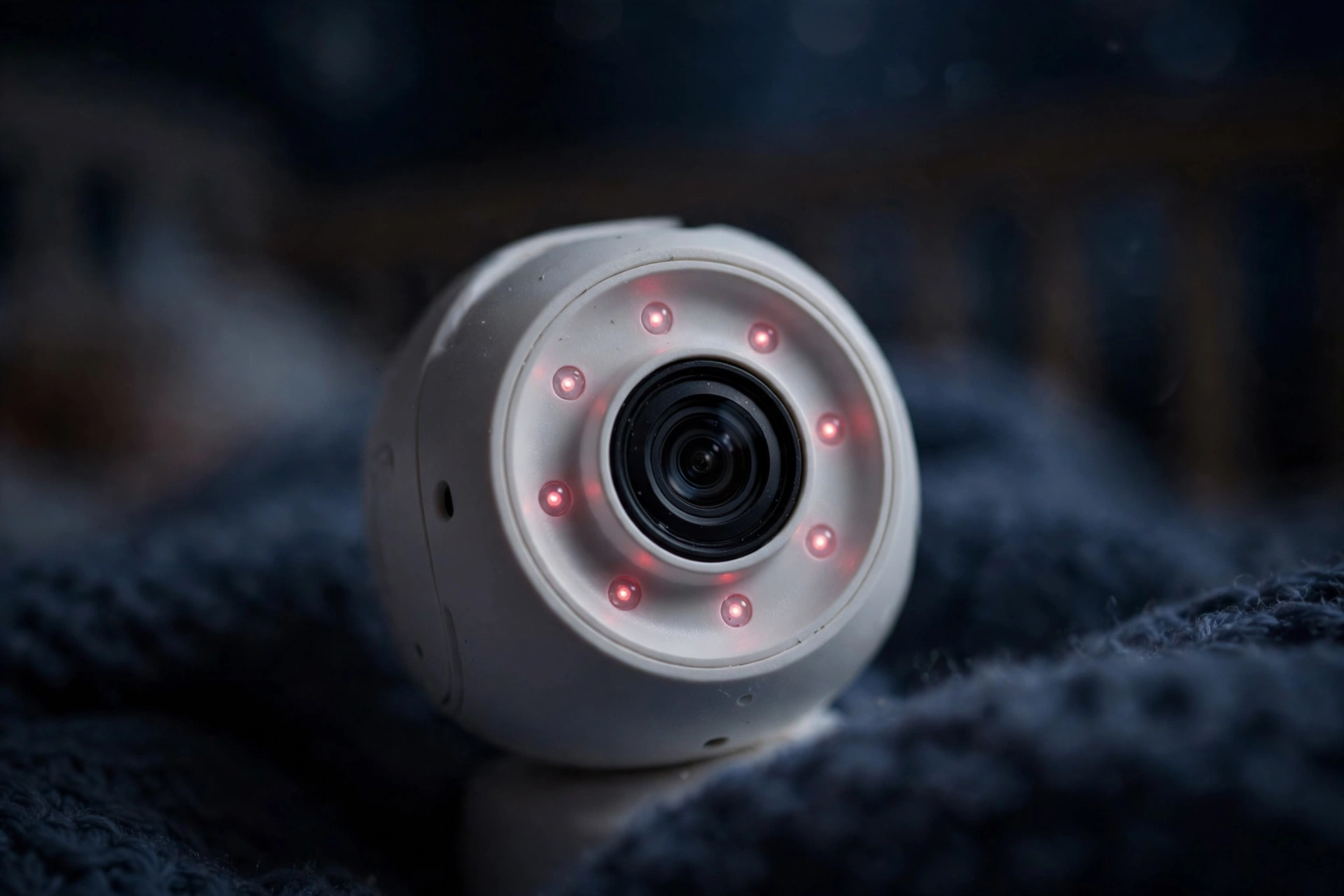
The camera does not need visible light to see your baby at night. Around the lens sits a ring of tiny infrared LEDs, and when the room gets dark, a light sensor switches them on. Infrared light is invisible to the human eye, so the nursery stays dark and your baby keeps sleeping, while the camera gets a clear black-and-white picture.
That is why the night image looks grey and grainy rather than colourful: the sensor is reading infrared light bouncing off the crib and bedding instead of ordinary daylight. A home security camera uses the same trick for its night picture, as our guide to how a home security camera works explains. In daylight the sensor switches back to colour.
How does the sound reach you?
The microphone in the camera unit picks up crying, coughing, babbling, and the soft rustle of a blanket. That sound is turned into a digital signal and sent to the parent unit, where it comes out of a small speaker.
Most monitors also have a sound-level display, a row of coloured lights that rise and fall with the noise in the room. You can keep the parent unit on silent while you watch television and still notice at a glance when the lights jump. Two-way talk works the other way round: press a button on the parent unit and your voice comes out of the camera’s speaker, so you can soothe your baby with a few calm words before walking down the hall. It buys you a minute to see whether they settle on their own.
Do baby monitors use Wi-Fi or a radio link?
This is the biggest choice you will make when buying one. Non-Wi-Fi monitors use a private radio link, usually on the 2.4 GHz band, to talk directly from the camera to the parent unit. Nothing travels over the internet, so the picture keeps working even when your broadband goes down. The trade-off is range: thick walls eat into the signal, and most sets work best within a few rooms of the nursery.
Wi-Fi monitors send the video through your home network, the same way other smart home gadgets do, and you watch it in an app on your phone. That gives you a much longer reach — you can check in from the garden or the office — and it unlocks extras such as cloud clips and sharing access with a partner. The trade-off is privacy and reliability: the feed travels through the internet, so a strong password and regular software updates matter, and a broadband outage can cut the picture. Our explainer on how Wi-Fi works covers how your home network carries all this traffic. Bluetooth sometimes helps with setup or nearby sound, but it is too short-range for a full video feed, as our guide to how Bluetooth works explains.
What extra features do modern baby monitors have?
A pan-and-tilt camera lets you move the lens from the parent unit, and a zoom button helps you check blankets without standing over the crib. Room temperature and humidity readings are common too, and a small number on the screen tells you at a glance whether to adjust the heating. Some monitors also play lullabies, and a few pair with a smart speaker so you can ask for the nursery temperature out loud. None of these extras changes the core job, though: check the picture quality in low light and the sound clarity first, and treat the extras as a bonus.
How do you set a baby monitor up safely?
Setting one up takes about ten minutes, but a few safety habits are worth building in from day one. First, keep every cable and cord well out of reach of the crib — at least a metre away — and never run a cable across or inside the cot. Cords are the single biggest safety concern with any nursery gadget, and the American Academy of Pediatrics advises keeping monitors and their cables away from the baby’s sleeping area.
Second, if your monitor uses Wi-Fi, change the default password and keep the camera’s software updated. Third, test the monitor at night before you rely on it: check that the night vision switches on, the sound comes through clearly, and the picture holds up from the room where you will actually be sitting. If the picture freezes, move the camera closer to the parent unit or the router.
Frequently Asked Questions
Do baby monitors record video?
Some do, some don’t. Most basic non-Wi-Fi monitors show a live picture only and record nothing. Wi-Fi models often offer optional cloud recording — check whether it is included or needs a monthly subscription.
Can a baby monitor work without the internet?
Yes, if it is a non-Wi-Fi model. Those use a direct radio link between the camera and the parent unit, so they keep working during a broadband outage. Wi-Fi models need your home network, and many also need an internet connection to reach the app.
Are baby monitors safe for babies?
Used as directed, yes. The camera uses low-power radio signals similar to other household wireless devices, and infrared night vision uses light your baby cannot see. The main safety rule is physical: keep the camera and all cords out of your baby’s reach. The American Academy of Pediatrics also notes that no monitor has been shown to reduce the risk of sudden infant death, so safe sleep habits still matter most.
How long should you use a baby monitor?
There is no fixed age. Many families use one through the first year and into toddlerhood, then stop when the child can call out or come to the bedroom door. If your child starts noticing the camera and playing to it at bedtime, that is often a sign the monitor has done its job.
Can you use a phone as a baby monitor?
You can, with a Wi-Fi camera and its app, or with a spare phone running a monitor app. It works in a pinch, but a dedicated parent unit is usually more reliable: it is not interrupted by calls and notifications, and it keeps working when your home internet drops.
Conclusion
A baby monitor is a simple idea done well: a camera and microphone in the nursery, a screen in your hand, and a wireless link between them that works in the dark. Choose a non-Wi-Fi model for privacy and reliability without the internet, or a Wi-Fi model to check in from anywhere and share access with a partner. Either way, set it up with the cords out of reach and test it at night before the first real bedtime. Your next step is to try it for one night in the room where you will actually use it, and move the camera or the router if the picture stutters.