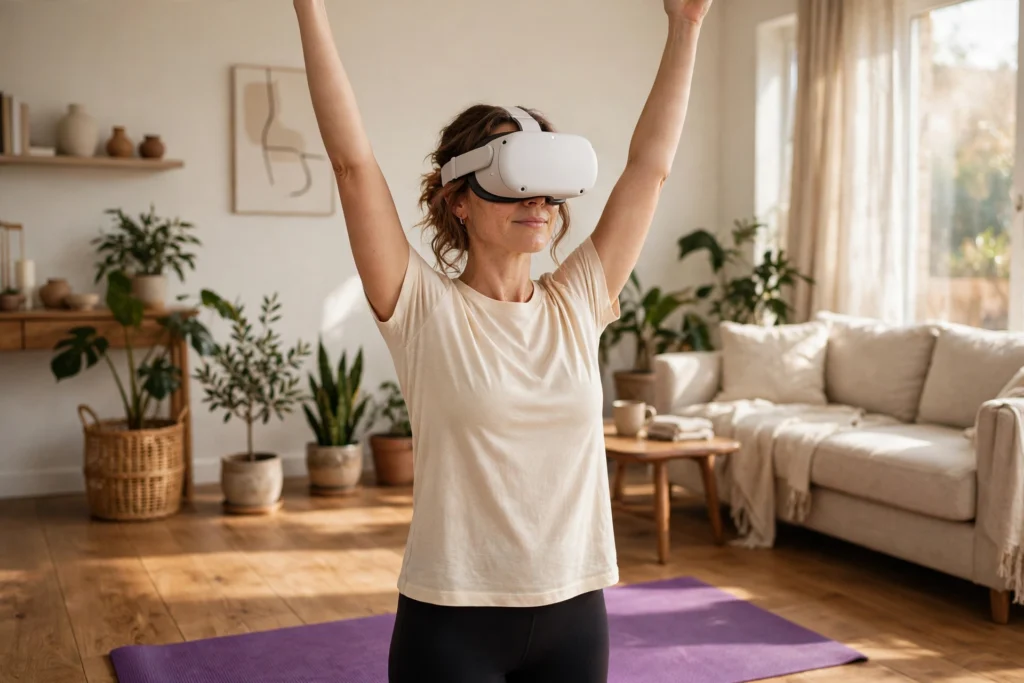
VR yoga puts you inside a calm virtual studio where a teacher guides you through poses, breathing, and relaxation. You wear a headset, follow a 3D instructor, and move on a real mat in your own room while the scene around you changes from a beach to a mountain ledge.
Key Takeaways
- VR yoga pairs a real yoga practice with a headset that shows a virtual studio, instructor, and scenery.
- The headset tracks your head and hands, so the instructor’s cues can match your position and pace.
- You still need a real mat, clear floor space, and a safe boundary, just like any home workout.
- Most apps offer short beginner sessions, breathing exercises, and longer flows for regular practice.
- It works best as a guided, low-impact routine, not as a replacement for in-person teaching if you have an injury or a health condition.
This post shares general information about exercise and technology. It is not medical advice. If you are pregnant, recovering from an injury, or managing a health condition, check with a clinician before starting a new exercise routine.
How does VR yoga actually work?
You put on a standalone VR headset and open a yoga app. The app shows a virtual room — often a quiet studio, a beach at sunrise, or a garden — with an instructor standing in front of you. The instructor demonstrates each pose while a voice talks you through the timing, the breathing, and where your weight should sit.
The headset tracks your head movements, so when you look around, the scene moves with you. Many apps also track your hands, either through the controllers or through hand tracking, so the app can show your hands in the scene. It cannot see your hips, knees, or spine the way a teacher in the room could, so it is not a perfect judge of your form. What makes it different from watching a video is the sense of place: the room around you disappears, the instructor feels life-size, and the scenery gives the session a calmer mood than a living-room wall.
What do you need to start?
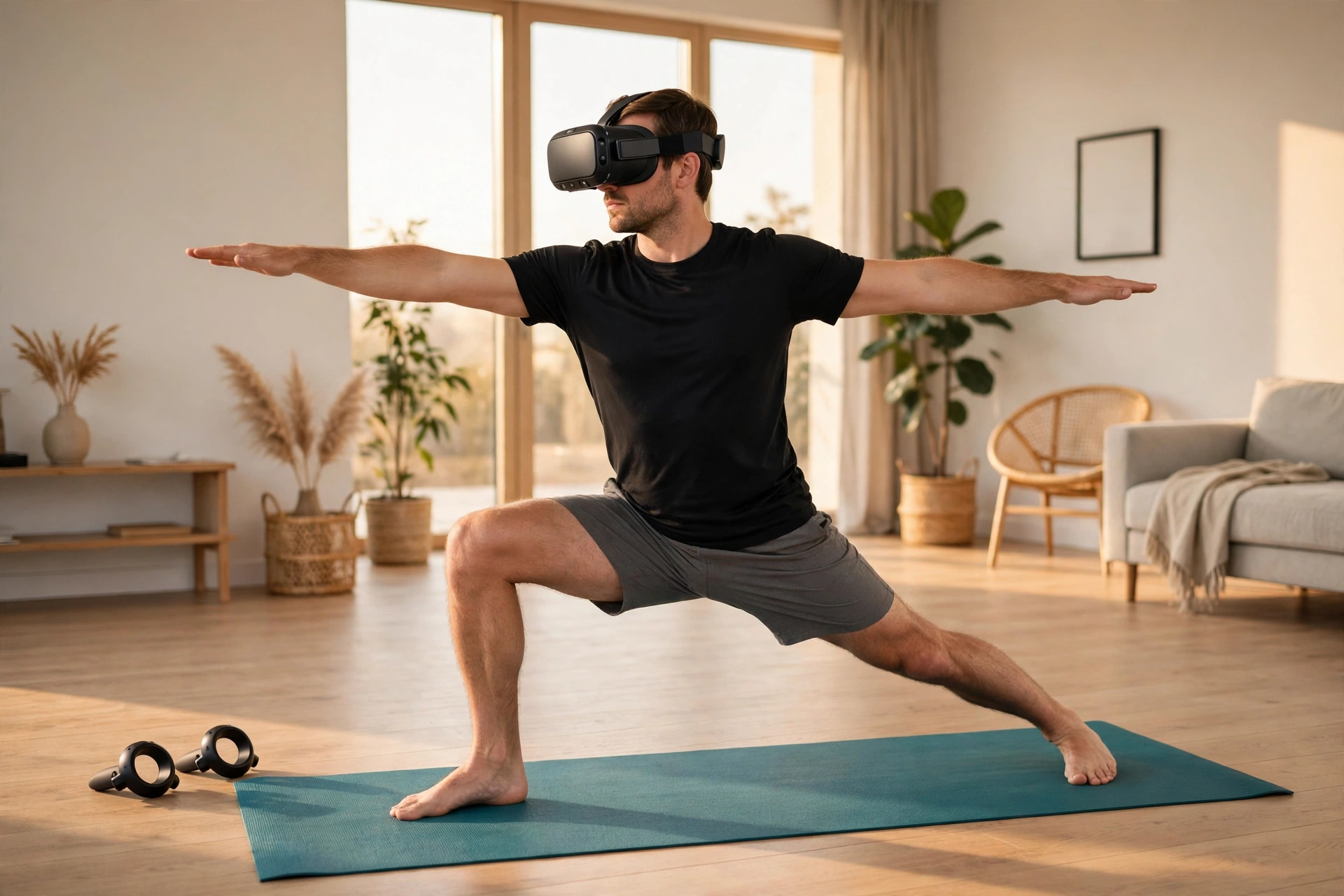
You need less gear than you might expect, but the space matters more than the gadgets. A standalone headset is the usual choice, since it needs no PC or console. See our guide to how VR headsets work if you are choosing one. You will be barefoot on a real mat, which stops you slipping during standing poses. Measure out enough room to stretch your arms wide and step into a lunge without hitting furniture, then set up the headset’s guardian boundary first, as explained in our guide to VR room mapping.
You do not need hand controllers for most sessions: many yoga apps use hand tracking or ask you to put the controllers aside, because holding them gets in the way of poses like downward dog.
What does a typical VR yoga session look like?
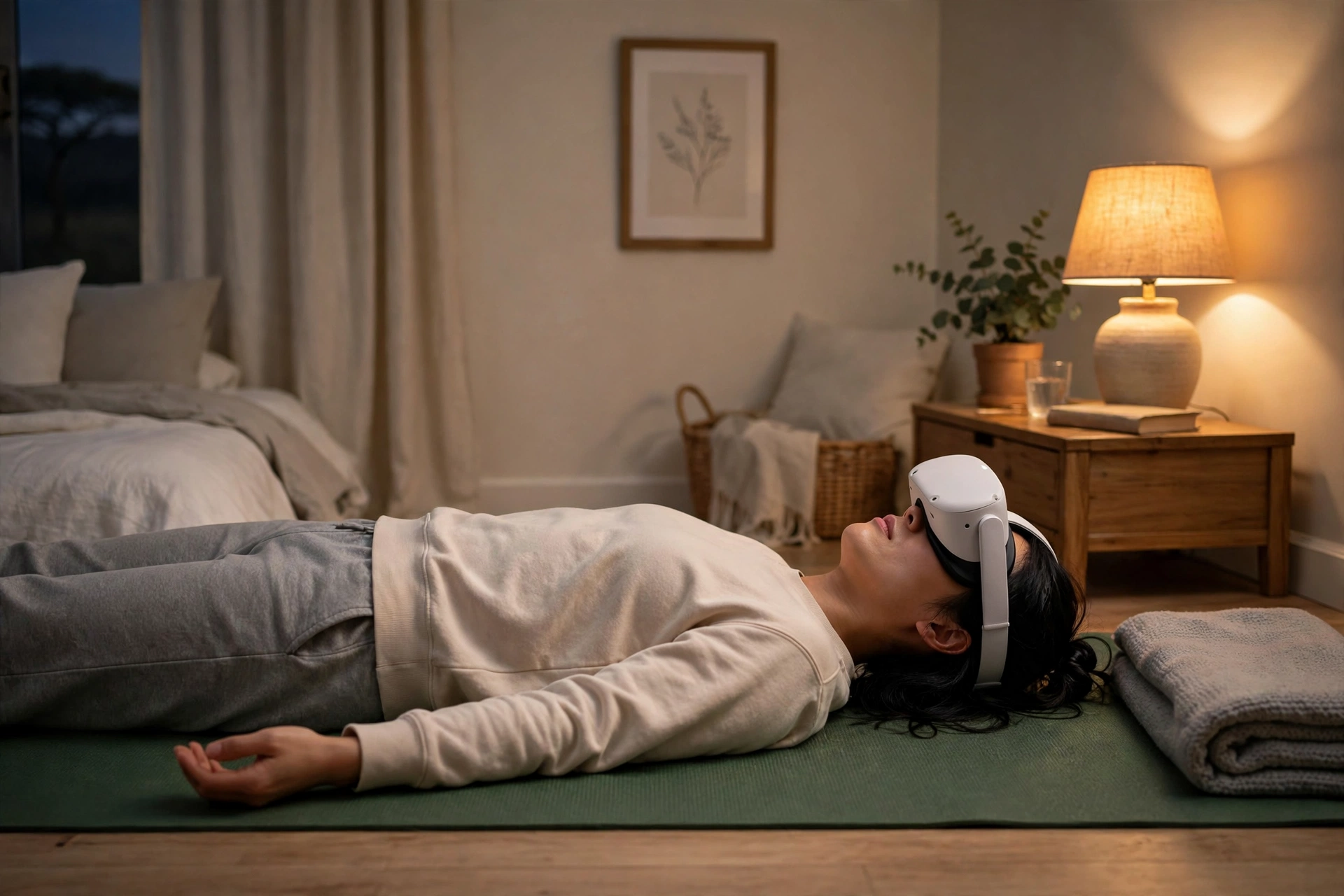
A session usually opens with a few slow breaths and a short warm-up: neck rolls, shoulder stretches, and gentle twists. A beginner flow of 15 to 20 minutes is a sensible place to start. The middle works through a sequence of poses — mountain pose, forward fold, warrior poses, and a balance pose or two — with a timer or breathing cue on screen so you know how long to hold each one. Sessions usually end with a few minutes lying flat in savasana, the resting pose, while the scene dims and the instructor talks you through slow breathing.
Can VR yoga correct your form?
This is where expectations need to stay realistic. VR yoga apps can show you what a pose should look like and remind you to breathe, but they cannot watch your whole body. A headset tracks your head and hands, and that is all. It cannot tell whether your knee is drifting inward in a lunge, or whether your lower back is arching too much in a backbend.
If you are learning yoga for the first time, it is worth combining VR sessions with an occasional in-person class, or a video call with a qualified teacher, so someone can check your alignment. For people who already know the basics, VR yoga works well as a regular practice tool: the instructor keeps the pace, and the session structure stops you skipping the warm-up or the cool-down.
Is VR yoga good for beginners?
Yes, with a couple of sensible limits. Beginner sessions are usually short, slow, and clearly labelled. They explain each pose in plain language, offer easier variations, and let you pause or restart whenever you need to. That makes them a friendly first step if a studio class feels intimidating.
Start with the shortest sessions the app offers, and pick styles described as gentle, restorative, or beginner. Avoid fast-paced flows and advanced balance poses until you are comfortable with the basics. If a pose hurts, come out of it. Pain is not part of the practice, and no app can tell you whether a stretch is safe for your body.
People who get motion sickness in VR should also take it slowly. Yoga is mostly slow and steady, which helps, but turning your head quickly or bending forward can still feel odd in a headset, so keep sessions short at first. Our guide to how VR fitness works covers motion sickness tips that apply here too.
How is VR yoga different from VR meditation?
The two sit close together, and many apps bundle them, but they are not the same thing. VR meditation is mostly still: you sit or lie down, listen to a guide, and focus on your breathing while the scenery changes around you. VR yoga adds movement, balance, and strength work on top of that calm. Yoga itself is a practice with roots going back centuries, as the overview on Wikipedia explains.
A good way to think about it is that meditation trains attention, while yoga trains attention plus the body. If you want to unwind after work, either can help. If you want to stretch stiff shoulders and build a little strength at the same time, yoga is the better pick. Our guide to how VR meditation works explains the meditation side in more detail.
What are the downsides?
VR yoga is not perfect, and it helps to know the limits before you buy anything. The headset adds weight to your face and can feel warm after twenty minutes. Inversions like headstands are not sensible in a headset at all, and most apps do not include them. You also cannot see your real surroundings, so you must set up the space carefully and keep pets, children, and clutter out of the way. The social side is thinner than a real class too: some apps offer group sessions with avatars, but chatting with a cartoon figure is not the same as a teacher adjusting your shoulders. Finally, the content is still catching up — there are fewer yoga apps than fitness or game apps in VR, and the quality varies, so try a free session before paying for a subscription.
Frequently Asked Questions
Do I need a yoga mat for VR yoga?
Yes. You are doing real poses on a real floor, and a mat gives you grip and cushioning. A standard mat is more comfortable for kneeling poses than a thin travel mat.
Can I do VR yoga in a small room?
You can, if you have enough space to lie down and stretch your arms out. Measure your mat plus an arm’s length on each side. If that does not fit, pick seated or standing-only sessions instead.
Is VR yoga real exercise?
It is real movement, and it can improve flexibility, balance, and body awareness. It is usually low-impact and gentle, so it pairs well with walking or other activity rather than replacing all exercise. The NHS guide to yoga describes the general benefits of the practice.
Will VR yoga help me relax?
Many people find it relaxing, because the headset blocks out distractions and the guided breathing slows you down. It is not a treatment for stress or anxiety, though, and if you are struggling, talking to a clinician is a better step than any app.
Do I need to be flexible to start VR yoga?
No. Beginner sessions are designed for stiff bodies, and the instructor usually offers easier versions of each pose. Flexibility improves gradually with regular practice; you do not need it on day one.
Conclusion
VR yoga is a simple idea done well: a headset, a quiet virtual studio, and a teacher who keeps you moving and breathing at a steady pace. It will not replace a good in-person teacher, and it cannot check your form the way a human can, but it makes a regular practice easier to start and easier to keep.
If you are curious, try a short beginner session this week. Clear a space, set your boundary, pick the easiest class in the app, and see how it feels. If you enjoy it, make it a habit a few times a week, and add an occasional in-person class when you want your alignment checked.