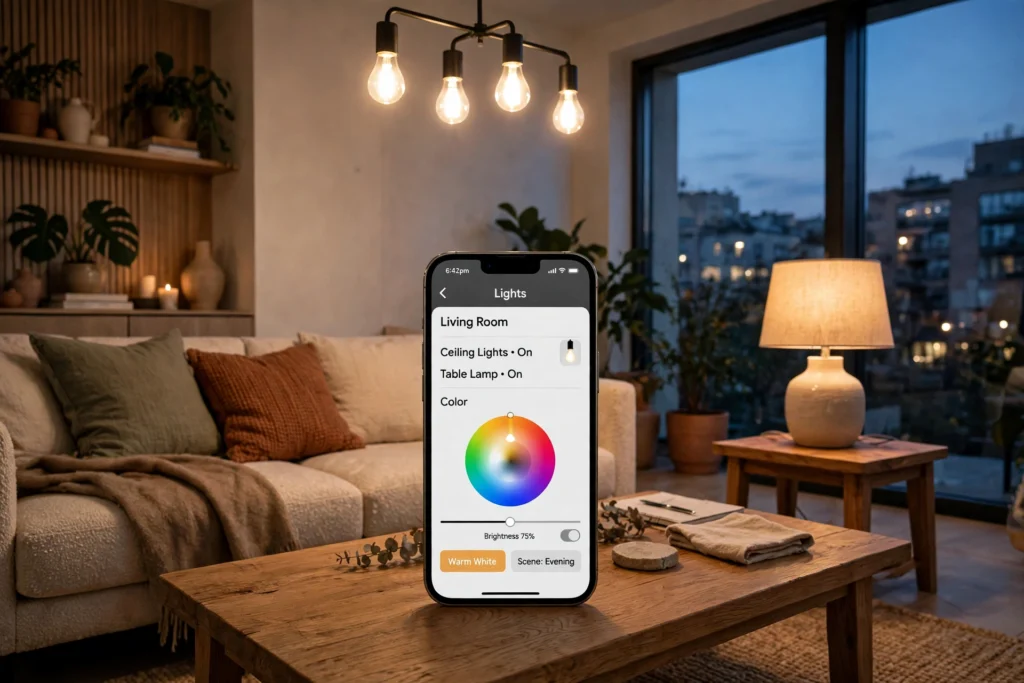
A smart light bulb is an LED bulb with a tiny computer and a wireless radio built in. It screws into an ordinary socket, joins your home Wi-Fi or Bluetooth, and takes instructions from an app, a voice assistant, or a schedule — so you can dim it, change its colour, or switch it off without touching a switch.
Key Takeaways
- A smart bulb is an LED bulb with a built-in Wi-Fi or Bluetooth radio and a small processor.
- It takes commands from an app on your phone, and often from a voice assistant such as a smart speaker.
- Colour bulbs mix red, green, and blue LEDs to produce millions of shades; white-only bulbs change warmth instead.
- Schedules, scenes, and routines let lights switch themselves on and off.
- Most bulbs need no hub, but a hub can make a large setup faster and more reliable.
What is inside a smart light bulb?
Four parts do the work: the LED itself, which produces light efficiently and lasts for years, and a driver, a small circuit that turns mains power into the low-voltage current the LEDs need.
Third is the radio — the part that makes the bulb “smart”. Most use Wi-Fi, Bluetooth, or a low-power mesh protocol such as Zigbee. Wi-Fi bulbs talk straight to your router; Bluetooth bulbs talk to your phone directly; Zigbee bulbs pass messages to each other and to a hub.
Fourth is a tiny processor that stores your settings and listens for commands. Tap “dim to 40%” and the command travels over your network to that chip, which adjusts the LEDs.
How does a smart light bulb connect to your phone?
Setting one up usually takes a few minutes. You screw the bulb in, switch the light on, and open the maker’s app. The app finds the bulb and asks for your Wi-Fi password so the bulb can join your network.
Your phone sends a message to the maker’s cloud service, which passes it to the bulb over your home internet connection. That round trip is why there is sometimes a short delay, and why the app stops working when your internet goes down. Some bulbs also work locally, without the cloud, when your phone is on the same Wi-Fi network.
How do you change colour and brightness?
A colour smart bulb holds separate red, green, and blue LEDs alongside a white one. The processor mixes them to produce different shades — all three together make white, while other mixes make warm amber, soft blue, or deep purple. The app’s colour wheel simply sets the brightness of each coloured LED.
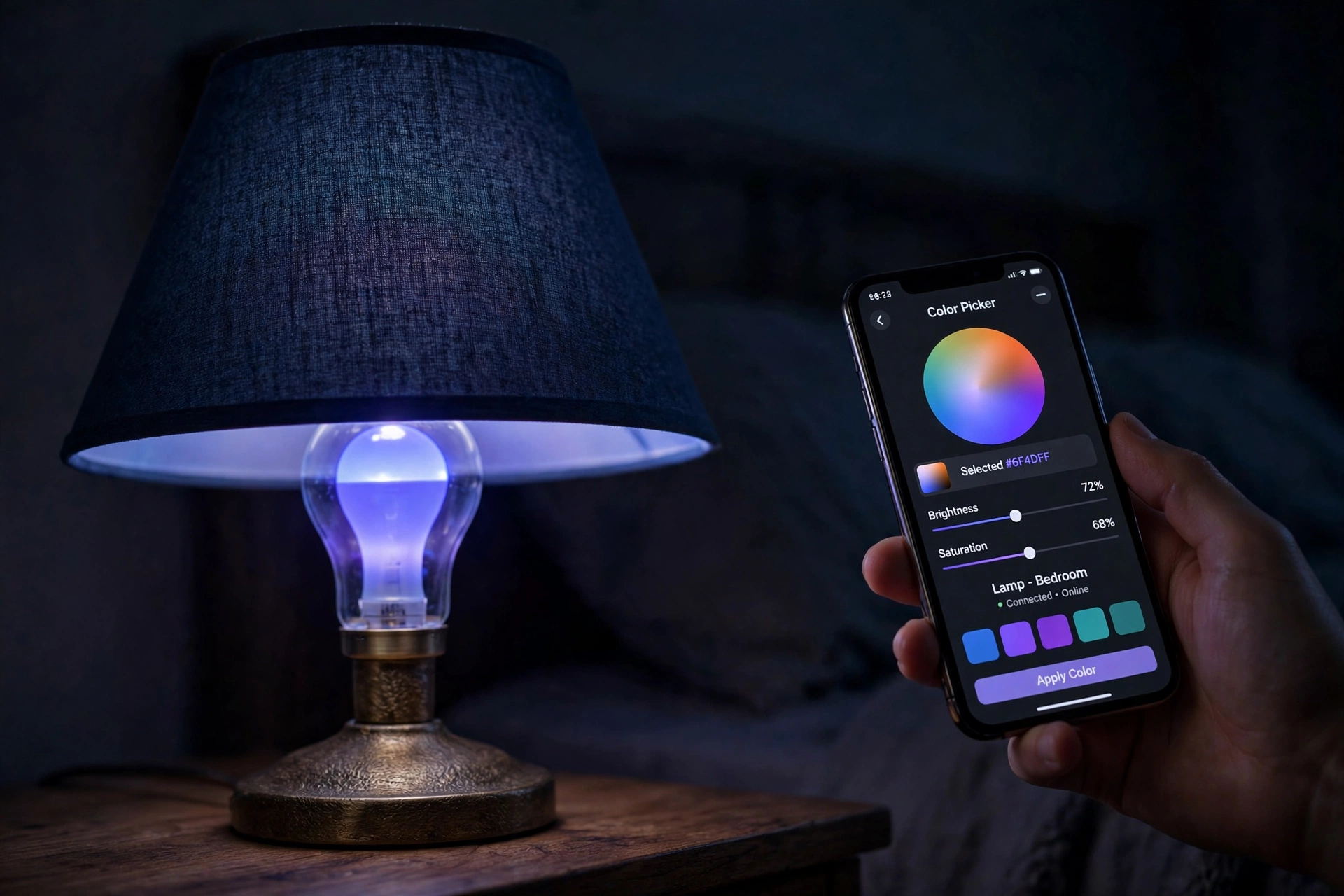
Dimming works differently from an old wall dimmer. Instead of cutting the power, the processor switches the LEDs on and off thousands of times a second. Your eyes see the average, so a bulb that is on half the time looks half as bright. That is why smart bulbs dim smoothly and do not buzz. White-only bulbs work the same way with warm and cool white LEDs, so one bulb can feel cosy in the evening and bright in the morning.
What are schedules, scenes, and routines?
Schedules are the simplest smart feature. You tell the bulb when to switch on and off — on at sunset, off at 11 pm — and it follows that timetable every day. Some use your location, switching lights on when you come home.
Scenes are saved combinations. A “movie night” scene might dim the living room lights to 20% and turn them warm orange. One tap applies the whole combination at once.
Routines tie lights to other events. A morning routine can fade the bedroom light on gently at 7 am, and a bedtime routine can switch every light in the house off with one command. Linked to a smart speaker or hub, a routine can also lock the door or turn the heating down.
Do smart light bulbs need a hub?
It depends on the bulb. Wi-Fi and Bluetooth bulbs generally do not need a hub — they connect to your router or phone directly, which makes them the easiest place to start. The trade-off is that a house full of them can crowd a weak router.
Zigbee and similar mesh bulbs do need a hub, a small box plugged into your router. The hub talks to the bulbs, and the bulbs pass messages to each other, so the signal reaches further and the network stays fast even with dozens of bulbs. For bulbs in every room, a hub-based system is usually smoother. Either way, check that the bulbs work with the voice assistant or hub you already own.
How do you set up a smart light bulb?
Start with one bulb in a lamp you use every day. Screw it in, turn the switch on, and follow the app’s setup steps — usually just naming the bulb and picking a room. Then try switching it on and off, dimming it, and changing the colour.
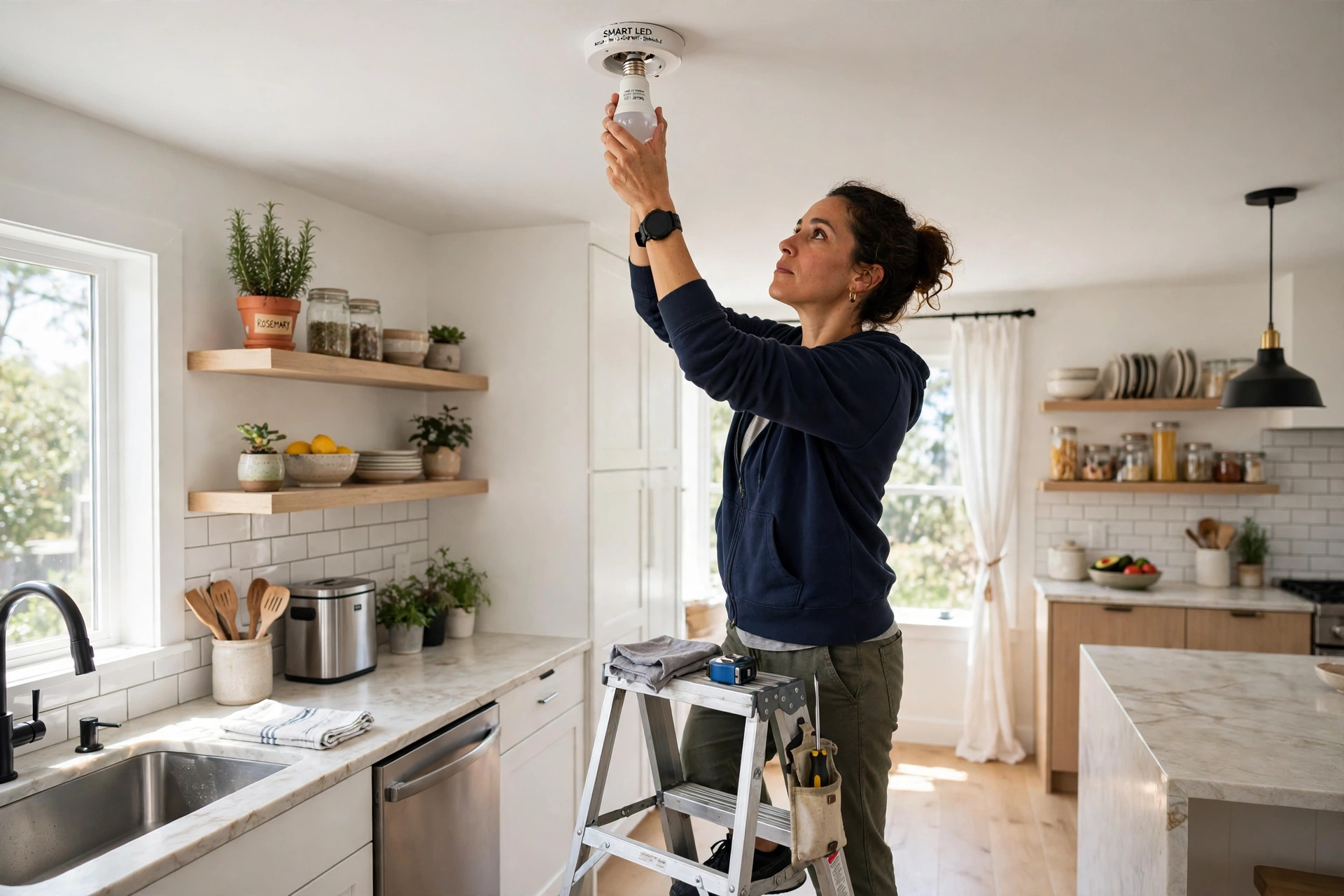
Next, link the app to your voice assistant if you use one, so you can say “turn off the bedroom light” instead of opening the app. Then set one schedule, such as a light that comes on at dusk, and live with it for a few days before buying more.
Do not fit smart bulbs to a socket controlled by a dimmer switch — the two can fight and cause flickering. Leave the wall switch fully on and let the app do the dimming.
Do smart light bulbs save energy?
LEDs already use far less electricity than old incandescent bulbs, and a smart bulb is still an LED at heart, so the light itself is efficient. The savings come from behaviour: lights that switch themselves off when nobody is home, or dim in the evening instead of burning at full brightness, waste less power than lights left on by habit.
One catch: a smart bulb draws a tiny amount of power even when “off”, because its radio stays awake listening for commands — a fraction of a watt, far less than leaving the bulb on.
Are there any downsides?
The main ones are practical rather than technical. If someone flips the wall switch off, the bulb loses power and cannot be controlled until the switch goes back on. If your Wi-Fi drops, cloud-controlled bulbs stop responding to the app, though the wall switch still works.
Privacy is worth a thought too. A lighting app knows when your lights are on, which hints at when you are home. That is not a reason to avoid smart bulbs, but it is a reason to buy from a maker with a clear privacy policy and to keep the app’s software up to date.
FAQs
Do smart light bulbs work with a normal lamp?
Yes. They fit standard screw or bayonet sockets, like an ordinary LED bulb. Just check the fitting size first, since some smart bulbs are slightly larger.
Do smart light bulbs work without Wi-Fi?
Partly. Bluetooth bulbs work from your phone without Wi-Fi, but only nearby. Wi-Fi bulbs need your home network for app control, though the wall switch still works like a normal bulb.
Can you use a smart bulb with a dimmer switch?
Best not to. A traditional dimmer can make a smart bulb flicker or buzz, because the bulb already dims itself. Keep the wall switch fully on and dim from the app instead.
How long do smart light bulbs last?
Most are rated for around 15,000 to 25,000 hours — many years of normal evening use. The LEDs usually outlast the electronics, so the radio or driver normally fails first.
Are smart light bulbs safe?
Yes, when bought from a reputable maker and used as instructed. They run on the same mains power as any bulb, and the radio uses the same low-power wireless technology as a phone.
Conclusion
Smart light bulbs work by adding a small radio and processor to an efficient LED bulb, so a light you once controlled with a switch can now be dimmed, recoloured, and scheduled from your phone. The setup is a ten-minute job for a single bulb.
If you are curious, start with one bulb in the room you use most. Try a schedule and a scene for a week, and you will quickly know whether smart lighting is worth spreading to the rest of the house.