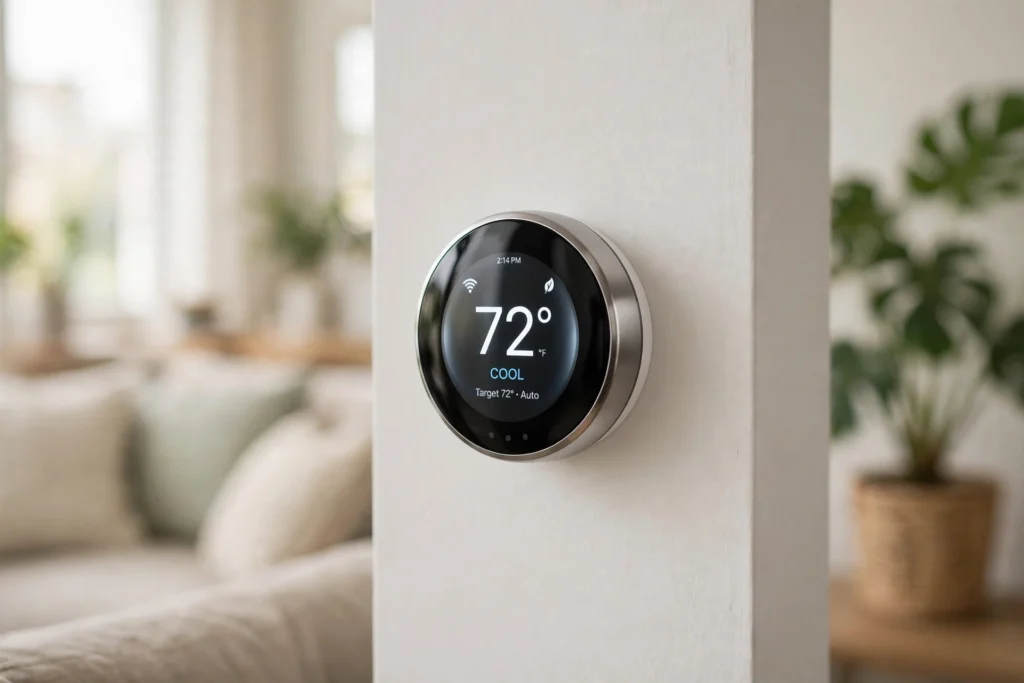
A smart thermostat keeps your home at the temperature you want by sensing the air around it, comparing that reading with your target, and telling your heating or cooling system when to run, pause, or switch modes. It adds schedules, remote control, and learning features on top of that basic job, so it can adjust itself through the day instead of waiting for you to turn a dial.
Key Takeaways
- A smart thermostat measures temperature, and often humidity and occupancy, then signals your heating or cooling system to respond.
- Schedules and setback temperatures help it use less energy when you are asleep or away.
- Wi-Fi lets you change settings from a phone, while some models also work with voice assistants and other smart home devices.
- Compatibility with your heating system matters more than any single extra feature, so check wiring and system type before buying.
- Savings depend on your home, climate, and habits; a smart thermostat helps most when it replaces guesswork with a steady routine.
How does a smart thermostat sense temperature?
At its heart, a smart thermostat is still a thermometer with a brain. A sensor inside the unit measures the air nearby, and many models add humidity sensors or extra room sensors for a bedroom or chilly corner.
The thermostat compares the measured temperature with your target: colder than the heating target calls for heat, warmer than the cooling target calls for cooling. A small gap stops the system flicking on and off every minute.
Placement matters: a thermostat in direct sunlight, above a radiator, or in a draughty hallway will read a temperature that does not match the rooms you live in.
What does it actually control?
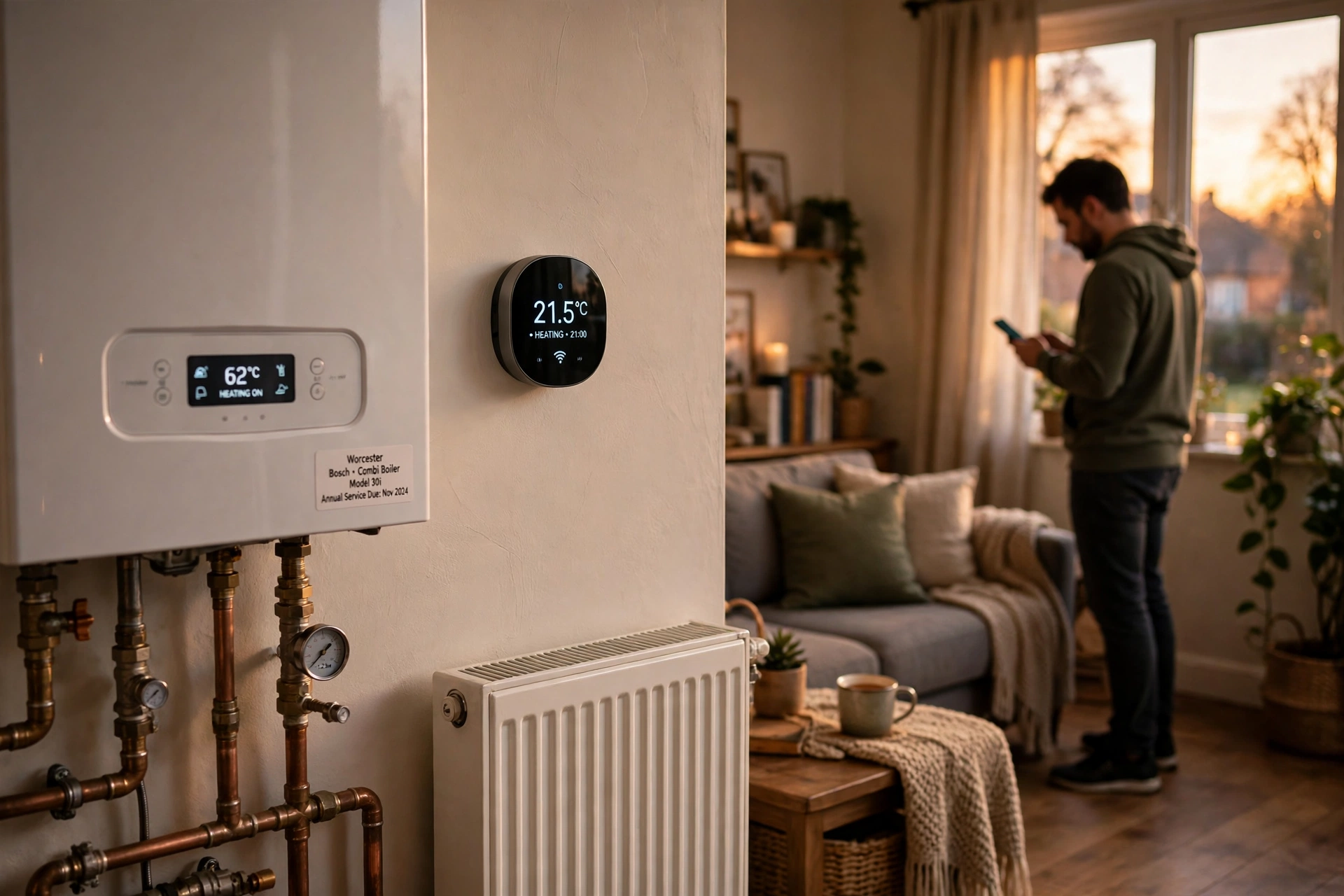
A smart thermostat does not heat or cool your home by itself. It sends low-voltage signals through wires to your furnace, boiler, heat pump, or air conditioner, telling that equipment what to do. Common signals include heat, cool, fan, and sometimes a second stage for larger systems. Think of it as a polite manager: it makes decisions, but the heating and cooling equipment does the heavy lifting.
Compatibility matters too. Older systems, or systems without a common wire (often called a C-wire), may need an adapter or professional help. Take a clear photo of the old thermostat’s wires before you remove anything.
How do schedules and setbacks save energy?
Schedules are where a smart thermostat earns its keep. Instead of heating an empty house all day, you can set lower temperatures overnight and while you are at work, then warm the house up before you get home. In summer, the same idea works in reverse: let the house drift a little warmer when no one is there, then cool it down for the evening.
Some models learn from your adjustments and suggest a schedule based on what you actually did. Others use occupancy sensing or your phone’s location, with your permission, to tell whether anyone is home. A simple schedule that matches your real routine will usually beat a clever feature that keeps guessing wrong.
How does the app and voice control work?
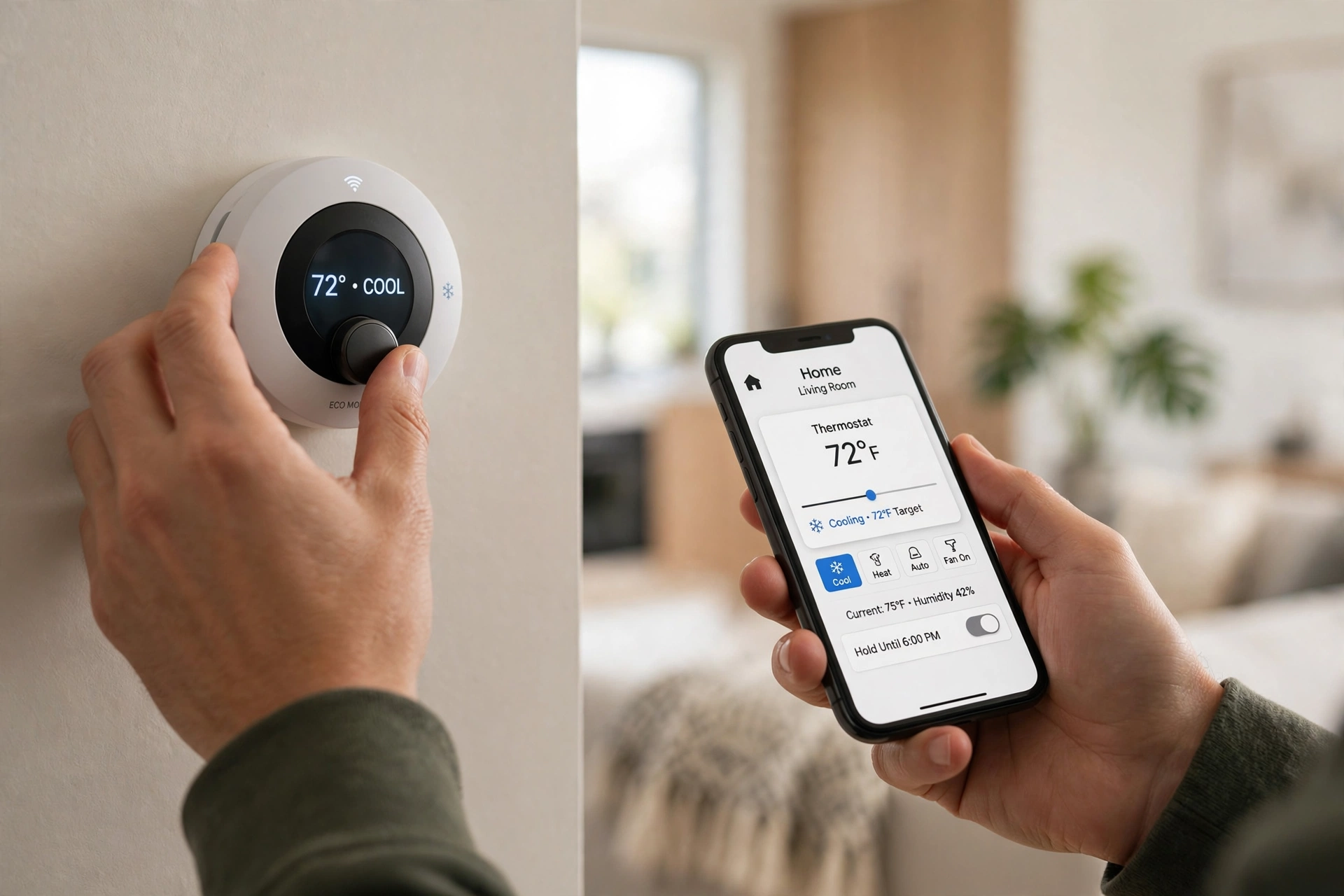
Most smart thermostats connect to home Wi-Fi, so a change on your phone travels through your home network to the thermostat, which then signals your heating or cooling system. This is the same kind of home connection explained in our guide to How Does Wi-Fi Work?, and a wired connection, covered in How Does Ethernet Work?, can make the rest of your home network steadier even though the thermostat itself usually uses Wi-Fi.
Voice control works through a smart speaker or voice assistant, as described in How Does a Smart Speaker Work?. Short-range pairing can help with setup and nearby sensors, similar to How Does Bluetooth Work?. If Wi-Fi goes down, most models still keep their schedule and allow manual changes on the wall unit.
What about learning, geofencing, and energy reports?
Learning features watch how you adjust the temperature and when your home heats up or cools down, then build a routine around those patterns. Geofencing uses your phone’s location to notice when you leave or return, and can switch to an away setting automatically. Energy reports show when your system ran and how that compares with earlier weeks, which can make waste easier to spot.
These tools need good data to work well. If your routine changes often, a learned schedule may lag behind real life, so check it after a week and turn off any feature that keeps fighting your preferences. Also check privacy settings, since a thermostat that knows when you are home handles sensitive household information.
Is a smart thermostat worth it?
For many homes, yes — with caveats. If you already keep a steady schedule or cannot change the thermostat, the benefit may be modest. If heating runs all day while the house is empty, or rooms feel very different, room sensors and a proper schedule can make a noticeable difference.
No thermostat can fix poor insulation or a system that needs servicing, so treat it as one part of a more efficient home, not a cure-all.
Frequently Asked Questions
Do I need Wi-Fi for a smart thermostat to work?
No, not for basic heating and cooling. Without Wi-Fi you lose remote control, app features, and software updates, but the thermostat on the wall should still run its schedule and respond to manual changes.
Will a smart thermostat work with my heating system?
Many do, but not all. Check compatibility for your system type — furnace, boiler, heat pump, or electric heating — and for wiring, especially whether you have a C-wire. When in doubt, check the maker’s guide or ask a qualified installer before buying.
How is a smart thermostat different from a programmable one?
A programmable thermostat follows a schedule you set. A smart thermostat adds remote control, learning or occupancy features, energy reports, and integration with other smart home devices, while still letting you set a plain schedule if you prefer.
Can a smart thermostat really cut my energy bill?
It can help, mainly by avoiding heating or cooling an empty home and by keeping a steadier routine. The size of any saving depends on your home, climate, system, and habits, so treat specific saving claims with caution and look at your own usage over a few months.
What should I check before buying one?
Check system compatibility and wiring, whether you want room sensors, voice control, or geofencing, and whether the app and privacy settings suit you. Also check that the thermostat will sit in a sensible spot, away from direct sun, radiators, and draughts.
Conclusion
A smart thermostat works by sensing your home’s temperature, comparing it with your target, and signalling your heating or cooling system at the right times. Schedules, remote control, and learning features build on that simple loop, but the basics still matter most: a good location, a compatible system, and a routine that matches real life.
A practical next step is to check your current thermostat’s wiring and system type, note the times your home is actually occupied, and then compare two or three compatible models on those facts alone. For general background on thermostats and energy use, see ENERGY STAR’s smart thermostat guidance and Wikipedia’s thermostat overview.