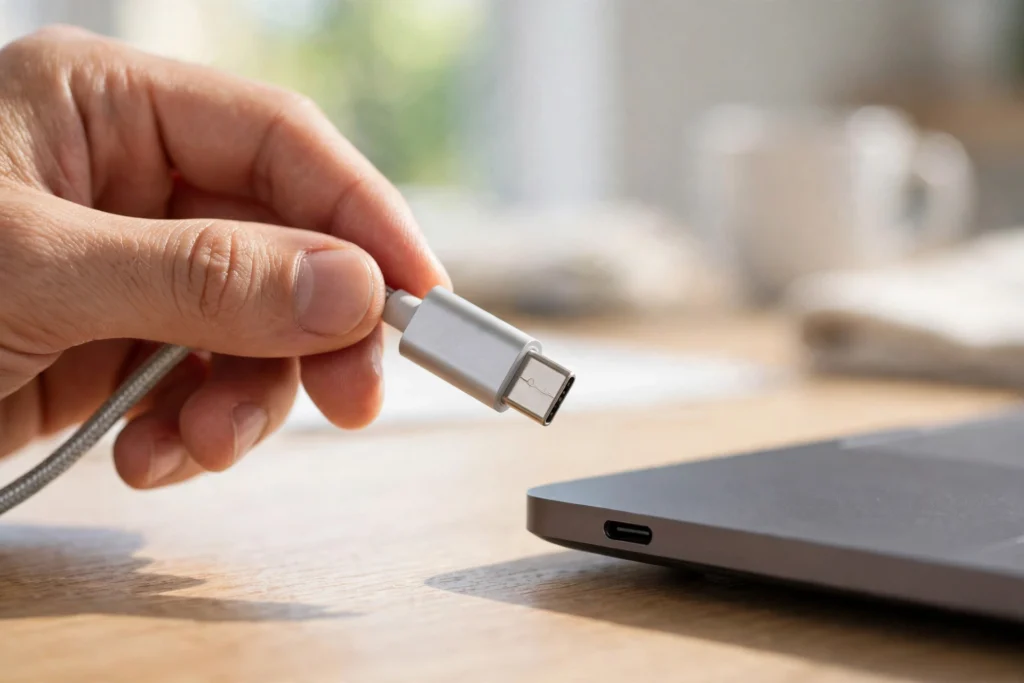
To understand how USB-C works, start with the plug itself: it packs power, data, and video into one small reversible connector. The devices at each end talk first, agreeing on how much power to send, how fast data should move, and whether video is needed. That is why one cable can charge a phone, copy files, and drive a monitor.
Key Takeaways
- USB-C is a connector shape, not a speed: the same plug can be slow or very fast.
- Power Delivery lets USB-C charge phones, tablets, and many laptops, after both ends agree on safe voltage.
- Data speeds range from USB 2.0 to 40 Gbps on USB4 and Thunderbolt, so check labels, not just the shape.
- One good cable can replace several old ones, but cheap unmarked cables may charge slowly or skip video.
What makes USB-C different from older USB plugs?
The first thing you notice is the shape. Older USB-A plugs only went in one way round, and you usually flipped them twice before they fitted. USB-C is a small oval, so it plugs in either way up, and the same connector sits on both ends of the cable. Phones, laptops, tablets, and earbuds have all moved to it.
Inside are 24 tiny contacts, far more than the four or nine pins in older USB plugs. Some carry power, some carry data, and a few handle the negotiation between devices. So “USB-C” alone tells you less than people assume: speed, power, and video depend on the cable and the port behind it.
How does USB-C carry power?
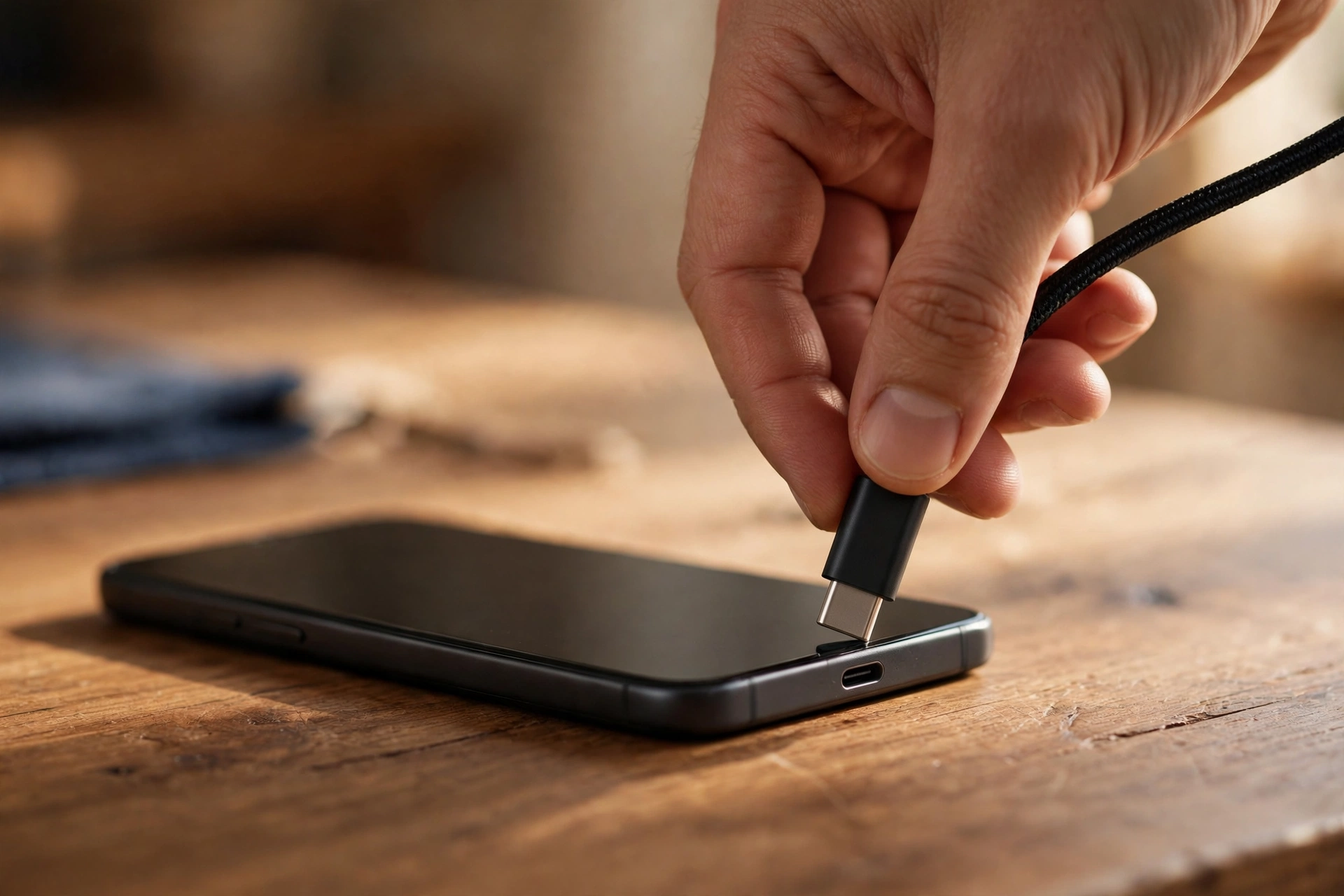
USB-C carries power through a standard called USB Power Delivery, or USB PD. When you connect a charger, the charger and the device agree on a voltage and current before any serious power flows. A phone might settle on 9 volts and a laptop on 20, and both are safe because neither side forces power the other cannot take.
One USB PD charger can feed a phone at 18 watts, a tablet at 30, or a laptop at 65 or 100 watts. The charger, cable, and device must all support the level you want — the weakest of the three sets the limit. That is why one power bank with a USB-C port can top up a phone in the morning and a laptop in the afternoon.
How fast is USB-C for data?
Data speed is where the confusion starts: USB-C ports can run several versions of USB. A cable may only carry USB 2.0 at 480 Mbps — fine for a mouse, slow for video files. Faster cables run USB 3.2 at 5, 10, or 20 Gbps, and USB4 ports reach 40 Gbps. The plug looks the same in every case.
A cable’s speed is set by its wiring and the chips inside the plug, not by the shape. Some charging cables carry no data wires at all, so a phone may charge but never appear on a computer. If you move large files, check the speed printed on the cable or box — and remember the port matters too: a 40 Gbps cable in a 5 Gbps port gives you 5 Gbps.
Can USB-C really replace HDMI and other cables?
Yes, in many setups. The connector supports Alternate Mode, which lets it carry DisplayPort or HDMI video alongside power and data. Plug a laptop into a monitor with one USB-C cable and you get the picture, charge the laptop, and connect the monitor’s USB hub all at once.
Your laptop can still connect to Wi-Fi while that cable handles the screen and charging, so a one-cable desk is genuinely practical. But not every USB-C port supports video, and nothing on the outside says so. A port with a DisplayPort symbol or Thunderbolt lightning mark is the one for a screen; a plain port on a budget laptop may charge and transfer data but show nothing on a monitor.
Why do some USB-C cables work better than others?
Good cables contain a tiny chip that reports the cable’s maximum power, data speed, and video support. Cheap or counterfeit cables may skip that chip, misreport what they can do, or use thin wires that heat up under load. A cable that claims 100 watts but uses undersized wires can charge slowly, drop the connection, or in rare cases damage a port.
Length matters too: short cables keep signals clean, which is why the fastest 40 Gbps cables are usually under a metre long, while longer ones need better shielding and cost more. Cables tested by the USB Implementers Forum carry its logo and a tested rating — a useful check when two cables look the same on a shelf.
What should you check before buying a USB-C cable?
Start with the job you need it for. A cable for overnight phone charging needs neither 40 Gbps data nor 240-watt power, so a basic certified cable is enough. A cable for a laptop dock or a fast external drive does, and buying the cheapest one will cost you time every day.
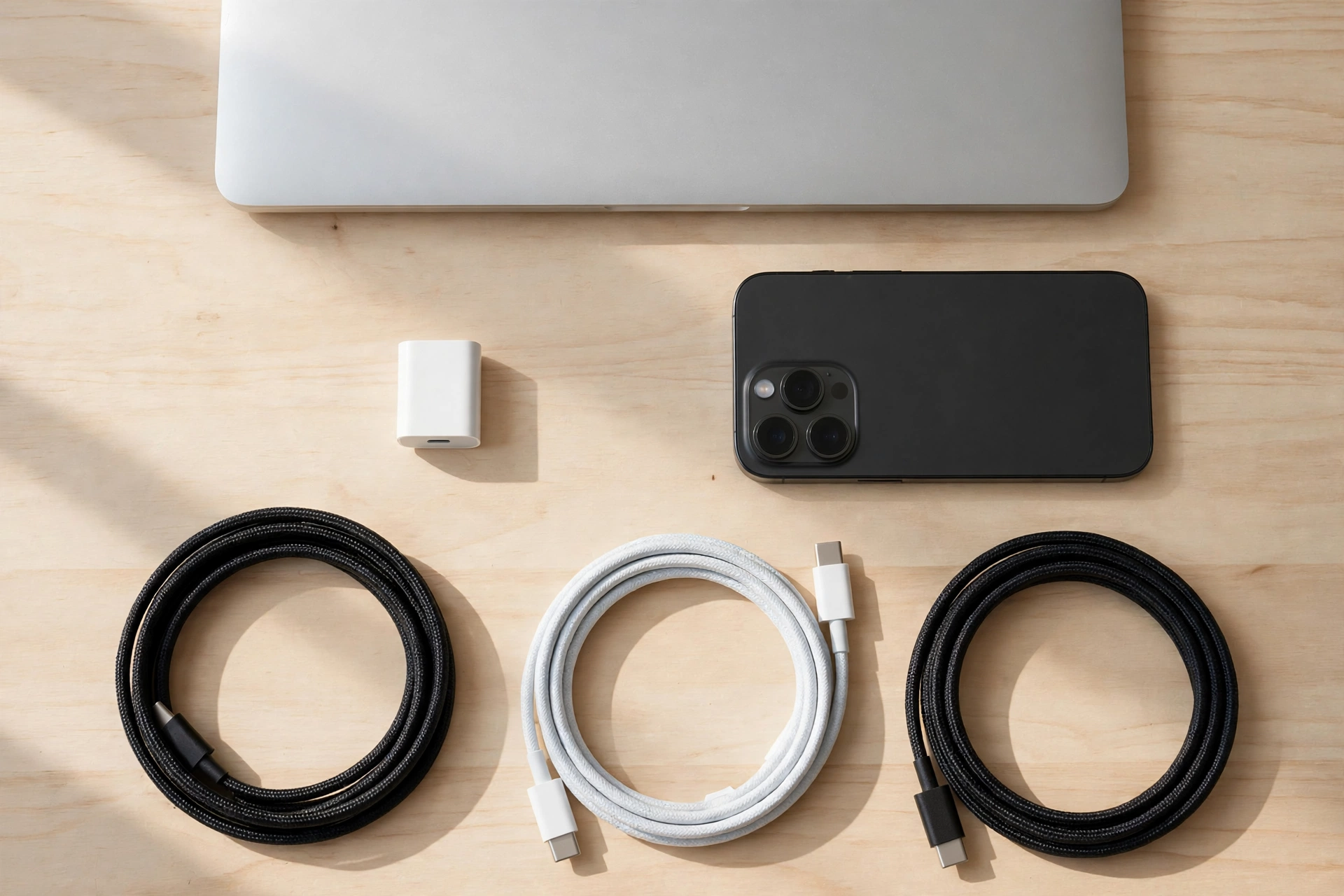
Then read the label for the power rating in watts, the data speed in Gbps, and whether video or Thunderbolt is mentioned. If the listing says nothing about data speed, assume it is charging-only. And if you charge wirelessly at home, remember wired USB-C charging is usually faster than wireless charging. Many Bluetooth earbuds now charge through a USB-C case, so one well-rated cable that covers the most demanding device usually beats three cheap ones.
Frequently Asked Questions
Is USB-C the same as Thunderbolt?
No, but they share the same connector. Thunderbolt is a faster standard that runs over a USB-C plug, with guaranteed video and up to 40 Gbps or more. A Thunderbolt cable works in a USB-C port, but a plain USB-C cable may not reach those speeds.
Can any USB-C cable charge a laptop?
Only if the cable and charger both support enough power — a phone cable rated for 15 watts will not charge a laptop that needs 65. Check the watt rating on both first.
Why does my USB-C cable charge but not transfer files?
The cable probably has no data wires, or the port is charging-only. Try a cable that lists a data speed, and try another port. Some public charging points are also wired for power only, on purpose.
Will USB-C damage my phone if the charger is too powerful?
No, as long as the charger and cable follow the standard. The phone and charger agree on a safe level first, so a 100-watt charger only delivers what the phone asks for. Problems come from uncertified chargers that ignore those rules.
How long do USB-C cables last?
A well-made cable usually lasts a few years of daily use, but the plug and nearby wire wear first. If a cable only works at certain angles, or it charges slowly after a drop, replace it.
Conclusion
USB-C works because it turned a simple plug into a short conversation, with devices agreeing on power, speed, and video before anything flows. That is why one cable can charge a phone, move a film, and drive a monitor — and why two lookalike cables can behave so differently. The shape is standard; the capability inside is not.
The practical next step is a quick audit of the cables you own: keep one well-rated cable by the desk, checked for watts, data speed, and video if you need it, and retire any unmarked cable that only ever charges slowly.