

Li-Fi is a wireless technology that sends internet data through light instead of radio waves. A special LED lamp flickers on and off billions of times a second — too fast for your eyes to notice — and a small sensor on your laptop or phone turns that flicker back into web pages, videos, and files.
Key Takeaways
- Li-Fi (short for Light Fidelity) carries data on visible light from LED lamps, while Wi-Fi uses radio waves.
- The flicker is invisible to the human eye, so the room looks normally lit while data flows.
- Lab demonstrations have reached very high speeds, but real products are far slower and still rare.
- Light cannot pass through walls, which makes Li-Fi naturally private — and limits where it works.
- Li-Fi will most likely appear first in offices, hospitals, and aircraft — not as a replacement for home Wi-Fi.
How does Li-Fi send data through light?
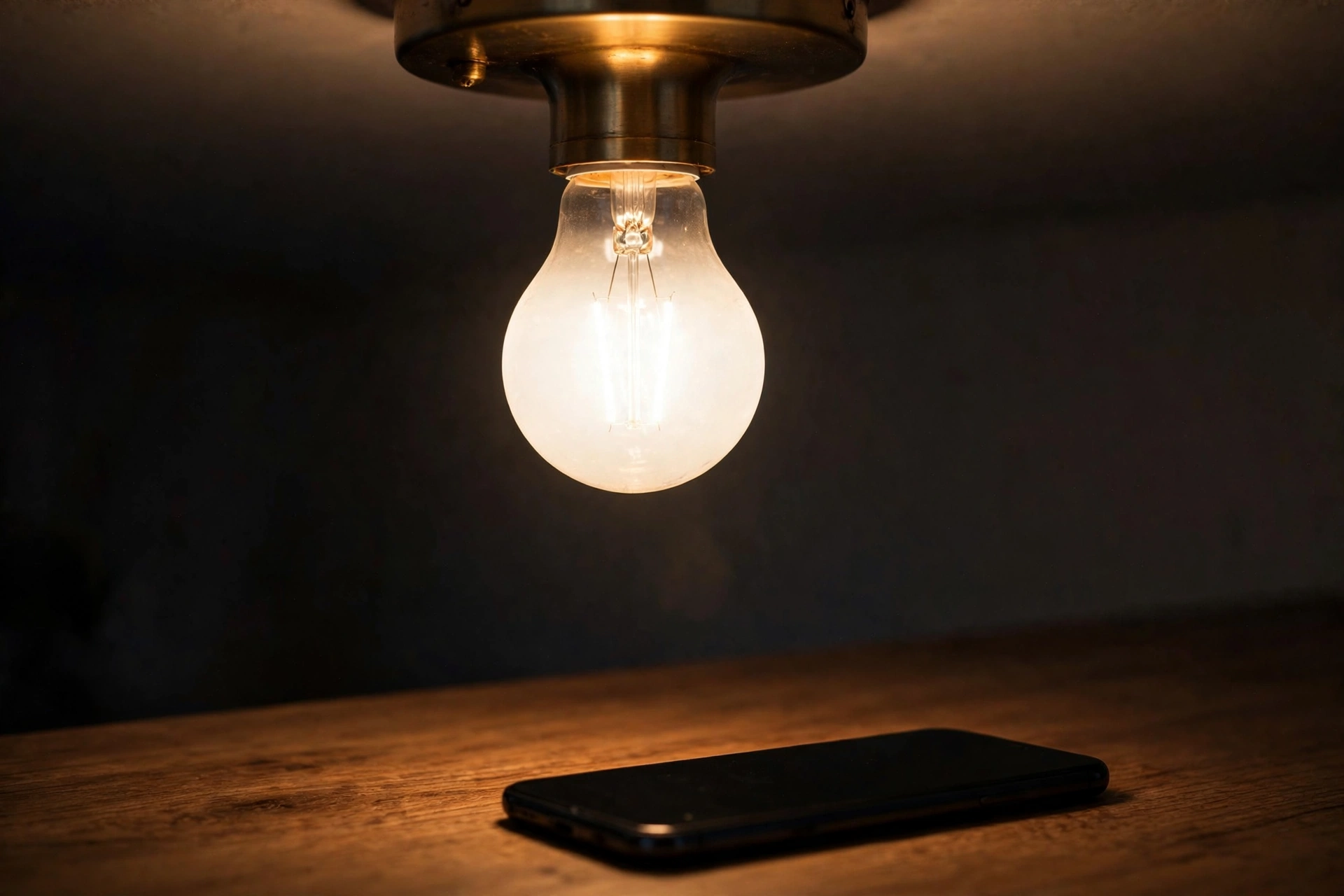
Think of it as Morse code with a light switch, played at an absurd speed. An LED is a semiconductor, so its brightness can be changed billions of times a second. A Li-Fi lamp switches between bright and dim in a pattern of ones and zeroes, and a photodetector on your device reads the pattern back into data. You never see the flicker: the changes are so small and so fast that the lamp looks steadily lit.
The link works both ways. The ceiling lamp sends data down, and your device sends data back up, usually with an infrared beam. Several lamps can be linked into one network, and your device can hand over from one pool of light to the next as you walk across a room.
The idea first grabbed public attention in 2011, when Professor Harald Haas of the University of Edinburgh streamed video from an ordinary desk lamp in a TED talk. In June 2023 the IEEE standardised Li-Fi as 802.11bb, putting it in the same family of standards as Wi-Fi.
What sits inside a Li-Fi setup?
Four pieces: a ceiling LED panel or bulb fitted with a small signal processor; a wired connection behind it, typically Ethernet in the ceiling; a receiver on your device, such as a small USB dongle; and software that turns the flicker back into ordinary network traffic.
That third piece is the awkward one. Almost no laptop or phone ships with a Li-Fi receiver built in, so early users need a dongle — the main reason you cannot just switch it on at home yet.
Li-Fi vs Wi-Fi: how do they compare?
The two do the same job — move your data through thin air — but they ride on different parts of the electromagnetic spectrum.
| Li-Fi | Wi-Fi | |
|---|---|---|
| Carries data on | Visible and infrared light | Radio waves |
| Passes through walls | No — blocked by solid objects | Yes, with some loss |
| Typical setting | One lit room at a time | Whole home or office |
| Spectrum available | Very wide, largely unlicensed | Crowded, shared with many devices |
| Security | Confined to the lit area | Reaches beyond the room |
| Needs | Special lamps and a light receiver | A router and a radio receiver |
The security row is the one people notice first. Because light stops at the wall, someone in the next room cannot pick up your Li-Fi signal the way they might catch a Wi-Fi network from the street — handy for a hospital ward or a meeting room, where data must stay inside.
The spectrum row is the other big draw. The visible-light spectrum is far wider than the radio spectrum Wi-Fi shares with Bluetooth and your neighbours’ routers; the Institute of Physics notes that light offers roughly 1,000 times more bandwidth than radio. Researchers have demonstrated lab speeds of 224 gigabits per second, although commercial products run far slower.
Wi-Fi keeps one decisive advantage: it goes through walls. Your router sits in a corner and covers the flat, while Li-Fi needs a lamp in sight. The two are better as partners than rivals: Wi-Fi for coverage, Li-Fi for speed and privacy in specific rooms.
Where is Li-Fi already being used?
You will not find it in most homes yet, but it has started appearing where its quirks are strengths. Hospitals are an early example: radio signals can interfere with sensitive medical equipment, while light does not. Aircraft cabins are another — Li-Fi can serve seat-back screens without adding radio traffic in a metal tube already full of it. Some offices have trialled it in meeting rooms, where the signal staying inside the room is a feature, not a flaw.
What holds Li-Fi back?
Three things, all practical rather than scientific. First, line of sight: light needs a clear path, or at least a bounce off a wall. Step behind a pillar or put your laptop in a bag and the link drops. Second, the missing receiver: until phone and laptop makers build photodetectors in as standard, Li-Fi needs a dongle, and dongles are a hard sell. Wi-Fi won because the receiver vanished inside every device. Third, cost and habit: offices already have Wi-Fi, and refitting ceilings with special lamps is a big ask for a gain most people would not notice day to day.

Frequently asked questions
Is Li-Fi faster than Wi-Fi?
In a lab, yes — researchers have demonstrated speeds far above home Wi-Fi. In real products the difference is much smaller, and your broadband connection is usually the real limit.
Does Li-Fi work in the dark?
Not on visible light alone — the lamp has to be on, though it can run so dim you barely notice it. Either way, no light, no link.
Can Li-Fi replace my home Wi-Fi?
Not yet. It cannot follow you from room to room the way Wi-Fi does, and your devices would need new receivers. A more likely future is a mix: Wi-Fi for the whole home, Li-Fi in one room where you want extra speed or privacy.
Is Li-Fi safe for your eyes?
The flicker is far too fast and too small to see, and the light levels are the same as ordinary LED lighting. It uses no ultraviolet light and no extra radiation beyond the lamp itself.
Will Li-Fi work with sunlight in the room?
Bright sunlight can swamp the sensor, much like glare on a TV screen. Systems are designed to filter it out, but strong direct sun is still one of the harder conditions for Li-Fi.
The bottom line
Li-Fi is a simple idea with a stubborn catch: your ceiling light can be a wireless router, but only as far as its light reaches. For crowded offices, hospitals, and aircraft, that trade-off is worth making. For the rest of us, it is a technology to watch rather than buy.
If you want to follow it, check whether your next laptop or phone mentions a Li-Fi or 802.11bb receiver. Until that line appears on a spec sheet, your Wi-Fi router is going nowhere.
Related reading: How Does Wireless Charging Work? · How Does Cloud Storage Work? · Wikipedia on Li-Fi · ScienceABC on Li-Fi speeds.