
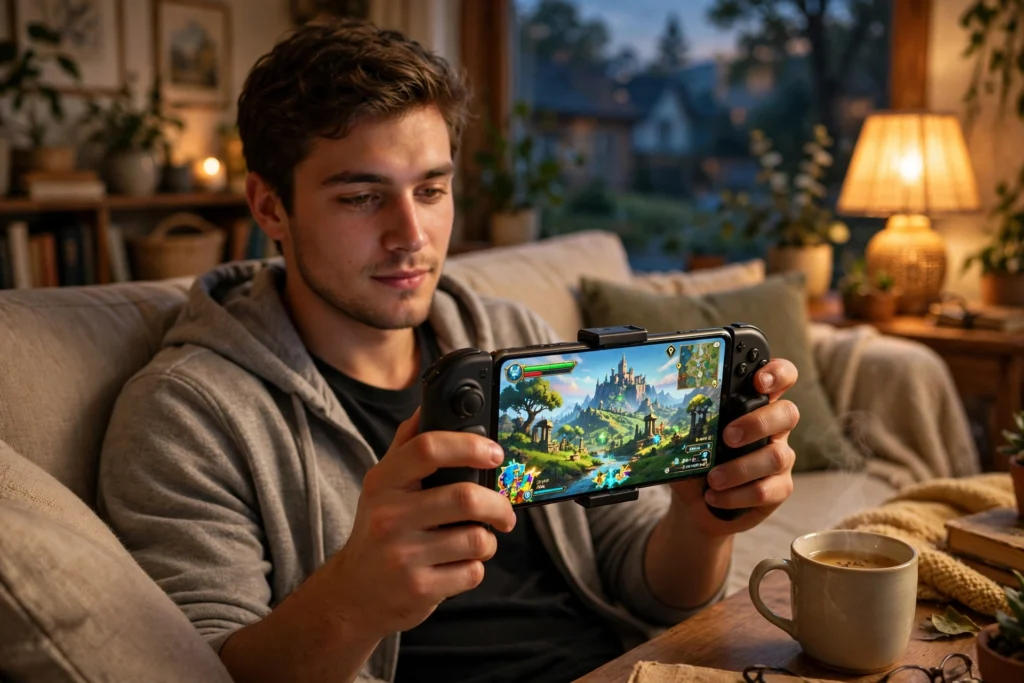
Cloud gaming lets you play big, demanding video games without a console or a powerful PC. The game runs on a powerful computer in a distant data centre, and the moving picture is streamed to your phone, laptop, or TV over the internet, much like a film on Netflix — except you control what happens next.
Key Takeaways
- The game runs on a remote server; your device only shows the video.
- You need a steady internet connection, a screen, and a controller — not a console.
- It suits casual players and anyone who wants to try big games without new hardware.
- Fast, competitive games are where lag shows up most.
- Check your internet speed and the service’s game library before paying.
How does cloud gaming actually work?
Every time you press a button, your controller sends that press over the internet to a server in a data centre, sometimes hundreds of miles away. The server runs the game, draws the next frame, squeezes it into a video stream, and sends it back to your screen. The loop repeats dozens of times a second.
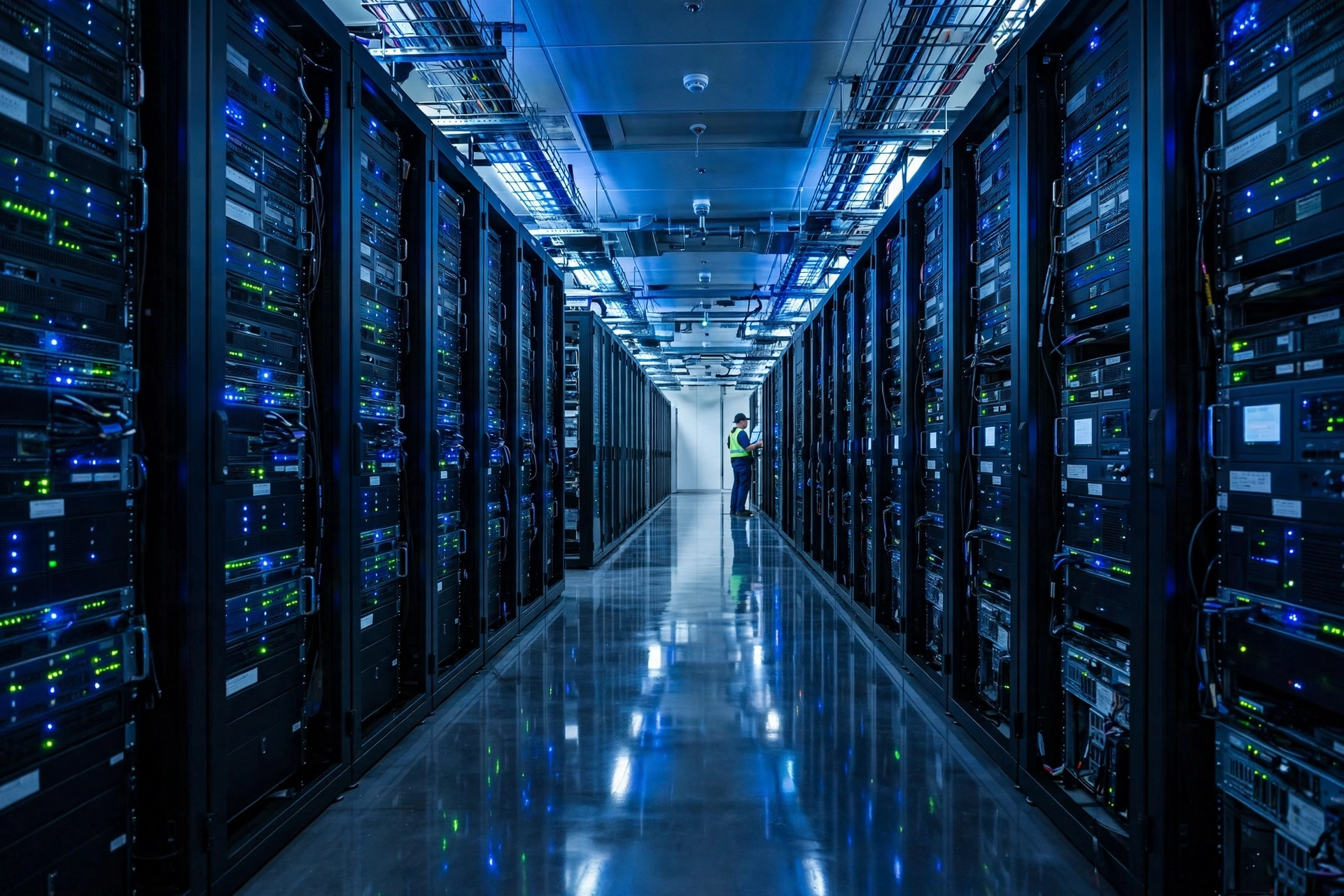
It feels like streaming a film, with one big difference: a film only flows one way, while a game has to listen to you. Both legs add delay, which engineers call latency — the single most important number in cloud gaming. A film can buffer ahead to hide a slow connection; a game cannot, because it does not know what you will do next. The server is a far stronger gaming PC than most people own, and you never have to update it.
What do you need to start?
Less than you might think: a screen, a controller, an account, and a steady connection. The screen can be a phone, tablet, laptop, smart TV, or even an old laptop that would never run the game itself. The controller can be a console pad, a phone clip-on, or a mouse and keyboard.
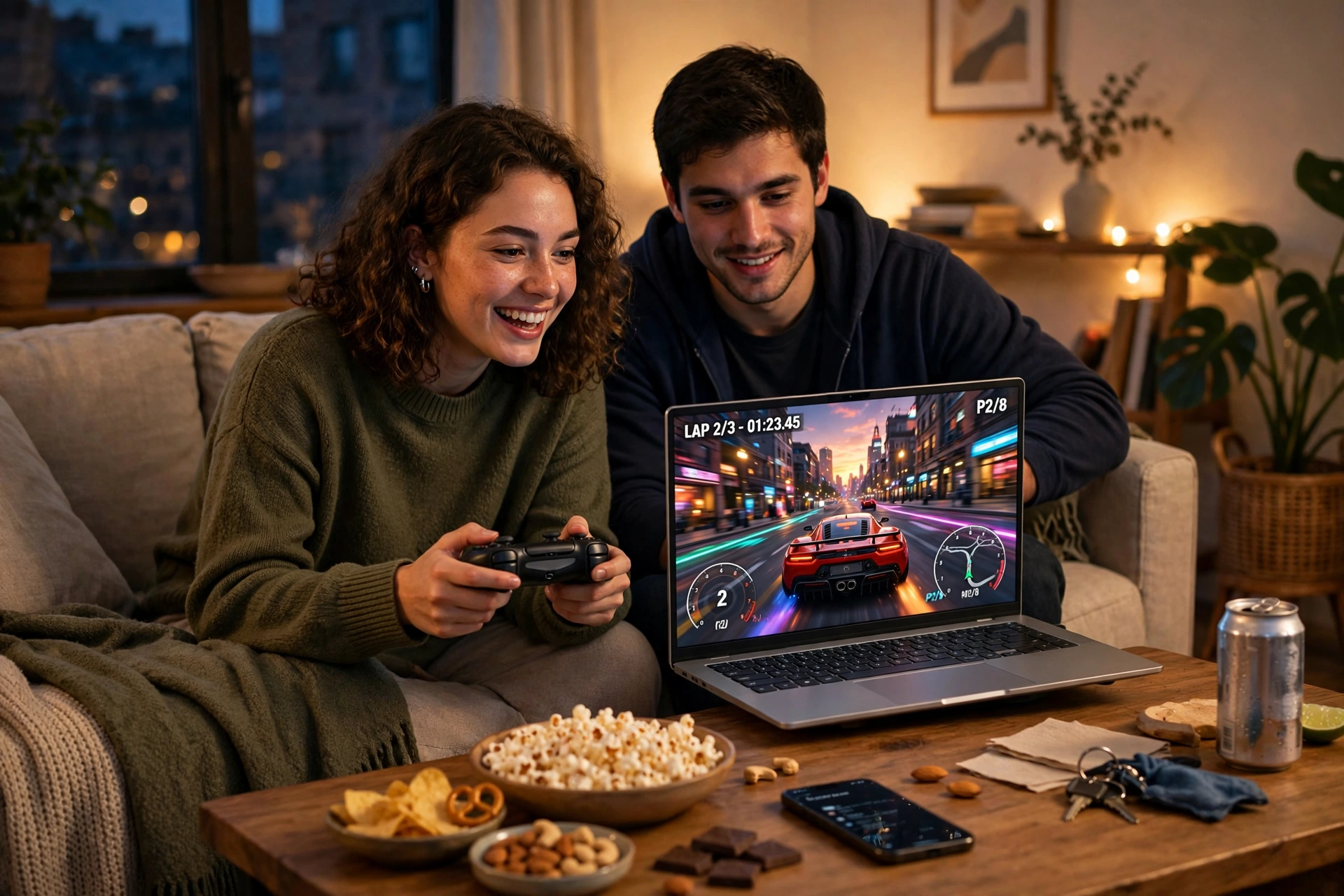
Your connection matters more than your device. Services commonly suggest around 10 Mbps as a starting point, more for a sharp picture, but steadiness matters as much as speed: a jumpy connection stutters, while a steady modest one often plays smoothly. Wi-Fi is fine for most games; a wired connection is steadier if your router sits close by. If your home Wi-Fi struggles where you play, fix that before blaming the service — our guide to how Wi-Fi works explains what decides your speed. A subscription is usually part of the deal too: Xbox Cloud Gaming comes with Game Pass Ultimate, while GeForce NOW offers a free tier with session limits. Compare the catalogue, not the headline price.
Cloud gaming vs a console or gaming PC
The trade-off is simple: you swap owning hardware for renting it by the month.
| Cloud gaming | Console or gaming PC | |
|---|---|---|
| Upfront cost | Low — subscription only | High — console or PC plus games |
| Where you can play | Any screen with internet | Mostly one place, on your own machine |
| Waiting to play | Seconds — no downloads | Downloads, updates, and installs |
| Lag | Noticeable on slow connections | Very low, since everything is local |
| Game ownership | You rent access | You keep the games you buy |
| Best for | Trying big games cheaply | Competitive play, best picture |
A console or gaming PC still wins on responsiveness and picture quality, because nothing travels over the internet, and a console keeps working when your broadband has a bad evening. Cloud gaming wins on convenience: no downloads, no updates, no hardware to buy, and you can start a game on your TV and finish it on your phone.
What does cloud gaming cost?
Take a typical month. One subscription at roughly the price of a takeaway meal, played three or four evenings a week, gives about twelve evenings of play for the price of a single new game — with a whole library instead of one title. Someone who buys two new games a month would spend far more; someone who plays one game for a year would spend less by buying it outright.
That maths only works if the library holds games you actually want, so search the catalogue for three or four games you would play this month before subscribing. Check too whether you must own the games separately: some services stream games you already own, while others bundle a library in. Data use is the quiet cost people forget — an evening of high-definition streaming can use several gigabytes, so a capped mobile plan can run dry fast.
Where does cloud gaming struggle?
Latency is the honest weak spot. In a slow puzzle game or a story-driven adventure, a small delay is invisible. In a fast shooter or a fighting game, where a fraction of a second decides the outcome, that same delay feels like playing underwater. Competitive players notice it first, and most prefer local hardware.
Picture quality is the second compromise. A streamed game is a compressed video, so busy scenes can soften or break into blocks when the connection dips. It usually recovers in seconds, but it never looks as crisp as the same game running on a good graphics card in the room with you. Ownership is the third: with most services you rent access, so a title can leave the catalogue and take your progress with it. And if your internet goes down, your games go with it.
Is cloud gaming worth trying?
For most people, yes — as a try-before-you-buy, not a replacement for everything. Start with a free tier or a one-month subscription, try a slow adventure first, then a racer, then something fast, and notice where the delay bothers you.
A practical first session takes about twenty minutes. Pick a game you already know, play it on your phone with a controller, then switch to your laptop halfway through and watch your save follow you. If that handover feels like magic, cloud gaming has earned a place in your routine. If inputs feel late, check your connection first — a wired connection or a seat closer to the router often fixes more than a pricier subscription.
Frequently Asked Questions
Do I need a console for cloud gaming?
No. You need a screen, a controller, and a steady connection. The game runs on the provider’s hardware, so even a basic laptop can play demanding titles.
Is cloud gaming free?
Some services offer a free tier with limits, such as shorter sessions or queues at busy times. Full access and bigger libraries usually sit behind a monthly subscription, so check what the free tier includes before judging it.
How fast does my internet need to be?
Services commonly suggest around 10 Mbps as a starting point, more for sharp high-definition play. Steadiness matters as much as speed — a stable connection beats a fast one that keeps dropping.
Can I play cloud games on my phone?
Yes, through an app or a browser, and a clip-on controller makes a big difference. Touch controls suit some games, but fast ones play far better with a proper controller.
Do I own the games I play on a cloud service?
Usually not — most subscriptions rent you access to a library, and games can leave it. Some services let you stream games you already own, so check the model first.
Conclusion
Cloud gaming trades ownership and a little responsiveness for convenience: big games on any screen, no downloads, no expensive hardware. It suits casual play, trying new titles, and gaming away from your main setup — and suits competitive play and keep-forever games least.
The sensible next step is a cheap test, not a big commitment. Try a free tier or a single month, play a game you know well on the weakest device you own, and see whether it holds up on your connection. If it does, you have freed yourself from the upgrade cycle. If it does not, you have spent very little to find out — and your console will still be there.
Further reading: Wikipedia’s overview of cloud gaming and Xbox Cloud Gaming.