
AI chatbots work by turning your typed words into a reply, one step at a time. A language model reads your message, works out what you probably mean, looks back at the conversation so far, and then predicts the most useful next words. It is not looking up a canned answer — it is building a fresh reply from patterns it learned during training.
Key Takeaways
- An AI chatbot reads your message, guesses your intent, and generates a reply word by word.
- Most modern chatbots are powered by large language models trained on huge amounts of text.
- Chatbots keep a short memory of the conversation, but that memory has limits.
- Rule-based bots follow scripts; AI chatbots improvise, which makes them flexible but sometimes wrong.
- Always check important facts from a chatbot against a trusted source.
What is an AI chatbot?
An AI chatbot is a program you talk to in plain language, usually by typing in a chat window. You have probably met one already: the helper bubble on a shopping site, the assistant inside a banking app, or a general-purpose tool like ChatGPT. Behind the friendly interface sits a piece of artificial intelligence trained to understand questions and produce answers that sound natural.
The key difference from older software is that you do not need to learn commands or click through menus. You just ask, in your own words. That is why chatbots have become the front door for so much technology — they hide the complexity and let you use everyday language instead.
What powers an AI chatbot?
Most AI chatbots today run on a large language model, a type of AI trained on enormous amounts of written text — books, articles, websites, and conversations. During training, the model learns how words and sentences usually fit together, so it can predict what should come next and compose a reply that reads sensibly.
Think of it like a very well-read colleague who has seen millions of examples of how people ask and answer questions. The model does not “know” facts the way you do. It has learned statistical patterns: after the words “the capital of France is”, the word “Paris” is extremely likely. That simple idea, repeated at massive scale, produces replies that often feel knowledgeable.
How does a chatbot understand what you mean?
Understanding starts with natural language processing, the part of AI that deals with human language. When you type “I need to change my flight to Friday”, the chatbot breaks the sentence into pieces, spots the important words — change, flight, Friday — and works out your intent: you want to rebook, not cancel.
It also has to cope with the messy way people actually write. Typos, slang, and short fragments like “and the return too?” are normal in a chat. A good chatbot uses the rest of the conversation to fill in the gaps. “The return too” only makes sense if it remembers you were talking about a flight, so context matters as much as the words themselves.
This is also why chatbots sometimes misunderstand. A vague question or a word with two meanings can send the model down the wrong path, so the best chatbots ask a clarifying question instead of guessing — “Do you mean the morning flight or the evening one?” — just as a helpful person would.
How do chatbots remember earlier messages?
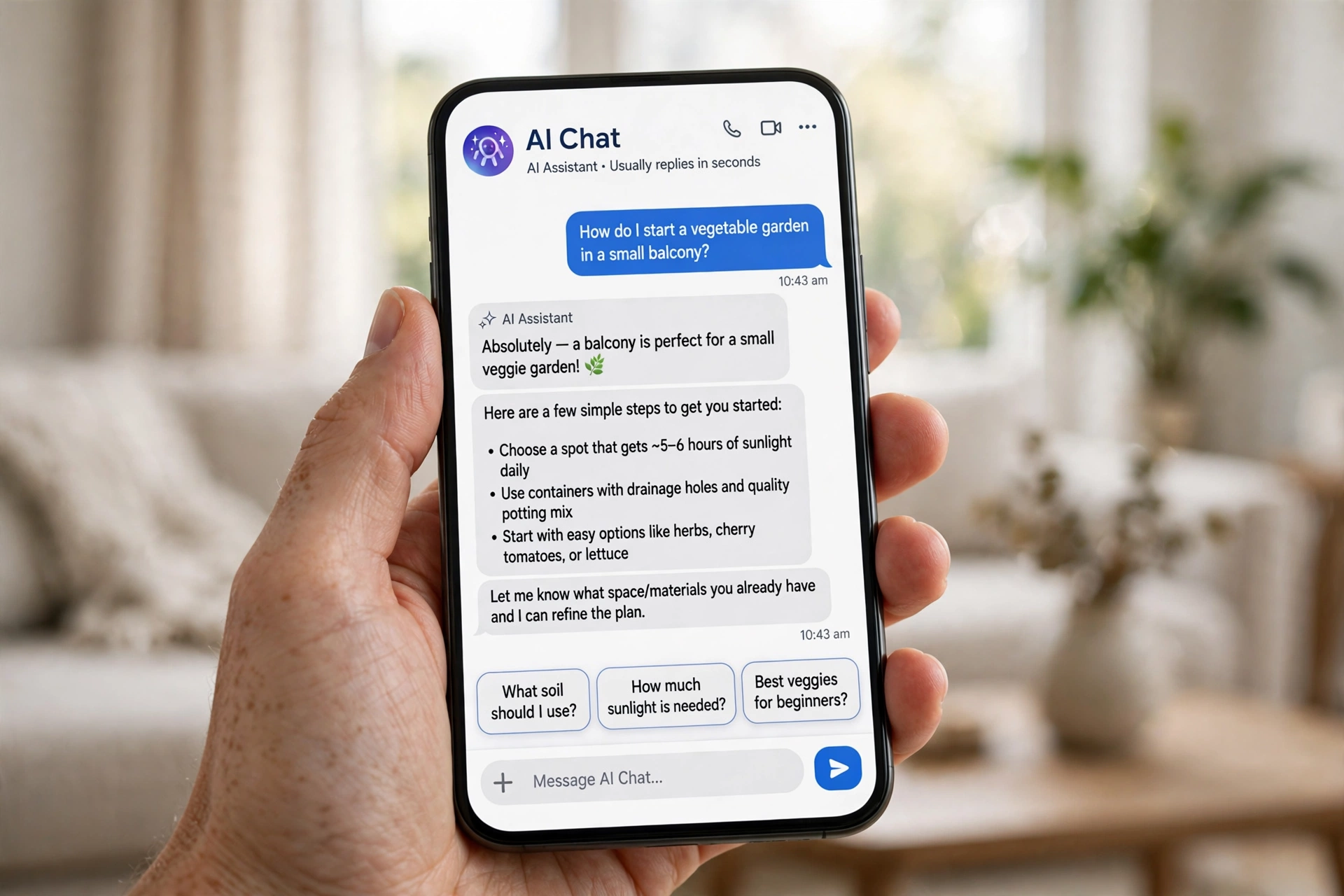
Chatbots remember a conversation by keeping the recent messages in a short-term memory called the context window. Each time you send a new message, the chatbot re-reads the exchange so far, which is how it can answer follow-up questions like “What about the cheaper one?” without you repeating yourself.
That memory is limited, though. The context window can only hold so much text, so in a very long chat the earliest messages eventually drop out — which is why a chatbot can suddenly “forget” something you told it at the start. Some chatbots work around this by saving a short summary of the earlier chat, but it is a summary, not a perfect record.
Some chatbots can also remember facts about you between sessions — your name or preferences — if you have allowed it. That memory can usually be viewed or deleted in the settings, and it is worth checking before sharing personal details.
What is the difference between rule-based and AI chatbots?
Rule-based chatbots follow a script. They match your words against a list of keywords or a decision tree and reply with a pre-written answer. They are reliable for simple tasks — “track my order”, “opening hours” — but the moment you ask something outside the script, they stall or hand you to a human.
AI chatbots do not follow a script. They generate each reply on the spot, which means they can handle questions nobody predicted, cope with different phrasings, and hold a more natural conversation. The trade-off is that they can also go wrong in ways a scripted bot never would: inventing a policy, misunderstanding a request, or answering confidently when they should say “I don’t know.”
Why do chatbots sometimes give wrong answers?
Chatbots give wrong answers for a simple reason: they predict likely words, not verified facts. If a question touches on something rare, new, or outside the training data, the model may produce a reply that sounds right but is not. This is the same problem behind AI hallucination, where a model invents details with total confidence.
The risk is higher when the chatbot has no way to check its work. One connected to a search engine or a company database can look things up and ground its reply in real information; one working only from its training will sometimes fill gaps with guesses, and it will rarely warn you that it is guessing.
So treat a chatbot’s answer as a helpful draft, not a final verdict. For anything that matters — money, health, or a decision you cannot undo — check it against a trusted source or a qualified person.

Where are AI chatbots used?
Customer service is the biggest use. Chatbots answer common questions, track orders, reset passwords, and book appointments, day and night, without a queue. When a problem gets too complicated, a good system passes the full conversation to a human agent, so you do not have to start over.
They are also used inside companies, in education as patient tutors, and in everyday apps that summarise documents or draft emails. The pattern is the same everywhere: the chatbot handles the routine part of a conversation, and people step in for the judgement calls.
Are AI chatbots safe to use?
AI chatbots are generally safe for everyday questions, but they are not private by default. What you type can be stored, reviewed, and sometimes used to improve the service, so avoid pasting passwords, bank details, or medical records. If a chatbot asks for sensitive information, stop — real companies rarely ask for passwords in a chat. And because chatbots sound confident and polite, it is easy to take their answers at face value, but a confident tone is not evidence. Scammers have also used fake chatbots to harvest personal details, so only chat with bots on websites and apps you trust.
Conclusion
AI chatbots work by combining a language model, a short memory of your conversation, and a set of safety checks to turn your words into a reply. They are flexible, fast, and available around the clock, but they predict likely text rather than verified facts, so they can be wrong — and wrong with confidence.
The practical next step is to try one with a low-stakes question and watch how it handles follow-ups. Ask something, then ask “what about the cheaper option?” and see whether it keeps track. You will quickly learn what your chatbot is good at, and where you should still double-check.
Further reading: Wikipedia Chatbot (https://en.wikipedia.org/wiki/Chatbot) and IBM: What Is a Chatbot? (https://www.ibm.com/think/topics/chatbots)
FAQs
Do AI chatbots really understand what I say?
Not in the human sense. A chatbot works out the most likely meaning of your words from patterns in its training, and it uses the conversation so far to fill in gaps. It handles everyday language well, but it does not truly comprehend — which is why it can misunderstand jokes or sarcasm.
Can a chatbot remember me between chats?
Some can, if you allow it. Many keep a short memory within one conversation, and some store facts about you across sessions. Check the settings to see what is saved, and delete it if you would rather start fresh.
Why does a chatbot sometimes invent facts?
Because it predicts likely words rather than looking up verified facts. When a question goes beyond what it was trained on, it may produce a plausible-sounding answer that is simply wrong. Always verify important claims.
Are AI chatbots replacing human customer service?
Not entirely. Chatbots handle routine questions quickly, but complex or high-stakes problems still go to people. Most companies use chatbots as a first step, with human agents taking over when the conversation needs judgement or empathy.
Is it safe to share personal information with a chatbot?
Avoid sharing passwords, bank details, or sensitive personal information in a chat. Conversations can be stored and reviewed, so treat a chatbot like a public form: fine for general questions, not the place for anything private.