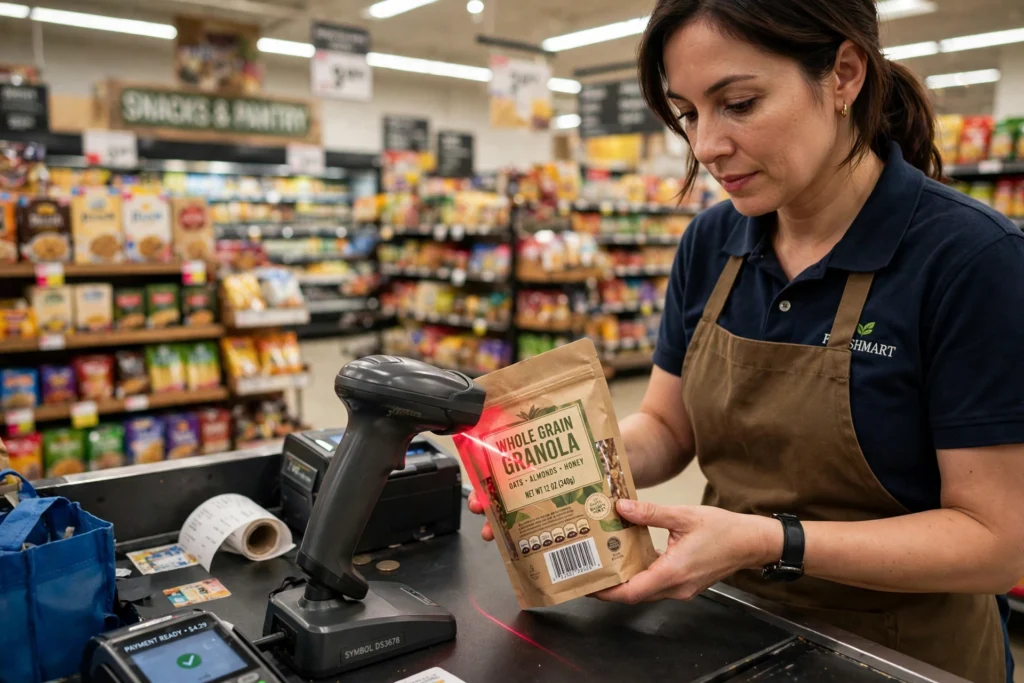
A barcode scanner shines light onto black bars and white spaces, measures how much light bounces back, and turns that pattern into a number. That number is looked up in a database, which returns the product’s name, price, or stock record. The scanner itself does not usually store the price.
Key Takeaways
- A barcode is a pattern of bars and spaces that encodes a number, not the product’s price or description.
- A scanner measures reflected light: white spaces reflect more light than black bars.
- A decoder turns those light and dark signals into digits, then checks them for errors.
- The decoded number is matched against a database to find the matching product or shipment.
- Damaged, wrinkled, shiny, or poorly printed codes are the most common reasons a scan fails.
What is actually stored in a barcode?
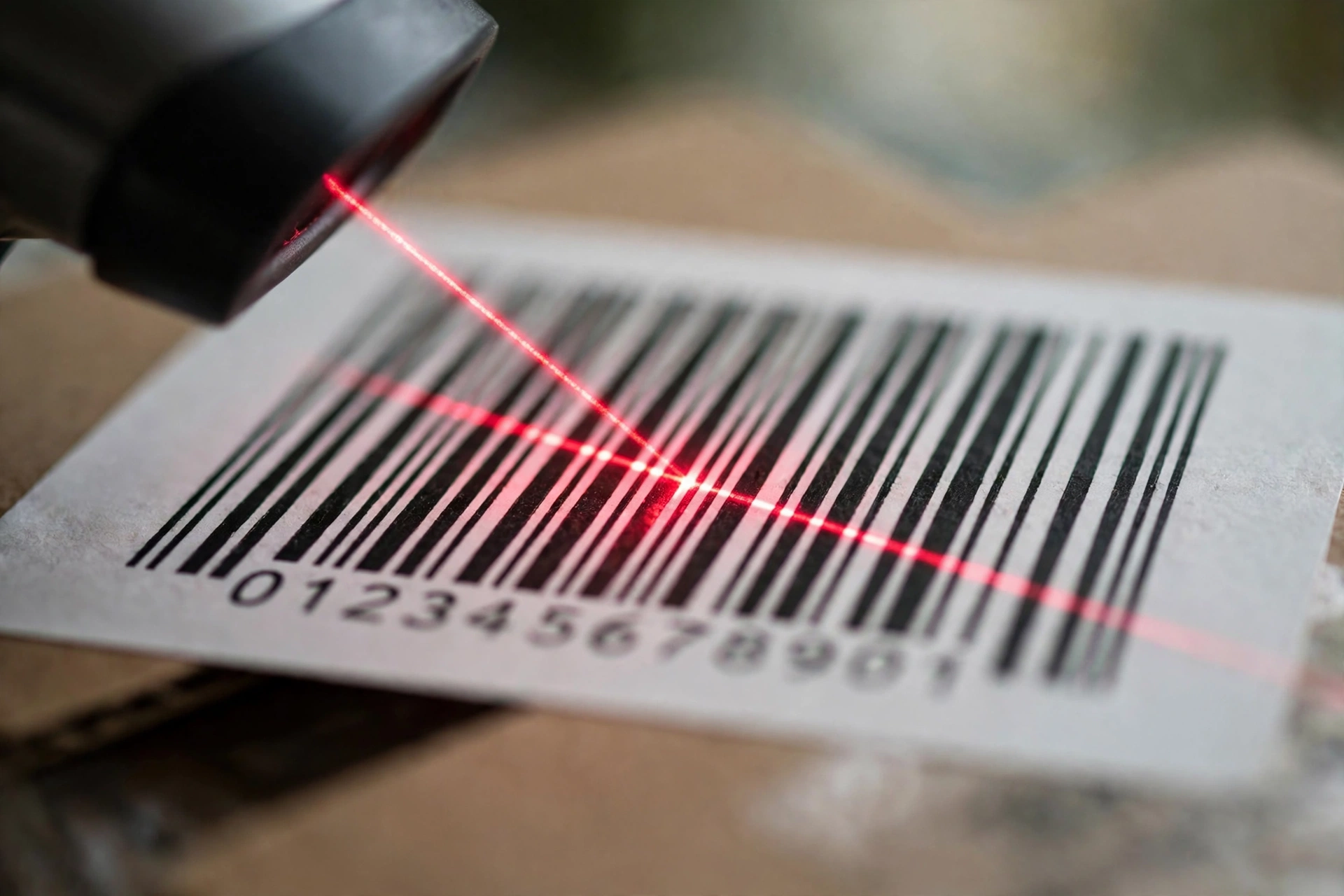
Look closely at a barcode on a packet of cereal and you will see bars of different widths, separated by spaces of different widths, with a row of digits printed underneath. Those digits are the key part. For a shop product, the number is usually a Global Trade Item Number, which identifies that exact product and size, but not the individual packet in your hand.
The bars are simply that number written in a form a machine can read. Wide bars, narrow bars, wide spaces, and narrow spaces each stand for part of the code, following a set of rules called a symbology. The most familiar shop symbologies are UPC and EAN, while warehouses also use codes such as Code 128 for boxes and shipments.
The barcode does not contain the price. The shop’s till system holds the price, linked to that number, which is why a product can change price without reprinting its barcode.
How does a laser scanner read the bars?
A traditional laser scanner sends out a thin beam of red light and sweeps it across the barcode. White spaces reflect the light back strongly, while black bars absorb more of it. A light sensor inside the scanner watches that reflected light rise and fall as the beam crosses each bar and space.
Some scanners use a spinning mirror to sweep the beam in several directions, which is why a checkout scanner can read a code held at an angle. Others, called imagers, work more like a camera and can also read two-dimensional codes, such as QR codes.
How does the number become a product on screen?
Once the decoder has a number, it usually runs a check digit test. The last digit of many barcodes is calculated from the earlier digits, so if one bar was misread, the total will not add up and the scanner will reject the read instead of guessing. That is why you sometimes hear no beep at all, rather than a wrong product appearing.
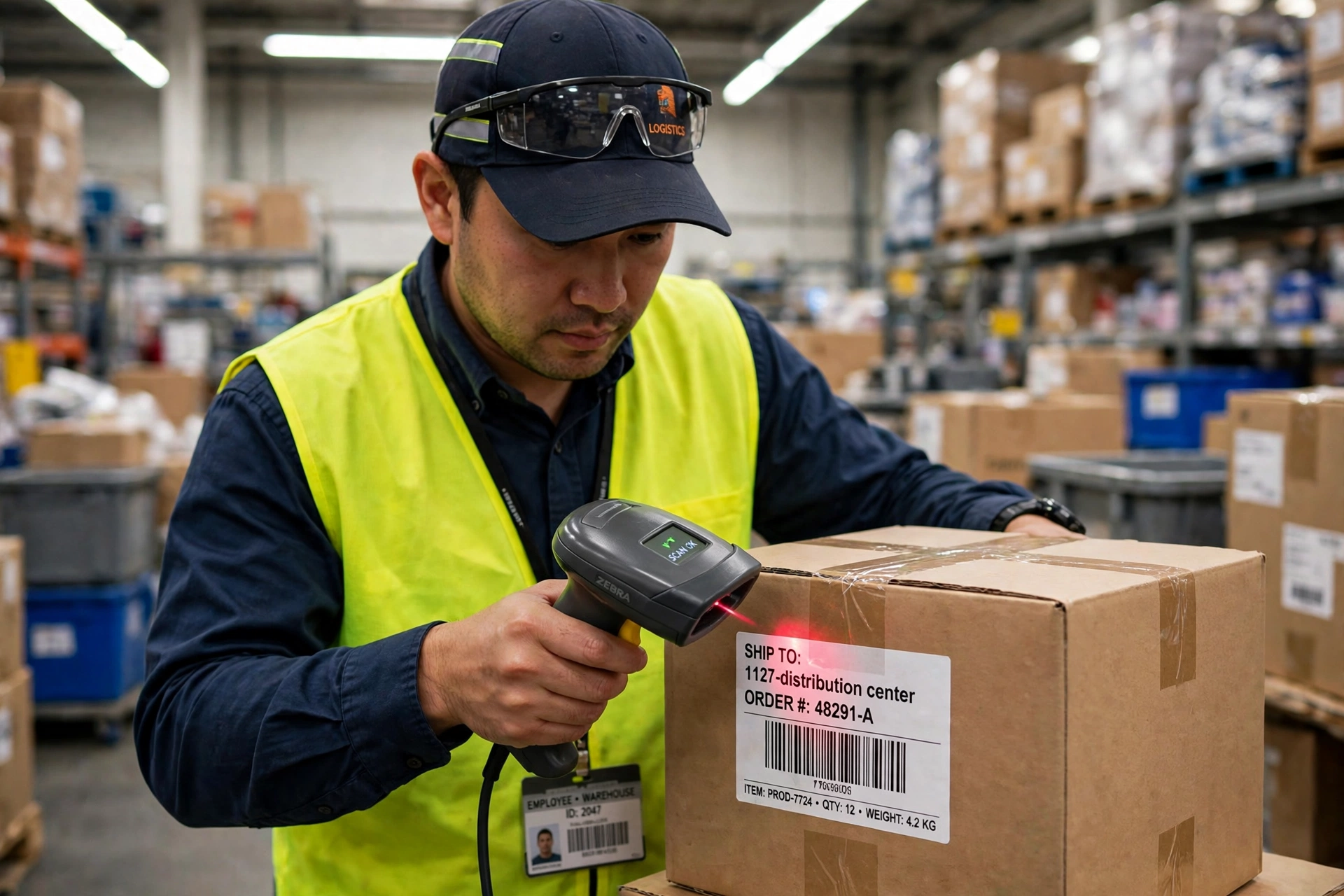
If the number passes, the scanner sends it to the till, warehouse system, or phone app, usually over a cable, Wi-Fi, or Bluetooth. The system then searches its database for that number. At a checkout, it returns the product name and current price. In a warehouse, it might return the order it belongs to, where it should be stored, or whether it has already been picked.
Wireless scanners add a useful twist. A handheld scanner can send each scan straight to the stock system over Wi-Fi, so stock levels update as goods move. Bluetooth links pair a scanner with a phone or tablet for stock counts, and scans stored online can be reached from more than one device, as with cloud storage.
Why do some barcodes fail to scan?
Most failures are about the print, not the scanner. A barcode printed too small, stretched, or squashed changes the widths the decoder expects. Wrinkles on a soft packet, a torn label, or glare from shiny packaging can hide part of the pattern. Low contrast is another culprit: a code printed in pale colours on a white background gives the sensor little to work with.
Distance and angle matter as well. Hold a code too close and the scanner may only see part of it; hold it too far away and the beam spreads too wide. Moving the code slowly through the beam, keeping it flat, and wiping a smudged label usually fixes a stubborn scan. If the same code fails everywhere, it may simply have been printed badly, and typing the digits underneath is the fallback.
What is the difference between 1D and 2D codes?
A traditional barcode is one-dimensional: the information runs in a single line of bars. A QR code is two-dimensional, storing data in a grid of squares, so it can hold much more — a web address, a batch number, or an expiry date. GS1, the organisation behind global product numbering, has been promoting a next-generation QR code that carries the same product number plus extra data. For now, the familiar striped barcode remains the workhorse at most checkouts, because it is cheap to print and fast to read.
FAQs
Does a barcode scanner need the internet to work?
Not to read the code itself, but it usually needs a connection to a database to turn the number into a product name or price. Some systems keep a local copy of the database for use offline.
Can a phone camera replace a barcode scanner?
For many jobs, yes. A phone app can photograph a barcode and decode it, and it can read QR codes easily. Dedicated scanners are still faster and more reliable for high volumes, damaged labels, and long shifts.
Why does my scanner beep but show the wrong product?
That usually means the code was read correctly but the database entry is wrong, duplicated, or out of date. Check the product number in the system rather than blaming the scanner.
Can a barcode be reused for a different product?
It should not be. Each product number is meant to identify one product, and reusing it would confuse tills and stock systems. A new product needs its own number.
Are barcode scanners safe for eyes?
Checkout and handheld scanners use low-power light and are designed for normal use, but as with any light source, you should not stare directly into the beam or point it at someone’s face.
Conclusion
A barcode scanner is a simple idea done very well: light, reflected differently by black bars and white spaces, becomes a number, and that number unlocks the right record in a database. The speed comes from removing typing and guesswork, and the accuracy comes from check digits and standard numbering.
A practical next step, if you run a small shop or a stockroom, is to test your own labels before a busy day: scan a few at different distances, check that each one returns the right product, and reprint any code that only scans after several tries. For background on how product numbering is standardised worldwide, see the GS1 guide linked below, and for the longer story, the barcode history linked below.
Related reading: How Does Wi-Fi Work? — How Does Bluetooth Work? — How Does Wireless Charging Work? — How Does Cloud Storage Work?