
AI writes code by predicting the most likely next lines from patterns in the millions of programs it was trained on. You describe what you want in plain words, or just start typing, and the assistant suggests whole functions, fixes bugs, or explains unfamiliar code. It guesses, though, so a human still needs to test everything it produces.
Key Takeaways
- AI coding assistants predict code from patterns in their training data, not from understanding your project.
- They are strongest at boilerplate, tests, documentation, and explaining code you did not write.
- They can invent functions that do not exist, use outdated libraries, and quietly introduce security holes.
- Every AI suggestion should be read, run, and tested before it ships.
- Learning to code still matters: the assistant writes lines, but you make the decisions.
What is an AI coding assistant?
An AI coding assistant sits inside your code editor, or in a chat window beside it, and suggests code as you work. GitHub Copilot, Amazon Q Developer, and the chat helpers in tools like Cursor and ChatGPT are the best-known examples. Some finish the line you started; others take a plain-English request — “write a function that sorts these orders by date” — and return a whole block of code.
Under the hood, most are large language models — the same kind behind chatbots — trained on huge collections of public code. They do not look answers up in a manual; they predict, word by word, what code usually comes next.
How does AI write code, step by step?
First, the tool gathers context: the file you have open, the code around your cursor, and sometimes other files in your project.
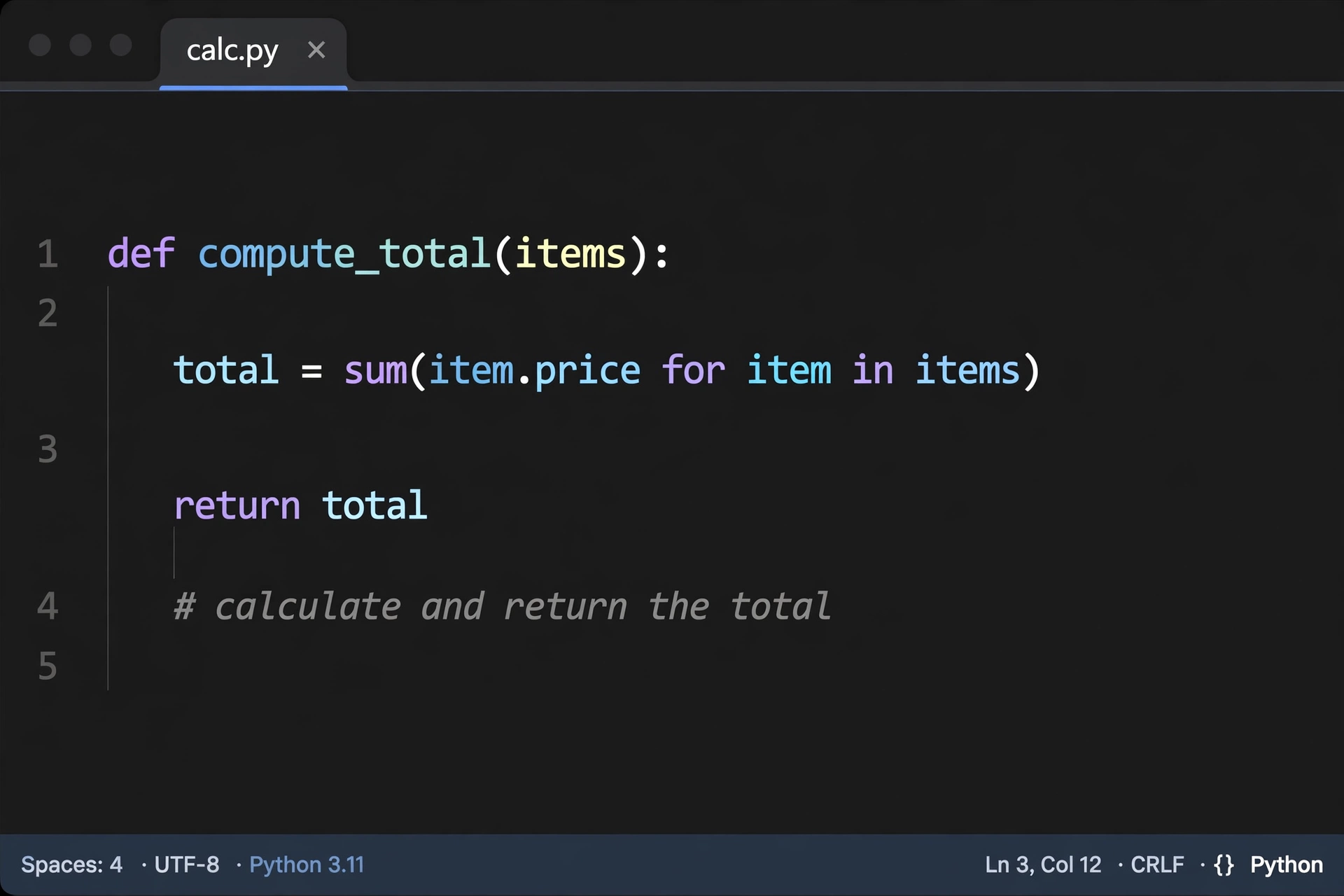
Second, it turns your request and that context into a prompt for the model. A comment like “# sort users by last login” becomes part of the prompt, and even a function name like calculate_discount is a hint.
Third, the model predicts the next chunk of code, token by token — a token is roughly a word or a piece of a word — until it has a complete suggestion.
Fourth, the suggestion appears in your editor, usually in grey text you can accept with a keypress. Once accepted, it becomes ordinary code, no different to the computer from code you typed yourself.
What can AI coding tools do well?
The honest answer is: a lot of the boring parts. Boilerplate is the obvious win: setting up a simple web server or writing the same database query for the tenth time are repetitive tasks with well-known shapes, and the model has seen them thousands of times.
Tests are another strong spot. Give an assistant a function and ask for unit tests, and it will usually produce sensible cases, including a few edge cases you might have skipped. Check that the tests test the right thing — but the first draft arrives in seconds.
Documentation and explanation are underrated uses. Paste in a function you inherited and ask what it does, and you will often get a clear summary. Ask it to write docstrings, and the result is usually readable, if a little wordy. They are also handy for translating between languages: converting a small script from Python to JavaScript is mostly a matter of mapping familiar patterns, though larger translations still need careful review.
Where does AI-written code go wrong?
The failures look exactly like successes until you run the code.
The classic failure is the invented function. The assistant suggests calling a library function that sounds right but does not exist, or uses an option that was removed two versions ago. The code reads beautifully. It will not run. This happens most with newer libraries, because the model’s training data is always a little out of date.
Subtle logic bugs are worse, because the code does run — it just does the wrong thing. An off-by-one error or a condition that is backwards is easy to miss when you did not write the code yourself and it looks plausible at a glance.
Security is the third risk. AI-generated code has been found to include unsafe patterns, like building database queries from raw user input — the kind of thing a reviewer would catch, but a busy developer accepting suggestions blindly might not.
How do you check AI-written code?
Treat every suggestion as a draft from a keen junior colleague: helpful, fast, and in need of review. Read it before you accept it — if you cannot explain what a block does, do not ship it. Run it, too: write a quick test, or at least run the program and check the output.
Pay extra attention to anything security-sensitive: logins, payments, database queries, and file uploads. These are the places where a small mistake costs the most. And keep secrets out of your prompts: use placeholder values instead of real passwords, API keys, or customer data.

Do you still need to learn to code?
Yes — arguably more than before. The assistant removes typing, not thinking: somebody still has to decide what the program should do and whether the result is correct. No autocomplete can supply that judgement.
What changes is where beginners spend their time: less memorising syntax, more understanding problems, reading code, and debugging. Used actively, an AI assistant is a patient tutor — ask why a suggestion works, change it and see what breaks. Used passively, it is a shortcut that skips the learning.
Frequently Asked Questions
Is AI-written code safe to use in a real product?
It can be, if reviewed and tested like any other code. Treat it as untrusted until it has passed your normal checks: reading, tests, and a second pair of eyes for sensitive parts.
Can AI write a whole app by itself?
It can produce a small, simple app from a detailed description. A real product — with users, logins, payments, and edge cases — still needs a human to plan it, test it, and fix what the AI gets wrong.
Which programming languages does AI code best?
It is strongest in popular languages with lots of public code, such as Python, JavaScript, TypeScript, and Java. It is weaker in niche or very new languages, where there is less training data.
Will AI replace programmers?
It is replacing some of the routine typing, not the job. Programmers spend most of their time understanding problems, designing solutions, and fixing things that break — those tasks are getting a new tool, not a replacement.
Does using an AI coding assistant cost money?
Many tools offer a free tier with limits, and paid plans usually cost about the same as a streaming subscription each month. Check the pricing page of the tool you pick, because free tiers change often.
Conclusion
AI writes code by guessing the most likely next lines from patterns it has seen before, and for routine work those guesses are often good. The trick is to use the speed without surrendering the judgement: let the assistant draft the boilerplate and tests, then read it, run it, and test it yourself. Try it this week on one small, low-risk task and review every line it produces — you will quickly learn where it helps and where it needs watching.