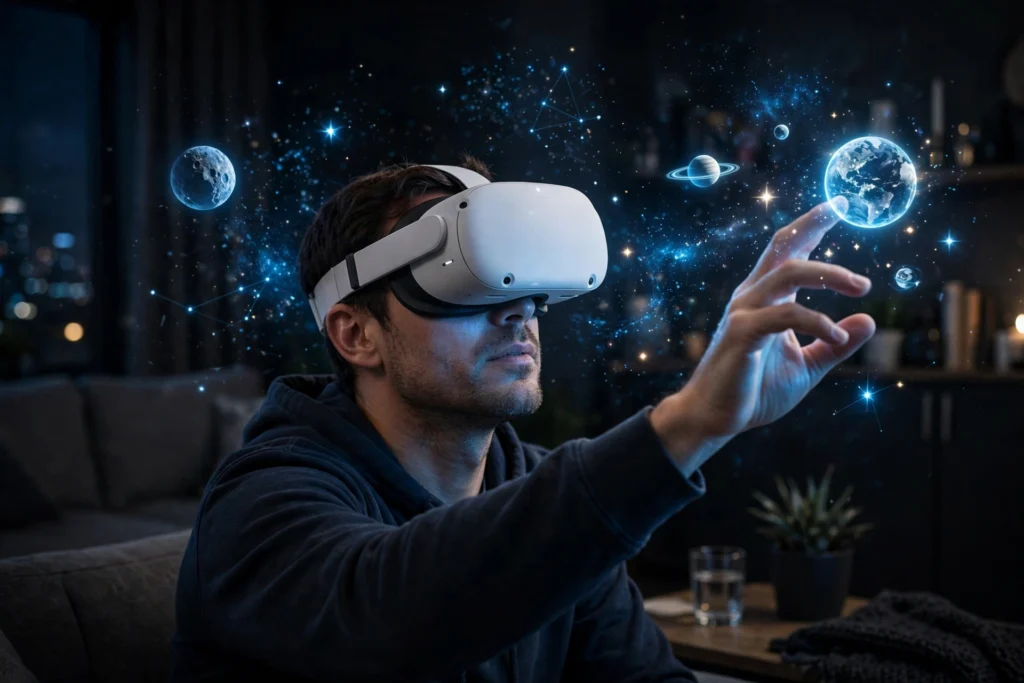
VR astronomy turns your headset into a planetarium you can walk around in. Instead of looking at a flat picture of the Moon, you stand on its surface; instead of reading about Saturn’s rings, you fly around them and see their tilt for yourself.
Key Takeaways
- VR astronomy puts you inside a 3D model of the sky, the solar system, or a planet’s surface.
- It works with a normal standalone headset and astronomy apps — no telescope required.
- You can visit the Moon, Mars, and distant galaxies, and watch events like eclipses from any date.
- It is best for learning and exploring; it does not replace a real telescope or real observations.
- Start with short sessions, a cleared space, and one good planetarium app.
What is VR astronomy?
VR astronomy is stargazing and space exploration inside a virtual reality headset. The app builds a three-dimensional sky around you: stars in their real positions, planets at their real distances (usually shrunk to fit), and the Moon with its craters close enough to study.
The idea is simple. A printed star chart shows you where things are; VR shows you where they are in space. Turn your head and the stars move past you the way they would under a real night sky.
How does a VR astronomy session actually work?
You start the same way as any VR session: put on a standalone headset, check your play area is clear, and open an astronomy app. Our guide to how VR headsets work explains the screens, lenses, and tracking inside the device.
Inside the app, tracking keeps the virtual sky fixed in place while you move. Look up and you see stars overhead; look down and you see the ground of a virtual Moon base. The controllers act as your hands — point at a star to see its name, or grab a planet to pull it closer. NASA’s free Eyes on the Solar System tool shows the same idea on a normal screen: a 3D solar system built from real mission data. Some apps also label the stars you can see through VR passthrough cameras.
What can you actually see and do?
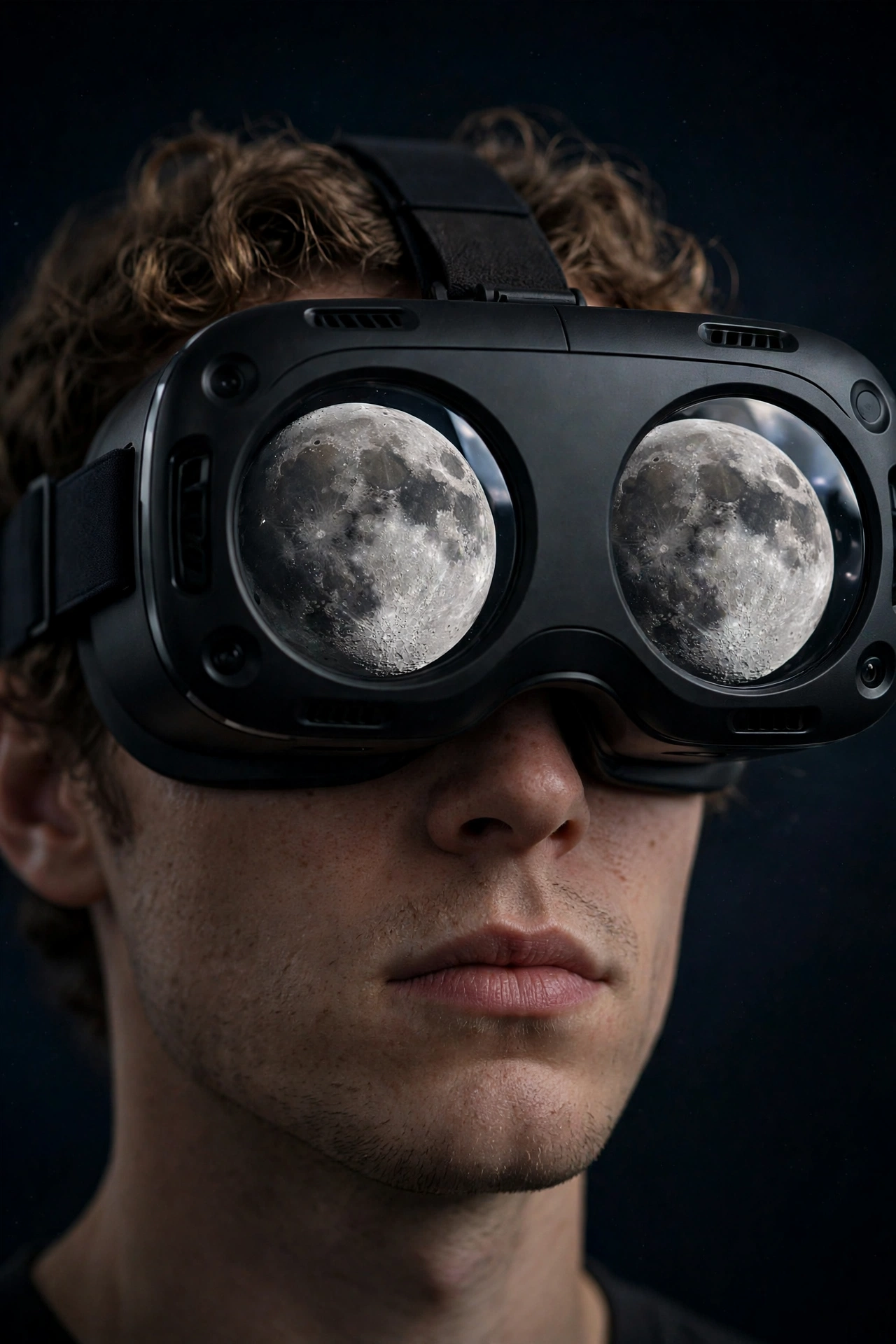
The Moon is the best place to start. In VR you can stand in a crater, look across grey plains, and see Earth hanging in the black sky above you. The surprise is the scale: the Moon looks small in a photo, but standing on it, the horizon feels close and strange.
Mars comes next. Terrain built from orbiter photos lets you walk through canyons under a pinkish sky, following the paths of real rovers — which makes mission news much easier to follow.
Further out, you can fly past Jupiter and watch its moons orbit, or tilt Saturn and see its rings from above and below. Zoom out and the solar system becomes a model you can hold: planets as glowing balls, orbits as faint lines, and the Sun as a bright point in the middle.
How do astronomers and teachers use it?
Astronomy is a visual science, and researchers have started using VR to look at their own data in three dimensions. A star catalogue is a list of numbers on a screen, but in VR it becomes a cloud of points you can walk through, and clusters stand out in a way they do not on a flat plot.
Teachers use it for the same reason. Explaining why we have seasons with a diagram takes patience; showing a student the Earth tilted as it orbits the Sun takes seconds. Our guide to VR in education covers how classrooms use headsets for subjects like this. It is a similar idea to VR travel: you visit a place you cannot reach in person, only here the place is another world.
Astronomy itself is the study of everything beyond Earth, from the Moon out to distant galaxies, as Britannica’s astronomy overview explains. VR does not change that definition — it just gives you a better seat.
What are the limits of VR astronomy?
The first limit is resolution. A headset screen spreads its pixels across your whole field of view, so a distant star is a small glowing dot, not a sharp point. You will not see the fine detail a telescope shows, and faint objects stay invisible.
Scale is the second problem. Real distances in space are so large that no app shows them honestly — if it did, the planets would be invisible specks. Apps shrink the gaps so you can see everything at once, which is useful but misleading if you take the picture literally. Treat the view as a model, not a photograph.
And the usual VR caveats apply. Long sessions can cause eye strain or motion sickness, especially when you fly quickly between planets. Keep sessions short, move slowly, and stop if you feel unwell. Accuracy matters too: good apps use real catalogues and mission data, while entertainment-focused ones may get details wrong, so check anything important against a reliable source.
How do I get started with VR astronomy?
Start with the headset you already own. Any modern standalone headset runs planetarium apps, and you do not need extra sensors or a PC. Clear a small space, sit down if you prefer, and pick one app to learn first.
Choose your first target before you put the headset on. The Moon on a clear night is the easiest win: find it in the app, then step outside and find it in the real sky. That link between the virtual and the real is what makes the hobby stick.
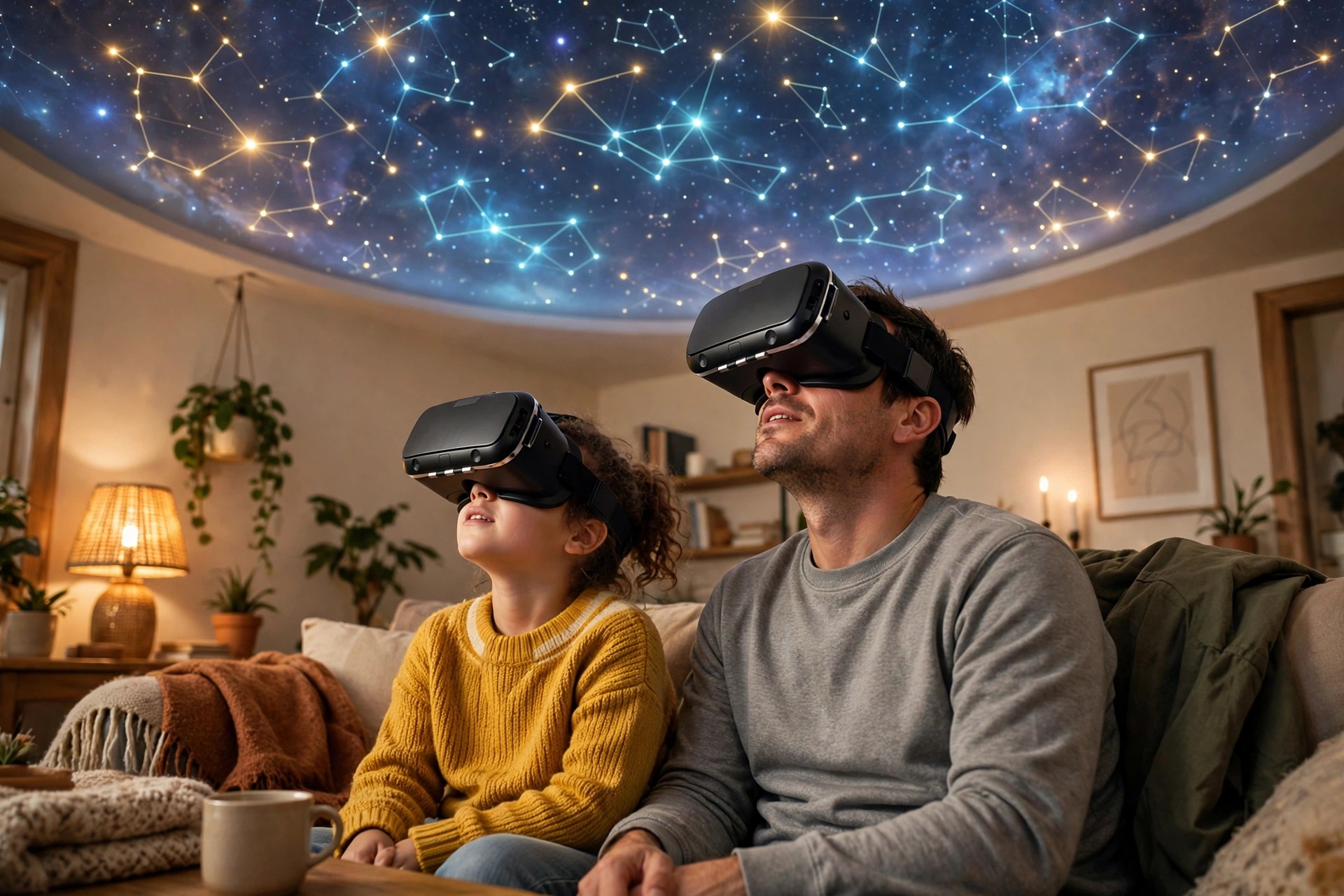
Learn one constellation per session rather than trying to memorise the whole sky. Find Orion, trace its belt, then look for the stars around it. Next time, add another.
If you have children, try it together. One person wears the headset and describes what they see while the other follows along on a tablet or phone. Explaining what you see is one of the fastest ways to learn it yourself.
FAQs
Do I need a telescope for VR astronomy?
No. VR astronomy uses a headset and an app, not a telescope. A telescope shows you the real sky in finer detail, so the two go well together, but VR works on its own, even on a cloudy night or from a bright city.
Is VR astronomy accurate?
Good apps are. They use real star catalogues and spacecraft data, so positions, phases, and orbits match the real sky. Entertainment-focused apps may simplify or invent details, so check anything important against a trusted source.
Can VR astronomy help me learn the constellations?
Yes, and it is one of its best uses. Seeing constellations as shapes around you, with labels you can turn on and off, is easier than memorising a flat chart. Try it in VR first, then test yourself under the real sky.
Does VR astronomy work for children?
Yes, with supervision and short sessions. Most apps suit ages ten and up, and a shared session — one child in the headset, one adult guiding — works well. Keep sessions under twenty minutes.
Can I see a solar eclipse in VR?
Yes. Most planetarium apps let you set any date and location, so you can watch a past or future eclipse from the best viewpoint on Earth. It is a simulation, not the real event, but it shows the path and timing clearly.
Conclusion
VR astronomy does not replace the real night sky, and it should not try to. What it does is give you a way to explore space on your own terms: stand on the Moon on a rainy evening, fly past Saturn before breakfast, and learn the constellations at your own pace.
If you are curious, start tonight. Put on your headset, open a planetarium app, and find the Moon. Then step outside and find it for real — that moment, when the virtual sky and the real one line up, is the whole point.