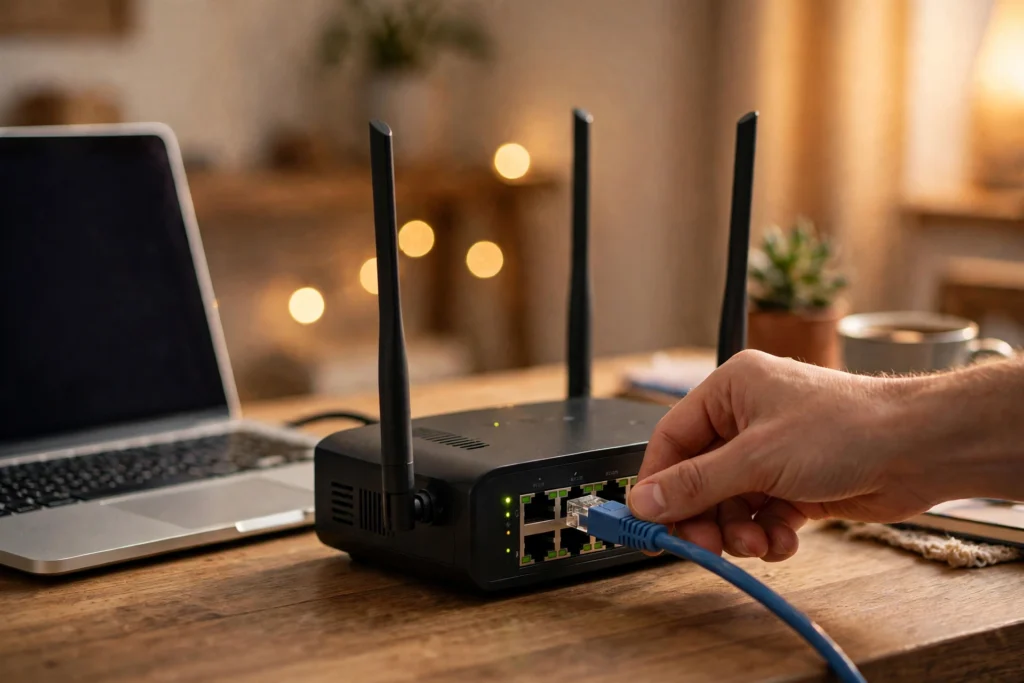
Ethernet is the wired way most homes and offices connect computers, TVs, game consoles, and printers to a network. Instead of sending data through the air, it sends electrical signals along copper wires inside a cable, and that direct path is why a wired connection often feels steadier than wireless. Plug a cable into a device and a router or switch, and the two ends can start talking in a fraction of a second.
Key Takeaways
- Ethernet carries data as electrical signals over twisted copper wires, usually through a cable with an RJ45-style plug.
- A switch or router directs each packet of data to the right device, rather than shouting it to everyone on the network.
- Cat5e, Cat6, and Cat6a describe cable categories, not a guarantee of speed on their own; the slowest part of the chain sets the limit.
- Wired connections tend to be more stable and lower-latency than Wi-Fi, which makes them a good fit for gaming, video calls, and large downloads.
- For most homes, a short, well-made cable and a free port on the router are all you need to try it.
What exactly is Ethernet?
Ethernet is a family of networking standards for local networks, first standardised as IEEE 802.3. In plain terms, it is the set of rules that lets devices share a cable, take turns, and understand each other’s messages. You will meet it in the familiar rectangular port on the back of a router, a desktop computer, a smart TV, or a game console. Laptops are thinner now, so many have dropped the port, but a small USB adapter can add one back.
The basic idea has stayed simple even as speeds have climbed. A device breaks what it wants to send into small packets, each labelled with where it came from and where it should go. Those packets travel along the cable, a switch reads the labels and forwards them to the right port, and the receiving device puts them back in order. If a packet is damaged or lost, the higher layers of the network can ask for it again. You never see this happening; you just see a web page load or a video start without stuttering.
How does data travel through a cable?
Look inside a typical Ethernet cable and you will find four pairs of copper wires, each pair twisted together. The twisting is not decoration. When a signal runs down one wire, it can pick up interference from nearby wires and electrical equipment. Twisting the pair helps cancel much of that noise out, because interference affects both wires in a similar way and the receiver can subtract it. It is a quiet piece of engineering that makes a cheap cable surprisingly reliable.
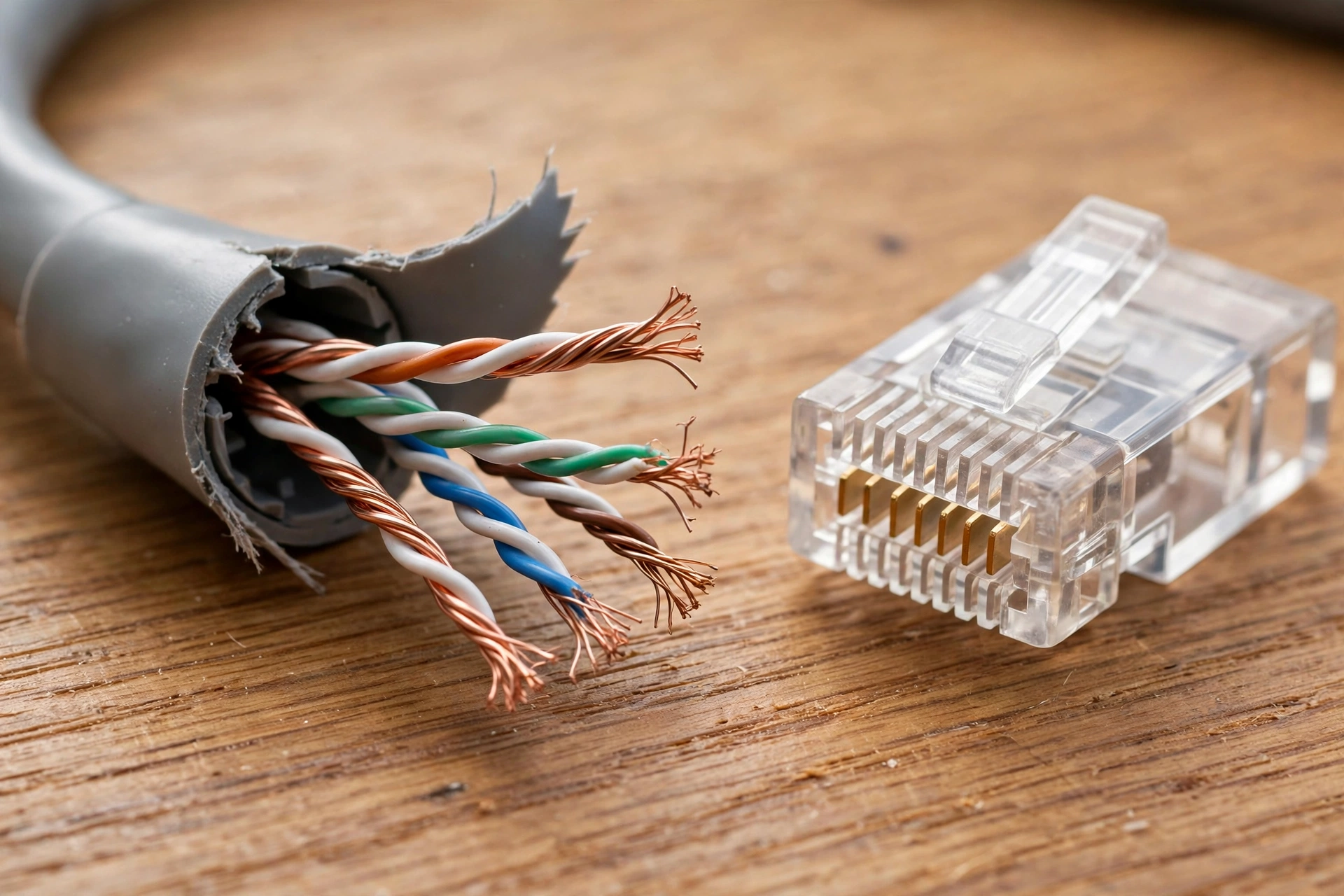
At each end, the eight wires are arranged in a standard order inside the plug, often called an RJ45 connector. That standard order matters: both ends must agree, or the signal will not line up. When you push the plug in, you hear a small click as the clip catches. The device and the switch then negotiate the fastest speed they both support, a handshake you may notice as a blinking light beside the port. Green and amber lights are common, though their exact meaning varies by device, so the manual is worth a glance if a light looks odd.
What do Cat5e, Cat6, and Cat6a mean?
Cable categories describe how a cable is built and tested, not how fast your internet plan is. Cat5e is the older, common standard in many homes and comfortably handles gigabit speeds over short runs. Cat6 adds tighter twisting and better shielding against crosstalk, which helps it reach higher speeds over short distances. Cat6a goes further again, with thicker construction that supports 10-gigabit speeds over longer runs.
Why is Ethernet often steadier than Wi-Fi?
Wi-Fi is convenient because it reaches through rooms without a cable, and for phones and tablets it is the only sensible choice. But radio waves have to share the air with neighbours’ routers, microwaves, and walls, and that sharing can show up as jitter, a sudden lag spike, or a video that drops in quality. Our guide to Wi-Fi explains how radio, channels, and distance shape that experience.
A cable avoids most of that. It gives one device a private path to the switch, with far less interference and usually lower latency, the delay between sending a request and getting a reply. That is why many gamers, people who work from video calls all day, and anyone backing up large files to cloud storage still prefer a wire for their main computer, even in a house full of Wi-Fi. It is not that Wi-Fi is bad; it is that each tool fits a different job. Bluetooth, by contrast, is built for short hops to headphones and speakers, not for carrying a whole home network.
What do you need to set it up at home?
Start with the router you already have. Most home routers have a few yellow or black Ethernet ports on the back, often labelled LAN. Run a cable from one of those ports to the device, push both plugs in until they click, and give it a few seconds. Most devices will switch to the wired connection on their own. If nothing happens, check that the cable is fully seated, try another port, and try another cable before assuming the device is at fault.
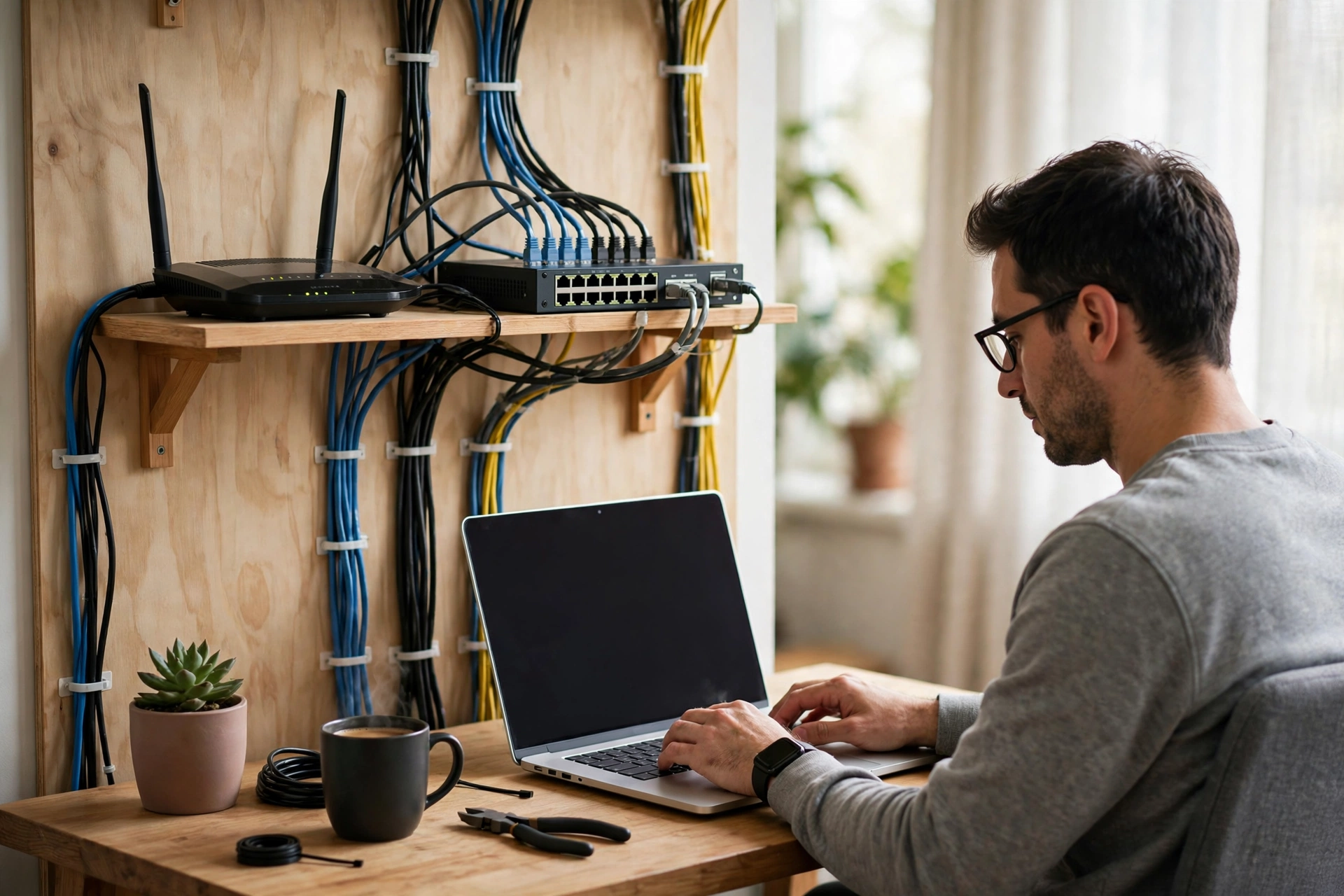
If you run out of ports, a small unmanaged switch solves it. Plug one cable from the router into the switch, then plug your devices into the switch. There is usually nothing to configure. Keep cables tidy rather than perfect: avoid sharp bends, do not staple through a cable, and leave a little slack at each end so the plug is not pulling at an angle. A cable run along a skirting board looks better and lasts longer than one stretched across a floor.
When is Wi-Fi still the better choice?
Ethernet wins on stability, but it cannot follow you around the house. Phones, tablets, and laptops you carry from room to room belong on Wi-Fi, and so do devices in rooms where running a cable would mean drilling or trailing wire across a hallway. A sensible home setup often mixes the two: wired for the desktop, the TV, and the game console that stay put, and wireless for everything that moves.
FAQs
Do I need a special internet plan for Ethernet?
No. Ethernet uses the internet connection you already have. It can make better use of a fast plan by removing wireless bottlenecks, but it cannot make a slow plan faster than the plan itself allows.
Is Cat6 always better than Cat5e?
Not always. For a short run at gigabit speeds, Cat5e is usually fine. Cat6 and Cat6a are worth it for longer runs, higher speeds, or new cabling inside walls, where replacing the cable later would be a hassle.
Can I use Ethernet and Wi-Fi at the same time?
Most devices prefer one connection at a time and will favour the wired one when it is available. Some systems can use both in limited ways, but for everyday use, think of it as one active path, with the other as a backup.
Why does my Ethernet connection show 100 Mbps instead of 1 Gbps?
A common cause is a damaged wire inside the cable, a loose plug, or an older switch or adapter that only supports 100 Mbps. Try a known-good short cable and a different port first, and check the device’s adapter specifications if the limit persists.
How long can an Ethernet cable be?
For ordinary twisted-pair cabling, keep the total run to about 100 metres. In a home, that is rarely a constraint. If you need to go much further, a switch partway along, or a different technology such as fibre, is a better answer than one very long cable.
Conclusion
Ethernet works because it keeps the path simple: a private, twisted-wire road between your device and the network, with a switch directing traffic and a standard plug at each end. It will not suit every device, and it will not replace Wi-Fi for the gadgets you carry around. But for the computers and screens that stay in one place, a single cable is often the easiest upgrade you can make.
Try it with one device first. Plug in a short cable, run a video call or a large download, and compare how it feels with your usual wireless connection. If the difference is clear, you have found a practical, low-cost improvement, and you can wire the next heavy user when you are ready.