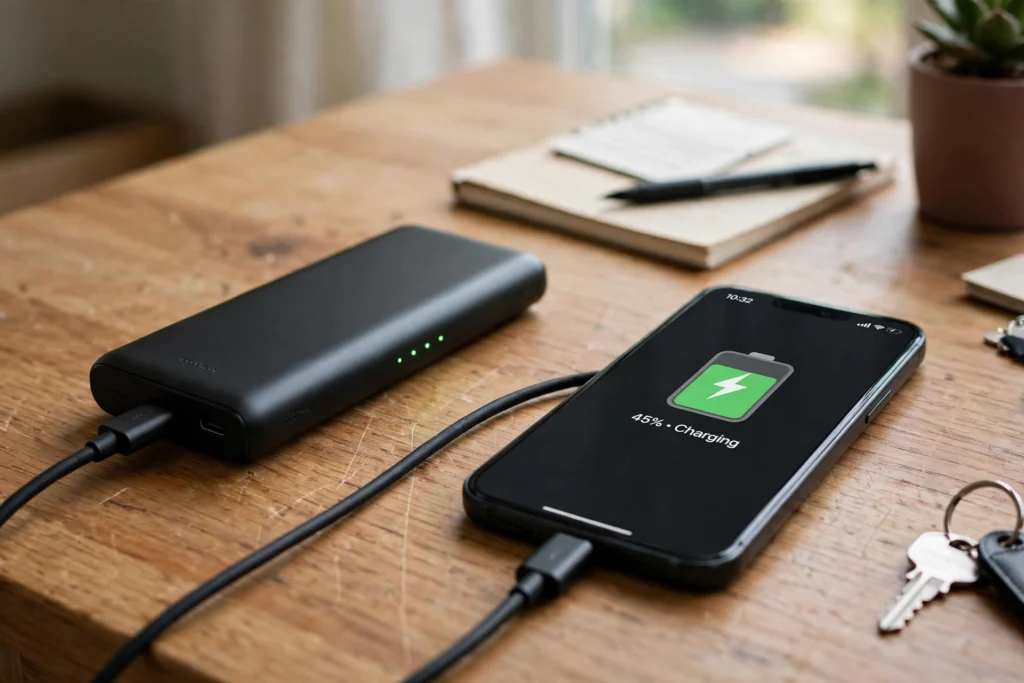
A power bank is a portable battery pack that stores electrical energy, then releases it to charge your phone, earbuds, or other small devices when no wall socket is nearby. You charge the power bank first, carry it with you, and plug your device into it later. Inside, rechargeable battery cells, a small circuit board, and one or more ports work together to move that stored energy safely from the pack to your device.
Key Takeaways
- A power bank stores energy in rechargeable lithium-ion or lithium-polymer cells and releases it through a controlled circuit.
- Its capacity rating, usually shown in milliamp-hours (mAh), is a rough guide — not the exact amount your phone will receive.
- Charging speed depends on the cable, the port, and what both the power bank and your device support.
- A well-kept power bank, used with a good cable and kept away from heat, should serve you reliably for everyday trips and commutes.
What Is Inside a Power Bank?
Open up the idea of a power bank and you will find three main parts. First are the battery cells themselves, most often lithium-ion or lithium-polymer cells, similar in principle to the battery inside your phone. Second is a circuit board that manages charging in and out: it controls voltage, limits current, and watches for problems such as overheating or a short circuit. Third are the ports and, on many models, small lights or a display that show how much charge is left.
That circuit board matters more than it looks. Your phone does not want raw battery power straight from the cells. It wants a steady, controlled supply at the right voltage, usually 5 volts for basic USB charging, with higher voltages possible when both devices agree to a faster charging standard. The circuit steps the battery voltage up or down as needed, and it stops the flow when something looks wrong. In short, the cells hold the energy, but the circuit decides how it is delivered.
How Does a Power Bank Charge Your Phone?
When you plug your phone into a power bank, a simple exchange begins. The power bank’s circuit checks what is connected, then sends power through the cable to your phone. Your phone’s own charging circuit takes over from there, deciding how much current to draw and slowing down as its battery fills up. That is why charging often feels fast at first and slower near the end — your phone is protecting its battery as it approaches full.
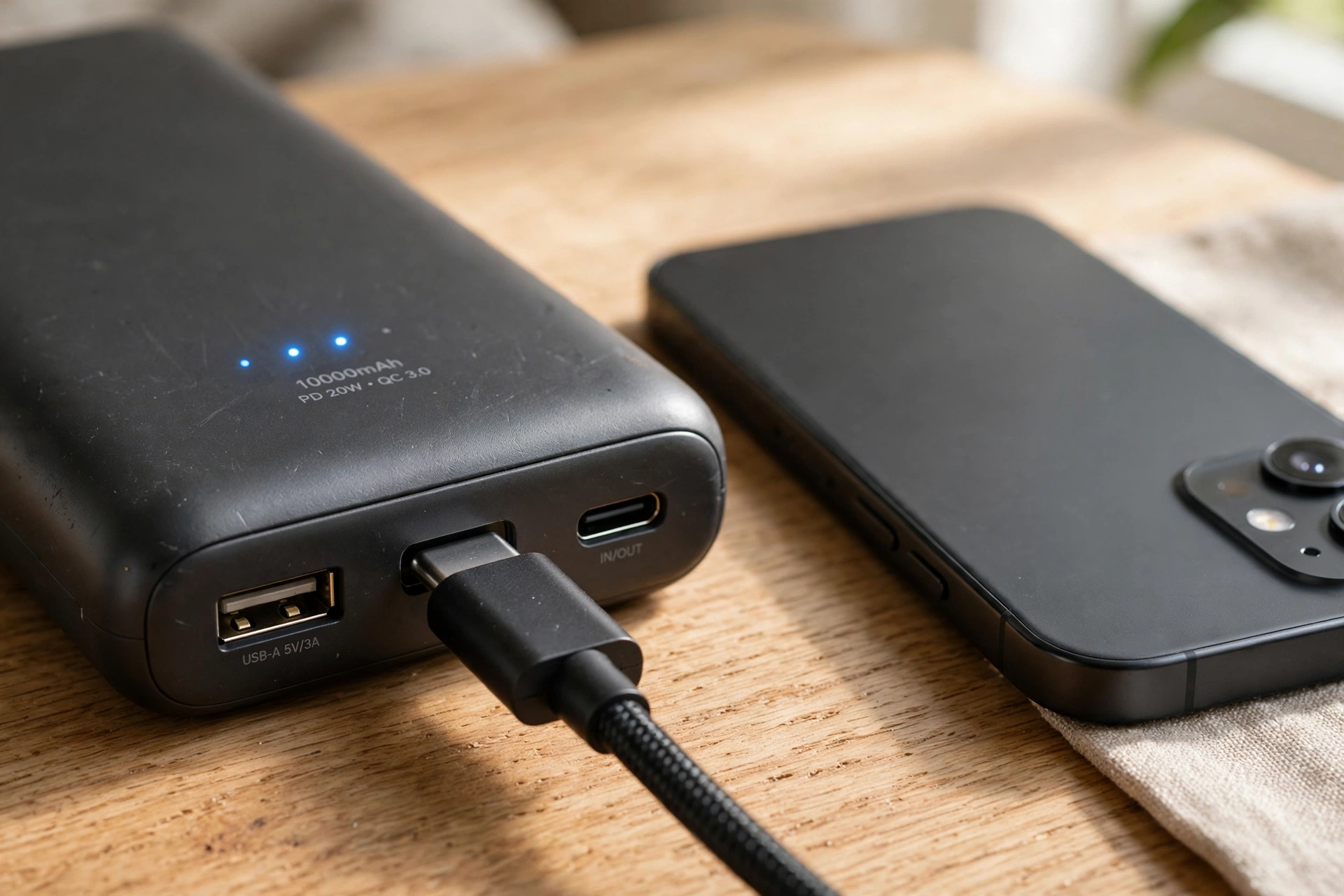
The cable and port you use make a real difference. An old or damaged cable can slow charging or cause it to drop out, even if the power bank itself is fine. USB-C ports are now common on both power banks and phones, and they often support faster charging than older USB-A ports. Still, both ends have to support the same faster standard for the full speed to kick in. If either end does not, charging simply falls back to a slower, safe speed — which is normal, not a fault.
What Does the mAh Rating Really Mean?
Capacity is usually printed in milliamp-hours, or mAh. A 10,000 mAh power bank sounds as if it holds more than three times the charge of a phone with a 3,000 mAh battery, and in raw terms it does. But you will not get three full phone charges from it, and here is why.
First, some energy is lost as heat when power is converted from the power bank’s battery voltage to the voltage your phone needs. Second, your phone itself uses a little energy while it charges, especially if the screen is on. Third, the rating describes the cells inside, not the usable output after conversion. As a rough rule of thumb, expect a 10,000 mAh pack to give most phones about one and a half to two useful charges, depending on the phone and how you use it while charging. Larger packs hold more, but they are also heavier and bulkier — a trade-off worth thinking about before you buy.
How Do You Charge a Power Bank?
Charging the power bank is the reverse of the process above. Plug it into a wall charger with a suitable cable, and its circuit fills the cells until they are full, then stops. Many power banks show progress with blinking lights or a percentage display. A full charge can take a few hours, especially for larger packs, so it helps to plug it in the night before a trip rather than minutes before you leave.
One handy feature on many models is pass-through charging, which lets the power bank charge your phone while the power bank itself is plugged in. Not every model supports this, and on those that do, charging may be slower. Check the manual or product page for your model rather than assuming it works. For everyday use, the simplest habit is best: keep the power bank topped up, and recharge it after a heavy day of use so it is ready next time.
How Can You Use a Power Bank Safely?
Power banks are everyday gadgets, but they still hold a lot of energy in a small case, so a few habits go a long way. Use a good-quality cable, preferably the one that came with your device or a reputable replacement. Keep the power bank away from strong heat — do not leave it on a car dashboard in summer, for example — and do not use it if the case is swollen, cracked, or damaged. If it ever feels unusually hot, smells odd, or stops working properly, stop using it and follow the maker’s guidance.
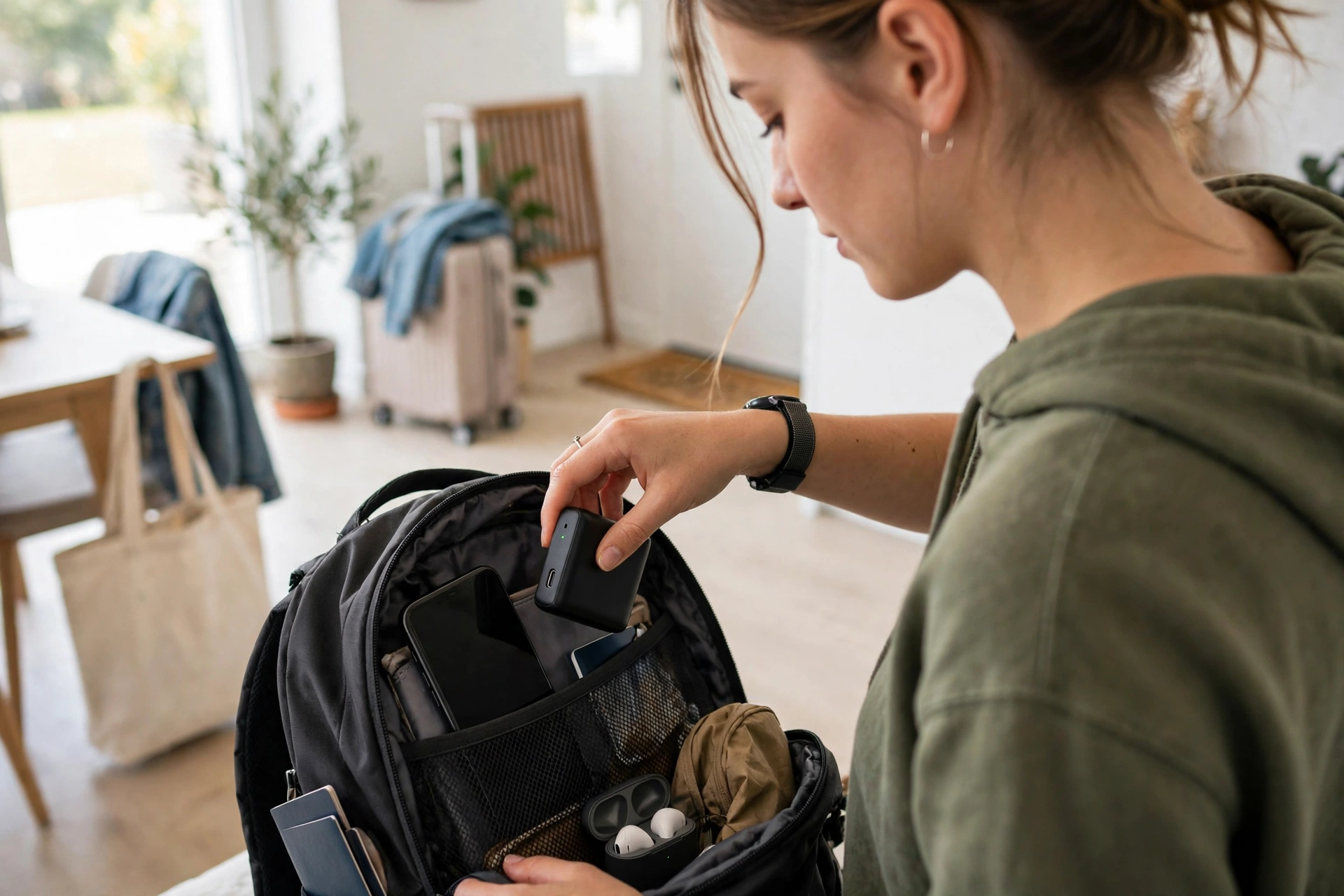
Travel adds one more rule to remember: airlines generally require spare lithium batteries, including power banks, to travel in cabin baggage rather than checked luggage. Limits vary by airline and by battery size, so check your airline’s rules before you fly, especially for very large packs. Packing the power bank where you can reach it also makes security checks simpler.
Related reading on this site: a power bank pairs naturally with everyday wireless tech. See how wireless charging differs in our guide to How Does Wireless Charging Work?, how your phone connects without cables in How Does Bluetooth Work?, and how your phone stays connected in How Does Wi-Fi Work?. If you wear one, our explainer on How Does a Smartwatch Work? covers another small battery-powered device you charge often.
Frequently Asked Questions
Why does my power bank not fully charge my phone twice?
Conversion losses, heat, and your phone’s own power use while charging all reduce the usable output. The mAh rating describes the internal cells, not the exact energy delivered to your phone, so one and a half to two charges from a 10,000 mAh pack is typical.
Can I leave a power bank plugged in overnight?
Most modern power banks stop charging themselves once full, but it is still sensible to use a reputable charger and cable, keep the pack in a ventilated spot, and unplug it when it is done. Avoid charging it under pillows or blankets where heat can build up.
Does fast charging damage my phone?
When both devices support the same standard, fast charging is designed to be safe, and your phone slows charging as it fills. Heat is the main concern, so if your phone gets very warm while charging, let it cool and use a slower charge for a while.
How long should a power bank last?
That depends on use and care, but a well-kept power bank should last through many charge cycles over a couple of years or more. If its usable capacity drops sharply, it holds charge poorly, or the case changes shape, it is time to replace it and recycle the old one properly.
Can I take a power bank on a plane?
In most cases, yes, in your cabin bag, within the airline’s size limits. Rules vary, so check with your airline before flying, especially for large-capacity packs, and never put a spare lithium battery in checked luggage unless the airline explicitly allows it.
Conclusion
A power bank is a simple idea done well: store energy at home, carry it in your pocket, and use it when your phone needs a top-up. Understanding capacity, cables, and charging speed helps you pick the right size and avoid disappointment. As a practical next step, check the capacity and port type on the power bank you already own, pair it with a good cable, and give it a full charge tonight — then it will actually be ready when you need it tomorrow.
Power bank on Wikipedia and USB charging information from USB-IF