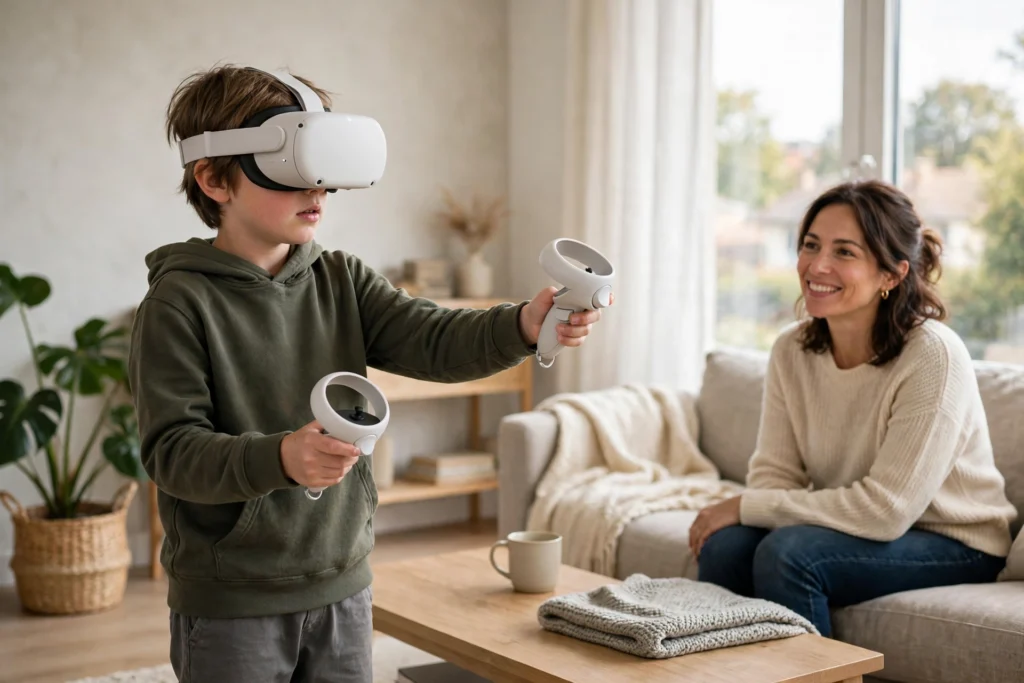
This article is general information for parents, not medical advice. If your child has epilepsy, a vision condition, or a balance disorder, check with a doctor before they use a VR headset.
VR for kids can be a brilliant thing: a child can walk through a Roman villa, paint in mid-air, or play a game that gets them moving around the living room. It can also end in a headache if the headset is too heavy or the session runs too long. The difference is almost entirely in the setup.
Key Takeaways
- Most major headsets set a minimum age of 10 to 13, and children under 6 should not use immersive VR at all.
- Keep first sessions short — around 15 to 20 minutes — in a clear, supervised space.
- A parent-managed account, content filters, and a guardian boundary matter more than which headset you buy.
- The best kids’ VR is active and creative: moving, building, or exploring, not just watching.
What age can a child use a VR headset?
There is no single industry-wide age limit, and that is part of the confusion. Meta allows children aged 10 to 12 on a Quest with a parent-managed account; a standalone account still needs the user to be 13. Sony says the PlayStation VR2 is not for anyone under 12. Apple’s Vision Pro is 13 and up. HTC takes the most cautious line and says its Vive headsets are simply not designed for children.
The American Academy of Pediatrics goes further and recommends that children under 6 do not use immersive VR headsets at all. A young child’s visual system is still developing, and a headset asks the eyes to do something unusual: focus on a screen a few centimetres away while converging on objects that appear metres away. That mismatch, known as vergence-accommodation conflict, causes eye strain in adults too — but a child’s eyes are still learning to work together. Headsets are also built for adult heads, so a small child gets a worse fit and a heavier load on the neck.
None of this means VR is off the table for older children. The age on the box is a floor, not a target.
| Headset | Minimum age | Notes |
|---|---|---|
| Meta Quest 3 / 3S | 10+ with a parent-managed account; 13+ standalone | Parental supervision tools, time limits, content filters |
| PlayStation VR2 | 12+ | Sony health and safety guidance; needs a PS5 |
| Apple Vision Pro | 13+ | Heaviest of the three; no child account option |
| HTC Vive range | Not designed for children | No published minimum age |
What can kids actually do in VR?
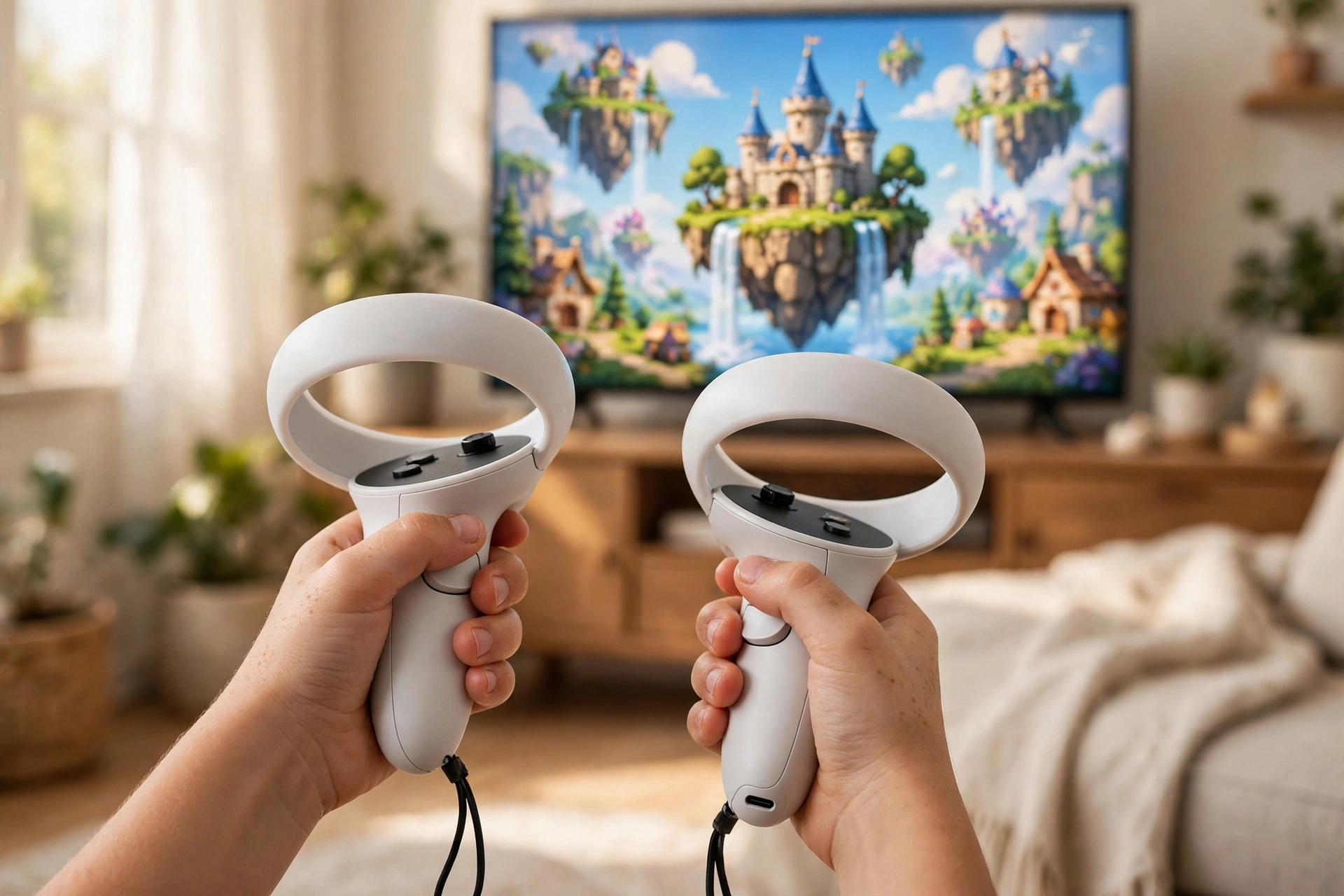
The good stuff falls into three buckets, and a mix of the three beats hours of any one of them. First, movement games: sports, dancing, and adventure games where the child is standing, reaching, and turning. These leave a child pleasantly tired rather than glazed over. Second, learning experiences: walking through a museum, standing inside a volcano, or visiting the International Space Station. Third, creative play: painting in three dimensions or building worlds block by block.
What works less well is passive watching in a headset, long sessions of fast, jerky games, and anything with strangers in it. A headset that shows films can be fun as a treat, but it uses the most immersive screen in the house to do what a television already does. Check social VR worlds yourself first — they are full of adults, not just children.
How do you set up VR safely for a child?
Start with the account. Set up a parent-managed child account where the headset offers one, and turn on purchase approval so nothing can be bought by accident. Then set the content filters to match your child’s age, not the default, and check the supervision dashboard once a week.
Next, sort the room. Clear a space of about two metres by two metres, move the coffee table, and draw the guardian boundary together so your child understands what the glowing lines mean. The boundary is the headset’s way of saying “you are about to walk into the wall” — but it only helps if the child stops when they see it. Keep a lamp on: a dark room makes the headset feel more disorienting.
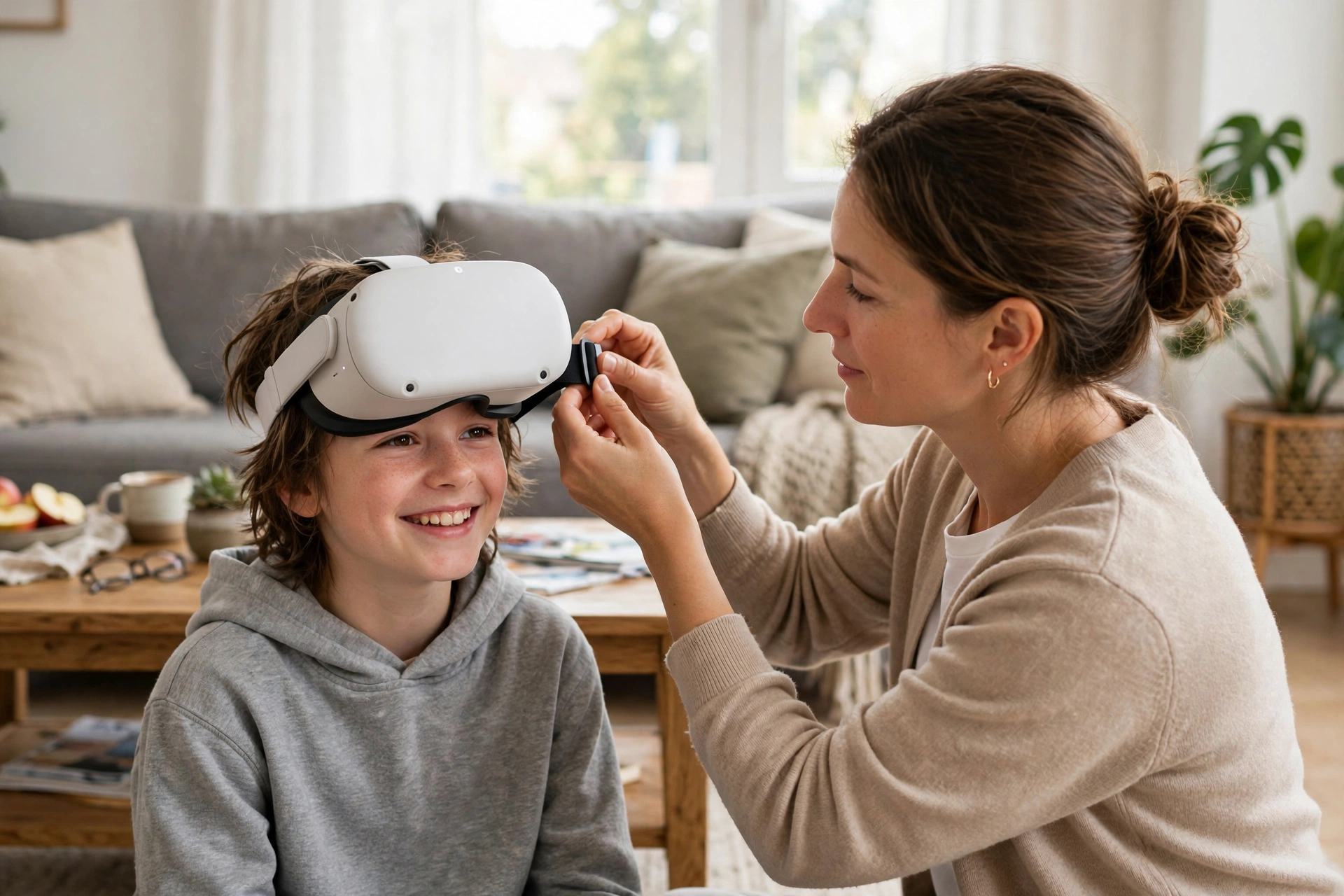
Fit matters more than most parents expect. Loosen the strap, centre the lenses over the child’s eyes, and tighten just enough that the image is sharp without pressing on their cheeks. If the picture is blurry at the edges, the lens spacing is wrong for that child. If your child keeps rubbing their eyes, the fit is wrong or the session is too long.
How long should a VR session last?
Short. For a first session, fifteen to twenty minutes is plenty, and you should be in the room for all of it. Watch for the warning signs: flushed cheeks, rubbing eyes, wobbling when they stand still, or that glazed look that says the brain has had enough. Any of those means the session is over, no negotiating.
As sessions become routine, a good rule is thirty minutes, then a proper break — water, daylight, and something that does not involve a screen. Use a timer: time inside a headset stretches.
Motion sickness deserves its own mention. Some children feel queasy when the virtual world moves while their body stays still — the same mismatch that causes car sickness. If your child feels ill, stop straight away and try again another day with a gentler experience, ideally one where they move their own body to move in the game. If it keeps happening, that child may simply be one of the people VR does not suit. Our guide to VR motion sickness explains why it happens and what helps.
What should parents watch out for?
First, content. The store on a headset looks like any other app store, but a game rated for teens can still include voice chat with strangers, in-app purchases, and ads. Check the age rating and play the game yourself once before your child does.
Second, the social side. Open social VR worlds are not playgrounds; they are public spaces, and children in them can hear language and meet people you would not invite into your home. Keep social apps off the child’s account, and treat voice chat like a phone call to a stranger.
Third, eyes and sleep. A child who plays VR right before bed will often take longer to fall asleep, partly because of the screen light and partly because an exciting game leaves the brain buzzing. Keep VR out of the last hour before bedtime, and mention headaches or sore eyes at your child’s next eye test.
VR for kids is a setup question, a time-limit question, and a what-are-they-playing question. Get those three right and the headset becomes a way for a child to visit places, make things, and move — with a parent who knows what is going on inside it.
FAQs
What is the youngest age for VR?
Manufacturers set minimums of 10 to 13 depending on the headset, and paediatric guidance recommends no immersive VR under age 6. Treat the box age as a minimum, not a target.
Is VR bad for children’s eyes?
Long sessions can cause eye strain and headaches because the eyes focus on a near screen while converging on distant virtual objects. Short sessions, a good fit, and regular breaks keep the risk low — but mention any persistent symptoms at an eye test.
How long can a child play VR each day?
Start with 15 to 20 minutes per session and build to about 30 minutes with a proper break afterwards. Avoid VR in the hour before bedtime.
Can kids play VR games with strangers?
They can in open social VR worlds, which is why those apps should stay off a child’s account. Keep voice chat and multiplayer with strangers switched off until your child is old enough to handle them.
Do children need their own VR headset?
Not at first. One shared family headset with a parent-managed child account is the sensible start — it keeps the cost down and the supervision easy.
Conclusion
VR can give a child experiences a classroom cannot: standing inside a volcano, painting in mid-air, or playing tennis against a friend across the world. Pick a headset that matches your child’s age, set up the account and the room before the first game, and keep sessions short. Then try it yourself first — ten minutes in the headset will tell you more about what your child is about to experience than any box or review ever will.
Further reading: VR Headsets · VR Motion Sickness · VR for Seniors · VR Beyond Gaming · ScienceABC: Is VR Bad for Kids? · Wikipedia: Virtual Reality