
Satellite internet brings broadband to your home through space instead of cables. A small dish on your roof talks to satellites overhead, they pass your data to a ground station, and from there it joins the ordinary internet. For homes beyond the reach of fibre or cable, it can be the only way to get online at all.
Key Takeaways
- Satellite internet needs only a dish, a modem, and a clear view of the sky.
- Older services use one satellite parked 35,786 km up; newer ones use thousands a few hundred kilometres up.
- Low-orbit services feel far quicker because the signal travels a much shorter distance.
- Heavy rain and trees blocking the dish cause most dropouts.
- It suits rural homes, boats, and remote workplaces — but fibre or cable still wins where it exists.
How does satellite internet actually work?
Picture normal broadband, then replace the cable running down your street with a radio link to space. Your data makes four stops along the way.
First, your laptop or phone sends a request to your home router, which passes it to a modem and then to the dish outside — usually a flat panel or a small round dish fixed to the roof or a pole in the garden. The dish beams the request upward as a radio signal.
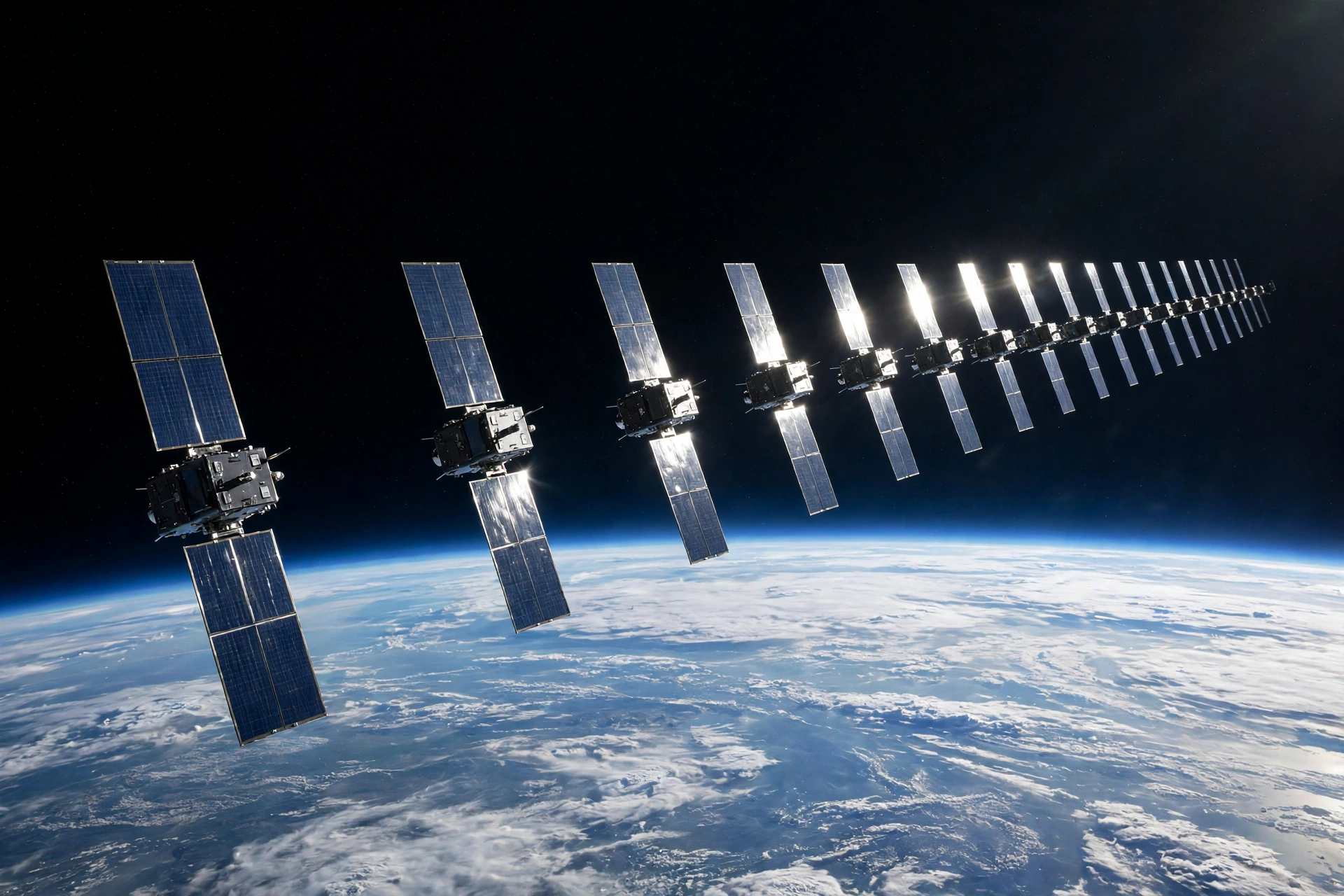
Second, a satellite picks the signal up. In older systems, that satellite sits in geostationary orbit, hovering over one spot on the equator. In newer systems, the signal reaches whichever satellite in a large constellation happens to be passing overhead, and your dish switches to the next one as it moves on.
Third, the satellite forwards your request down to a ground station connected to the fibre backbone of the internet. The website or video you asked for travels back along the same route in reverse.
Distance is what matters, because the signal travels at close to the speed of light. A signal climbing 35,786 km to a geostationary satellite and back takes roughly half a second each way, which is why older satellite internet felt sluggish on video calls. A low-orbit satellite only a few hundred kilometres up cuts that delay to a small fraction of that.
What is the difference between geostationary and low-orbit satellite internet?
This is the split that explains almost everything about satellite internet today.
Geostationary satellite internet is the original version. One big satellite parks above the equator and stays put, covering a huge area, so your dish points at one fixed spot and never needs to move. The trade-off is distance: at nearly 36,000 km up, every request takes a long round trip, and the delay shows up in live conversation and online games.
Low Earth orbit (LEO) satellite internet is the newer approach. Instead of one satellite far away, thousands of small satellites circle the planet a few hundred kilometres up. Your dish talks to whichever satellite is overhead right now and hands over to the next one every few minutes. The delay drops sharply, and speeds are high enough for streaming and video calls — but the dish needs a wide, open view of the sky.
| Feature | Geostationary satellite internet | Low-orbit satellite internet |
|---|---|---|
| Altitude | About 35,786 km | A few hundred km |
| Delay (latency) | Roughly 500–600 ms | Roughly 20–50 ms |
| Satellites needed | One per region | Thousands in a constellation |
| Dish | Fixed, points at one spot | Tracks satellites as they pass |
| Best for | Basic browsing where nothing else reaches | Video calls, streaming, remote work |
The best-known low-orbit service is Starlink, run by SpaceX, but older providers such as HughesNet and Viasat still run geostationary services, and other low-orbit constellations are being built.
What do you need to get satellite internet at home?
Setting it up is simpler than most people expect: no digging, no cable trench, no waiting for a network to reach your street. You need a dish, a modem, and a power supply, and the dish usually comes in a kit with its own router.
Most modern dishes align themselves. Place the dish where it can see a wide stretch of sky, plug it in, and it finds the satellites on its own through an app that shows whether anything is blocking the view. Trees, tall buildings, and steep hills are the usual problems, so a roof mount or a pole in an open part of the garden often works better than a spot tucked under the eaves.
Inside the house, everything works like normal broadband. Your devices connect to the router over Wi-Fi, and you can plug in a wired connection for a desktop or a games console. Wireless headphones and speakers pair to your devices over Bluetooth, so they work exactly as they do on any other connection.
One thing to plan for is the weather: heavy rain or snow on the dish can weaken the signal briefly, and a quick brush-off in winter fixes the snow.
Who is satellite internet actually good for?
It makes the most sense when the alternatives are poor or absent. If you live in a village with no fibre, a farmhouse at the end of a long lane, or a cabin off the grid, it can turn a connection that barely loads email into one that handles video calls and streaming.
It also fits people who move around: caravans, boats, and remote work sites. Some services offer portable dishes that work away from home, which suits travelling workers and holiday homes alike. For schoolwork and long reading sessions, a light e-reader is easier on the eyes than a laptop — and it works fine on a satellite connection.
Where it makes less sense is in a town or city that already has fibre or good cable — those connections are usually cheaper, faster, and unaffected by weather. Before signing up, check what is actually available at your address, and read the fair-use terms: some satellite plans slow down after a certain amount of use in busy hours.

Is satellite internet fast enough for everyday use?
For most everyday use, a modern low-orbit service is. Browsing, email, streaming in high definition, and video calls all work well. A household can usually run two or three video streams at once without trouble, and the delay is low enough that a call feels natural.
There are limits. Competitive online gaming still favours a wired connection, uploading very large files takes longer than downloading, and speeds can dip in the busiest evening hours when many neighbours are online at once. A VPN adds a little extra delay on top, so factor that in too.
If your household mostly makes calls, streams, and browses, satellite internet will cover it. If someone plays competitive games or uploads hours of video every day, compare the numbers carefully first.
Frequently Asked Questions
Does satellite internet work in bad weather?
It usually keeps working in light rain and cloud, but heavy rain or snow can weaken the signal briefly. Clearing snow off the dish helps a lot.
Can you use satellite internet on a boat or in a caravan?
Yes, with a portable dish and a plan that allows it. It works best on open water or in an open field, and some plans charge extra for use away from home.
Is satellite internet better than a mobile hotspot?
It depends on your signal. A 4G or 5G hotspot is often cheaper with a strong mobile signal, but where coverage is weak or absent, satellite internet is usually the more reliable option.
How much does satellite internet cost?
Prices vary by provider and country, and the dish hardware is usually a one-off cost on top of the monthly plan. Compare the total first-year cost, including hardware, against a wired or mobile option.
Do I need a clear view of the sky?
Yes — the dish needs an unobstructed view of the satellites passing overhead, so it is often mounted on a roof or a pole. Trees, buildings, and hills in the way can cause dropouts.
A simple next step
If your home is beyond the reach of fibre, start by checking the sky, not the price list. Stand where you would put the dish and look up: a wide, open stretch of sky with no tall trees or buildings in the way is the best sign it will work well for you. Then compare one low-orbit plan with your current connection on the things you actually do, and pick the option that covers your household — not the one with the biggest headline speed.