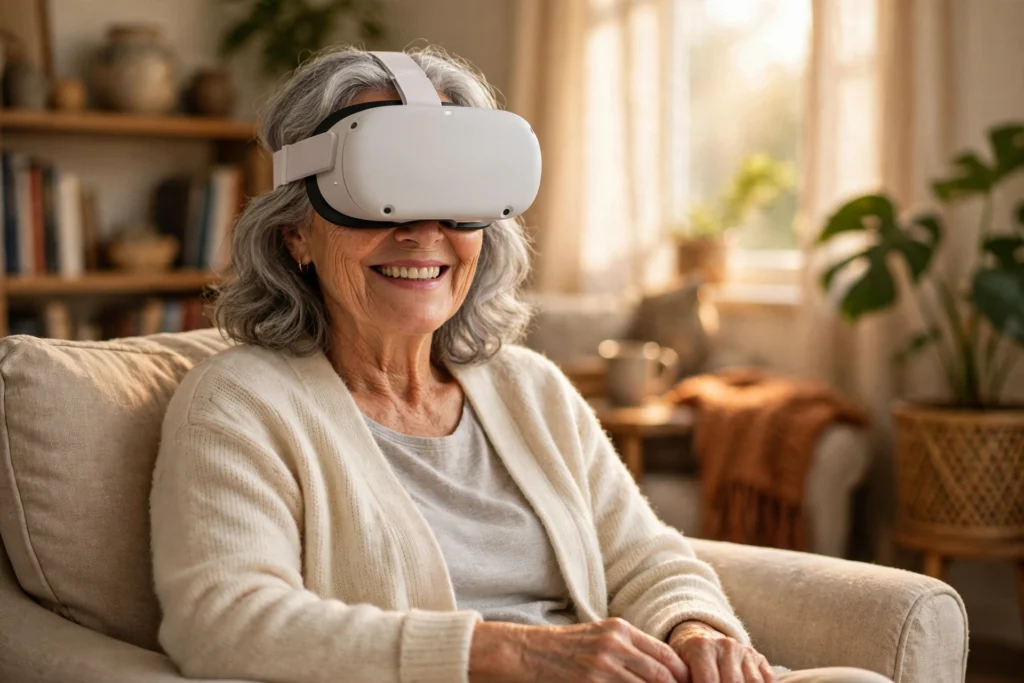
VR for seniors turns an armchair into a front-row seat. With a standalone headset, an older adult can revisit a childhood street, stroll through a museum, play gentle games, or join a family call in a shared virtual room — no travel, no steep learning curve, and most sessions last just 15 to 30 minutes.
This article is general information about VR for seniors, not medical advice. Anyone with a balance problem, an eye condition, or a health concern should check with their doctor before trying a headset.
Key Takeaways
- VR for seniors means seated, gentle experiences: virtual travel, memory games, relaxation, and family visits in virtual rooms.
- A standalone headset is the simplest start: no computer, no cables, no phone slotted inside.
- Short sessions of 15 to 20 minutes, taken seated, suit most older adults best at first.
- The headset is the main cost; many travel, puzzle, and relaxation apps are free or low cost.
- Start with a familiar place, shared with a family member nearby.
Why are more seniors trying VR?
Virtual reality long looked like a young person’s hobby: fast games, standing play, and complicated gear. That picture has changed. Today’s standalone headsets switch on with one button, and the apps older adults actually use are calm ones — a slow walk through Venice or a guided breathing session on a quiet beach.
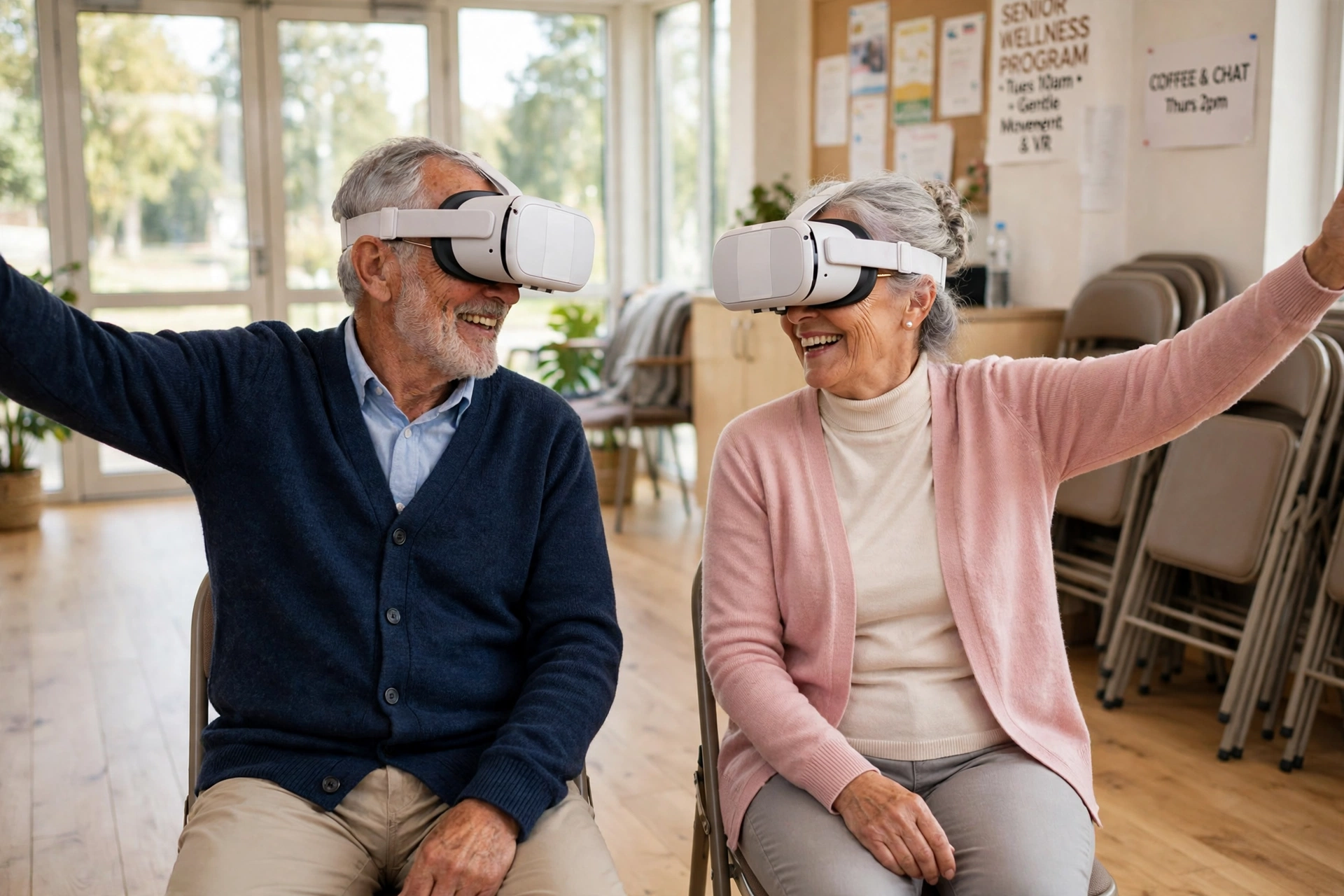
Care homes noticed first. Staff report that a shared VR session gives residents something new to talk about at dinner, and families use it to “take” a parent somewhere they can no longer travel to. The LeisureCare team, which runs VR sessions in its senior living communities, describes residents revisiting familiar places with neighbours. LeisureCare team
What can seniors actually do in VR?
The range is wider than most people expect, and none of it needs quick reflexes.
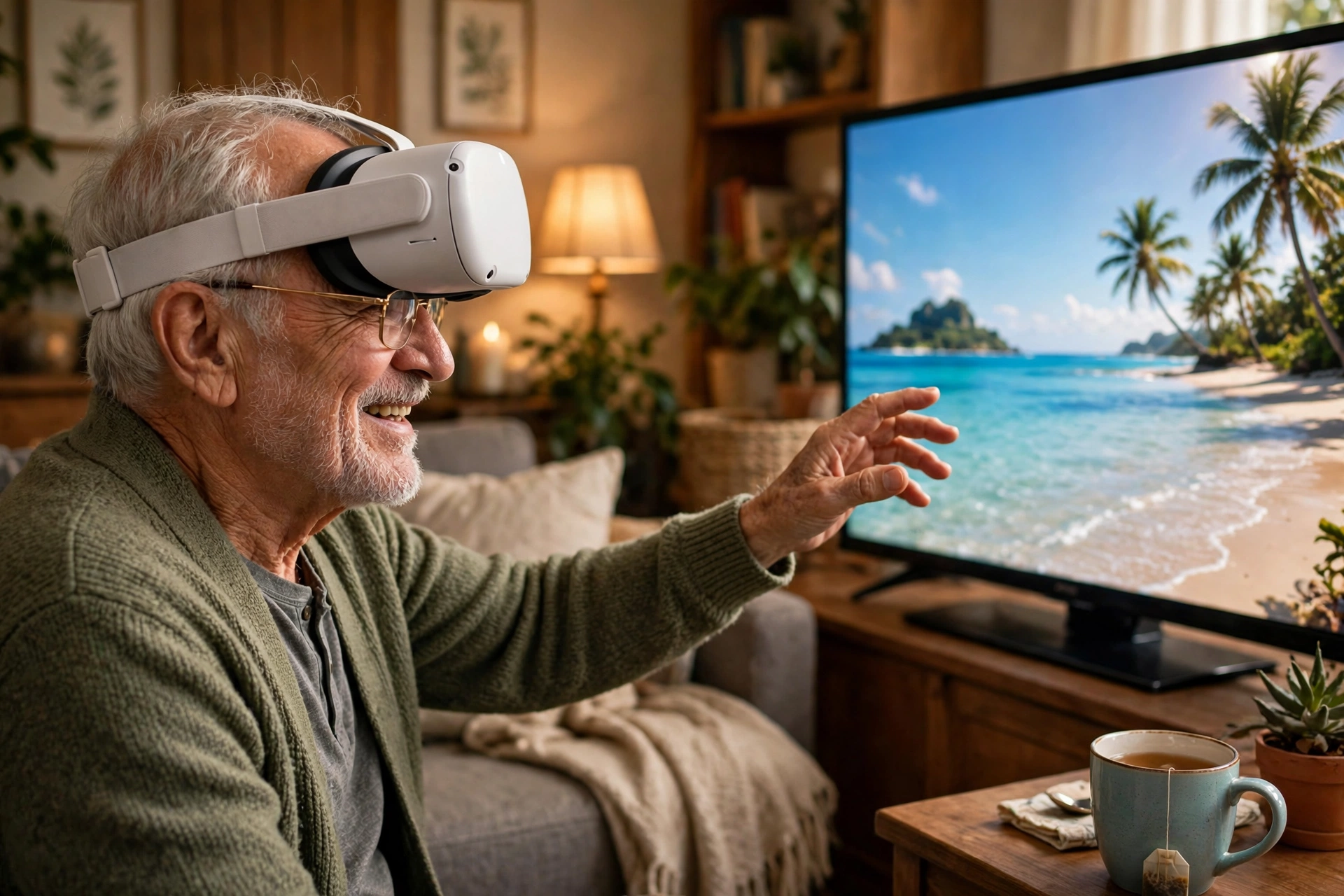
Virtual travel. Apps such as Wander let you stand on almost any street in the world using street-level photos, while 360-degree videos take you inside cathedrals or along coastal paths. A popular first trip is simply the street where someone grew up.
Games that keep the mind busy. Puzzle games, memory matching, and gentle fishing or bowling work well seated, with big targets and no time pressure. They also ask you to remember, plan, and notice detail — the same skills a crossword exercises.
Gentle movement and calm. Seated exercise apps guide arm stretches or slow tai-chi-style movement, while guided meditation in VR pairs slow breathing with a quiet scene — with the living room blocked out, there is less to distract you. Guided meditation in VR
Meeting family in a virtual room. Social VR apps let grandparents and grandchildren meet as avatars in the same virtual space — a board game, a film together, or just a chat. It is not the same as a hug, but for families spread across countries it beats another video call. If you are new to the hardware, our guide to how VR headsets work explains the screens, lenses, and tracking inside. how VR headsets work
Is VR safe for older adults?
Most healthy older adults can use VR comfortably, but a few ground rules keep it pleasant. First, sit down: nearly every senior-friendly experience is designed for seated play, and sitting removes the main fall risk. Clear the space around the chair anyway.
Second, start short. Fifteen minutes is plenty for a first session. Some people feel slightly dizzy at first, especially in apps where the view moves while the body stays still. If that happens, take the headset off and try a calmer app next time.
Third, mind the eyes. People who wear glasses can usually keep them on inside a headset. Anyone with a diagnosed eye condition, a history of seizures, or a balance disorder should ask their doctor first. VR therapy programmes in clinics follow the same principle: the headset is a tool, not a treatment on its own. VR therapy programmes
Which headset suits a senior best?
There is no single right answer, but the choice is simpler than the shop displays make it look. A standalone headset has everything built in and suits most seniors. A phone-based viewer is the cheapest way to try VR once, but the small screen and fiddly setup frustrate most people. A PC-powered headset runs the most detailed graphics, yet it is expensive and needs a strong computer.
For most older adults, the standalone headset wins on simplicity alone: it switches on, remembers the Wi-Fi password, and can be handed to a grandchild to set up once. Current models are listed on the Meta Quest site if you want to compare weights and prices. Meta Quest site
The headset is the main cost, roughly the price of a mid-range tablet, with older models often on sale for less. After that, spending stays modest: many travel, puzzle, and relaxation apps are free, and paid ones are usually the price of a paperback. Before buying, check the return policy — a headset that feels heavy after ten minutes is a bad fit.
How to start: a first-week plan
Day one, keep it tiny. Charge the headset, sit in a comfortable chair, and open a calm 360-degree video of a beach or a garden. Ten minutes is enough.
On day two or three, try a virtual trip to somewhere meaningful: the town where you grew up or a place from a honeymoon. Later in the week, add one game and one social session — a puzzle game shows what the hand controllers do, and a family call shows the social side. VR has grown well beyond games into training, healthcare, and design. grown well beyond games
One tip helps more than any other: have someone nearby for the first few sessions — to pass the controllers, adjust the strap, and share the first reaction when the beach appears.
Frequently Asked Questions
Can seniors with glasses use a VR headset?
Yes, in most cases. Standalone headsets leave room for glasses, and a clip-in spacer adds comfort.
What age is VR suitable for?
There is no upper age limit. Headset makers suggest their devices for ages 13 and up, but for older adults the question is comfort, not age — if someone can sit comfortably and take the headset off when they want to, they can try it.
Does VR help with loneliness in older adults?
It can help, but it complements company rather than replacing it. Shared virtual trips and family calls give isolated people new experiences to talk about.
How long should a senior wear a VR headset?
Start with 15 to 20 minutes; most people build up to 30 or 45 minutes over a few weeks. If eyes feel tired afterwards, the session was too long or the app moved too fast.
Is VR expensive for seniors?
The headset is a one-off cost similar to a tablet, and most of the apps seniors use are free or cheap. Borrowing one from a library or community centre is a good way to try before buying.
The bottom line
VR for seniors works best when it stays simple: a standalone headset, a comfortable chair, short sessions, and places or people that matter. Start with one virtual trip this week — a hometown street or a favourite beach — and share the first session with a family member. If it brings a smile, the headset has already earned its place on the shelf.