
Direct answer
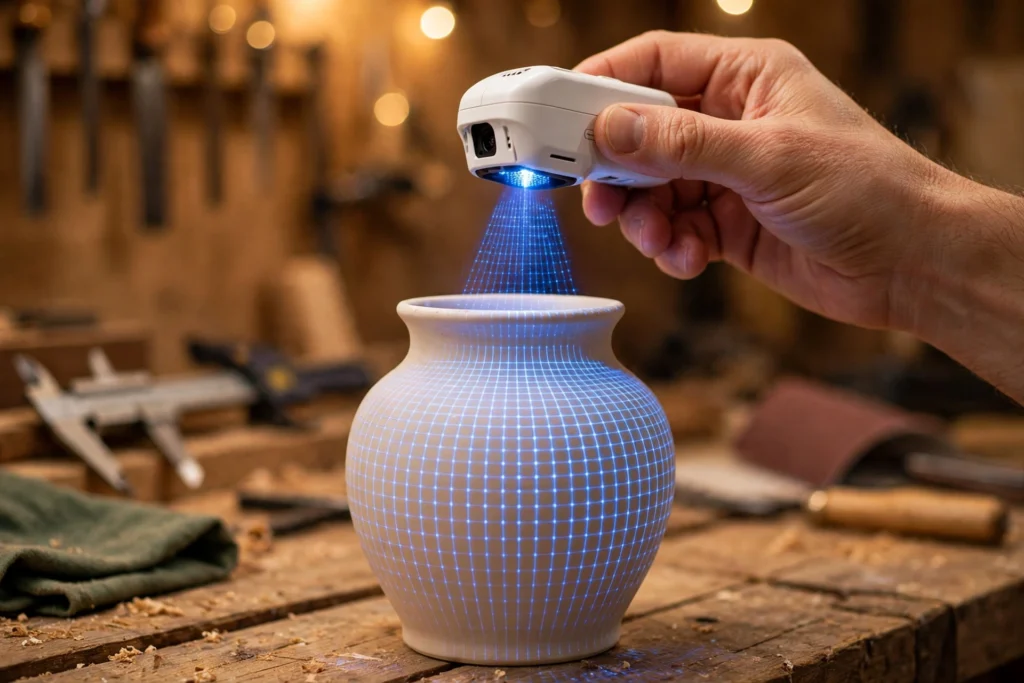
A 3D scanner measures the shape of a real object and turns it into a digital 3D model you can view, edit, or print. Most do it with light: they project a laser line or pattern onto the surface, watch how it bends, and measure the distance to thousands of points. Joined together, those points become the model.
Key Takeaways
- A 3D scanner captures shape and surface geometry, not just a photo of the outside.
- The main methods are laser triangulation, structured light, time-of-flight, and photogrammetry.
- Small, detailed objects suit laser and structured-light scanners; rooms and buildings need time-of-flight.
- A raw scan is a point cloud. Software turns it into a mesh before you can edit or print it.
- Shiny, transparent, and very dark surfaces are the hardest to scan well.
- Try the idea free with a phone app before spending money on a dedicated scanner.
What does a 3D scanner actually capture?
Think of the difference between a photograph and a sculpture. A photo records colour from one angle; a 3D scanner records geometry — where every visible point on the surface sits in three-dimensional space. Once you have the shape as data, you can measure it, copy it, shrink it, or send it to a 3D printer.
A flatbed scanner does the same job in two dimensions, copying a page into a flat image. Our explainer on how a computer scanner works shows where 2D scanning stops: a 3D scanner adds depth, and depth is what turns a picture into a model.
It cannot capture the inside of an object, though. It only sees surfaces in its line of sight, so the underside of a vase stays blank until you turn the object around. Most scans are built from several passes, stitched together by software.
How do the main types of 3D scanner work?
The method decides what you can scan, how accurate the result is, and how much the kit costs.
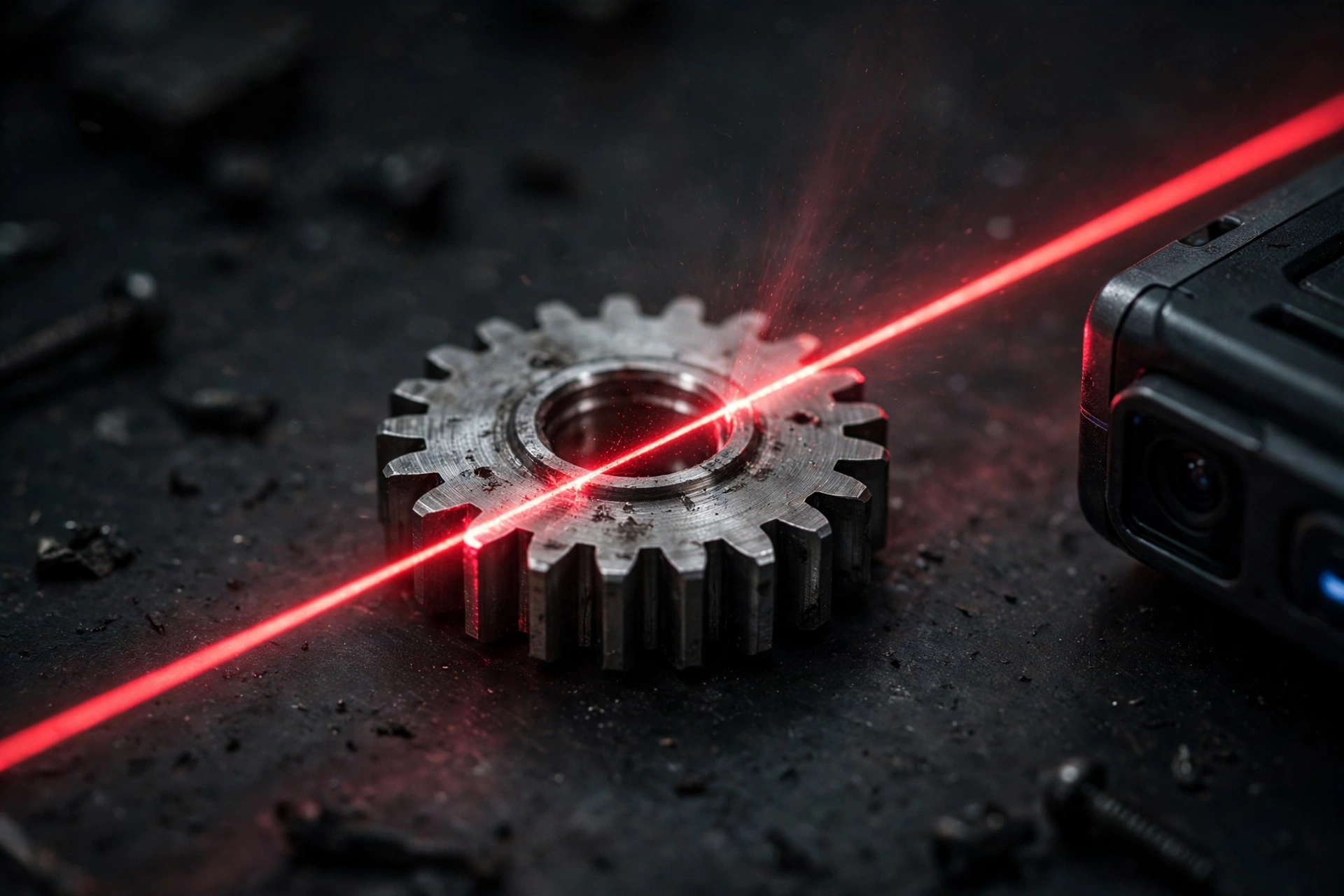
Laser triangulation projects a thin laser line across the object while a camera watches from a fixed angle. Since the distance between laser and camera is known, the bend in the line reveals the distance to the surface. Sweep the line across and the shape builds up, line by line. These scanners handle small, detailed parts well and cope better than most with awkward lighting.
Structured light uses the same triangulation idea but swaps the laser for a projector. It throws a pattern of stripes onto the surface and watches how it warps over curves and edges. One flash captures a whole patch at once, so it is fast and picks up fine detail and colour. The trade-off is sensitivity: bright sunlight and glossy surfaces can confuse the pattern.
Time-of-flight scanners fire laser pulses and time how long each takes to bounce back. Light travels at a known speed, so the return time gives the distance, and a rotating mirror sweeps the beam around to collect millions of measurements. This is the method behind scanners that map buildings and whole rooms. It reaches far but is less precise up close, so surveyors pair it with GPS positioning when mapping large sites — the same satellite system our GPS explainer describes.
Photogrammetry needs no laser or projector. You take dozens of overlapping photos from different angles, and software works out the shape from the differences between them. A modern phone can do a rough version, which makes it the cheapest way to try 3D scanning. Results are decent for organic shapes such as rocks or statues, but plain, featureless surfaces give the software little to grip onto.
| Type | How it works | Best for | Watch out for |
|---|---|---|---|
| Laser triangulation | Laser line plus camera, distance by triangulation | Small detailed parts, workshops | Slower than structured light |
| Structured light | Projected pattern, warping reveals shape | Faces, small objects, colour capture | Struggles in bright light and on gloss |
| Time-of-flight | Timed laser pulses, long range | Rooms, buildings, outdoor sites | Less detail up close |
| Photogrammetry | Many photos, software rebuilds the shape | Free first try, statues, terrain | Weak on plain or shiny surfaces |
What happens after the scan?
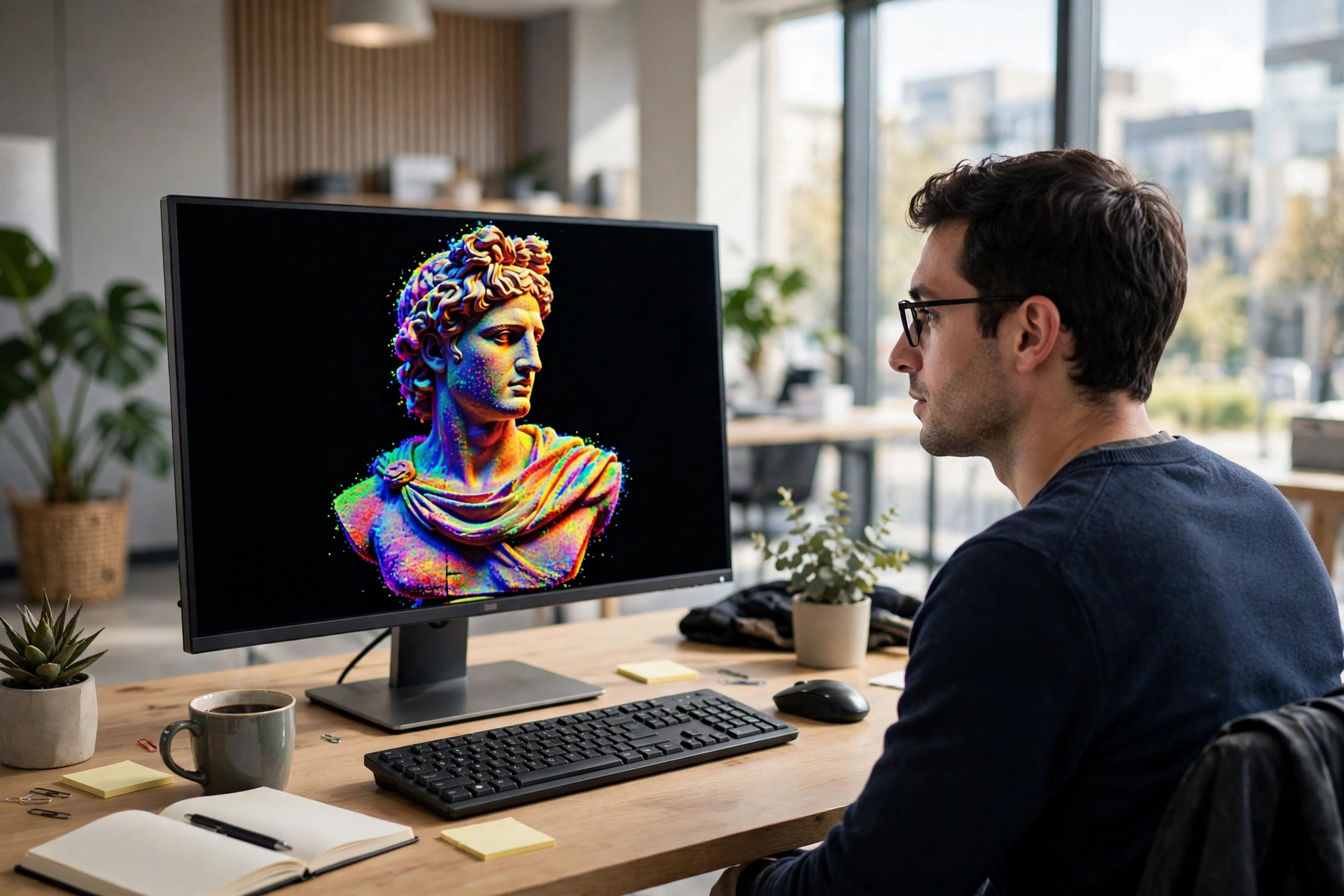
The scanner itself only produces a cloud of points — millions of tiny coordinates floating in space. That file is not yet a model. Software joins the points into a mesh, a skin of tiny triangles that gives the object a continuous surface. From there you can clean up stray points, fill small holes, and export the result as STL or OBJ for printing or editing.
File sizes are worth planning for: a detailed scan of one object can run to hundreds of megabytes. Fast, roomy storage makes the process less painful, which is why many people keep their scan library on a solid-state drive — our guide to how an SSD works explains why that helps.
What can you do with a scan? A worked example
Say the plastic bracket that holds your bike light snaps, and the maker stopped selling it years ago. With a handheld structured-light scanner, you scan the broken pieces on a table — a few minutes’ work. The software stitches the passes, you tidy the mesh, and you export an STL file. A desktop 3D printer then prints a replacement in tough plastic. Most of the afternoon goes to the print, not the scan.
The same pattern shows up everywhere: museums scan fragile artefacts so researchers can study them without handling the originals, dentists scan teeth to design crowns that fit first time, and engineers scan worn machine parts to remake them when the original drawings are long gone.
What should you check before buying one?
Start with the object, not the scanner. A coin-sized part and a car need completely different tools, and no single scanner covers both well. Check the working distance and the smallest detail it can resolve, and be honest about whether you need colour texture or just shape.
Then check the software. Some scanners ship with capable cleanup and meshing tools; others leave you to buy separate software. Check the export options before you buy, because a scanner that only exports its maker’s own file format can lock you in.
Finally, try the free route first. A photogrammetry app on your phone shows whether you enjoy the cleanup and meshing stage, where most of the real work happens. If you do, a handheld scanner from a brand such as Revopoint or Einstar is a sensible next step for small objects. Many send data to a phone or laptop over a wireless link, so it is worth knowing how Bluetooth transfers work too.
Frequently Asked Questions
How accurate is a 3D scanner?
It depends on the type and the price. Hobby handheld scanners typically measure within a fraction of a millimetre on small objects, fine for printing a replacement part. Industrial scanners are far more precise, but they cost far more and need controlled conditions.
Can a 3D scanner copy any object?
No. It copies visible surfaces only, and cannot see inside an object or around corners it cannot reach. Very shiny, transparent, or black surfaces reflect or swallow the light the scanner relies on, so they often need a light dusting of matte spray first.
Is a phone good enough for 3D scanning?
For a first try, yes. Photogrammetry apps and phones with depth sensors can produce usable models of statues, rooms, and everyday objects. A dedicated scanner wins on accuracy, speed, and tricky surfaces, but a phone scan is enough to learn the workflow.
What file does a 3D scanner produce?
The raw output is a point cloud. After processing, the usual exports are STL for 3D printing and OBJ for editing and rendering, since OBJ can also carry colour texture. Most scan software offers both.
How long does a scan take?
A small object takes a few minutes of scanning and often longer in cleanup. A room can take under an hour to capture but much longer to process. Scanning is usually the quick part; turning the point cloud into a clean mesh is where the time goes.
Conclusion
A 3D scanner is a measuring tool that happens to use light. Pick the method that matches what you want to scan, expect to spend time cleaning up the mesh, and try a phone app before buying hardware. The practical next step is simple: download a free photogrammetry app and scan something small on your desk. If the result is good enough for what you had in mind, you already know the workflow — a dedicated scanner just makes it faster and more accurate.
Further reading: 3D Systems scanner guide and ZEISS on how a 3D scanner works