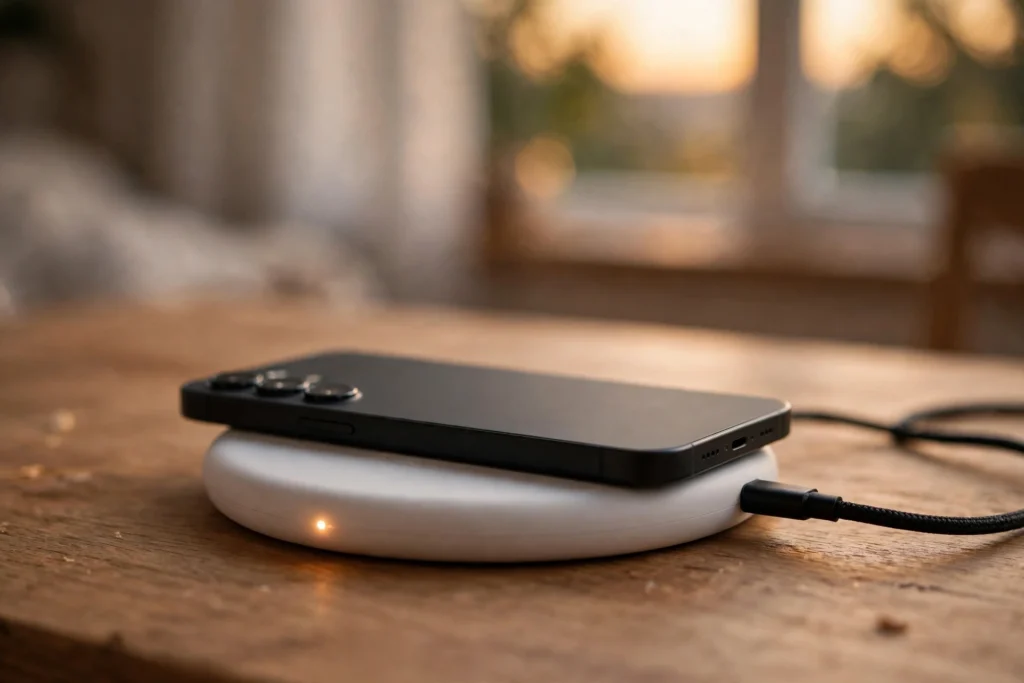
Wireless charging works by passing energy between two coils through a magnetic field, instead of through a plugged-in cable. You set a compatible phone, watch, or pair of earbuds on a charging pad, the pad creates a changing magnetic field, and a coil inside your device turns that field back into electricity that charges its battery.
That is the whole trick, but the details matter. If coils are misaligned, the case is too thick, or metal sits between phone and pad, charging slows or stops.
Key Takeaways
- Wireless charging uses induction: a coil in the pad creates a magnetic field, and a coil in your device turns it into current.
- Alignment matters more than brand. Off-centre coils mean less power and more heat.
- Qi is the common standard; Qi2 adds magnets to help coils line up.
- Thick or metal cases can block charging, so check your case before blaming the charger.
- Wireless charging is usually slower than wired charging, but gentler on ports and ideal overnight.
What is actually happening inside a wireless charger?
Picture two flat coils of wire, one in the charger and one in your phone, facing each other a few millimetres apart. Alternating current flows through the charger’s coil and creates a rapidly changing magnetic field. That field reaches the coil in your phone and, through electromagnetic induction, creates a current there, which your phone converts into the direct current its battery needs.
Nothing is beamed across the room. The phone must sit on, or very close to, the pad. So “wireless” can mislead at first: the cable disappears from the phone, not from the charger. The pad still needs a cable and an adapter, and a weak adapter limits the whole setup.
The phone and charger also exchange simple signals before full power flows, agreeing a safe power level. If the charger senses a foreign object, such as coins, a good charger should slow down or stop.
Why does alignment matter so much?
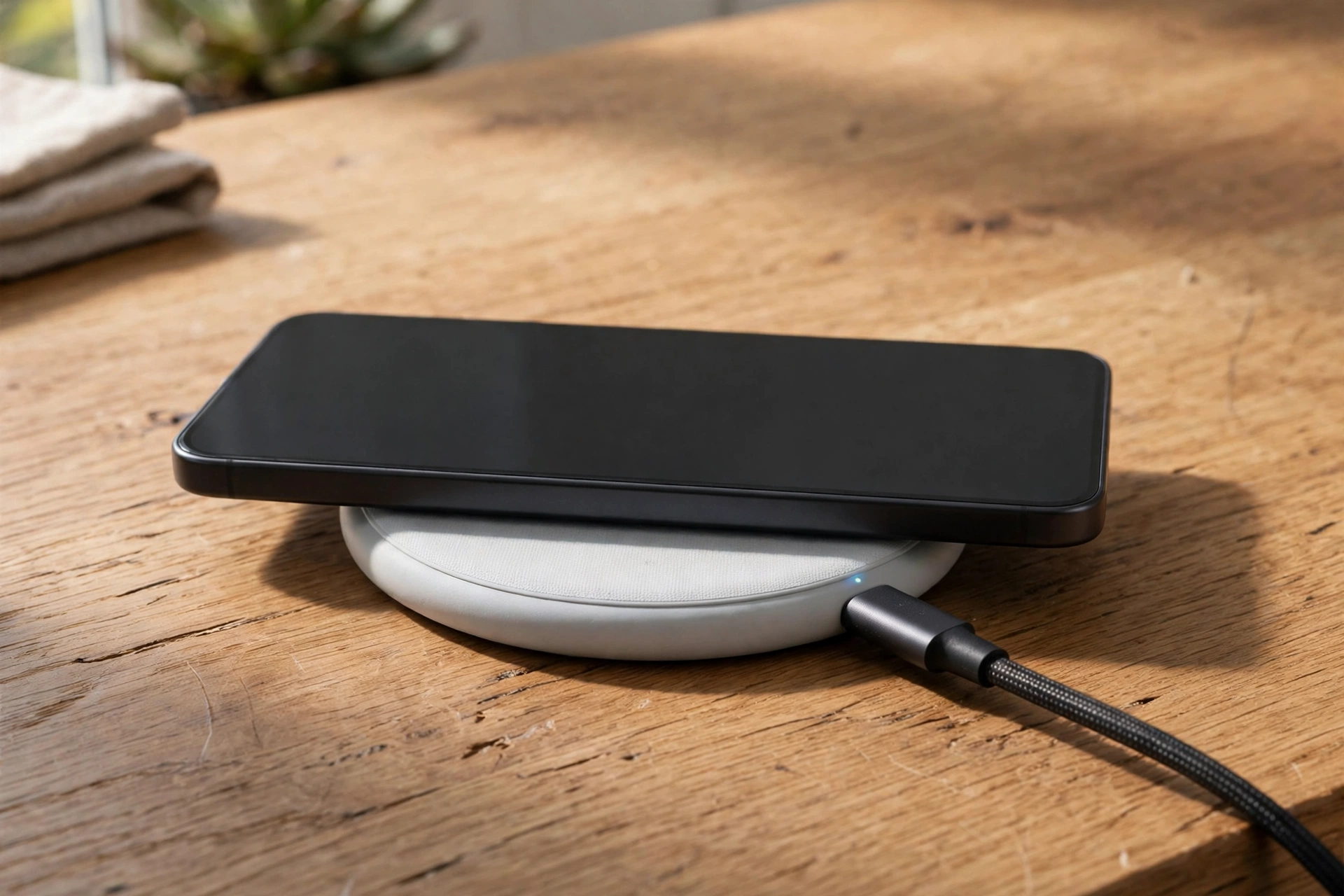
The magnetic field is strongest near the centre of the coil, so small shifts make a big difference. Slide a phone a centimetre or two off-centre and its coil catches less of the field. Charging slows, more energy turns into heat, and the phone may pause charging to cool down.
This is the most common reason people say wireless charging “does not work” when the charger is fine. Centre the phone, wait for the charging icon, and nudge it until the indicator stays steady. Stands help, because gravity pulls the phone into the same spot each time.
Qi2 changed this for many newer phones. Magnets in charger and device pull them into alignment, so the coils land in the right place without careful aiming. It does not make charging instant, but it removes much of the fiddling that put people off older pads.
What are Qi and Qi2?
Qi, pronounced “chee”, is the wireless charging standard from the Wireless Power Consortium. In practice, it is why a charger from one brand usually works with a phone from another. If both carry the Qi logo, they share the same basic language for power levels, communication, and safety checks.
Qi2 is the newer version, with magnetic alignment and better power delivery for compatible devices. Just match a Qi or Qi2 charger to a Qi-compatible device, and use an adapter that can actually supply its rated power.
Some watches use their own small magnetic puck instead. For a shared household charger, a standard Qi or Qi2 pad is usually the safer buy.
Do cases and metal plates block wireless charging?
Sometimes, yes. A thin plastic or silicone case usually causes no trouble. A very thick case, a metal plate for a car mount, or a metal ring grip over the coil can weaken the field or block it entirely, so the charger charges slowly, heats up, or refuses to start.
If charging stops after you change cases, take the case off and test the phone bare on the pad. If it charges fine, the case is the problem. Cases made for magnetic charging often have a built-in magnet ring that lines up with the charger, and those tend to work better than a loose metal plate.
The same applies to anything trapped between phone and pad. Cards, keys, and coins should not sit there. Besides blocking charging, metal objects can heat up in a changing magnetic field, which is what foreign-object detection is meant to catch. Keep the pad surface clear and you remove most of the risk.
Is wireless charging slower, and is it safe for your battery?
Usually, yes, it is slower than wired charging. A cable loses less energy than transfer across an air gap and two coils, and the lost energy becomes heat. That heat is also why phones may slow wireless charging when they get warm.
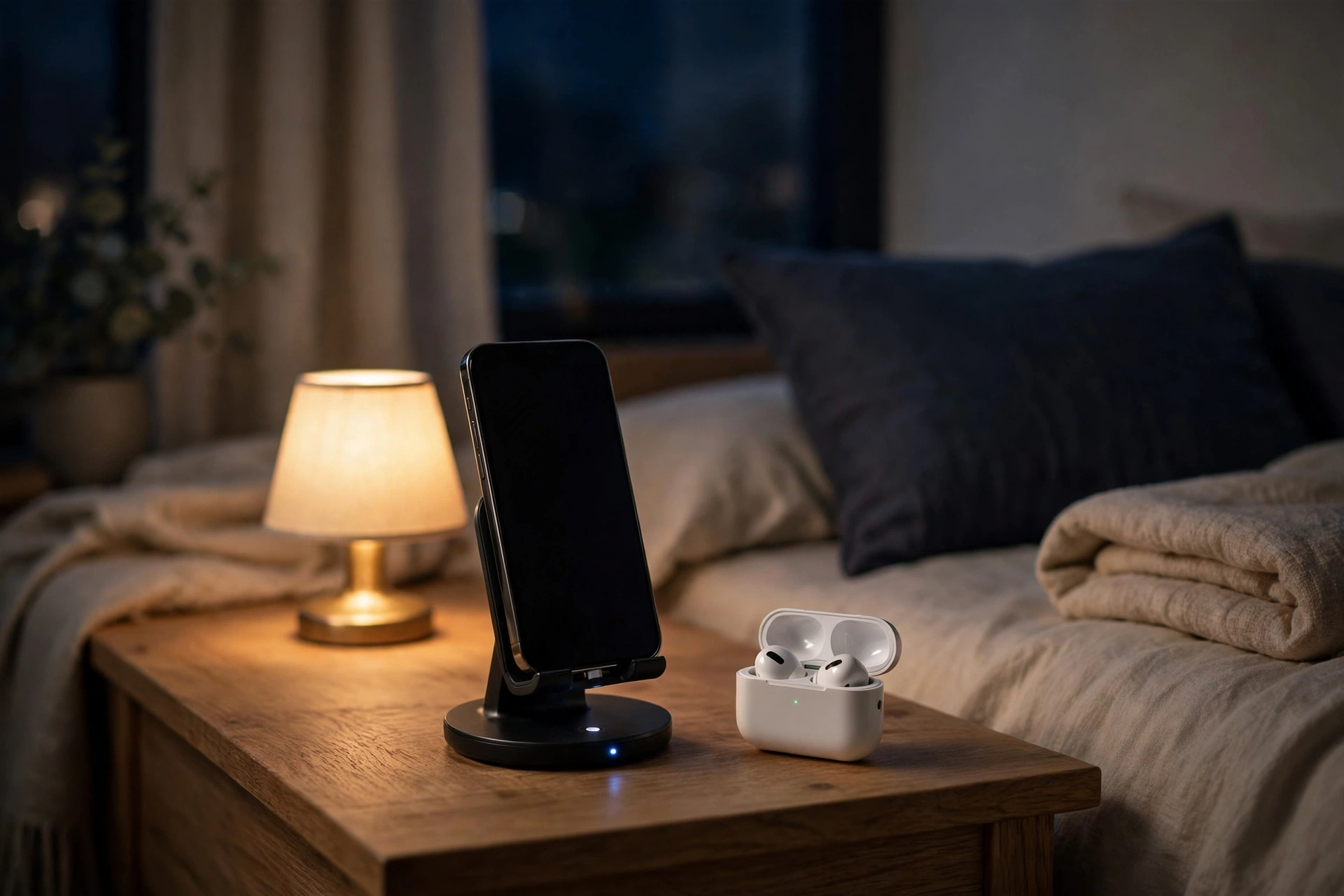
For most people, that trade-off is fine. Wireless charging suits long charges: the bedside table overnight or the desk while you work. For a quick top-up before heading out, a wired fast charger is still better. Like Wi-Fi, which connects devices without a cable for data, wireless charging removes one more daily cable.
Used normally, wireless charging is safe. Phones monitor temperature, slow down when hot, and stop at a full charge. Heat over time wears batteries down, so avoid direct sunlight, thick blankets, and closed drawers, and use a reputable charger and adapter.
Frequently Asked Questions
Why is my phone not charging on a wireless charger?
Check alignment first, then the case. Centre the phone, remove any metal plate or thick case, and make sure the adapter is plugged in and powerful enough. Try another cable and adapter before assuming the pad is broken.
Can I use any wireless charger with my phone?
In most cases, yes, if both support Qi. Speed depends on the phone, charger, and adapter. Watches more often need their own charger, so check compatibility there.
Does wireless charging damage the battery?
Not in normal use. Phones control temperature and charging speed, and stop when full. Extra heat is the main concern, so avoid hot, enclosed places and use a reputable charger.
Can I charge through a case?
A thin plastic or silicone case is usually fine. Thick cases, metal plates, and metal grips can block charging. Test without the case, or choose a case designed for magnetic wireless charging.
Is wireless charging slower than wired charging?
Yes, in most cases. Wireless transfer loses more energy as heat, so it is best for overnight and desk charging, while wired charging wins for a fast top-up.
Conclusion: should you switch to wireless charging?
Wireless charging will not change your life, but it can smooth the daily routine. Put a pad where you already set your phone down, use a decent adapter, keep the surface clear, and let the phone top up while you do something else.
If you are buying your first pad, start simple: one Qi or Qi2 pad for the bedside table, a compatible case, and an adapter that can supply its full power. The habit sticks not because it is faster, but because it removes one small friction from every day.