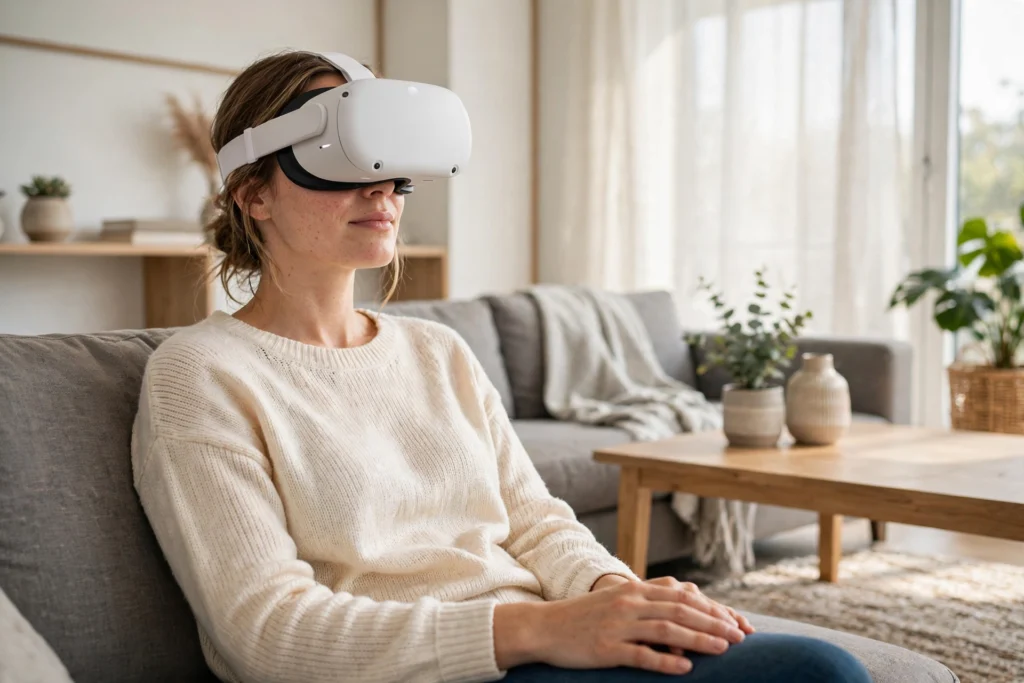
VR motion sickness happens when your eyes tell your brain you are moving, but your body says you are standing still. That mismatch can leave you dizzy or queasy, even in a short session. It is common, and small changes to settings, content, and pacing often help a lot.
Key Takeaways
- VR motion sickness is usually a sensory mismatch: your eyes see movement your inner ear does not feel.
- Smooth virtual movement, fast turns, and low frame rates tend to trigger it most.
- Teleport movement, snap turning, a good headset fit, and shorter sessions can reduce discomfort.
- Taking a break at the first sign of queasiness usually helps more than pushing through.
- If symptoms are frequent, severe, or linger after you stop, get advice from a health professional. This article is general information, not medical advice.
Why does your brain get confused in VR?
Your sense of balance is a team effort. Your eyes, your inner ear, and the signals from your muscles and joints all report in, and your brain expects them to agree. In everyday life they usually do: when you walk forward, you see the world move past you and you feel your body move too.
VR can break that agreement. A game might glide you through a virtual corridor while you are actually sitting on your sofa. Your eyes report motion, your inner ear reports stillness, and your brain has to sort out the contradiction. For many people, that confusion shows up as discomfort. Researchers often call this sensory conflict, and it is the leading explanation for what is also called cybersickness.
Latency can make it worse. If the picture lags even slightly behind your head movement, the world feels like it is dragging or swimming. A blurry image, a poor fit, or a frame rate that stutters can add to the strain, because your eyes work harder to make sense of what they are seeing. None of this means your headset is broken. It means the signals your brain is getting do not quite line up yet.
What symptoms should you watch for?
Motion sickness in VR does not always start with nausea. Early signs can be subtle, which is why it is easy to miss them until you already feel rough. Watch for a warm or flushed feeling, light sweating, a headache, eye strain, or a vague sense that something is off. Some people feel dizzy or disoriented, others feel tired or lose focus first.
Symptoms can also linger for a while after you take the headset off. You might feel a little unsteady, or as if the room is still moving. That usually fades with rest, fresh air, and water, but it is a useful warning sign: if you felt off last time, start shorter and gentler next time rather than jumping straight back into the same experience.
It helps to keep a simple mental note of what triggered it. Was it a driving game, a fast turn, or a long smooth walk through an open world? Patterns like that make it much easier to pick settings and content that suit you.
Which VR experiences are most likely to trigger it?
Not all VR is equally likely to make you queasy. Experiences where you stay mostly in one place tend to be gentler: a puzzle game, a painting app, a seated tour, or a game where you reach and grab things around you. Your body stays put, and the virtual world mostly stays put too.
Movement-heavy experiences are the usual culprits. Smooth locomotion, where you glide forward with a stick, fast artificial turns, roller-coaster-style rides, and sudden camera jumps all create strong visual motion without matching body motion. Flying and driving games can be intense for the same reason, especially if the speed changes quickly or the view banks and rolls.
That does not mean you have to avoid those games forever. Many people start with calm, stationary experiences and work up gradually. Think of it like getting used to a boat: a short, gentle trip first, then longer ones as your tolerance builds. And comfort ratings in a store listing are worth checking before you buy, because they often flag how much movement a game involves.
What settings can make VR more comfortable?
Settings are your first line of defence, and they are worth a few minutes before you play. If a game offers teleport movement, try it first. Instead of gliding, you point and jump to a new spot, which removes the long stretch of visual motion that often causes trouble. Snap turning is another good starting point: the view jumps in fixed steps, often 30 or 45 degrees, rather than rotating smoothly.
Look for a comfort or vignette option too. This darkens or narrows the edges of your view while you move, a bit like tunnel vision, so your peripheral vision gets less motion to process. Some players find it distracting at first, but many find it makes longer sessions possible. If your headset lets you adjust refresh rate, a higher, stable rate usually feels smoother than a lower, uneven one.
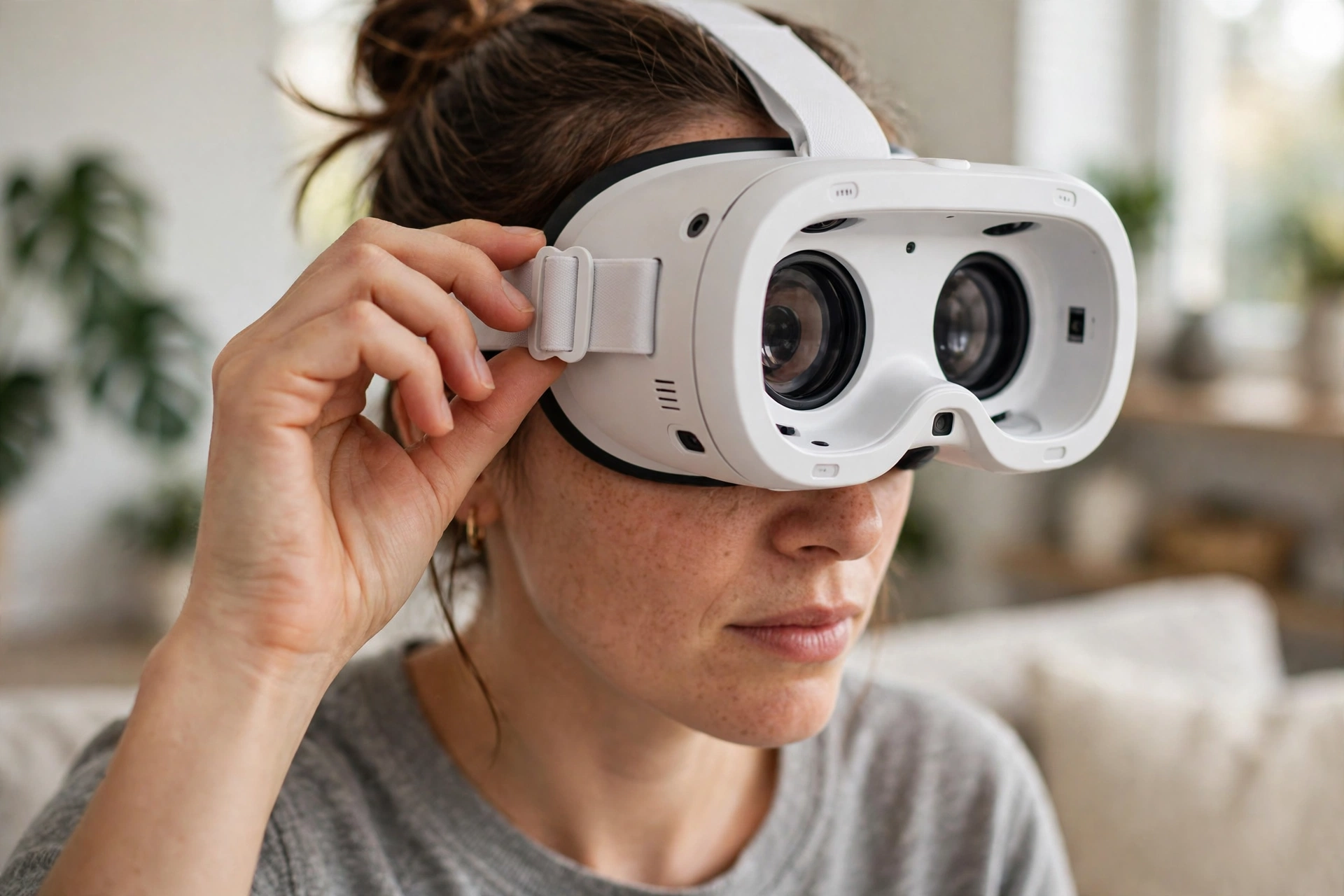
Fit matters just as much as software. Set the lens spacing for your eyes, tighten the strap so the headset sits level and does not slip, and make sure the picture is sharp before you start. A headset that slides down your face or sits crooked can cause eye strain on its own. Our guide to how VR headsets work explains the screens, lenses, and tracking behind that picture, which makes it easier to see why fit and frame rate matter.
Clearing your play space helps as well. If you use VR passthrough to check your surroundings, you can step out of the virtual world quickly when you need a break, without fumbling blindly for a chair or a glass of water.
How can you build up tolerance gradually?
Tolerance usually builds with short, regular sessions rather than one long push. Start with ten or fifteen minutes in a calm experience, then stop while you still feel fine. That last part matters: stopping early teaches your brain that VR ends comfortably, while pushing through queasiness can leave you dreading the next session.
Over days and weeks, add a little time or a little more movement at a time. Move from teleport to a slower smooth walk only when teleport feels easy. Try a game with gentle movement before one with fast turns or vertical drops. If a new setting or game brings symptoms back, step back to the last comfortable level for a few sessions rather than forcing it.
Your body also gives you clues about timing. Playing when you are already tired, hungry, or unwell tends to make discomfort more likely, as does a hot, stuffy room. A cool room, a seated position for your first sessions, and a fan blowing gently across your face are small comforts that some players swear by. There is no single trick that works for everyone, so treat it as an experiment: change one thing at a time, and keep what helps.
Eye tracking and hand tracking can change the feel of a session too. When a headset follows your gaze or your hands naturally, you spend less time wrestling with controls and more time moving at your own pace. You can read more in our guides to VR eye tracking and VR hand tracking.
When should you stop and take a break?
Stop at the first real sign of discomfort, not when you are already miserable. Take the headset off, sit down, look at something steady in the real world, and drink some water. Most mild symptoms settle within minutes, though some people need longer, so do not rush straight back in.
Take a longer break if you feel nauseous, very dizzy, or disoriented, and skip VR for the rest of the day if symptoms do not clear quickly. That is not giving up; it is how tolerance builds without a bad experience setting you back. If you regularly feel ill in VR, if symptoms last a long time after stopping, or if you have a balance, inner-ear, or migraine condition, talk to a health professional before continuing. Again, this is general information, not medical advice, and a professional can advise on your own situation.
FAQs
Does VR motion sickness mean something is wrong with me?
No. It is a common reaction to conflicting sensory signals, and many people who feel it at first go on to enjoy VR comfortably. Sensitivity varies a lot from person to person, and it can change with the game, the settings, and how rested you are.
Will I get used to VR over time?
Many people do, with short, gentle sessions that build up gradually. Improvement is not guaranteed, and it is usually slower if you keep pushing through strong symptoms. Steady, comfortable practice tends to work better than marathon sessions.
Is teleport movement really that much gentler?
For most sensitive players, yes. Teleport removes the continuous visual glide that often triggers discomfort, while still letting you explore. If a game offers both teleport and smooth movement, start with teleport and only switch when you feel ready.
Can a better headset fix motion sickness completely?
A sharper display, a higher stable refresh rate, and a good fit can all help, but they do not remove the basic sensory mismatch. Settings and pacing still matter, even on a newer headset.
What should I do if I feel sick during a game?
Pause, take the headset off, and rest. Drink water, get some fresh air, and do not jump straight back in. Note what you were doing when symptoms started, so you can change that setting or content next time.
Conclusion
VR motion sickness usually comes down to a simple mismatch: your eyes see movement your body does not feel. That is why smooth glides, fast turns, and shaky frame rates tend to trigger it, and why teleport movement, snap turning, a comfortable fit, and short sessions tend to help.
For your next session, try this practical plan: pick a calm, mostly stationary experience, turn on teleport and snap turning, check your fit and lens spacing, and set a timer for fifteen minutes. Stop while you still feel good, note what worked, and build from there. For background reading, Britannica’s overview of virtual reality explains how headsets create that sense of being there, and Unity’s guide to cyber sickness describes the sensory conflict and comfort design in more detail. With patience and the right settings, VR often becomes much more comfortable than that first queasy session suggested.