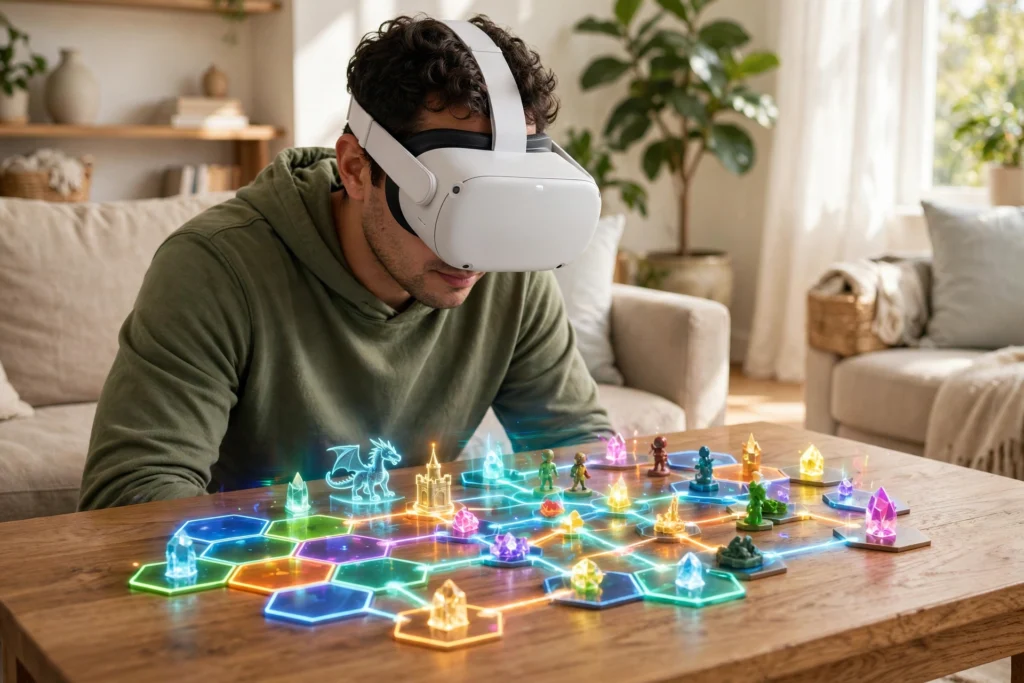
VR passthrough lets you see your real room while you are still wearing a VR headset. Outward-facing cameras film what is in front of you, the headset processes that video in real time, and it shows the result on the screens inside the headset. Virtual objects can then sit on top of that live view, so a game board can rest on your actual table or a floating window can hang beside your real sofa.
It is not the same as taking the headset off. You stay in the headset, but the closed-off virtual world is replaced — partly or fully — by your surroundings, with digital content blended in. That blend is what people usually mean by mixed reality.
Key Takeaways
- Passthrough uses outward-facing cameras to film your room in real time.
- The headset warps and aligns that video so it matches where your eyes would naturally look.
- Depth sensing helps the headset work out which real objects should hide, or be hidden by, virtual ones.
- Colour passthrough is much easier to use than the grainy black-and-white view on older headsets.
- Low delay matters: if the video lags behind your head movements, the view can feel uncomfortable.
- On most headsets, passthrough is a live view, not a saved recording of your room.
What is VR passthrough, exactly?
Think of it as a live camera feed with a purpose. A VR headset normally blocks your view of the room and replaces it with a rendered world. Passthrough flips that around: the cameras become your eyes, for a moment, and the headset shows you the room again.
There are two common ways it appears. In full passthrough, you see your whole room, and virtual objects are added to it. In a passthrough window, only part of the view opens up — a cut-out in a virtual scene, for example — while the rest stays virtual. Both use the same camera pipeline; they just show different amounts of it.
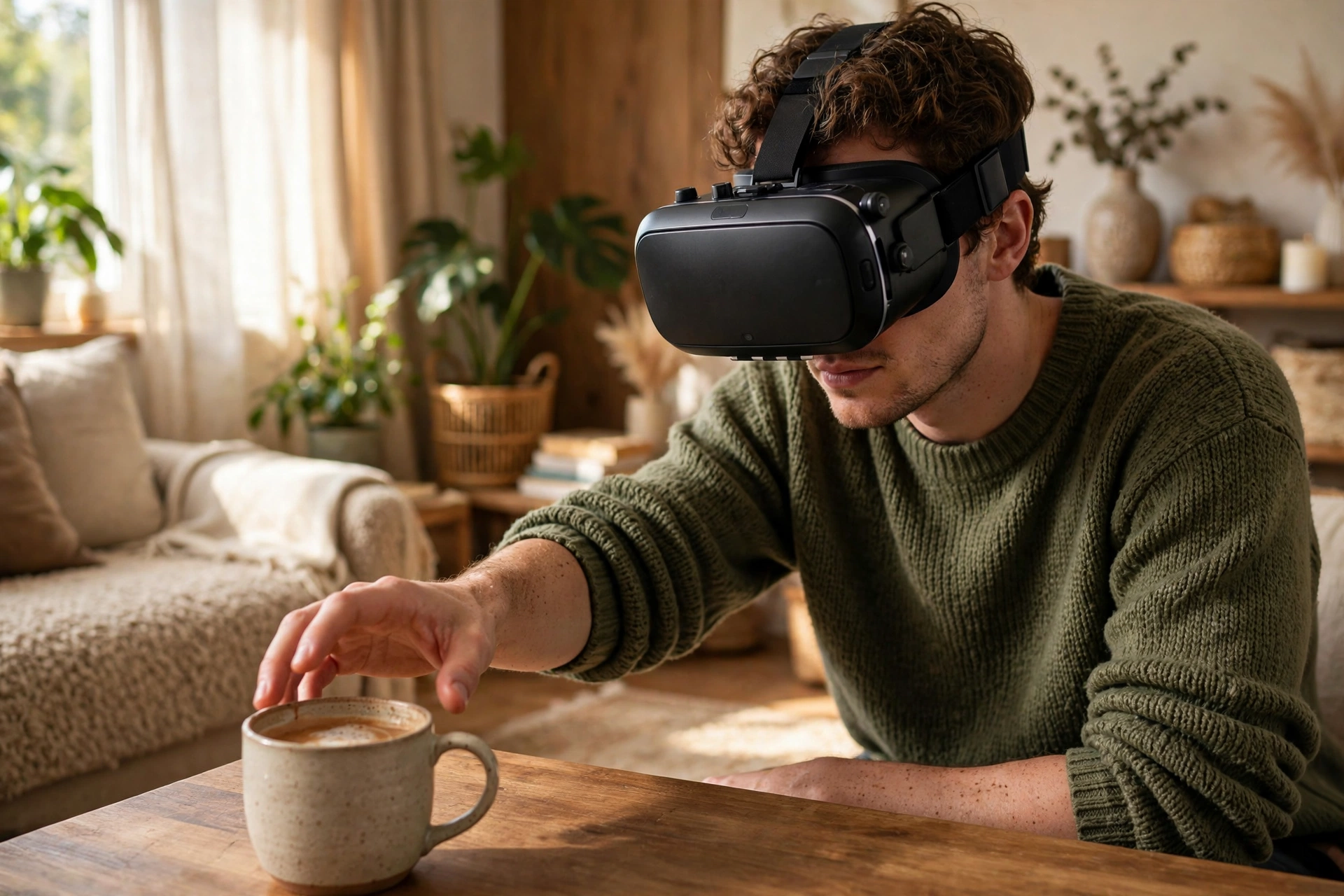
You will meet passthrough most often in three situations: when you step near the edge of your play area, when you switch into a mixed-reality app, and when you double-tap the side of the headset to check where you are. That last one is genuinely useful. Grabbing a drink, finding a dropped controller, or checking that a pet has not wandered into your play space is far easier without lifting the headset.
How do the cameras capture your room?
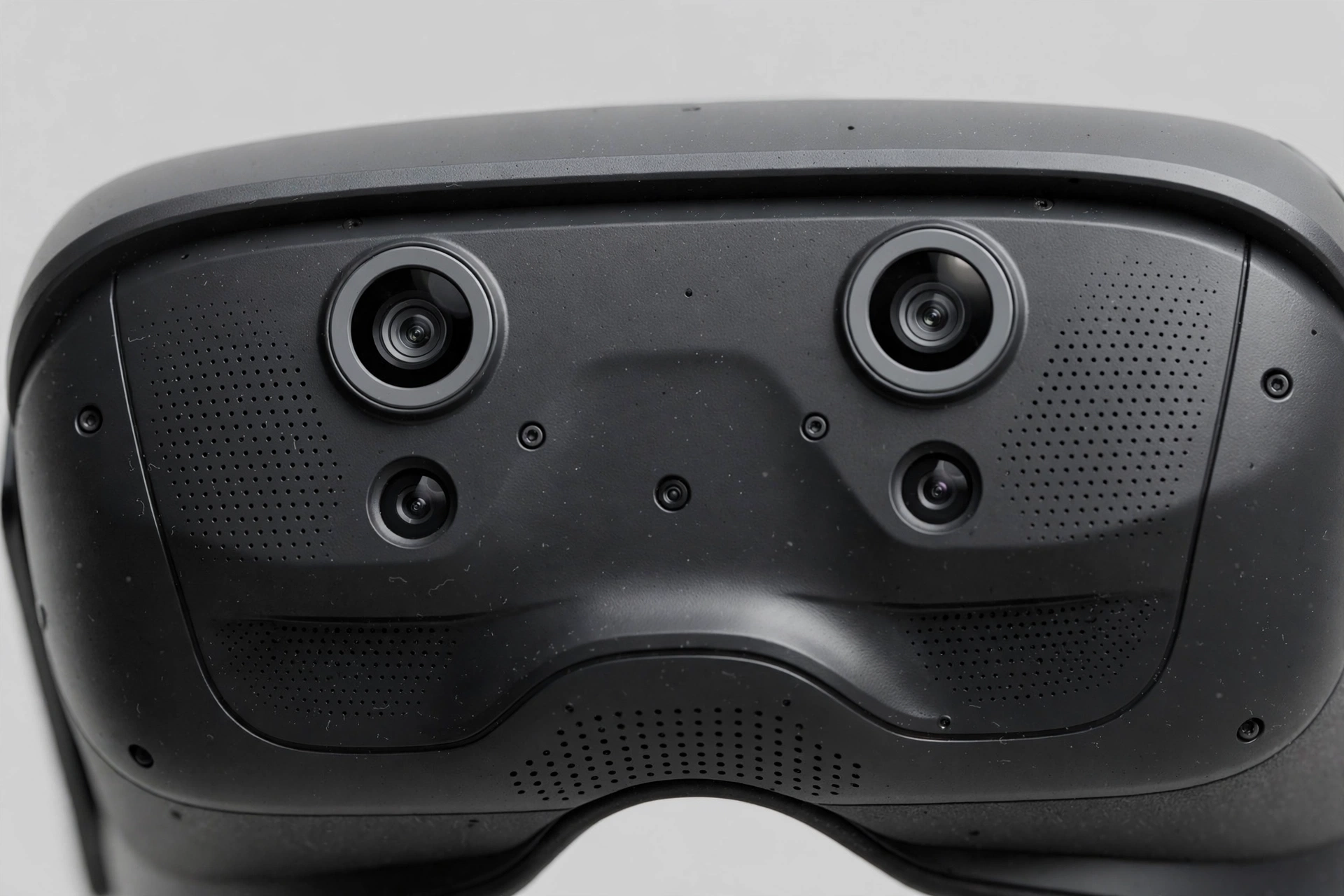
Modern headsets carry several cameras on the front and sides. Some capture colour video, which becomes the passthrough picture you see. Others track the room, your hands, and your controllers, and help the headset understand the shape of the space.
The colour cameras work in pairs, a bit like your two eyes. Each one sees the room from a slightly different angle, and the headset combines those views into a single stereoscopic picture, so nearby objects look close and distant ones look far away. Without that pairing, the room would look flat, and judging distance — reaching for a mug, say — would be much harder.
Lighting plays a big part. Passthrough cameras cope well in a normally lit room, but a very dark room or harsh backlight from a window can make the picture noisy or washed out. Mixed-reality apps often work best in the same kind of even lighting you would want for reading.
Why does depth matter so much?
A flat video of your room would be enough to avoid walking into a wall, but it would not be enough for convincing mixed reality. Depth is what lets a virtual object sit believably behind your real coffee table instead of floating in front of it.
Headsets build a depth picture of the room in a few ways. Comparing the two camera views gives a rough sense of distance, similar to how your own eyes judge depth. Some headsets add a depth sensor, which measures distance more directly. Room-mapping data from setup can also help the headset know where floors, walls, and large furniture sit.
When depth works well, the effect is called occlusion, and it is easy to spot when it is right. A virtual character walking behind your sofa should disappear behind it, then reappear on the other side. When depth is missing, that character slides across the sofa instead, and the illusion breaks straight away. This is also why passthrough pairs so naturally with room mapping — our guide to VR room mapping walks through that scan step by step.
How does the headset blend the real and virtual views?
Once the cameras have filmed the room and depth has been estimated, the headset puts everything together, fast. The pipeline roughly runs like this: capture a frame of video, warp it to match the position of your eyes and the lenses in front of them, render virtual objects at their positions in the room using the depth picture to decide what hides what, then show the combined image on the headset screens, updated dozens of times per second.
Speed is the hidden challenge. Your head is always moving, even when you think you are still. If the camera picture lags behind your movement, the room seems to swim, and that mismatch can cause discomfort quite quickly. Headset makers therefore work hard to keep this loop short, often by predicting where your head will be a fraction of a second ahead and adjusting the picture to match.
The lenses matter too. Newer pancake-style lenses give a clearer, flatter view than older designs, which makes passthrough text and nearby objects easier to read. Our explainer on how VR headsets work covers screens and lenses in more detail.
What can you actually do with it?
The everyday uses are less flashy than the demos, and more useful. Passthrough appears automatically near a boundary, so you can see furniture and other people before you bump into them. It lets you check the room mid-session without removing the headset. Mixed-reality games use your floor, walls, and furniture as part of the level, which feels different from a sealed virtual world. Some people pin a browser window or a video beside their desk, keeping an eye on the real keyboard while the screen floats in view. And furniture or room layouts can be previewed at real size, in the actual spot they would occupy.
Controllers and hands both work in passthrough mode. If you are switching between a mixed-reality game and a fully virtual one, our guide to how VR controllers work explains the tracking behind that switch, and our guide to how VR hand tracking works covers pinch, grab, and point gestures.
What are the limits and privacy questions?
Passthrough has honest limits. Image quality drops in low light, fast head turns can smear the picture slightly, and because the cameras sit a few centimetres away from your eyes, distances can feel slightly off until you get used to it. It also does not make a headset safe to wear everywhere: it helps you notice obstacles, but it is not a substitute for paying attention near stairs, traffic, or other hazards.
Privacy is the other question people reasonably ask. On most consumer headsets, standard passthrough is processed on the device and shown to you live; the app you are using does not receive the raw camera feed unless you grant it separate camera permission. A mixed-reality game that anchors objects to your floor does not necessarily see or store a video of your room. If an app does ask for camera access, it should say why, and you can treat that request like any other camera permission on your phone.
FAQs
Is VR passthrough the same as augmented reality?
Not quite. Passthrough is the camera view inside a VR headset; augmented reality is the broader idea of adding digital content to the real world.
Can other people see what my passthrough cameras see?
In normal use, no. It is a live view for the wearer only, unless you grant an app separate camera permission.
Why is passthrough in colour on newer headsets but black-and-white on older ones?
Older headsets reused greyscale tracking cameras for passthrough. Newer headsets add dedicated colour cameras.
Does passthrough use a lot of battery?
Yes, somewhat. The cameras and processor run continuously, so mixed-reality sessions drain a standalone headset faster.
Can I read my phone through passthrough?
Sometimes, for large text. Small phone text can still look soft, so for anything important, lift the headset.
Conclusion
VR passthrough is a straightforward idea done at speed: cameras film your room, the headset corrects and layers that video, and depth data lets virtual objects sit believably among real ones. The result is less dramatic than a fully virtual world, but more practical day to day — a safer play space, a quicker way to check your surroundings, and a stage for mixed-reality apps that use your actual room.
If you are curious to try it, start with a mixed-reality app on a recent headset in a well-lit room, and watch how a virtual object slips behind your real furniture. When that works, passthrough stops feeling like a camera trick and starts feeling like the room itself, with a little extra added.
For further reading, see Meta Horizon OS Passthrough and Britannica Virtual Reality.