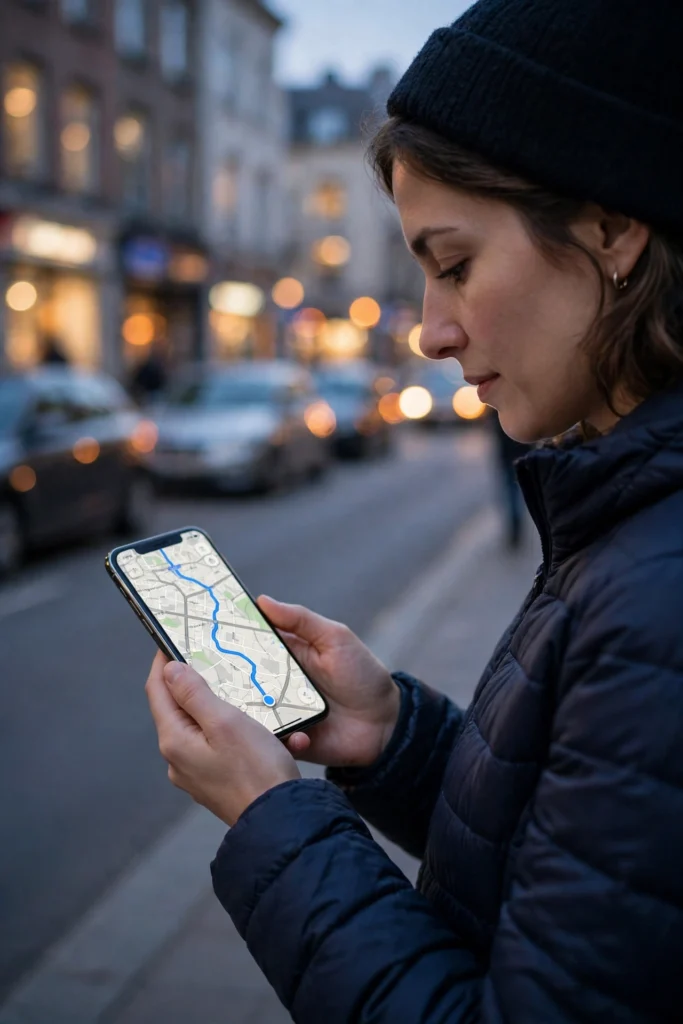
GPS works by timing radio signals from satellites high above Earth. Your phone or car receiver listens for those signals, measures how long each one took to arrive, and turns those tiny time differences into a position on a map. You don’t need to send anything back to space — your device just listens, calculates, and places that familiar blue dot where you actually are.
Key Takeaways
- GPS receivers listen to timed radio signals from satellites orbiting about 20,200 kilometres above Earth.
- Four or more satellites are normally needed for a full three-dimensional position: latitude, longitude, and altitude.
- Each satellite carries an atomic clock, and even tiny timing errors would move your position by a large amount.
- Open sky gives the best accuracy; tall buildings, tunnels, and dense tree cover can weaken or block signals.
- Maps, Wi-Fi, mobile data, and other sensors often help your device fill gaps when satellite signals alone are not enough.
What Is GPS, Exactly?
GPS stands for Global Positioning System. It started as a system developed for military navigation, and it is now freely available for everyday civilian use around the world. The full system has three parts: satellites in space, ground stations that track and correct those satellites, and the receivers in our phones, cars, watches, and other devices.
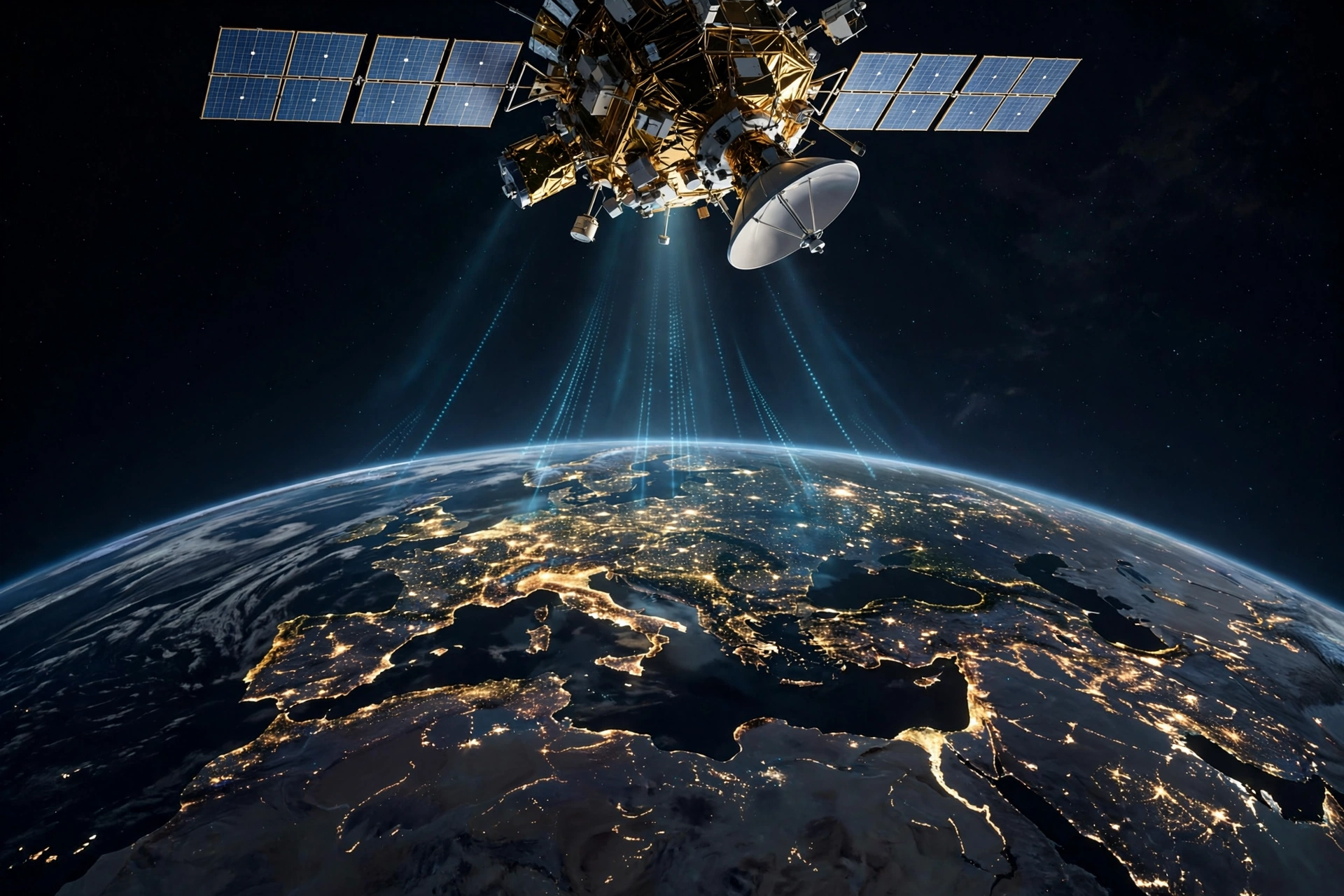
Think of it less like a map that watches you and more like a set of very precise clocks in the sky. Each satellite constantly broadcasts two useful pieces of information: where it is, and exactly when it sent its signal. Your receiver already knows roughly where each satellite should be, so when the signal arrives, it can work out how far away that satellite was.
How Do Satellites Figure Out Where You Are?
The core idea is called trilateration, and it is simpler than it sounds. Imagine standing somewhere and knowing you are exactly 100 metres from one landmark, 150 metres from a second, and 200 metres from a third. Only one spot on the ground fits all three distances at once. GPS does the same thing in three dimensions, using distances to satellites instead of landmarks.
First, your receiver measures the travel time of each signal. Radio signals travel at the speed of light, so a signal that took a fraction of a second longer to arrive came from a satellite that was farther away. Multiply that time by the speed of light, and you get a distance.
With one satellite, you could be anywhere on a huge sphere around it. With two, that narrows to a circle where two spheres meet. With three, you get two possible points, and usually only one of them is near Earth’s surface. A fourth satellite is still needed in practice, because your phone’s clock is not as precise as the atomic clocks on the satellites. That fourth measurement helps correct your receiver’s clock error, which is why GPS can also give you extremely accurate time.
Why Does GPS Need Atomic Clocks?
Timing is everything here. Light travels about 300,000 kilometres per second, so an error of just one-millionth of a second would throw your position off by roughly 300 metres. Atomic clocks on GPS satellites keep time to within billionths of a second, and ground stations keep checking and correcting them.
There is another wrinkle worth knowing about, even if you never need to calculate it yourself. Because the satellites move fast and sit farther from Earth’s gravity than we do, their clocks tick at a slightly different rate than clocks on the ground. Engineers account for those effects, based on Einstein’s theories of relativity, so the timing stays accurate. Without those corrections, GPS positions would drift noticeably within a single day.
What Else Helps Your Phone Find You?
In real life, your phone rarely relies on GPS alone. It blends satellite data with other clues, and that is a big reason maps feel so smooth. Wi-Fi networks nearby can hint at your location, especially indoors or in a city where satellite signals bounce around. Mobile network towers give a rough position too, and motion sensors help track short moves when signals drop briefly, such as in a tunnel.
That blending is also why your location can look jumpy in a downtown street canyon. Signals bouncing off tall glass buildings can arrive a little late, making your receiver think a satellite is farther away than it is. Step into open sky, and the dot usually settles down. If you have ever wondered why a map app works better outside a car park than inside one, that signal blockage is usually the answer. A related everyday wireless technology, covered in our guide to how Wi-Fi works, uses radio waves in a very different way, but it shows how much modern devices depend on invisible signals.
Where Is GPS Used Every Day?
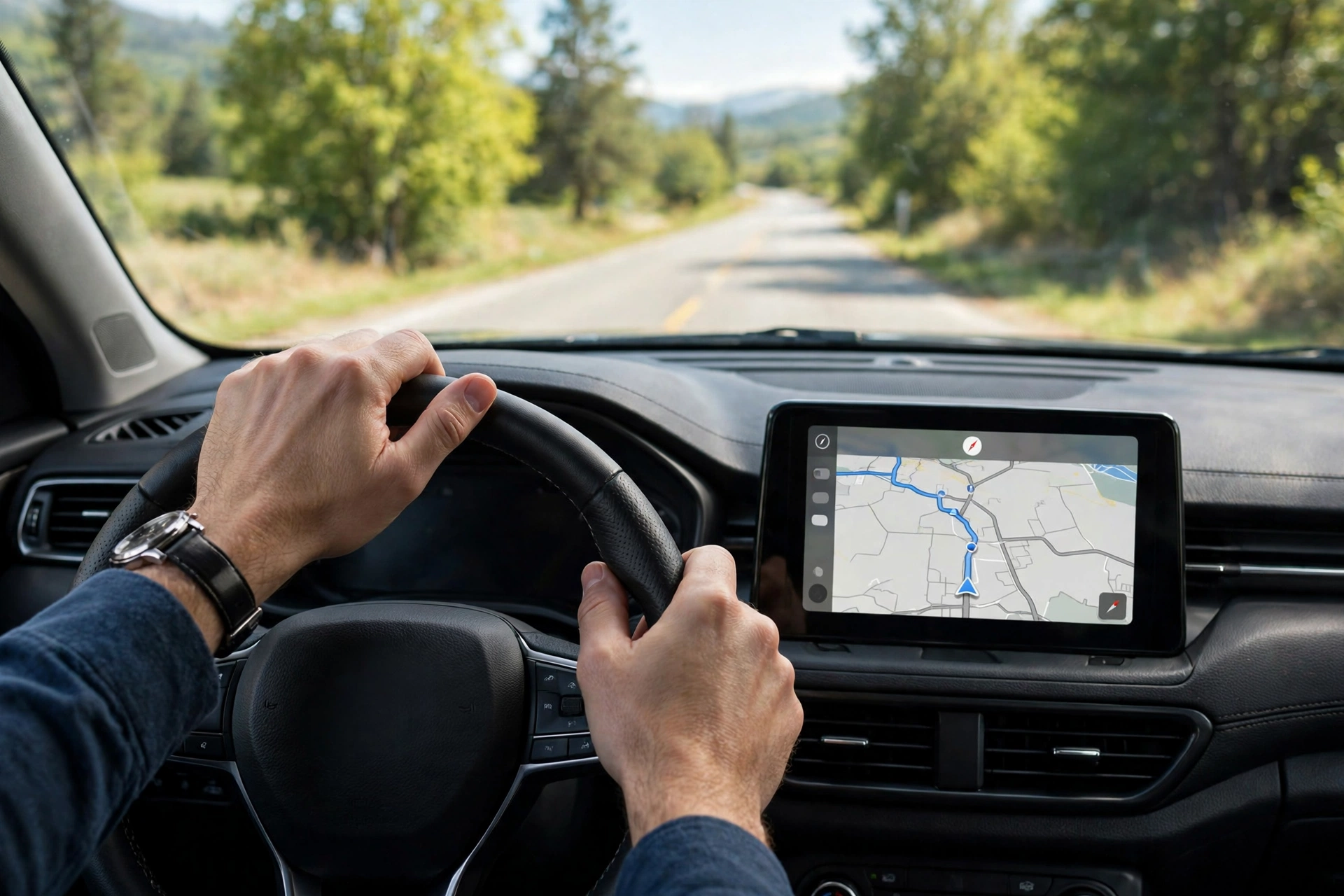
Driving directions are the obvious example, but GPS quietly supports a lot more. Delivery drivers use it to plan routes, farmers use it to guide tractors in straight lines across fields, and hikers use it to check their position on a trail when signs are scarce. Fitness watches use GPS to measure a run or a ride, and emergency services can use location data to reach someone faster.
It also keeps other systems in sync. Power grids, mobile networks, and financial systems use precise GPS time to coordinate events, which is one reason a small timing signal from space matters far beyond navigation. Similar to how 5G networks depend on careful timing and radio design, GPS shows how a shared timing standard can make many separate devices work together.
How Accurate Is GPS?
Under open sky, an ordinary phone usually places you within a few metres of your true position — good enough to know which side of a street you are on, but not always good enough to tell which parking space you are in. Dedicated receivers used in surveying or farming can do much better, sometimes down to centimetres, by using extra correction signals and more advanced antennas.
Accuracy depends on how many satellites your receiver can see, how spread out they are across the sky, and what is between you and them. Clouds do not usually block GPS, but a roof, a deep valley, or a dense canopy can. That is also why a phone may take a few seconds to lock on after you switch it back on in a new place: it needs time to hear enough satellites and sort out the timing.
Does GPS Need the Internet?
No, and this surprises a lot of people. A GPS receiver can calculate its position using satellite signals alone, with no mobile data and no Wi-Fi connection. What the internet does provide is the map itself, plus traffic data, place names, and faster startup help. That is why an offline map can still show your moving blue dot in an area with no signal, as long as the map was downloaded first.
Bluetooth accessories and wireless charging pads, which we covered in separate Technology guides, often sit alongside GPS in the same device, but they do not replace it. GPS handles the “where am I” question; the other radios handle short-range connections and power. Keeping that distinction clear helps when troubleshooting: if maps load but your dot is wrong, the problem is usually positioning, not your internet connection.
How Can You Get Better GPS Directions?
A few simple habits help. Give your phone a clear view of the sky for a few seconds when you start navigation, rather than starting in a basement car park. Keep location services on for the map app you are using, and let it use Wi-Fi and Bluetooth scanning if you are comfortable with that, since those clues improve accuracy in cities. Calibrating the compass when your app asks can also help the map point the right way when you start walking.
If your position keeps jumping, try stepping away from tall buildings, restarting the app, or checking whether a case or mount is covering the top of the phone. None of these fixes guarantees perfection, but they remove the most common causes of a wandering blue dot. And if you are heading somewhere remote, download the map area in advance — that way, even without mobile coverage, you still have both the map and the satellite position.
FAQs
What does GPS stand for?
GPS stands for Global Positioning System. It is a satellite-based system that provides location and precise time information to receivers on or near Earth.
How many satellites does GPS need?
Three satellites can narrow your position considerably, but four or more are normally needed for a reliable three-dimensional fix, including altitude, and to correct your receiver’s clock.
Why is my GPS wrong indoors?
GPS signals are relatively weak by the time they reach Earth, and roofs, walls, and metal structures can block or reflect them. Indoors, your phone often leans on Wi-Fi and other clues instead, which can be less precise.
Does GPS work without mobile data?
Yes. GPS positioning itself does not need mobile data or an internet connection. You do need a downloaded map, or a data connection, to see that position on a detailed map with traffic and place information.
Is GPS the only satellite navigation system?
No. GPS is the United States system, but other regions operate their own systems, including Galileo in Europe, GLONASS in Russia, and BeiDou in China. Many modern phones can listen to more than one of them, which can improve accuracy and coverage.
Conclusion
GPS feels like magic because it hides an elegant piece of maths behind a simple blue dot. Satellites broadcast where they are and when they sent their signal, your receiver measures those tiny travel times, and trilateration turns distances into a position. The rest — maps, traffic, and turn-by-turn directions — is built on top of that quiet timing work.
Your practical next step is simple: before your next unfamiliar trip, download the map area offline and give your phone a few seconds under open sky to lock on. That small habit covers the two most common GPS frustrations — a missing map and a slow first fix — and lets the satellites do the rest.
Sources and further reading: Britannica’s overview of GPS at https://www.britannica.com/technology/GPS and National Geographic’s GPS resource at https://education.nationalgeographic.org/resource/gps/ — plus related Techserps guides: how Wi-Fi works at https://techserps.com/how-does-wi-fi-work/, how Bluetooth works at https://techserps.com/how-does-bluetooth-work/, how 5G works at https://techserps.com/how-does-5g-work/, and how wireless charging works at https://techserps.com/how-does-wireless-charging-work/