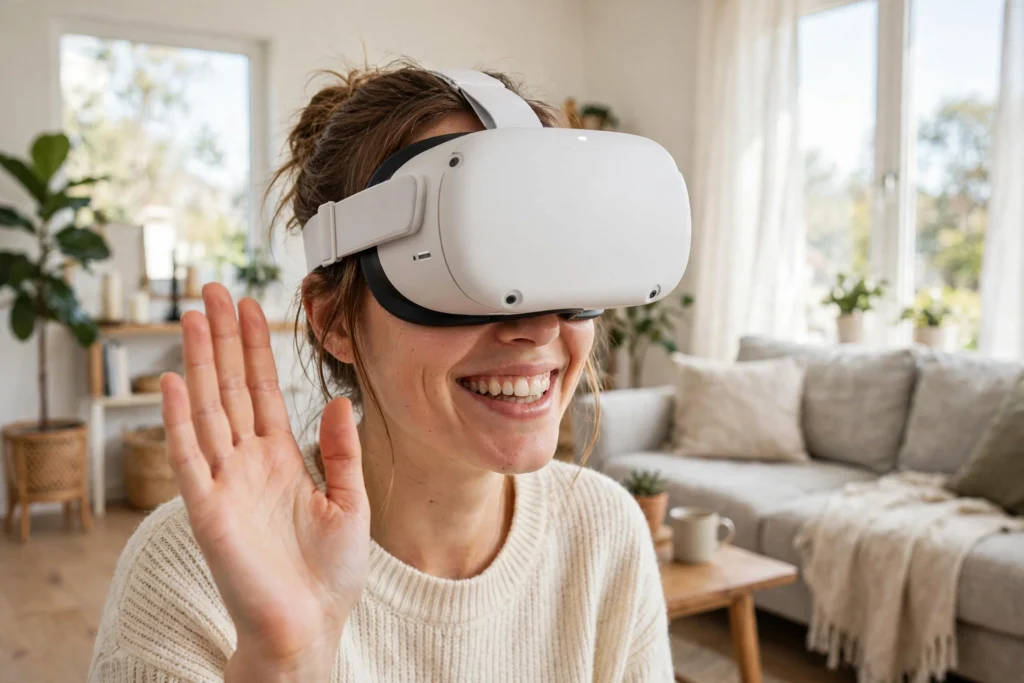
A VR avatar is the virtual body other people see when you meet them in a virtual world. Your headset tracks your head, your controllers or hands track your arms, and software turns those movements into a character that nods, waves, and walks when you do. The result can feel surprisingly social, even when the character looks nothing like you.
Key Takeaways
- A VR avatar is driven by tracking data from your headset, hands, and sometimes your eyes and face.
- Most systems track only your head and hands directly, and estimate the rest of your body.
- Cartoon-style avatars are a design choice, not just a technical limit: they hide tracking gaps.
- You can usually customise an avatar’s look, but not every avatar works in every app.
- Movement, eye contact, and voice together make an avatar feel present, not just its appearance.
What Is a VR Avatar?
In a virtual world, you need a body for other people to see. Without one, you would be a floating voice or a pair of hands with no person attached. An avatar fills that gap. It can look like a simplified version of you, a cartoon character, a robot, or something entirely invented. What matters most in conversation is not whether it looks real, but whether it moves in a way that matches what you are doing.
Avatars also give you a sense of place. When you look down and see virtual hands where your real hands are, the world feels more convincing. When you wave and someone waves back, the interaction feels shared. It helps to separate two jobs an avatar does: identity, meaning how you choose to appear, and animation, meaning how it moves while you wear the headset. The first is mostly about menus and choices. The second is mostly about tracking.
How Does the Headset Move an Avatar?
The starting point is head tracking. Your headset constantly measures where your head is and which way it is pointing, and that data goes straight to the avatar’s head, so when you nod, look left, or lean forward, your avatar does the same. This is the most reliable part of the system, because the headset itself is the sensor.
Hands come next. If you use controllers, each controller reports its position and rotation, and the avatar’s hands follow. If you use hand tracking, cameras on the headset watch your bare hands and estimate finger positions, so you can pinch, point, and grab without holding anything. Our guide to how VR hand tracking works covers that step in more detail.

Here is where estimation enters the picture. Most home headsets do not track your elbows, torso, hips, or feet directly. Instead, software guesses where those parts should be, based on your head and hand positions and on how a human body normally moves. These guesses are usually good enough for chatting and playing, but they can look odd when you do something unusual, like lying on a sofa or reaching behind your back. Some setups add extra trackers on the waist or feet, or use a camera in the room, to fill in those gaps — at the cost of more hardware, setup, and charging.
Why Do So Many Avatars Look Cartoonish?
Many avatars look like cheerful cartoons rather than realistic people, partly for performance: a simple character is easier for a headset to draw many times over than a photorealistic human with hair, wrinkles, and fabric folds. In a room full of people, that saving matters.
It is also about hiding mistakes. A realistic face that moves slightly wrong can feel unsettling, because your brain expects it to behave exactly like a real face. A cartoon face gets more leeway: a big smile, a nod, or a wave reads clearly even if the timing is a fraction of a second off. Some systems do scan your face or build a character from a photo, and those tend to need more processing power and better sensors. Even then, most apps still offer a stylised option, because many people simply prefer it.
What About Faces, Eyes, and Voices?
A head that turns is a good start, but faces carry a lot of social information. If your headset supports eye tracking, your avatar’s eyes can follow the person you are looking at, which makes conversation feel more natural. If it supports face tracking, your avatar can copy a smile, a raised eyebrow, or a mouth moving as you speak. Our guide to what VR eye tracking does explains the gaze part of this in more detail.
Voice adds another layer. In most social apps, your avatar’s mouth moves in time with your speech, even without face tracking, because the app can estimate mouth shapes from your voice. It is not perfect lip-sync, but it is enough to show who is talking in a group. A robot avatar that nods, looks at the speaker, and waves at the right moment can feel more present than a realistic avatar that stands still and stares ahead. Movement and timing often matter more than appearance.
Can You Take Your Avatar Anywhere?
Usually, no — at least not yet. An avatar made in one app often stays in that app, or in apps from the same company. Different virtual worlds use different body shapes, clothing systems, and animation rules, so a character that works in one place may not load correctly in another. Some platforms let you import a custom model, but you may need to adjust its size or proportions first.
That limitation is worth knowing before you spend a long time perfecting a character. If you mainly meet friends in one app, build your avatar there. If you hop between apps, expect to keep a few versions, or to use a simple default where your main avatar does not transfer. Bright colours and clear silhouettes also read better at a distance than tiny jacket details nobody will notice, and accessories that stick out too far can clip through virtual furniture.
What Makes an Avatar Feel Natural?
The biggest factor is timing. When you wave, your avatar should wave at the same moment, not a beat later. When you turn to someone, your avatar’s head should turn with you. Small delays break the illusion faster than a simple art style does, which is why a stable connection and a well-fitted headset matter for social VR as much as they do for games.
Space matters too. Standing too close to someone in VR can feel intrusive, just as in real life, and many apps add a personal-space bubble for that reason. Gestures help as well: a wave to say hello, a thumbs-up to agree, or a step back to give someone room all read clearly when tracking is working. And remember that other people see your avatar, not your real face — if your headset slips, your avatar may stare at the floor, and if controllers run low, its hands may freeze. A quick check, reseating the headset and checking the controllers, can save an awkward first few minutes.
Frequently Asked Questions
Do I need a special headset for VR avatars?
No. Almost any VR headset can show an avatar, because head and hand tracking are standard. Extra features like eye tracking or face tracking make avatars more expressive, but they are optional.
Can my avatar look exactly like me?
Some systems can build a character from a photo or a face scan, and the result can be recognisably you. Most apps, however, offer stylised characters that you customise with sliders and outfits. Expect a likeness, not a perfect copy.
Why does my avatar sometimes move strangely?
Usually because the system is estimating parts of your body it cannot see directly. Arms, legs, and torso positions are guessed from your head and hands, so unusual poses — lying down, reaching behind you, or crouching low — can look odd. Extra body trackers can improve this, but they add cost and setup.
Can other people see my real face through my avatar?
No, they see only the virtual character. Your headset’s outward cameras are for tracking your surroundings, not for streaming your face to others. Your avatar’s expressions come from tracking data and voice, not from a live video of you.
Do avatars work across different VR apps?
Generally, no. Most avatars are tied to the app or platform where you made them. Some platforms allow imports, but you may need to adjust the model first. If you use several apps, expect to maintain more than one avatar.
Conclusion
A VR avatar works by turning tracking into a body: your headset moves its head, your hands move its hands, and software fills in the rest with educated guesses. Cartoon styles, voice-driven mouth movement, and optional eye and face tracking all help that body feel social, even when it looks nothing like you.
The practical next step is simple. Pick one social VR app, spend a few minutes customising an avatar you like, and test it with a friend: wave, nod, look at them while they talk, and step back to check your personal space. That short test will tell you quickly whether your avatar feels like you in the room — and what, if anything, you want to adjust before your next visit.