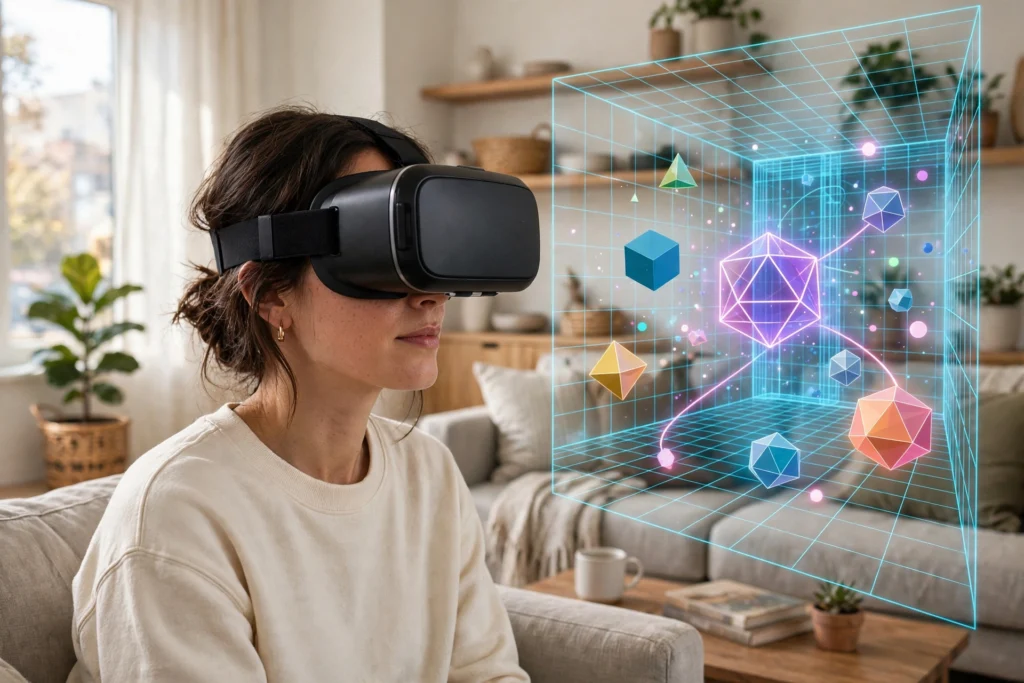
When you put on a VR headset, you are not watching a video of a ready-made world. Your headset, or the computer linked to it, draws that world again and again, dozens of times each second, changing the drawing every time you move your head. That constant redrawing is called rendering.
Key Takeaways
- VR rendering draws a separate image for each eye, many times per second.
- Frame rate controls how smooth motion looks; latency controls how quickly the picture catches up with your head.
- When either one slips, you may see judder, blur, or a world that seems to lag behind you.
- Headsets use tricks such as reprojection and foveated rendering to keep the picture smooth without drawing every pixel at full detail.
- A comfortable experience depends more on steady timing than on the prettiest single still image.
What does rendering actually do in VR?
Think of a VR scene as a set of instructions rather than a finished picture. It describes where objects sit, what they are made of, how light falls on them, and where you are standing in relation to them. Rendering turns those instructions into pixels you can see.
First, the system works out what is visible from your viewpoint. There is no point drawing the back of a building you cannot see, so hidden surfaces are usually skipped. Next, it shades the visible surfaces, adding colour, texture, shadows, and reflections. Finally, it applies lens correction, because the lenses in a headset bend light in a way that would otherwise warp the image. The result is sent to the displays, and then the whole process starts again for the next frame.
That loop sounds simple, but the timing is tight. If you turn your head, the next frame has to reflect that movement almost at once. Otherwise the world feels glued to your face, or it drags behind you like a picture on a slow television.
Why does VR need two images instead of one?
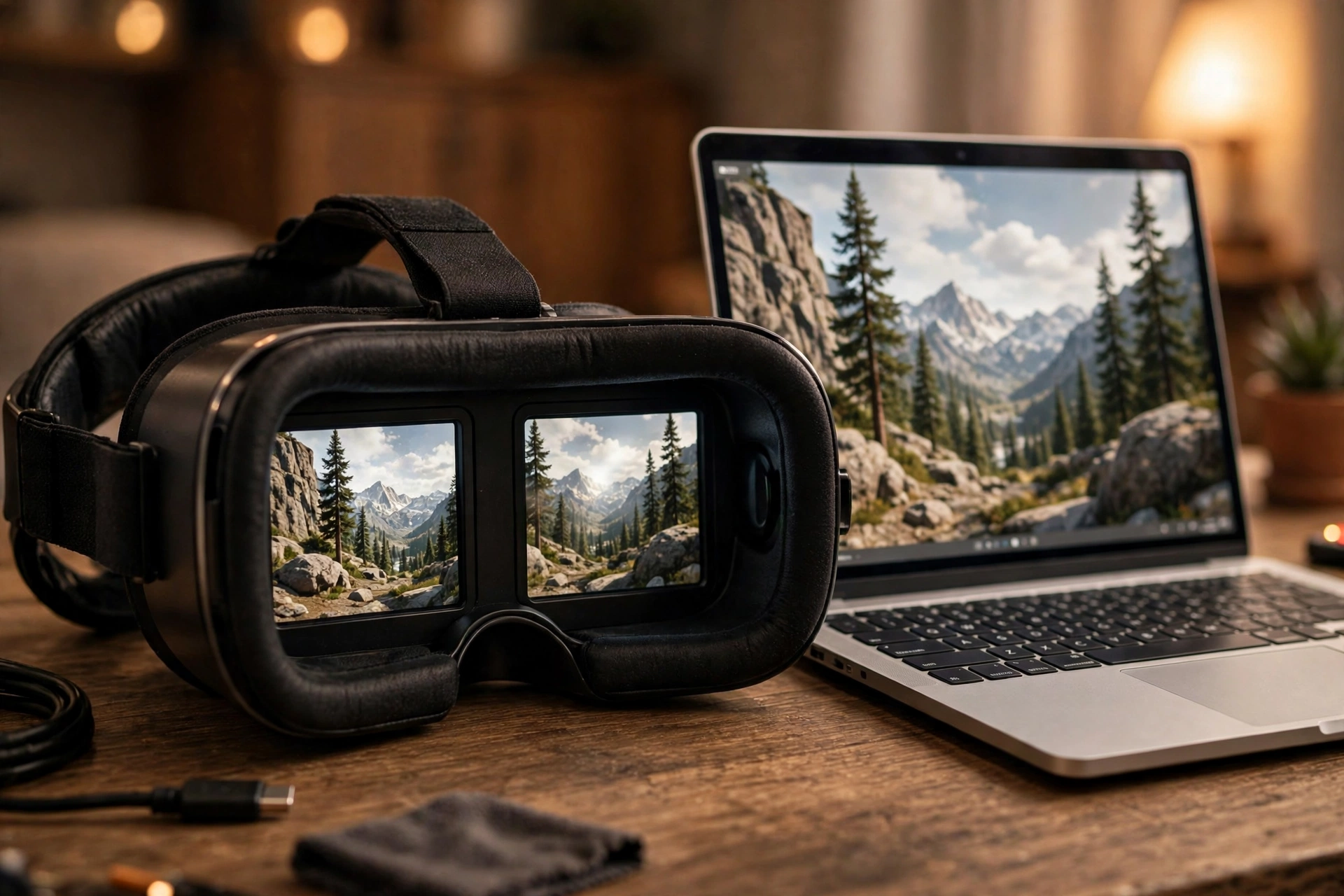
Your eyes do not see exactly the same view. Each eye sits a few centimetres from the other, so each one gets a slightly different angle on the same scene. Your brain combines those two views into a sense of depth. VR copies that idea by rendering one image for the left eye and one for the right eye.
This is one reason VR is harder work for a computer than showing the same scene on a flat screen. The system is effectively drawing the scene twice, and both drawings have to match in time. If one eye’s image is a fraction of a second behind the other, depth can feel wrong and the scene can look uncomfortable. Good VR software therefore keeps both views in step, even when the scene gets busy.
What sets the frame rate, and why does it matter?
Frame rate is the number of new images shown each second. Many headsets aim for 72, 90, or 120 frames per second, though the exact target varies by device and app. A higher frame rate usually means smoother motion, especially when you turn your head quickly or reach for a moving object.
But a high number on its own is not enough. What matters most is steadiness. A scene that holds a steady 90 frames per second will usually feel better than one that jumps between 120 and 40, because sudden drops are easy to notice. Those drops often happen when a scene suddenly gets more complex: more objects appear, lighting changes, or a detailed texture loads in.
Developers therefore make trade-offs. They may simplify distant objects, use lower-detail models for things you are not looking at closely, or limit shadows in a busy scene. The goal is not to impress you with one beautiful frame. It is to keep every frame arriving on time.
What is latency, and what is motion-to-photon time?
Latency is the delay between an action and its visible result. In VR, the most talked-about version is motion-to-photon time: the time from you moving your head to the updated image reaching your eyes.
That journey has several steps. Sensors detect the movement, the system predicts where your head will be a moment later, the scene is rendered for that predicted position, and the displays show it. Each step takes time, and the steps add up. If the total delay is too long, the world seems to swim or lag, and some people start to feel queasy.
This is closely linked to motion sickness in VR, though it is not the only cause. When what your eyes see does not match what your inner ear expects, your body can react badly. Keeping latency low helps keep those two signals in agreement, which is why headset makers spend so much effort on fast tracking and fast displays.
Why do VR scenes judder, blur, or tear?
Judder is that stuttering feeling when motion does not flow smoothly. It often appears when frames arrive unevenly, or when a frame is repeated because the next one was not ready. You might notice it most when you pan slowly across a detailed room: instead of gliding, the view seems to step.
Blur can come from several places. Fast head movement can smear the image if the display holds each frame on screen too long. Low resolution can also make edges look soft, though that is different from motion blur. Some headsets reduce this by flashing each frame briefly rather than leaving it lit until the next one arrives.
Tearing is rarer in modern headsets, but it happens when a new frame starts to appear before the old one has finished, so the top and bottom of the picture briefly show different moments. Again, the common thread is timing. When the render loop, the display, and your head movement fall out of sync, the illusion breaks.
How do headsets keep rendering smooth?
Headsets use a few clever shortcuts, and most of them are invisible when they work well.
Reprojection is one of the best known. If a freshly rendered frame is not quite ready, the system can take the previous frame and warp it slightly to match your latest head position. It is not a perfect replacement for a new frame, but it can hide a small delay and keep motion feeling continuous.
Foveated rendering takes advantage of how your eyes work. You see fine detail mainly in the centre of your vision, while the edges are less sharp. A headset with eye tracking can therefore render the centre of the image at full detail and the edges at lower detail, saving work without an obvious drop in quality. Fixed foveated rendering does a simpler version of the same idea without tracking your eyes.
Another trick is to render at a lower resolution and then upscale the result, or to use simpler shading for objects in the distance. None of these tricks makes a scene look better in a screenshot. Their job is to protect the frame rate, because a steady picture usually matters more than a slightly sharper one.
Does a more powerful computer always mean better VR?
Not always, though it helps. A faster graphics processor can draw more detailed scenes at a higher frame rate, and a standalone headset has to fit all of that power, plus a battery, into something you wear on your face. That is why standalone headsets often use simpler graphics than a PC-linked headset running the same app.
But software matters just as much. A well-optimised app on modest hardware can feel smoother than a poorly optimised app on a powerful machine. If an app draws far more than it needs to, or loads heavy textures at the wrong moment, even strong hardware will stutter. When you compare headsets, it is worth asking how steady the experience feels in real use, not just what the headline specifications promise.
Frequently Asked Questions
What is VR rendering in simple terms?
VR rendering is the process of turning a 3D scene into the two images your headset shows you, one for each eye, updated many times per second as you move.
Why does VR need a higher frame rate than a normal game?
Because the picture is tied to your head movement. On a flat screen, a dropped frame is a brief hitch. In VR, it can make the whole world feel unstable, so headsets aim for fast, steady frame rates.
What causes judder in VR?
Judder usually comes from uneven frame timing, such as frames arriving late or being repeated. Busy scenes, sudden detail changes, and a struggling graphics processor are common triggers.
Does VR rendering affect motion sickness?
It can. High latency and uneven frames can increase the mismatch between what your eyes see and what your body expects. Low latency and steady timing help, but comfort also depends on the app, session length, and breaks.
Can I improve VR rendering performance at home?
Often, yes, a little. Keep your headset software updated, close heavy background apps on a linked PC, give the headset a clear play space so tracking stays stable, and lower the graphics settings in an app if it offers them. If judder persists in one app only, the app itself may need an update.
Conclusion
VR rendering is less about one spectacular image and more about a rhythm: draw, display, track, repeat, dozens of times a second, with both eyes in step. Frame rate keeps motion smooth, latency keeps the world honest when you move, and smart shortcuts protect both when a scene gets heavy.
The next time a virtual room feels rock solid, that is rendering doing its job quietly. And the next time it stutters, try a practical check first: pause, take the headset off for a moment, and see whether the app or the device needs an update or a lower graphics setting before you blame the headset itself.
Further reading: Britannica virtual reality, Wikipedia virtual reality.