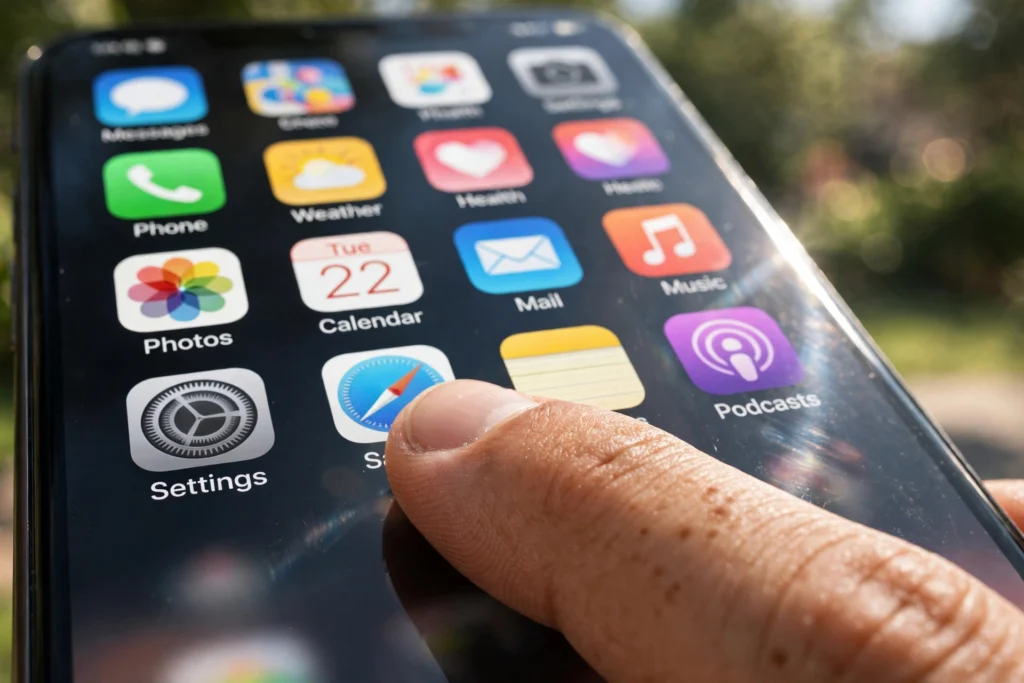
A touchscreen works by sensing where your finger touches the display and turning that spot into a command. Most phones and tablets use a capacitive screen: a grid of electrodes under the glass holds an electric charge, and your finger, which conducts electricity, disturbs that charge at that point. The controller measures the change and works out the coordinates.
Key Takeaways
- Most phones, tablets, and watches use capacitive screens, which sense changes in an electric field, not pressure.
- Older resistive screens respond to pressure from almost any object, but usually track one touch point.
- A controller scans the sensor grid many times per second, turning touch points into taps, swipes, and pinches.
- Ordinary gloves block capacitive screens because they insulate your finger; gloves with conductive thread fix that.
- Water drops can confuse a capacitive screen because water also conducts electricity.
What are the layers inside a touchscreen?
A touchscreen is two devices stacked together: a display that shows the picture, and a sensor that feels your touch. On a phone, the top layer is toughened cover glass. Under it sits the touch sensor, a nearly invisible grid of transparent electrodes, usually made from indium tin oxide. Below that is the display panel itself, the LCD or OLED panel. Because the sensor is transparent, light from the display passes straight through, so the picture stays clear.
How does a capacitive touchscreen detect your finger?
Capacitive screens are the type in almost every smartphone today, and they work on a neat trick: your body conducts electricity. The sensor grid is made of rows and columns of electrodes, and where each row crosses a column, a tiny capacitor forms. The controller sends a small signal along each row and measures how much of it reaches each column.
When your fingertip nears the glass, it draws a little of the electric field away at the crossings beneath it, so less signal gets through there. The controller spots which crossings changed and calculates the touch position. Since every crossing is measured on its own, the screen tracks several fingers at once — which makes pinch-to-zoom and two-finger scrolling possible.
How is a resistive touchscreen different?
Resistive screens are the older, cheaper technology, still found at ATMs, supermarket self-checkouts, and on industrial equipment. Instead of sensing an electric field, they sense pressure: two thin, flexible sheets coated with a conductive layer are held slightly apart by tiny spacer dots, and pressing down bends the top sheet onto the bottom one, closing a circuit.
The controller applies a voltage across one layer and reads it at the contact point, giving the position along one axis, then repeats for the other axis. Because it responds to pressure, it works with a fingernail, a pen, or a gloved hand. The trade-off: it usually registers only one touch point, so multi-touch gestures are out, and the extra layers make the picture slightly hazier.
How does the screen turn touches into gestures?
Raw touch points are only half the story. The controller scans the grid dozens of times per second, so it sees a stream of positions over time. Software interprets that stream: a brief touch is a tap, a steady moving touch is a swipe or drag, and two touches moving apart is a pinch to zoom.
The same idea separates a tap from a long press: if your finger stays put past a short threshold, the software opens a menu instead. Palm rejection works in reverse, ignoring large, flat contact that looks like the side of your hand resting on the screen.
Why don’t regular gloves work on a phone screen?
A capacitive screen needs a conductor to disturb its electric field, and an ordinary woollen or leather glove is an insulator, so your finger’s charge never reaches the sensor. Touchscreen gloves fix this by weaving conductive thread into the fingertips. A plastic stylus fails for the same reason, while a capacitive stylus has a conductive rubber or mesh tip that mimics a fingertip.
Why does water make a touchscreen act strangely?
Water conducts electricity, so a droplet looks, to the sensor, a lot like a fingertip. A splash can register as several phantom touches at once, opening apps or typing stray characters. Sweat does the same, which is why a phone can misbehave on a run. Phone makers fight back with software that rejects touches that look like water — small, scattered, and short-lived. Still, the simplest fix is the oldest one: wipe the screen dry first.
Where else do touchscreens show up?
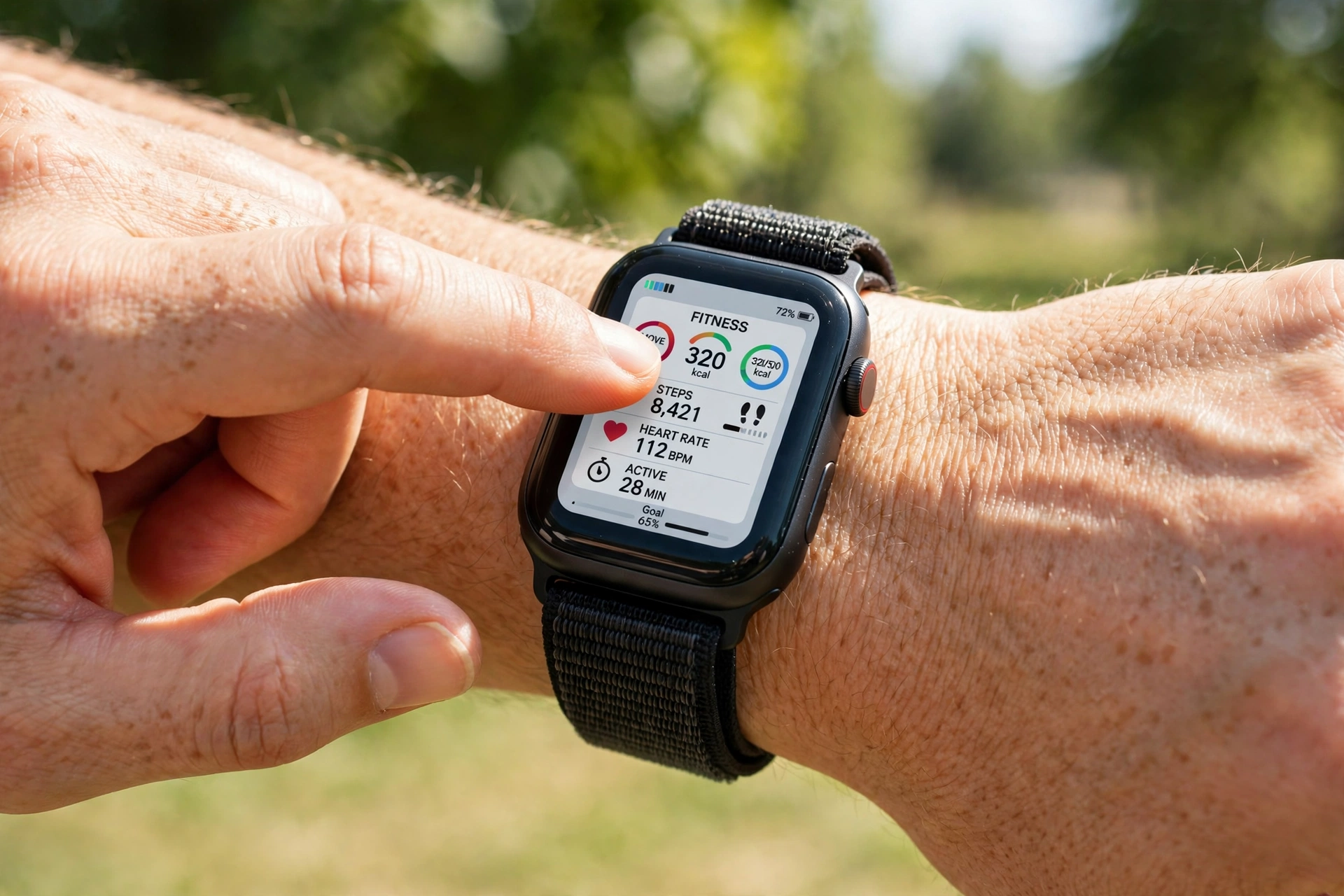
Touchscreens are far bigger than phones. Tiny ones sit on smartwatches, where a small screen must handle taps and swipes with a fingertip that can cover most of the display — our guide to how a smartwatch works covers how they juggle sensors, battery, and touch in a tiny case.
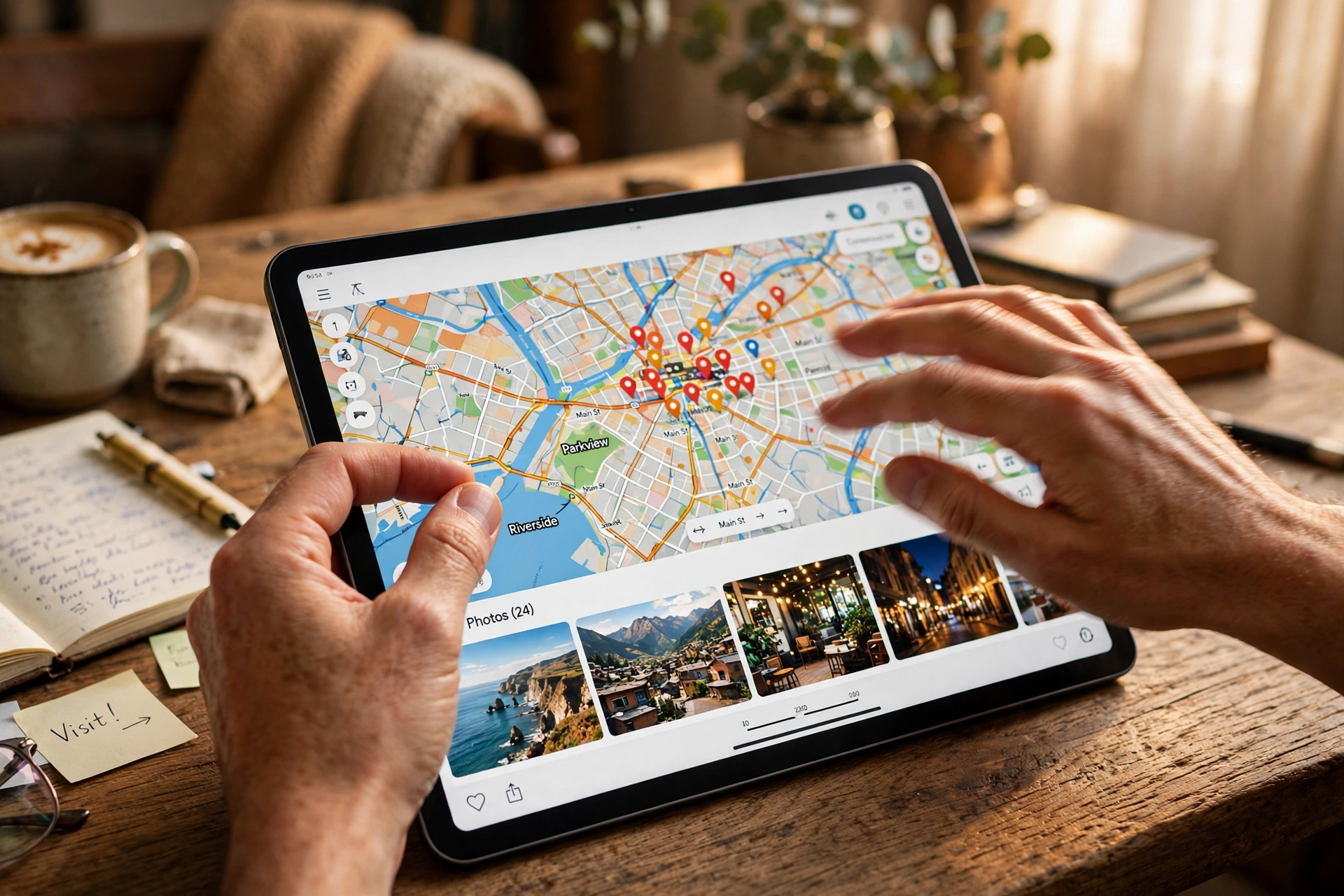
Larger touchscreens run car dashboards, kitchen appliances, ticket machines, and factory controls, where resistive screens still earn their keep because workers may wear gloves. They also pair with other wireless tech: a tablet on Wi-Fi shows maps while you pinch and drag, and a phone’s touchscreen is the front door to Bluetooth pairing.
FAQs
Do touchscreens work with a stylus?
It depends on the stylus. A plain plastic stylus will not work on a capacitive screen because it does not conduct electricity. A capacitive stylus, with a conductive rubber or mesh tip, works fine, and active styluses add pressure sensitivity for drawing.
Can you use a touchscreen with wet hands?
You can try, but expect mistakes. Water droplets register as extra touches, so the screen may open the wrong app or type stray characters. Drying your hands and the screen helps most, and some phones have a wet-touch mode — but no software fully removes the problem.
Why does pressing harder sometimes seem to help?
Capacitive screens do not measure pressure at all. Pressing harder squashes your fingertip flatter, increasing the contact area and disturbing more of the electric field, so the touch is easier to read. A light tap with the very tip of your finger can be missed, while a firmer, flatter touch registers cleanly.
Do screen protectors affect touch sensitivity?
A thin glass or plastic protector usually makes little difference, because the electric field passes through it. Very thick protectors, or ones with air bubbles trapped underneath, can weaken the signal. Most phones include a touch-sensitivity setting that boosts the sensor to compensate.
What is the difference between a touchscreen and a touchpad?
A touchscreen detects touches directly on the display, so you tap what you see. A touchpad, like the one on a laptop, is a separate surface that moves a cursor. Both use capacitive sensing, but a touchscreen maps your finger to an absolute position, while a touchpad maps finger movement to relative cursor movement.
Conclusion
A touchscreen turns your finger into an input device: electrodes under the glass sense the tiny electrical change your touch causes, and software turns it into taps, swipes, and pinches. Capacitive screens dominate because they support multi-touch and stay crystal clear, while resistive screens survive where gloves and styluses matter more than gestures.
If your phone ever ignores your taps, try the simple checks first: remove gloves, dry the screen, and flatten your fingertip slightly instead of pressing harder. The guides linked below show the same touch idea at work in other gadgets.
Further reading
- How Does a Smartwatch Work? Sensors, Tracking, and Battery Explained
- How Does a Mechanical Keyboard Work? Switches, Keys, and Typing Explained
- How Does Wi-Fi Work? Radio Waves, Routers, and Speed Explained
- How Does Bluetooth Work? Pairing, Range, and Sound Explained
- How Does a Touchscreen Actually Work? — ScienceAlert
- “Electric Feel”: A Guide to How Touchscreens Work — McGill University