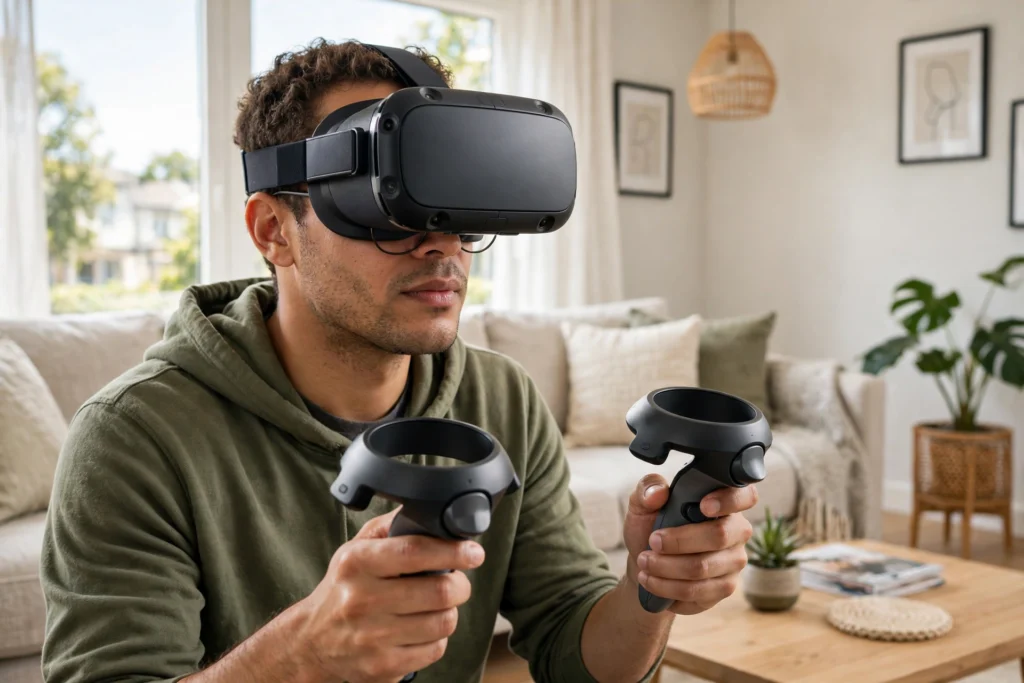
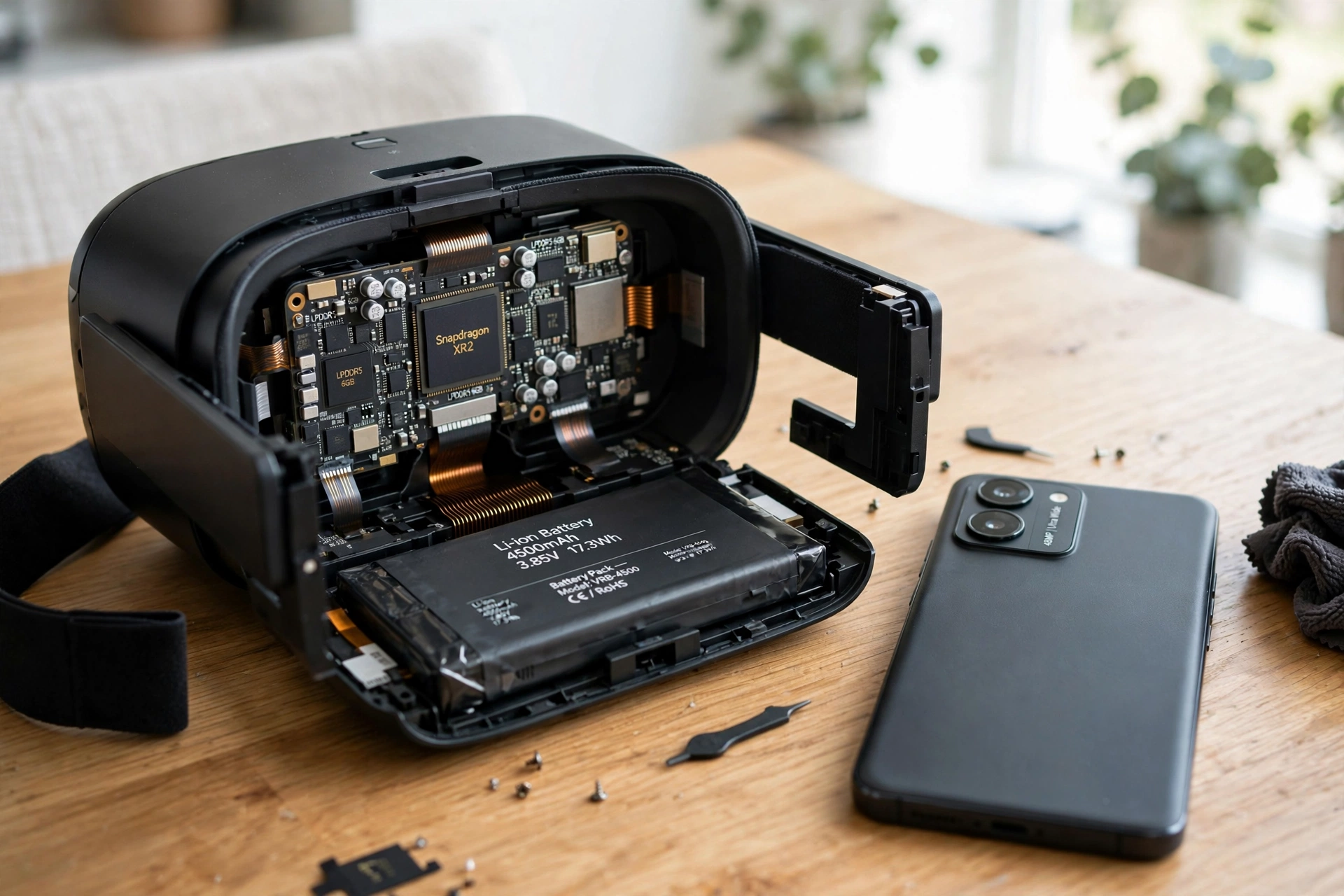
A standalone VR headset is a complete virtual reality system you wear on your head. It has its own processor, memory, storage, battery, screens, and tracking cameras, so it does not need a gaming PC, a console, or a phone slotted into the front to work. You put it on, pick an app from its menu, and you are in.
Key Takeaways
- Standalone VR means the whole computer is inside the headset.
- No cable to a PC is needed for its own apps, which makes setup quick and movement freer.
- The trade-off is power: a headset chip cannot match a high-end gaming PC, so graphics are simpler.
- Battery life is usually measured in a couple of hours of play, not a full day.
- Many standalone headsets can still connect to a PC for more demanding games, so the choice is not always either-or.
What makes a headset “standalone”?
The word standalone describes where the computing happens, not how good the headset looks. In a PC-connected headset, the heavy work — drawing detailed 3D scenes, tracking your position, and handling physics — happens on a separate computer, and the picture is sent to the headset over a cable or a fast wireless link. In a standalone headset, that same work happens on a mobile-style chip inside the headset itself.
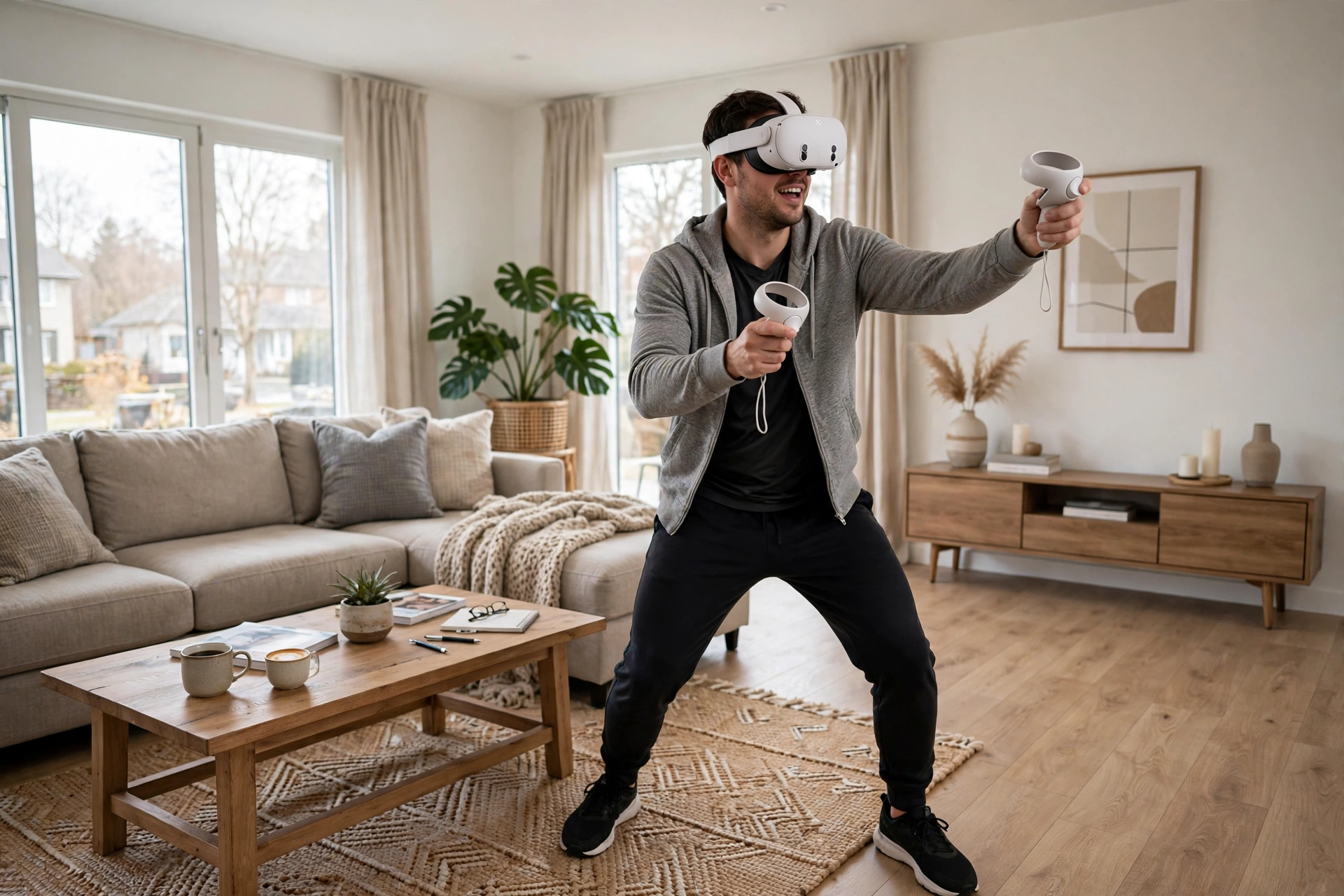
That design choice shapes almost everything else. Because there is no cable tethering you to a desk, you can turn around freely, walk around a cleared room, and take the headset to another room or a friend’s house without moving a PC as well. Setup is closer to using a tablet than building a gaming rig: charge it, connect to Wi-Fi, sign in, and download apps from its store.
It also explains why standalone headsets look the way they do: battery, cooling, and tracking cameras all have to fit in a device that stays comfortable on your face.
How does a standalone headset run games by itself?
Think of a standalone headset as a small games console shaped to fit your face. When you launch an app, its processor reads the game from internal storage, draws two slightly different images — one for each eye — and shows them on the screens inside the headset. That twin-image trick is what gives virtual scenes their sense of depth.
At the same time, cameras on the outside watch the room, tracking furniture edges and floor patterns to work out where your head is, without wall-mounted sensors. Our guide to how VR headsets work explains screens, lenses, and tracking in more detail.
Controllers add the next layer. Most come in pairs, tracked by the headset’s cameras, and the scene updates as you reach, point, or press a trigger. Our guide to how VR controllers work covers buttons, tracking, and vibration feedback. Audio usually comes from small speakers near your ears, and Wi-Fi handles downloads and online play.
What are the real trade-offs?
Freedom is the clear win, but it comes with limits worth knowing before you buy.
Graphics are the first compromise. A mobile chip uses far less power than a desktop graphics card, so standalone games often use simpler lighting and smaller worlds. Many still look colourful and smooth, but they will not match the most detailed PC VR titles.
Battery life is the second. Most last around two hours of active play, though lighter apps stretch further and heavy games drain faster. Storage is the third: games live on the headset itself, so the model you buy decides how many large games you can keep installed at once. Heat and comfort matter too — fit, strap balance, and regular breaks matter more than any single specification.
Standalone vs PC-connected VR: which fits you?
There is no single right answer, only a better fit for how you plan to use it.
Choose standalone first if you want the simplest start, you will mostly play in a living room, and you like picking up the headset and playing without switching on a PC. It is also easier to share. A PC-connected headset may suit you better if you already own a powerful gaming PC or want the most detailed graphics.
The middle ground is worth noting: many standalone headsets can also act as PC headsets when linked by cable or Wi-Fi. Check that feature before you assume it, because not every model supports it, and the experience can vary with your home Wi-Fi.
How do you get the most from a standalone headset?
Start with space: clear a play area and use the headset’s boundary setup so it warns you before you reach a wall or furniture. That scan is closely related to room mapping, which our guide to how VR room mapping works explains step by step.
Mind the battery too — charge between sessions and close apps you are not using. Then try features beyond games, such as fitness apps and mixed-reality apps that blend virtual objects with your real room; our explainer on how VR passthrough works covers the camera view behind that. Finally, if a game makes you feel uneasy, stop and try a slower, seated experience next time. Short first sessions beat one long session that puts you off VR.
FAQs
Do I need a PC at all for standalone VR?
No, not for its own apps. A PC is only needed if you want to run PC VR games through a link feature, and even then it is optional, not required for everyday use.
Can a standalone headset play PC VR games?
Some can, through a wired or wireless PC link, if the model supports it and your PC is powerful enough. Others are standalone-only, so check the model’s features before buying for that purpose.
How long does the battery last?
It varies by app, but around two hours of active play is a common guide. Lighter apps last longer, and demanding games drain faster, so keep a charger nearby for longer sessions.
Is standalone VR worse than PC VR?
It is different, not simply worse. Standalone wins on freedom, simplicity, and price for many people, while PC VR wins on raw graphics power. The best choice depends on which of those matters more to you.
Do I need an internet connection to use it?
You need Wi-Fi to download apps and updates and to play online, but many downloaded single-player games can be played offline once they are installed. Check each app, since some require an online account or connection.
Conclusion
Standalone VR puts the whole system in the headset, making virtual reality easier to start, move around in, and share. You trade some graphics power and battery life for that freedom, but for many people that trade is well worth it — especially when the same headset can also link to a PC.
If you are curious, try one in a well-lit, cleared room, start with a short, comfortable app, and pay attention to fit and battery as much as graphics. That practical test will tell you more than any specification sheet.
For further reading, see Britannica: virtual reality and Meta Quest.