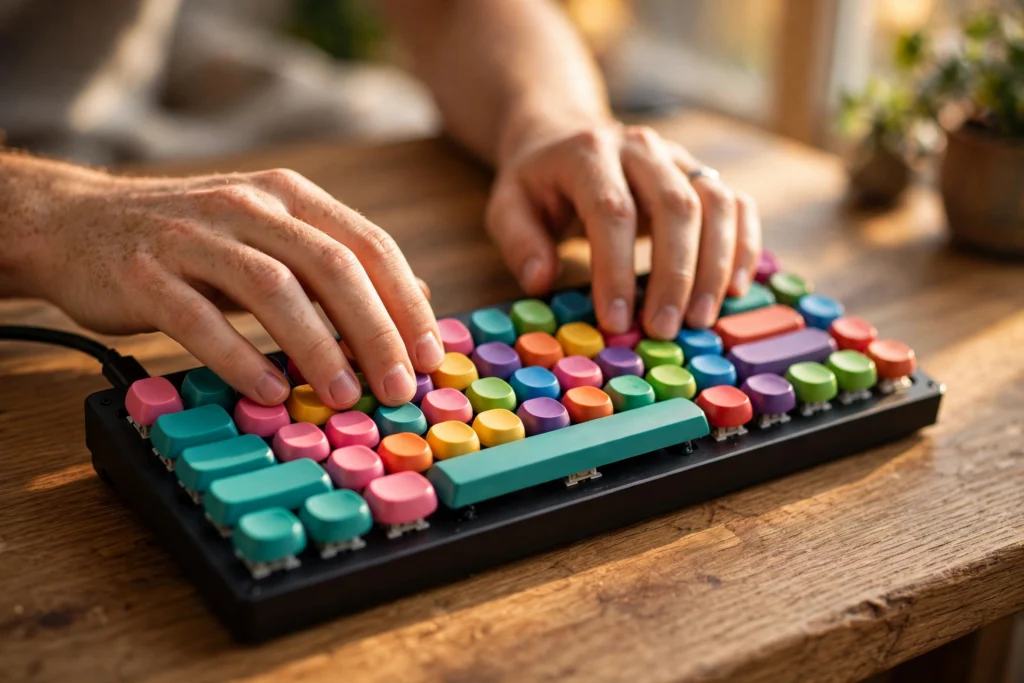
A mechanical keyboard works because every key has its own small switch underneath it. When you press a key, that switch closes a circuit, the keyboard’s controller works out which key you pressed, and it sends that character to your computer. That one-key-one-switch design is the main difference from most flat laptop keyboards, where a rubber sheet sits under a whole row of keys.
Key Takeaways
- Each key on a mechanical keyboard has its own switch, usually made of a stem, a spring, and metal contacts.
- Pressing a key past its actuation point sends a signal; you do not need to press it all the way down.
- Linear, tactile, and clicky switches feel and sound different, so the “best” switch depends on how and where you type.
- Wired and wireless models send the same kind of key signal — only the connection to the computer changes.
- A good first keyboard is a standard layout with a switch type you have tried, not the most expensive board you can find.
What happens when you press a key?
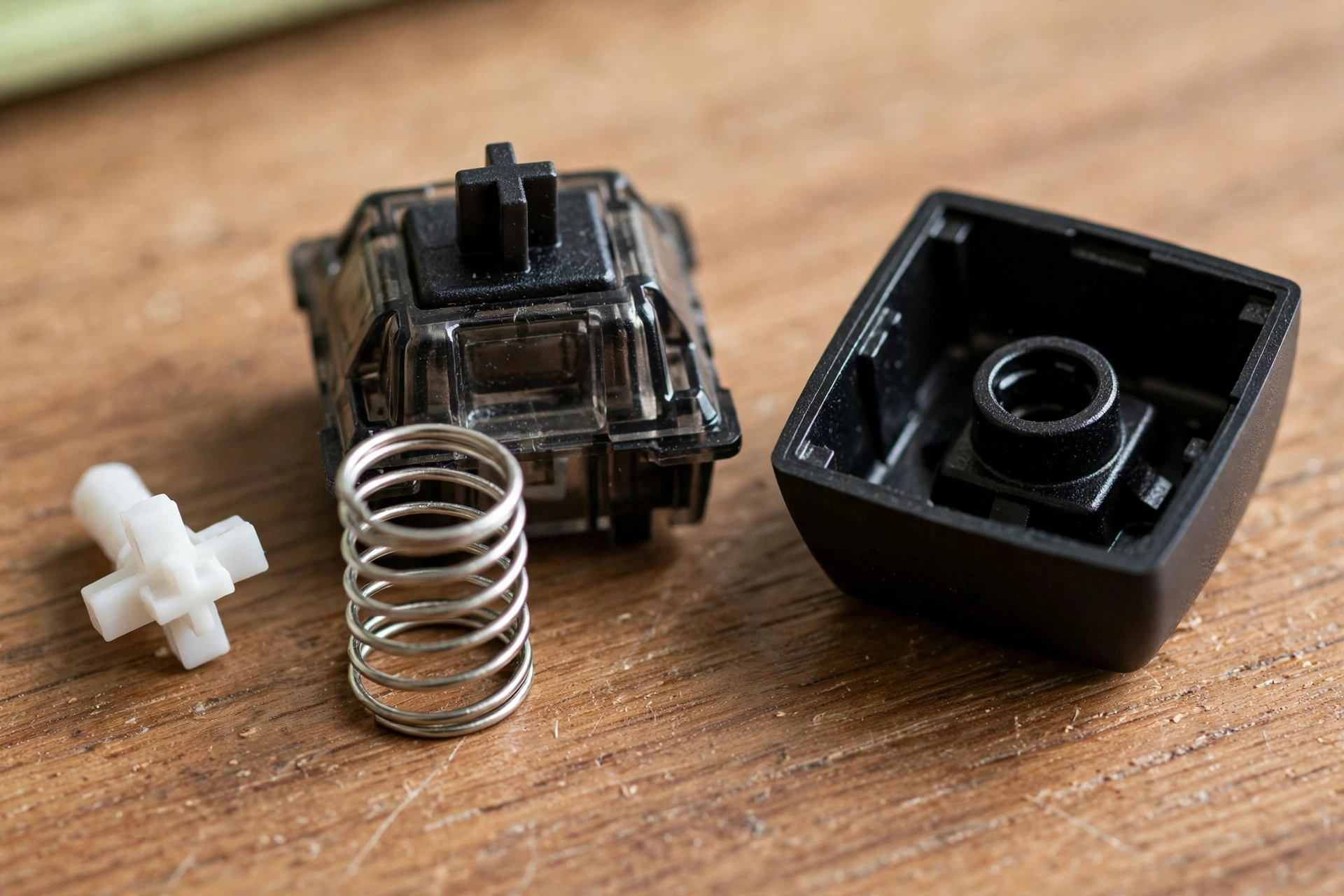
Think of a single key as a tiny, well-built button. On top sits the keycap, the plastic cover your finger actually touches. Under it is the switch stem, which slides down when you press. Inside the switch, a spring pushes back against your finger, and metal contacts meet — or, in some newer designs, a magnet passes a sensor — at a point called actuation.
That moment matters more than the bottom of the keypress. Most switches actuate partway down, often after about 2 millimetres of travel, even though the key can travel about 4 millimetres in total. So a letter can appear on screen before you feel the key hit bottom. If you type lightly, you may never bottom out at all, and that is perfectly normal.
Once the switch actuates, the keyboard’s controller checks its matrix, a grid of rows and columns wired under the switches. By seeing which row and column are connected, it knows exactly which key changed state. It then sends a code for that key to the computer, usually over USB or Bluetooth, and your operating system turns that code into a letter, number, or shortcut.
Why does each key need its own switch?
In a membrane keyboard, pressing a key pushes a rubber dome down onto a sheet, which completes a circuit for that position. It works, and it can be cheap and quiet, but the feel is often mushier because the whole sheet is part of the action.
A mechanical switch isolates that job. Each switch has its own spring and its own feel, so a worn or damaged switch affects one key rather than a whole area, and many boards let you pull a switch out and replace it without soldering. That is also why mechanical keyboards tend to last longer in daily use: the moving part is designed to be pressed tens of millions of times, and the keyboard does not rely on a rubber sheet that can wear unevenly.
It also explains the price difference. More parts, a sturdier plate or case, and individual switches cost more to make than a single membrane sheet, even before you add features like backlighting or wireless radios.
What do linear, tactile, and clicky switches mean?
Switch names can sound like a secret code, but the three main families are easy to tell apart by feel and sound.
Linear switches move smoothly from top to bottom, with no bump and no click. They are popular with gamers because a smooth press can feel fast and consistent, though some typists find them a little too easy to press by accident.
Tactile switches add a small bump partway down. You can feel that bump as the key actuates, which gives your fingers a quiet confirmation without a loud click. Many people who type all day prefer this kind, because it helps them learn to press just far enough.
Clicky switches add both a bump and a sharp click sound. That sound can be satisfying at a desk on your own, but it can also be distracting in a shared room or on a video call, so it is worth checking the noise level before you choose one for an office.
Colours are only a rough guide. One maker’s “brown” switch may not feel exactly like another maker’s brown, and different brands use different colour systems. If you can, try a switch tester — a small board with a few switch types side by side — before you commit to a full keyboard.
How does the keyboard talk to your computer?
After the controller identifies the pressed key, it has to deliver that information quickly and reliably. A wired keyboard sends it over USB, which also powers the board and any backlighting. A wireless keyboard sends the same key codes over Bluetooth or a small USB receiver, using its own battery instead.
Wireless models add a small amount of extra work: pairing, charging, and waking from sleep. Modern Bluetooth keyboards handle this well for everyday typing, and a dedicated 2.4 GHz receiver can feel closer to wired for fast games. For most writing, browsing, and office work, the difference is hard to notice, and a wireless board has the obvious benefit of a tidier desk.
One feature worth knowing is key rollover. It describes how many keys the keyboard can register at once. If you hold several keys for a game shortcut, a board with poor rollover may drop one of them. “N-key rollover” means the board can, in principle, register every key pressed at the same time, which is useful for games and fast chord shortcuts, but not something most typists need to worry about.
What about layouts, keycaps, and backlighting?
A full-size keyboard includes letters, numbers, function keys, and a number pad. Tenkeyless boards drop the number pad, which brings your mouse closer and saves desk space. Compact 75% and 60% boards shrink further, moving or combining some keys, so they suit small desks but take a little learning if you rely on arrow keys or function keys.
Keycaps matter more than they look. Thicker caps tend to sound deeper and feel more solid, while thinner caps can sound higher-pitched. The most common materials are ABS and PBT plastic. PBT caps often resist shine and wear a little better over years of use, though a well-made ABS set can still feel great.
Backlighting, meanwhile, is mostly a comfort and visibility feature. A single-colour backlight helps in a dim room, while RGB lighting lets you set colours per key. It does not change how the switches work, but it does use more power, which is why wireless boards often dim or turn lights off to save battery.
How do you choose a first mechanical keyboard?
Start with how you will use it. If you type in a shared space, lean towards quiet linear or tactile switches rather than clicky ones. If you play fast games, a smooth linear switch and a wired or low-latency wireless connection may suit you better. If you write for hours, try a tactile switch and a layout that keeps the keys you use most within easy reach.
Next, check the layout. If you use a number pad daily for spreadsheets, do not buy a compact board and hope you will adapt. If you rarely touch the number pad, a tenkeyless board frees up space and feels less of a stretch for your mouse hand.
Then think about maintenance, not just the first week. Removable keycaps make cleaning much easier, and a hot-swappable board lets you change switches later without soldering. That flexibility can save you from buying a whole new keyboard if your taste changes.
Finally, set a sensible budget. A mid-priced board from a known maker, with a switch type you have tried, usually beats a flashy board with switches you have never felt. You can always change keycaps later; changing your mind about a whole layout is harder.
How do you keep a mechanical keyboard working well?
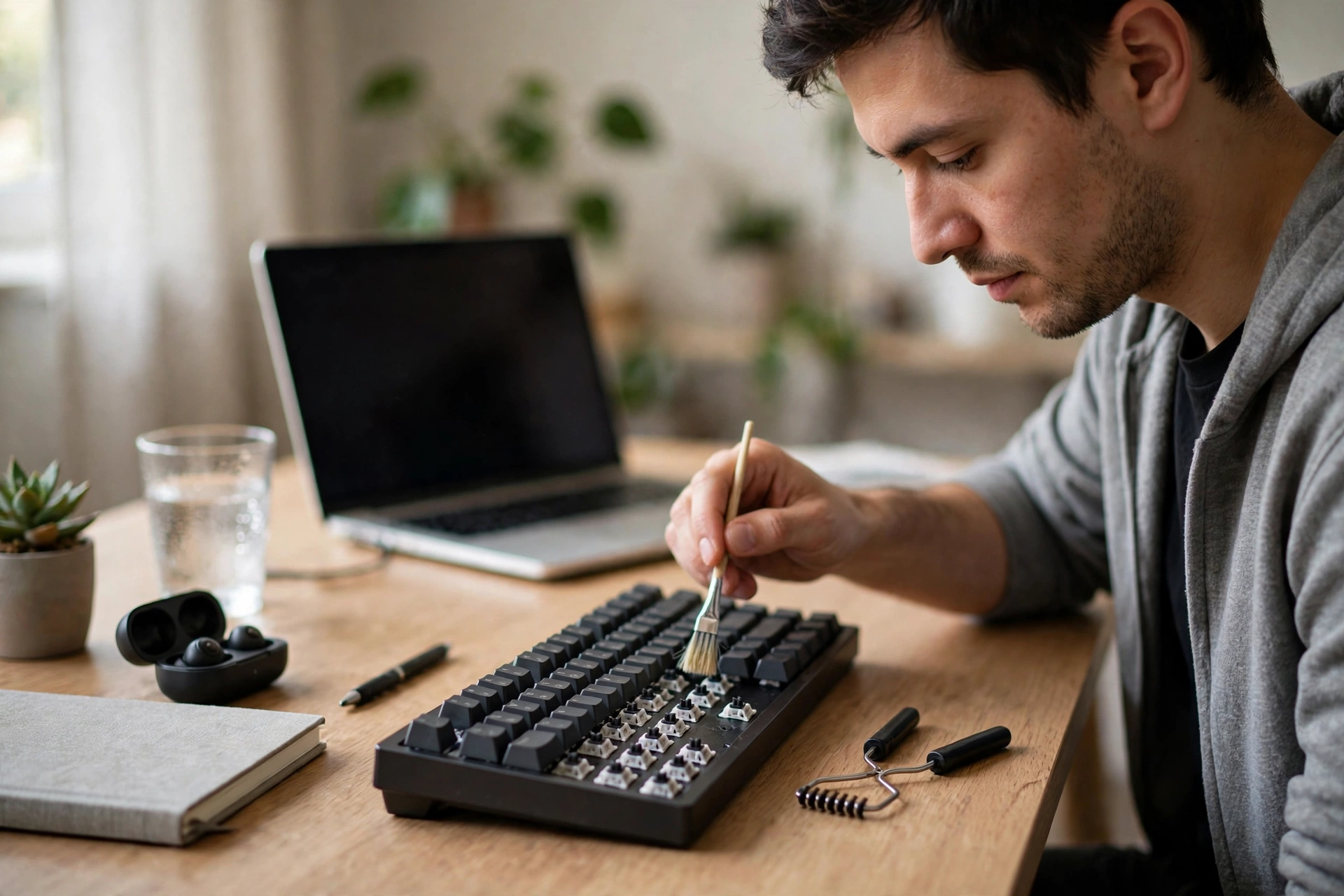
A little routine care goes a long way. Turn the board over and shake out loose crumbs occasionally, and wipe the surface with a dry or slightly damp cloth when it looks dusty. For a deeper clean, pull the keycaps off with a keycap puller, brush the switches gently, and let everything dry before you put the caps back.
Avoid spraying cleaner directly into the switches, and do not soak keycaps in hot water if they have printed legends that could fade. If a single key starts sticking, check whether a crumb or a bent cap is the cause before assuming the switch has failed — the fix is often simpler than it looks.
FAQs
Is a mechanical keyboard better than a membrane keyboard?
Not automatically. Mechanical boards usually feel more consistent and last longer, but a good membrane keyboard can be quieter and cheaper, and some people simply prefer its softer feel. The better choice is the one that feels right for your hands and your room.
Are mechanical keyboards always loud?
No. Clicky switches are loud, but many linear and tactile switches are much quieter, especially with dampened caps or a desk mat underneath. Noise also depends on how hard you bottom out the keys.
Do I need to press keys all the way down?
No. A key registers at its actuation point, partway down. Pressing further is fine, but it is not required, and lighter typing can be less tiring over a long day.
Can I replace switches on any mechanical keyboard?
Not on every board. Hot-swappable boards let you pull switches out by hand, while soldered boards need soldering tools and more care. Check the product description before you buy if switch swapping matters to you.
Will a mechanical keyboard make me type faster?
It may help your comfort and consistency, which can support faster typing over time, but no keyboard guarantees a speed increase. Practice, posture, and a layout that suits you matter at least as much as the switch type.
What to try next
If you are curious, try a switch tester or borrow a friend’s board for a day before you buy. Pay attention to the sound in your room, whether your fingers tire, and whether you keep hitting keys by accident. Then pick a standard layout, a switch family you liked, and a connection type that fits your desk. That simple test tells you more than any spec sheet, and it keeps your first mechanical keyboard from becoming an expensive guess.
Related reading: How Does Wi-Fi Work?, How Does Bluetooth Work?, How Does Wireless Charging Work?, How Does a Smartwatch Work?
For further reading: Wikipedia: Computer keyboard and Wikipedia: Mechanical keyboard.