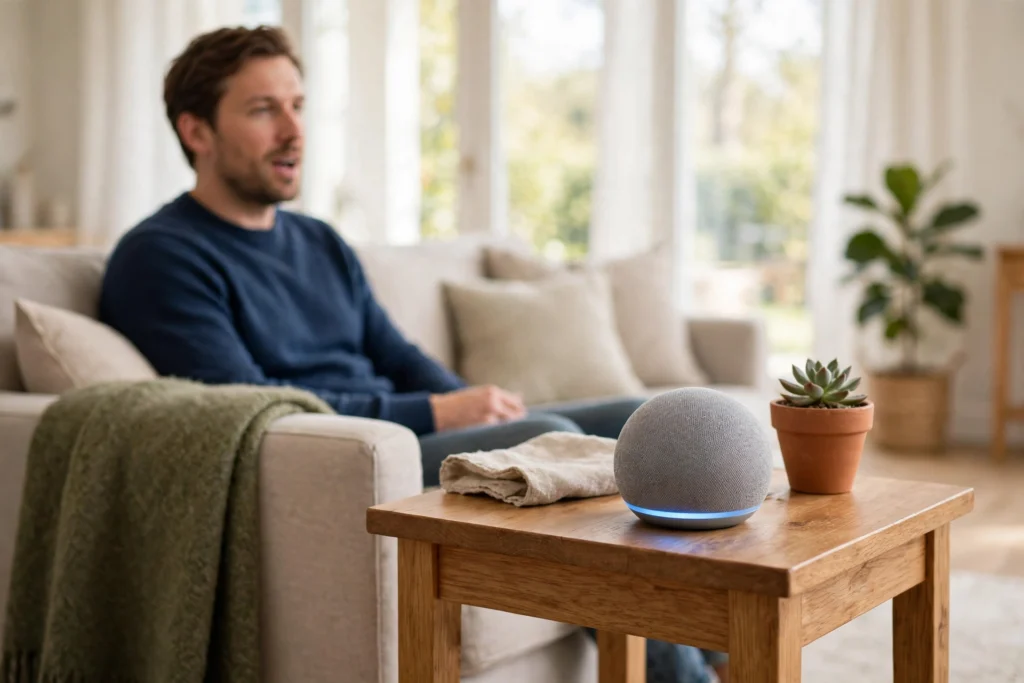
A smart speaker is a small speaker with microphones, a processor, and an internet connection that listens for a wake word, turns your spoken words into a command, and then plays music, answers a question, or controls another device. It does most of the hard work in the cloud, which is why a device the size of a coffee mug can understand natural speech.
Key Takeaways
- A smart speaker stays in a low-power listening state until it hears its wake word.
- After the wake word, it records your request, sends it to a cloud service, and gets back an answer or an action.
- Several microphones and noise reduction help it hear you across a room, even with music or chatter in the background.
- It connects to Wi-Fi, and often Bluetooth, to stream audio and talk to other smart-home devices.
- You can review recordings, delete history, and mute the microphones in most companion apps.
How does a smart speaker hear its wake word?
Think of the wake word as a doorbell, not a full conversation. The speaker is always powered, but it is not sending everything you say to the internet. A tiny, on-device model listens locally for a short sound pattern, such as “Hey Google” or “Alexa.” That model is deliberately simple, so it can run all day without using much power.
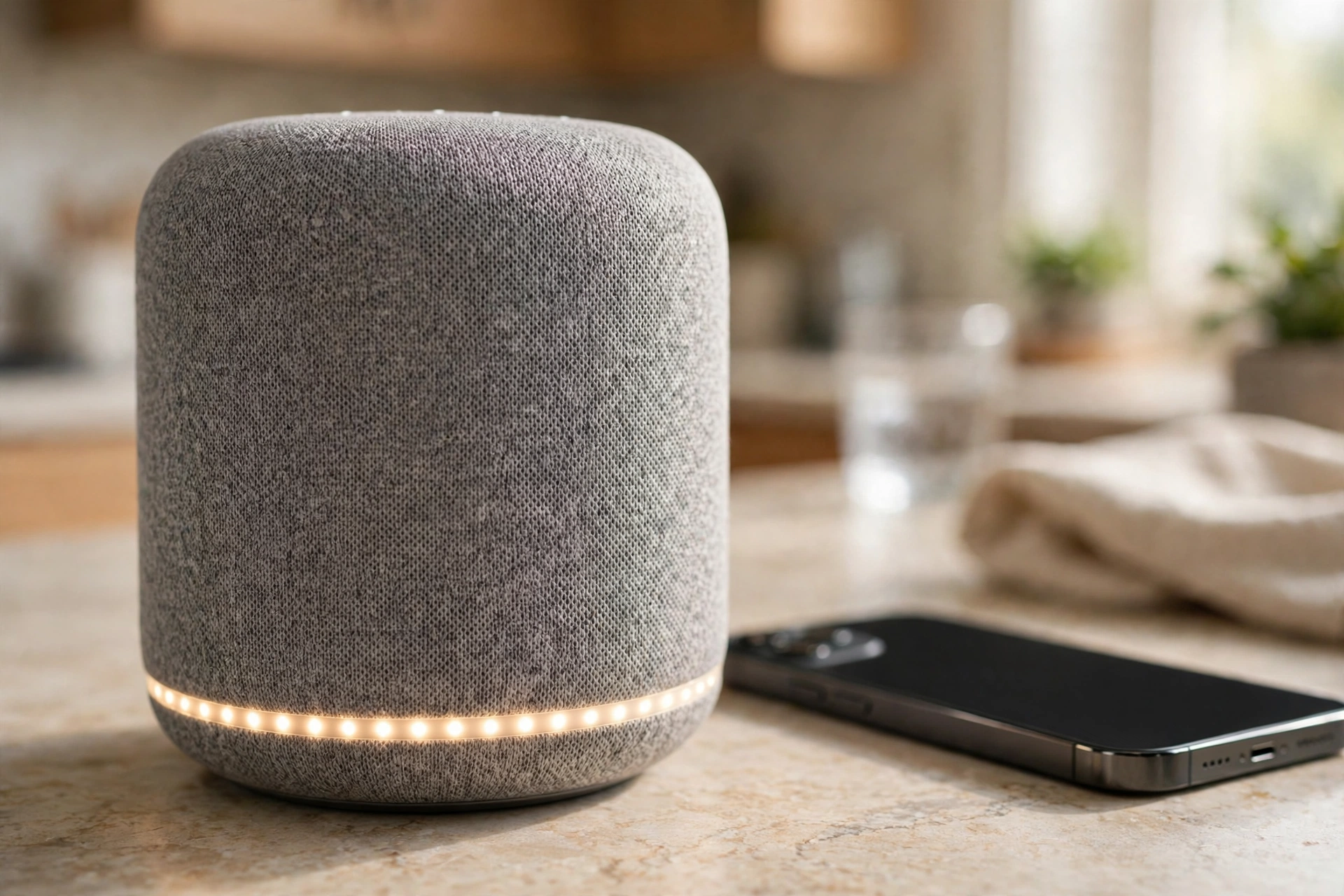
When it thinks it hears the wake word, the light ring or indicator turns on. That is your cue that the speaker is now recording and sending audio onward. If it gets the wake word wrong — a TV line that sounds similar, for example — it may wake up by mistake. Most speakers let you check those accidental recordings later and delete them, which is worth doing now and then.
What happens after you speak?
Once awake, the speaker captures your sentence and sends the audio to a cloud service. There, speech recognition turns the sound into text. Then a language system works out what you meant, not just the words you used. “Play something relaxing” and “Play relaxing music” should lead to a similar result, even though the wording differs.
Next, the service picks an action. It might search for an answer, start a music stream, set a timer, or send a command to a smart light. The reply comes back over the internet, and the speaker turns it into speech or music through its own speaker. The whole round trip usually takes a second or two on a decent connection, which is why a slow network can make a smart speaker feel sluggish.
This cloud step also explains why a smart speaker needs the internet to do most things. Timers and alarms set on the device may still work offline on some models, but questions, music streaming, and smart-home control generally need a connection. If you are curious about the connection itself, our guide to how Wi-Fi works explains routers, radio waves, and speed in plain language.
Why can it hear you from across the room?
A smart speaker usually has several microphones arranged in a circle. By comparing the tiny timing differences between them, it can work out where your voice is coming from and focus on that direction. That is called beamforming, and it is one reason a speaker can pick you out at the dinner table while the TV is on.
It also uses echo cancellation. The speaker knows what sound it is playing, so it can subtract that sound from what its microphones hear. Without that trick, it would mostly hear itself. Add in noise reduction, and you get a device that is surprisingly good at following a quiet voice in a busy room — though it still struggles with heavy accents, overlapping talkers, or a very noisy kitchen.
For short-range audio, many speakers also use Bluetooth. Our explainer on how Bluetooth works covers pairing and range, which helps explain why a phone can hand music over to a speaker without Wi-Fi.
How does it play music and control your home?
For music, the speaker is mostly a streamer with a decent little driver inside. When you ask for a song, the cloud service tells the speaker where to fetch the audio, and it streams directly rather than playing sound from your phone. That is why you can start music by voice, then leave the room with your phone, and the song keeps playing.
Smart-home control works in a similar way. Your voice command becomes a short instruction — turn on the lamp, lock the door, lower the blinds — sent through the cloud to the device maker’s service, or directly over your home network where the devices support it. The speaker itself does not usually talk straight to a light bulb; it asks the right service to do it. Setup can feel fiddly the first time, because accounts, rooms, and device names all have to line up, but once they do, a single phrase can run a whole routine.
What about privacy?
This is the question most people ask, and it is a fair one. A smart speaker’s microphones are always on in the sense that the local wake-word listener is running. In normal use, though, it should not record or send conversations until the wake word is detected. The indicator light is meant to make that moment visible.
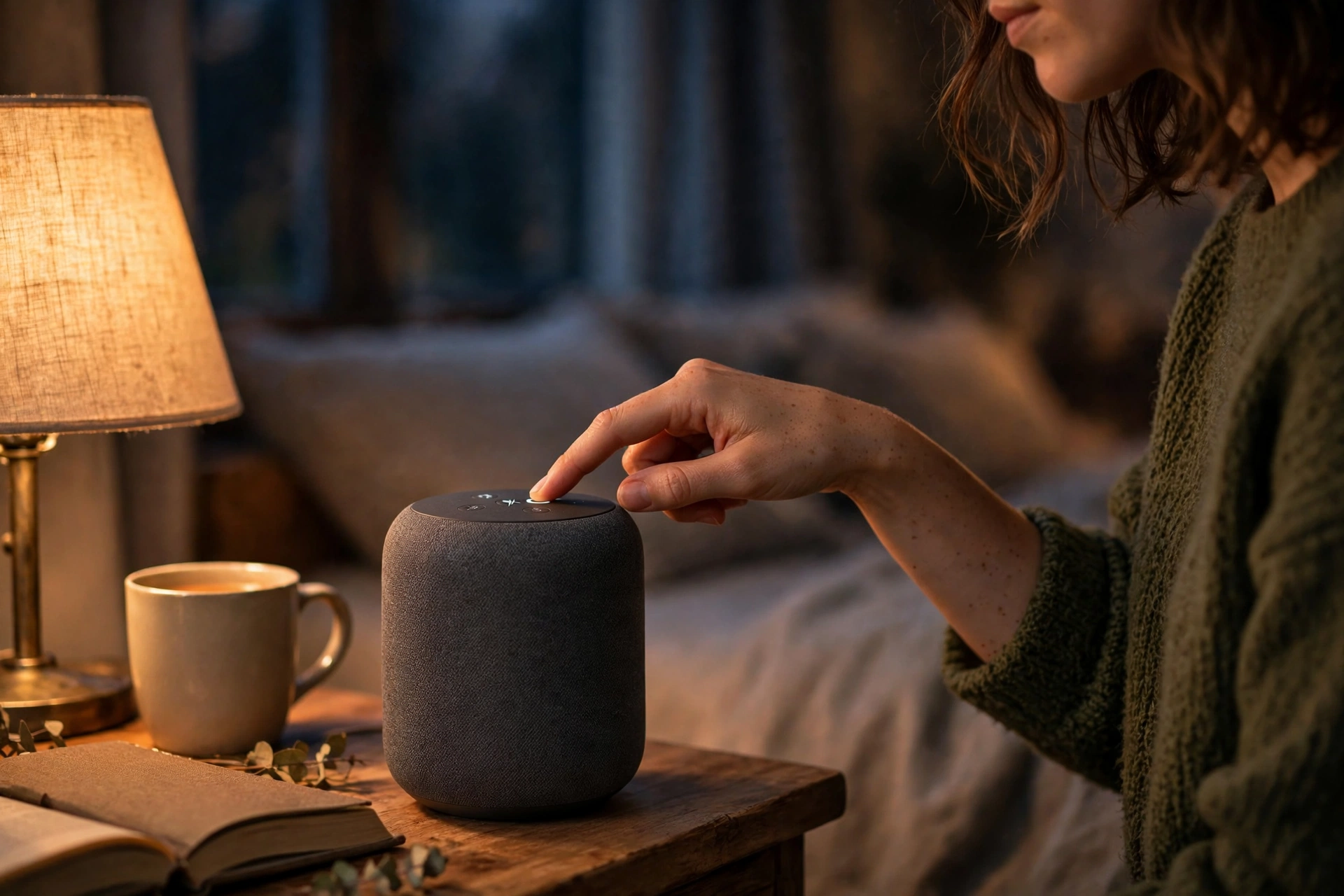
Still, mistakes happen, and recordings are often stored in your account so the service can improve. That is why the controls matter more than the promise. Check three things in the companion app: a mute button or switch on the speaker itself, a way to review and delete voice history, and an option to stop saving future recordings or to auto-delete them after a set time. If you want a speaker in a bedroom or a child’s room, the mute switch is the simplest control of all — press it, and the microphones are off until you press it again.
What should you check before buying one?
Start with the ecosystem, not the speaker shape. If you already use a particular voice assistant on your phone, or you own lights and plugs from one brand, staying in that family usually means less setup. Sound quality matters too: a small puck is fine for news and timers, but music lovers will want a larger model with a bigger driver.
Also check the app. Can you set up routines, link music services, and manage privacy without digging through menus? Finally, think about placement. A speaker in a corner sounds muffled, and one right next to a TV will wake up more often by accident. A shelf at ear height, away from the loudest appliance in the room, is a good starting point.
FAQs
Does a smart speaker record everything I say?
No, it is designed to record and send audio only after it detects its wake word. Accidental wake-ups do happen, so check your voice history now and then and delete anything you do not want kept.
Can a smart speaker work without Wi-Fi?
Only in a limited way. Some alarms and timers may work offline, but questions, music streaming, and most smart-home commands need an internet connection.
Why does my smart speaker sometimes answer the TV?
The wake-word model listens for a sound pattern, not a person. A word on TV that sounds close enough can trigger it. Moving the speaker away from the TV and lowering its sensitivity, where that setting exists, usually helps.
Is a smart speaker safe in a bedroom?
It can be, if you use the controls. Use the physical mute switch at night, review recordings regularly, and set auto-delete for voice history if your app offers it.
What is the difference between a smart speaker and a Bluetooth speaker?
A Bluetooth speaker mainly plays audio sent from your phone. A smart speaker adds microphones, a voice assistant, and an internet connection, so it can answer questions and control other devices on its own.
Conclusion
A smart speaker is less mysterious once you break it down: local listening for a wake word, cloud recognition for the sentence, and a simple action at the end. That chain makes voice control feel effortless, but it also means your connection and your privacy settings matter.
A practical next step is to open the companion app today, even if you already own a speaker. Turn on auto-delete for voice history if it is available, try the mute switch once so you know where it is, and place the speaker where it can hear you without sitting next to the TV. Those three small checks give you most of the convenience with far less guesswork.
Related reading: How Does Wireless Charging Work? and How Does a Smartwatch Work?
For background, see Smart speaker and Virtual assistant on Wikipedia.