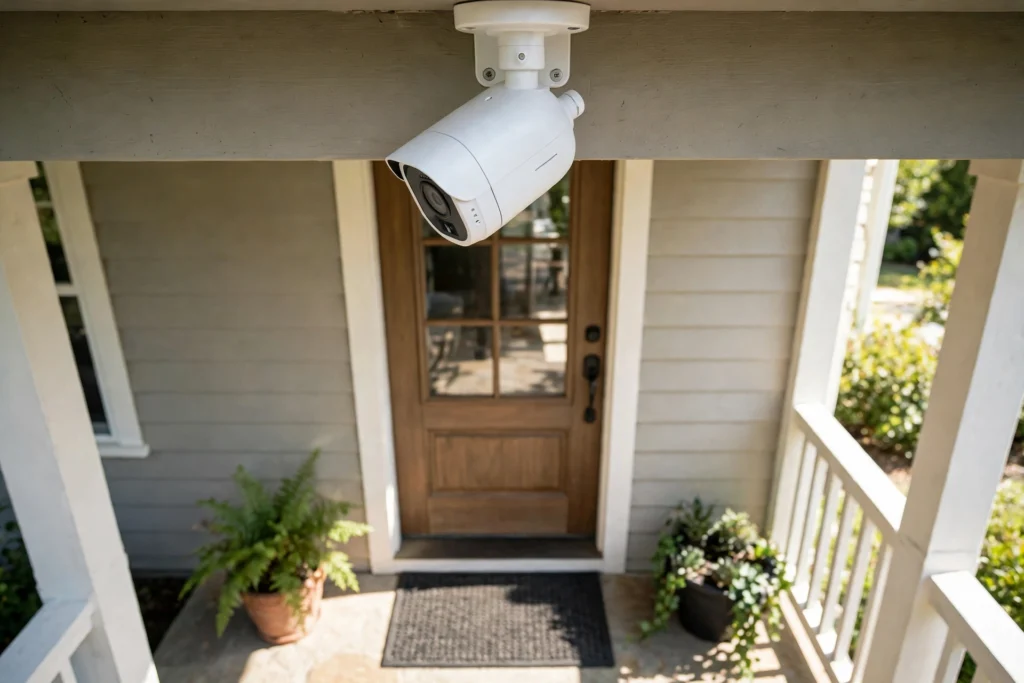
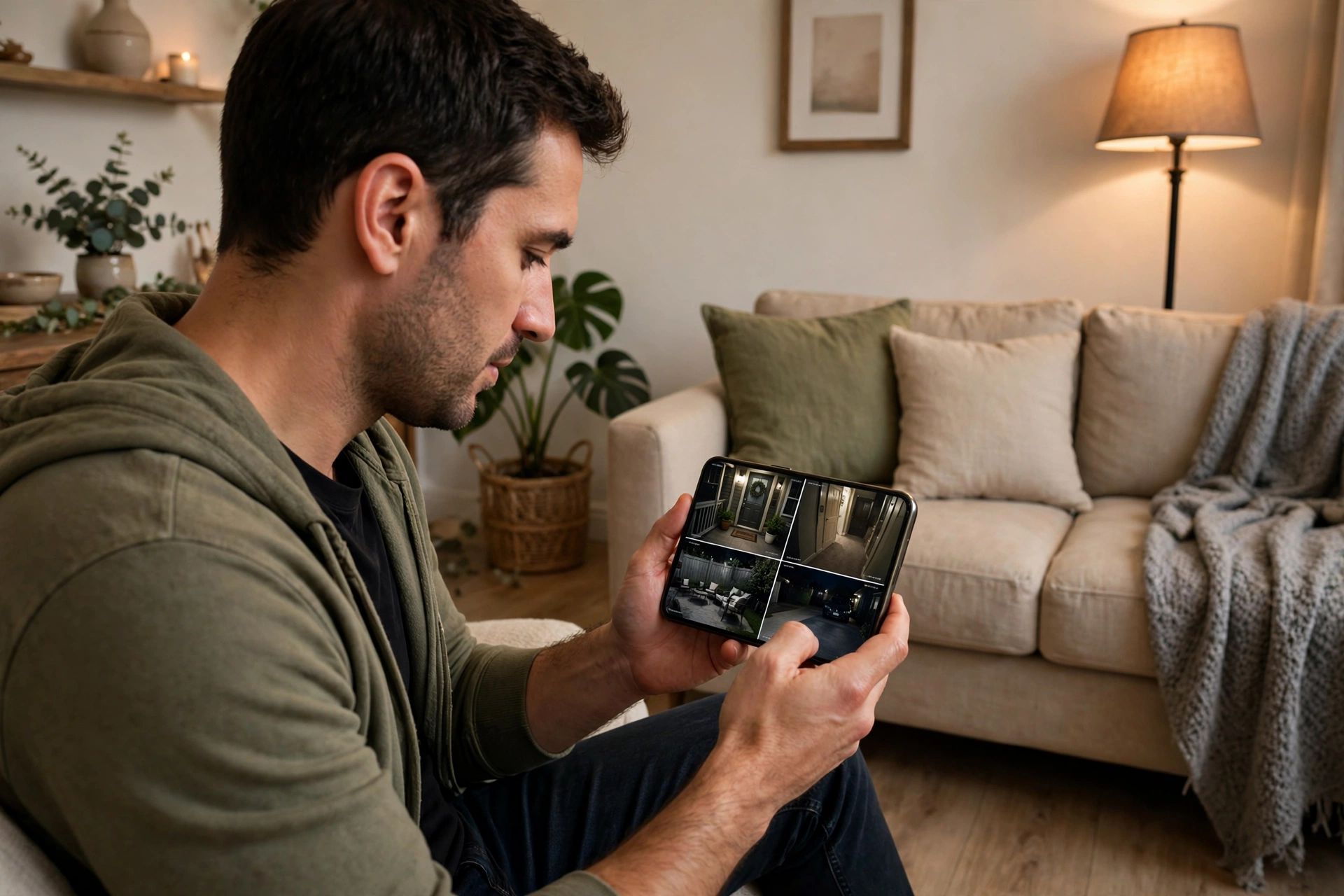
A home security camera watches a doorway or garden, spots movement, records what happens, and lets you check in from your phone. It does this with a lens, an image sensor, a small processor, and a connection to your home network. You don’t need to understand every circuit to use one well, but knowing the main parts helps you place it properly and avoid common frustrations, like a camera that records every passing car but misses the delivery at your door.
Key Takeaways
- A camera turns light into a digital video stream, then decides what to record or send.
- Motion and person detection help cut down on pointless alerts, but they are not perfect.
- Night vision usually relies on infrared light you can’t see, not on a brighter picture.
- Video can be stored on a memory card, a home recorder, or in the cloud — each option has trade-offs.
- Placement, Wi-Fi signal, and privacy settings matter as much as the camera itself.
How does a camera turn a scene into video?
It starts with the lens. Light from the scene passes through the lens and lands on an image sensor, a chip covered in tiny light-sensitive points. Each point measures how bright its part of the scene is, and the camera’s processor turns those measurements into a digital picture, many times a second. String those pictures together and you get video.
Most home cameras also compress the video. Compression shrinks the file so it can be sent over Wi-Fi and stored without filling a card in an hour. That’s why a camera can record all day, though heavy compression can make small details — a face at a distance, a number plate — harder to read. If detail matters in a spot, put the camera closer to where people actually walk, rather than relying on digital zoom later.
What triggers a recording or an alert?
Older cameras recorded constantly or reacted to any change in the picture. Many modern cameras are smarter about it, though still far from flawless.
The simplest method is pixel-based motion detection. The camera compares one frame with the next and flags a change. A swaying branch, a shadow moving across a wall, or rain can all trigger it. That’s why some cameras seem busy on windy days.
A more helpful method uses a passive infrared sensor, often called PIR. It senses heat movement, such as a person walking past, rather than any change in the picture. PIR sensors tend to ignore leaves and light changes, but they can still be tripped by a large dog, a radiator’s heat plume, or direct sun warming a surface.
Newer cameras add on-device detection that tries to tell people, pets, vehicles, and packages apart. This is a convenience, not a guarantee. A person in a bulky coat, a child partly hidden behind a gate, or someone walking at the edge of the frame may still be missed or mislabelled. Treat alerts as a prompt to look, not as proof of what happened.
How does night vision work?
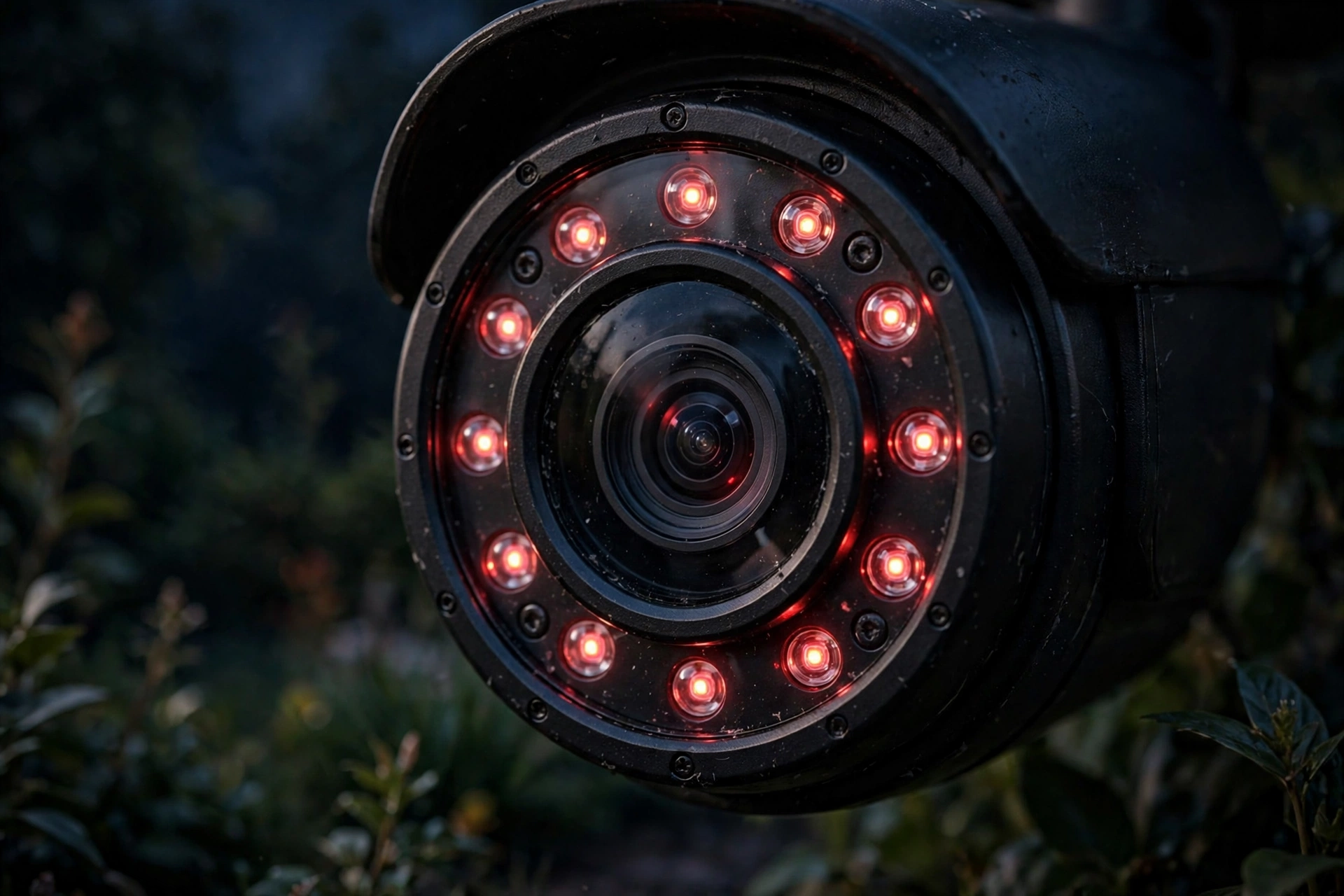
A home camera doesn’t see in the dark the way we do. Most use infrared LEDs around the lens. These shine infrared light — invisible to us — onto the scene, and the camera’s sensor picks up the reflection. The result is usually a black-and-white picture, which is clearer than a colour picture would be in very low light.
That trick has limits. Infrared light bounces off glass, so a camera pointed through a window at night often shows its own glare instead of the garden. Rain, fog, and spider webs close to the lens can also wash the picture out. Some cameras add a small spotlight or use a more sensitive sensor to keep some colour at night, but they still need at least a little light to work with. If night coverage matters, test the view after dark before you fix the mount in place.
Wired, wireless, or battery-powered?
The choice here is really about power and connection, and both affect where you can put the camera.
A wired camera plugs into mains power, or gets power through its network cable, and usually connects by cable too. That gives a steadier stream, but you need a route for the cable and, often, a bit of drilling.
A Wi-Fi camera still needs power. Many plug into a nearby socket, which is simpler than running a network cable but still ties you to an outlet. A battery-powered camera is the most flexible for awkward spots, such as a shed or a gate with no socket nearby. The trade-off is that you will recharge or swap batteries, and the camera may record shorter clips to save power. In all cases, a weak Wi-Fi signal at the mounting spot is a common cause of delayed alerts and choppy video, so check the signal there with your phone first. A camera that works fine near your router may struggle at the far end of the garden.
This is where the rest of your home setup matters. If you’ve already looked at how a smart doorbell handles motion and alerts, much of it will feel familiar — both devices lean on your home network and on sensible placement. Likewise, understanding how Wi-Fi works in your house helps explain why one camera is instant and another lags by several seconds.
Where does the video go?
When a camera records, it has to put that video somewhere, and the three common choices suit different households.
Local storage on a microSD card inside the camera is simple and usually has no monthly fee. If someone takes the camera, though, the recording may go with it, and cards do wear out, so check them now and then.
A home recorder or network drive keeps footage on a box inside your house. It can hold more video and isn’t tied to a subscription, but it costs more up front and needs a bit of setup.
Cloud storage sends clips to the maker’s servers, so you can watch them from anywhere even if the camera is damaged or stolen. It usually comes with a subscription, and you are trusting that company with your footage. Read what it keeps, for how long, and whether you can download clips before you rely on it.
Whichever route you pick, check the basics before an incident, not after: can you play a clip back, does it have sound if you expected sound, and is the time stamp right? A camera that records beautifully but whose clips you can’t find is not much help.
What about privacy and neighbours?
A security camera points outward, and that can easily include more than your own property. In many places, filming a public street or a neighbour’s garden raises privacy questions, and audio recording can be treated more strictly than video. The practical rule is simple: aim the camera at your own entrance, path, or garden, use privacy zones or masking in the app to blank out a neighbour’s window or a public pavement where the camera allows it, and tell people in your household where cameras are and whether they record sound.
It’s also worth thinking about who can see the feed. Use a strong, unique password for the camera account, turn on two-step sign-in if the app offers it, and keep the camera’s software updated. A camera left on a default password, or on an account shared with an old phone you no longer use, is a much bigger risk than the camera hardware itself. If you use other connected devices, the same habit helps everywhere — from a smart thermostat to a Bluetooth speaker, keeping accounts and updates in order is part of the device, not an extra.
How do you choose and place a camera?
Start with the job, not the spec sheet. A camera over a front door needs to catch faces at a normal walking distance, not the whole street. A camera over a driveway needs a wider view and good night performance. A camera inside, for checking on pets, needs a quieter alert setup so it doesn’t ping you every time the cat crosses the room.
Then check the practical points. Is there power, or will you be happy recharging a battery? Is the Wi-Fi signal strong at that exact spot? Can the camera survive rain and cold where you plan to mount it? Does the app let you set detection zones and schedules, so it can be quieter overnight or when you’re home? And does the storage option — card, home recorder, or cloud — fit what you’re willing to pay each month, if anything?
Mount it high enough that it can’t easily be grabbed or covered, but low and close enough to recognise a face. Angle it slightly downward, avoid pointing it straight at a bright light or through glass at night, and leave a little slack in the cable if it’s wired, so wind doesn’t tug the mount loose.
FAQs
Do security cameras record all the time?
Some do, if they have constant power and enough storage. Many battery cameras record only short clips when they detect motion, to save battery and storage. Check which mode yours uses before you assume it caught everything.
Can a camera work without Wi-Fi?
A camera can often still record to a memory card without Wi-Fi, but you usually won’t get live viewing or phone alerts until it reconnects. A wired camera connected to a home recorder can also work without internet, though remote viewing will need a connection.
Why is my camera’s night picture white or washed out?
That’s usually infrared light reflecting off something close to the lens — glass, a wall, a cobweb, or rain. Moving the camera a little, cleaning the lens, or turning off the built-in infrared light when using an outside light can help.
Is cloud storage necessary?
No. A memory card or home recorder works fine for many homes, especially if you check clips regularly. Cloud storage mainly helps if the camera itself is stolen or damaged, and if you want to watch clips from anywhere without setting up your own remote access.
Will a security camera stop a break-in?
It may deter some people and it can provide useful evidence, but no camera physically stops anyone. Good lighting, solid locks, and a camera that actually records usable footage together work better than any single device.
Conclusion
A home security camera is a small chain: lens, sensor, processor, detection, connection, and storage. When one link is weak — a poor Wi-Fi spot, a camera aimed through glass at night, or storage you never tested — the whole thing feels unreliable. Get the placement right, pick storage you understand, set privacy zones for neighbours, and test the picture after dark.
As a practical next step, walk your property once, phone in hand, and note the two or three spots where someone would actually approach — the front door, a side gate, a back door. Check the Wi-Fi signal and light at each spot, then choose a camera for the most important one first. One well-placed camera you can actually use beats three cameras whose alerts you learn to ignore.
For background reading, see Wikipedia’s overviews of closed-circuit television and IP cameras.