Toy robots work by combining small motors, simple sensors, and a tiny control board that turns inputs into actions. A press, a clap, or a tap on a screen tells the robot what to do, and its program decides how it moves, lights up, or answers back.
Key Takeaways
- Toy robots use small electric motors to move wheels, legs, arms, and heads.
- Touch, sound, and light sensors let a toy robot react to people and its surroundings.
- Most toy robots follow short, fixed programs rather than thinking for themselves.
- Remote controls and apps send simple commands; coding toys let children build the program.
- Battery life, build quality, and age guidance matter more than fancy features.
What is a toy robot?
A toy robot is a plaything built around the same basic parts as a bigger robot, just smaller, cheaper, and simpler. Inside the plastic shell there is usually a battery, one or more small motors, a few sensors, and a control board that runs a short program. That program is the set of instructions that says what should happen when something changes, such as a button being pressed or a hand touching the toy.
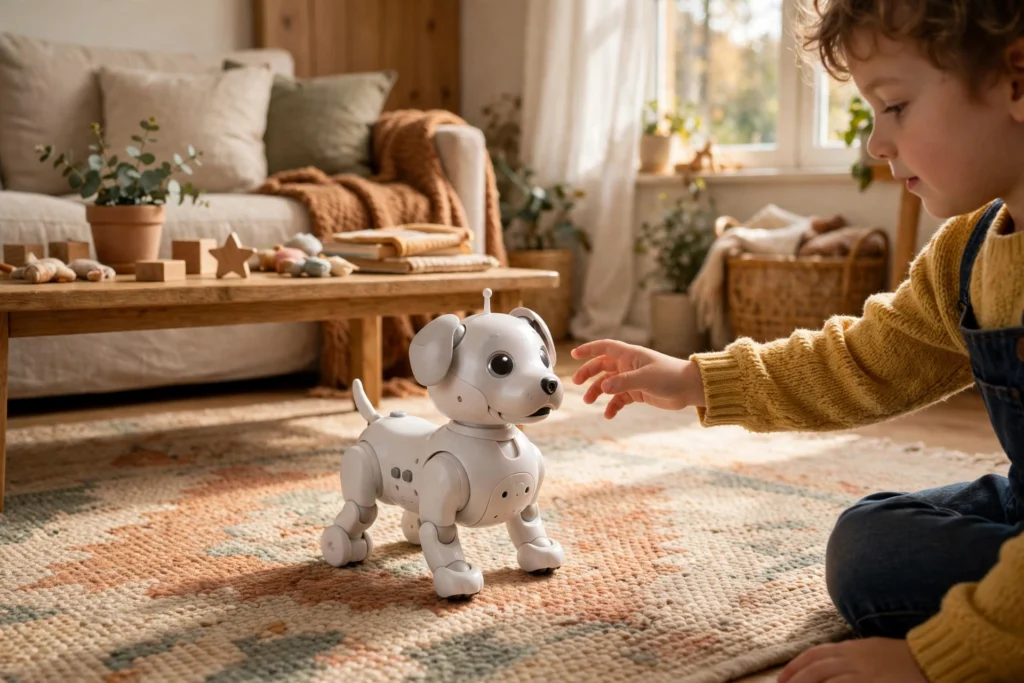
Toy robots come in many shapes. Some look like dogs or dinosaurs and walk, bark, or wag a tail. Others are boxy wheeled machines that follow a line on the floor or dodge a wall. What they share is a loop: sense something, decide what to do, and then move or make a sound. It is the same sense-decide-act idea that runs a warehouse robot or a robot arm, in a form a child can hold, drop, and try again with.
How do toy robots move?
Movement starts with a motor. Most toy robots use small direct-current motors, which spin when power flows through them. Gears slow that spin down and turn it into the steady push needed to drive a wheel or lift a leg. A toy car robot may have two motors, one for each side, so it can turn by spinning one wheel faster than the other.
Wheels are the simplest option, which is why so many toy robots roll. Legs look more lifelike, but they need careful balance, so walking toys often move slowly and stay low to the ground. Some toys add a spinning head, a waving arm, or a tail that wags, each just one more small motor doing one simple job. None of this needs much power: a few AA batteries, or a small rechargeable pack, is usually enough.
How do toy robots sense and respond?
A toy robot without sensors would just repeat the same moves whatever happened around it. Sensors are what make it feel alive. A touch sensor under the head or back can tell when a child pats the toy, so it can wag its tail or make a happy sound. A microphone listens for a clap or a spoken word, and a light sensor notices when a hand waves over it or when the room goes dark.
The control board reads these sensors many times a second. When a reading crosses a set level, the program runs a matching action. A loud clap might start a dance, a tap on the head might trigger a bark, and a wall in front of a wheeled toy trips a bump sensor, so the program tells the motors to stop, turn, and try another direction. The replies are deliberately simple: the toy matches a sound or a touch to a short list of pre-set responses, and that is enough for play.
How do remote controls and apps work with toy robots?
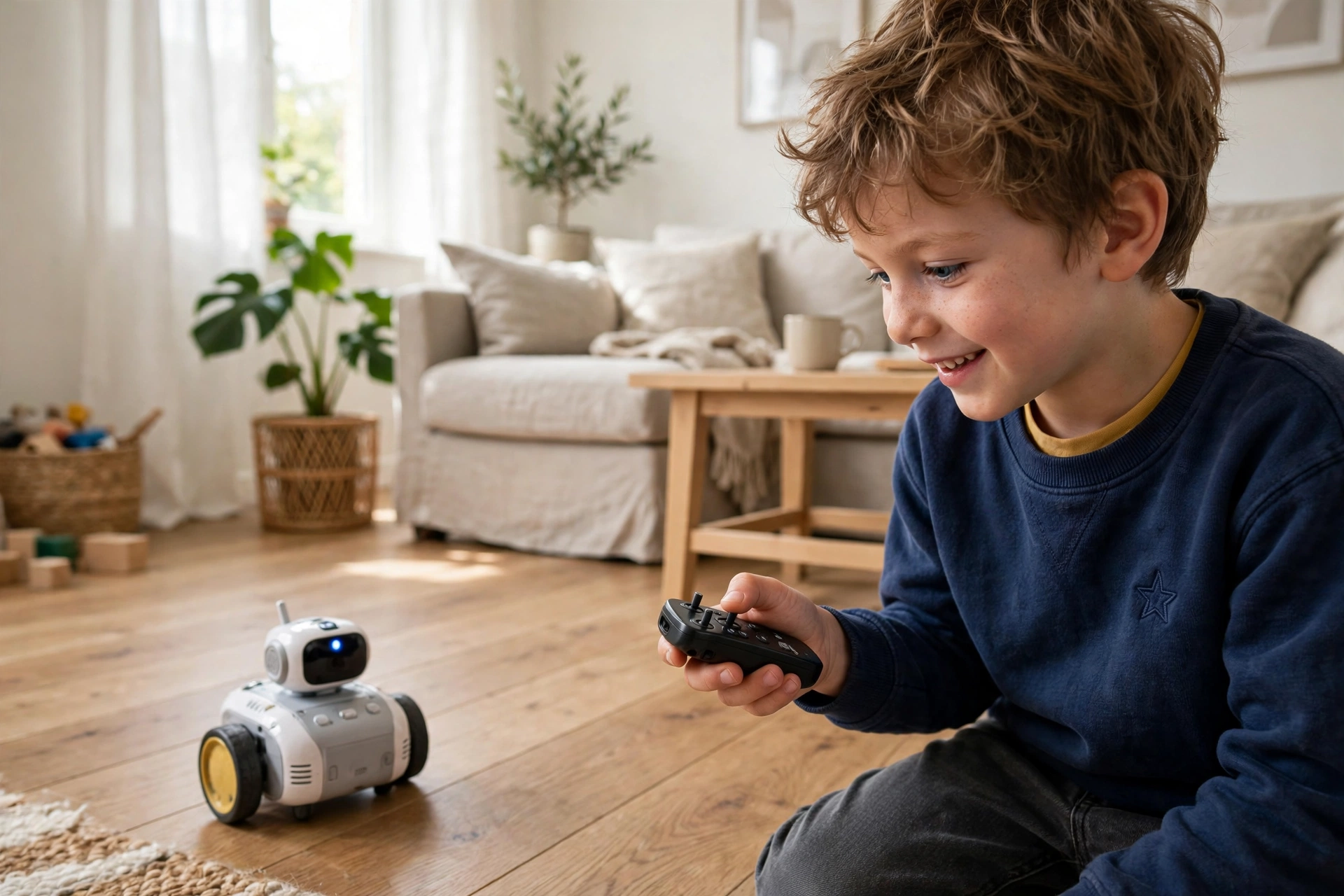
Many toy robots take orders from a handset or a phone. A remote control sends a short radio or infrared signal, and a receiver inside the toy turns that signal into a command: go forward, turn left, stop, or play a sound. Infrared needs a clear line of sight, which is why some remotes stop working when pointed away from the toy. Radio remotes and Bluetooth links are more forgiving, and they let the toy keep working around corners and behind furniture.
App-controlled toys add a screen to the same idea. The phone shows buttons, a joystick, or a simple path to draw, and the app sends each step to the toy over Bluetooth. The toy itself stays simple; the phone does the heavy work of showing choices and sending commands. When a toy stops responding, the problem is often not the robot: flat batteries in the remote, or a phone that has lost its Bluetooth link, can break the connection, and checking batteries and re-pairing the device fixes most cases.
How do coding toy robots work?
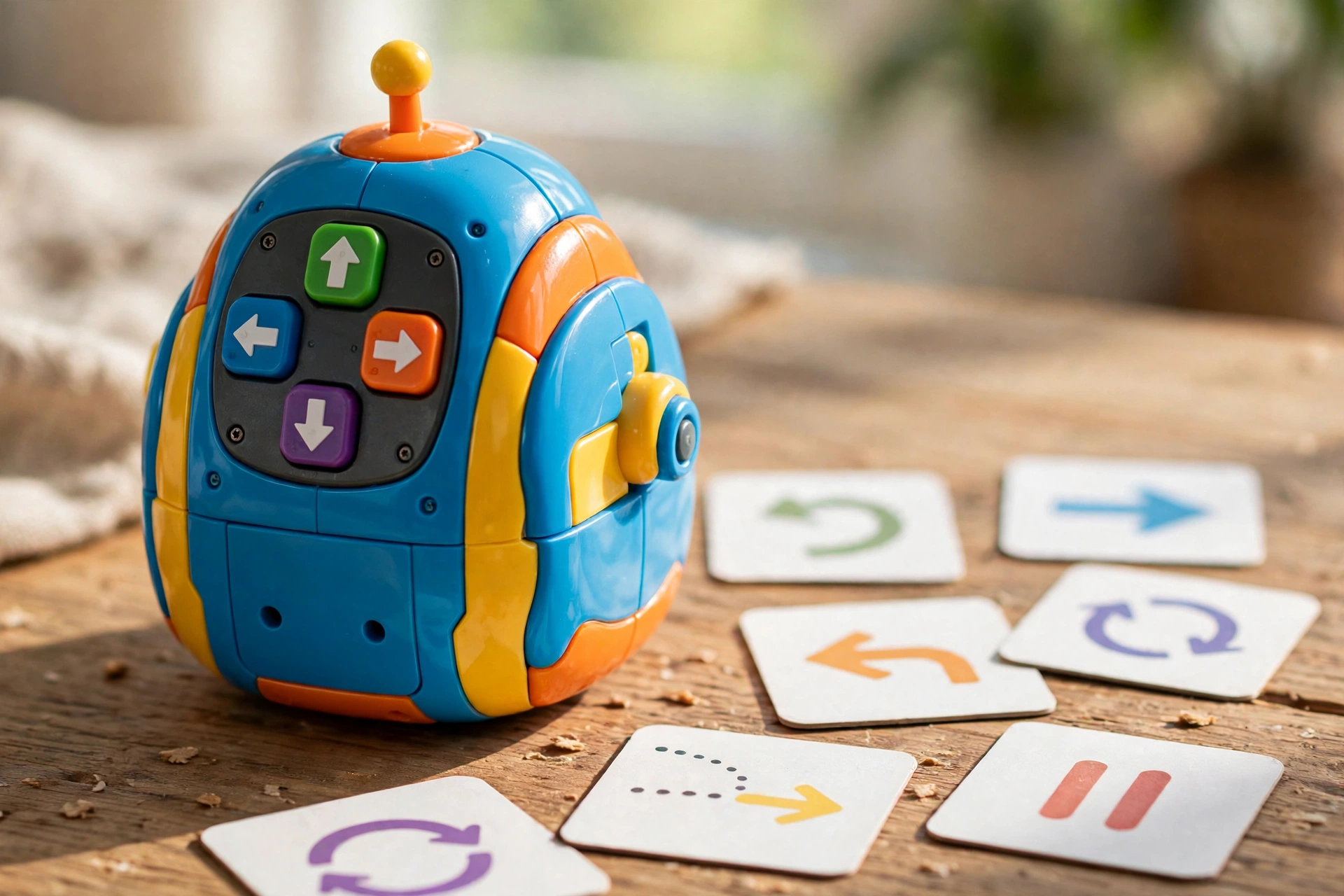
Coding toys turn the robot into a small lesson. Instead of steering it live, the child plans a route and enters the steps first. A common design has arrow buttons on the toy’s back: press forward, forward, turn, forward, then press go, and the robot runs the whole sequence on its own. If it bumps into a chair or misses the target, the child can see exactly which step went wrong and try a different order.
More advanced kits use picture cards or a block-based app. The child drags blocks that mean “move”, “turn”, “light up”, or “wait”, and the app sends the finished program to the toy. Our guide to robot dogs shows a similar idea at a bigger scale, where sensors and motors work together to keep a four-legged machine balanced. These toys are not teaching real software engineering. They teach sequencing, testing, and fixing mistakes, which are the habits behind any program.
What are the limits of toy robots?
Toy robots are built to a price, and the limits show it. Battery life is usually short, often under an hour of active play, and small motors can struggle on thick carpet or up a slope. Plastic gears wear out, and a hard drop can crack a joint or knock a sensor loose. Most toys also have a short list of tricks, so the novelty can wear off once a child has seen them all.
The behaviour is simple too. A toy robot cannot adapt to a new room the way a person would, and it cannot learn new skills on its own. Safety is part of the design as well: small parts, button batteries, and loose charging cables need checking, and the age guidance on the box is there for a reason.
FAQs
Do toy robots really learn?
No, not in the way people learn. Most toy robots run a fixed program and play back recorded sounds or movements.
Why does my toy robot stop on carpet?
Small motors and wheels suit hard, flat floors. Thick carpet adds friction the motors may not overcome. Try a hard floor or a short, low-pile rug first.
How long do toy robot batteries last?
It depends on the toy, but many run for 30 to 60 minutes of active play on one charge or one set of batteries. Dancing, sounds, and lights drain power faster than sitting still.
Can I control a toy robot with my phone?
Many newer toys offer this, usually over Bluetooth. Check the box for the app name and the phone version it needs.
Are coding toy robots good for young children?
Simple ones can be. Toys with big arrow buttons and no screen are often aimed at ages four and up, while app-based kits suit older children. The age guidance on the box is the best starting point.
Conclusion
Toy robots work by keeping things simple: small motors move the body, sensors notice touch, sound, and light, and a short program turns those inputs into a wag, a bark, or a turn. Remote controls and coding buttons let a child steer or plan the action, and the whole toy is a small, friendly version of the sense-decide-act loop inside much bigger machines.
If you are choosing one, start with how it will actually be played with. Pick a sturdy toy that suits the child’s age, check the battery type and run time, and look for a model with a few different modes.
Related reading: Educational Robots, Robot Dogs, Robot Arms, Warehouse Robots
Further reading: Britannica robotics and Wikipedia entertainment robot