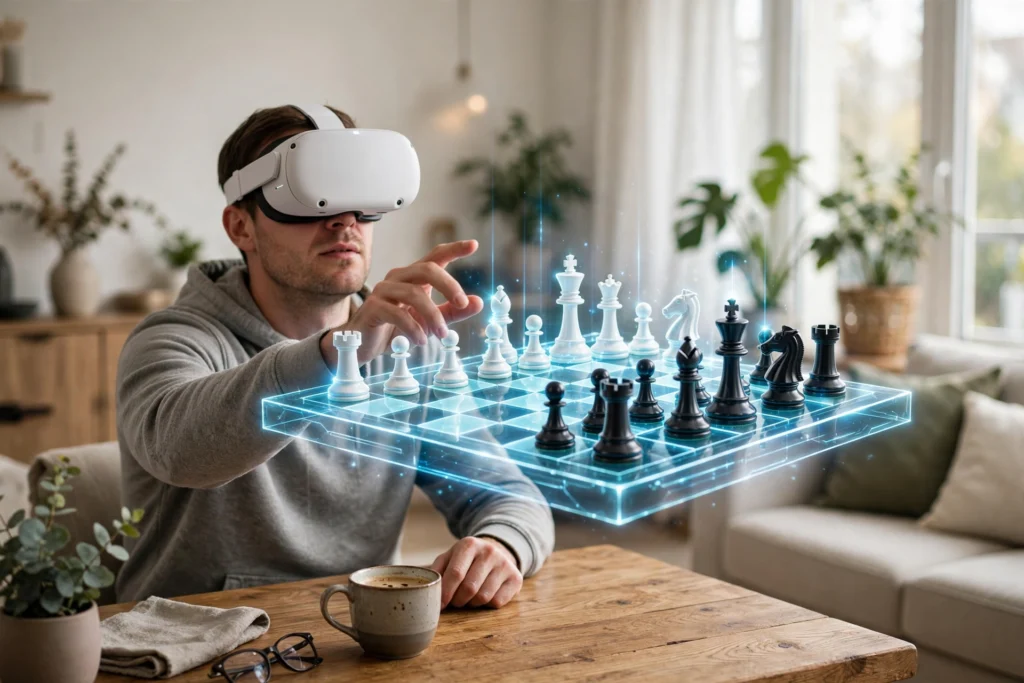
VR chess turns a headset into a chess table. Put it on, and a 3D board appears in front of you. You move pieces by grabbing them with your hands or pointing with a controller, and your opponent can sit beside you or play from another country. The rules are the same as the chess you already know.
Key Takeaways
- VR chess is real chess inside a virtual room: same board, same rules, a new way of moving pieces.
- Move pieces with hand tracking or controllers — most apps offer both.
- Play friends online, strangers matched by skill, or a computer opponent.
How does a VR chess board actually work?
Open a chess app in VR and the headset builds a scene around you — a quiet study or a tournament hall — with a board in the middle. It’s a full 3D model: 64 squares, 32 pieces, all to scale. Lean in to inspect a position or walk around to your opponent’s side.
The game itself doesn’t change. White still moves first, the pieces move as they always have, and checkmate still ends the game — Wikipedia’s overview of chess covers the full rules if you need a refresher, and Britannica’s chess guide walks through each piece and how it moves.
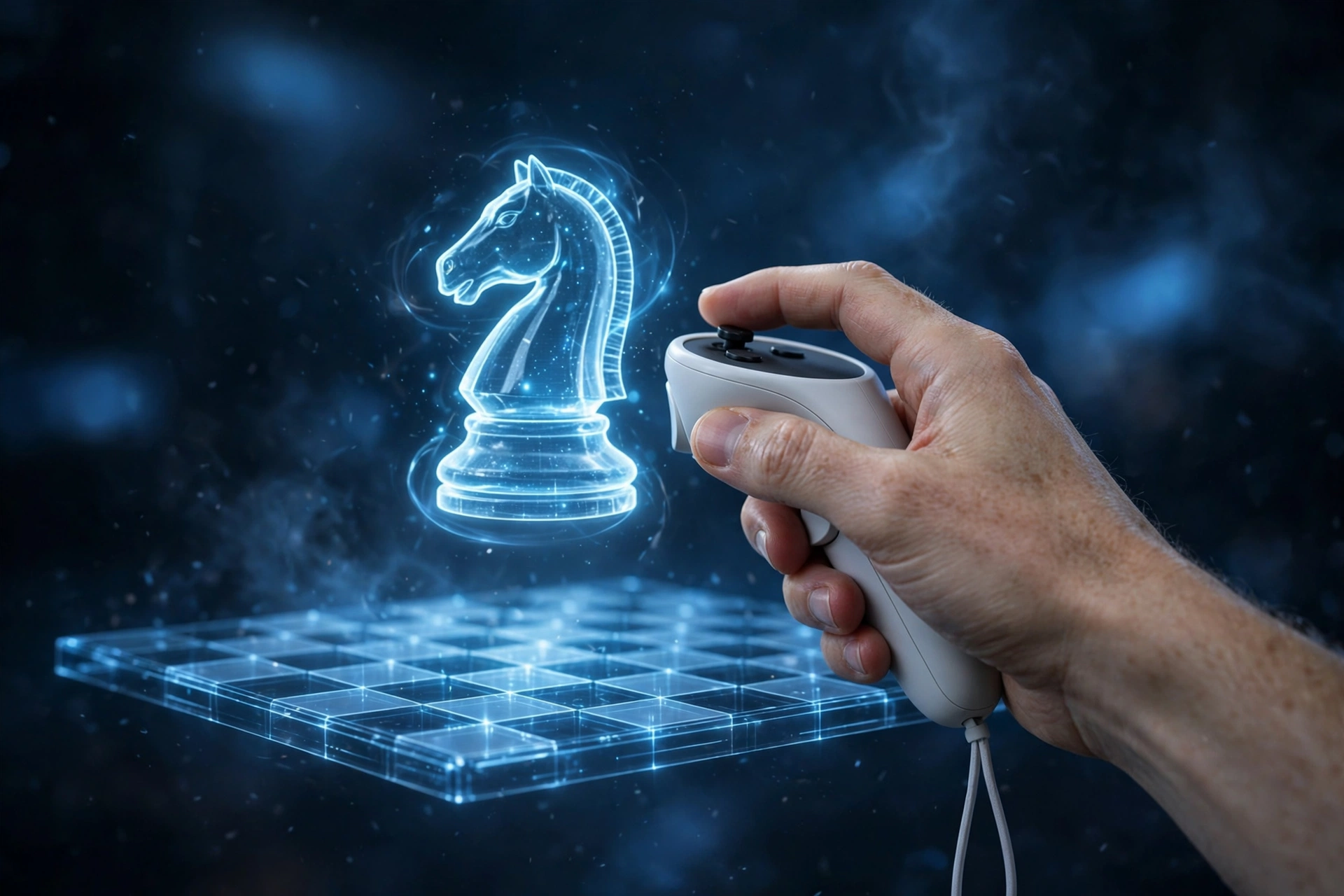
How do you move the pieces?
There are two main ways.
Hand tracking is the more natural one. The headset’s cameras watch your hands, so you reach out, pick up a piece, and set it down — close to playing on a real board. The catch is precision: grabbing a small pawn from a crowded rank can take a couple of tries, especially in dim light.
Controllers are the steadier option. Point at a piece, pull the trigger to pick it up, move your hand, and release to drop it. It’s less like real chess and more like using a mouse, but it’s reliable and works in a dark room. Many players start with controllers, then switch to hand tracking — our guide to how VR controllers work explains the buttons and tracking behind this.
Either way, the app confirms each move — a piece snaps onto its square with a small sound or glow. Grab the wrong piece and you can put it back before letting go.
Who can you play against in VR chess?
Three options. The simplest is a computer opponent: pick a difficulty and play alone, a low-pressure way to learn the controls. Some apps add lessons and puzzles, so a solo session doubles as study time.
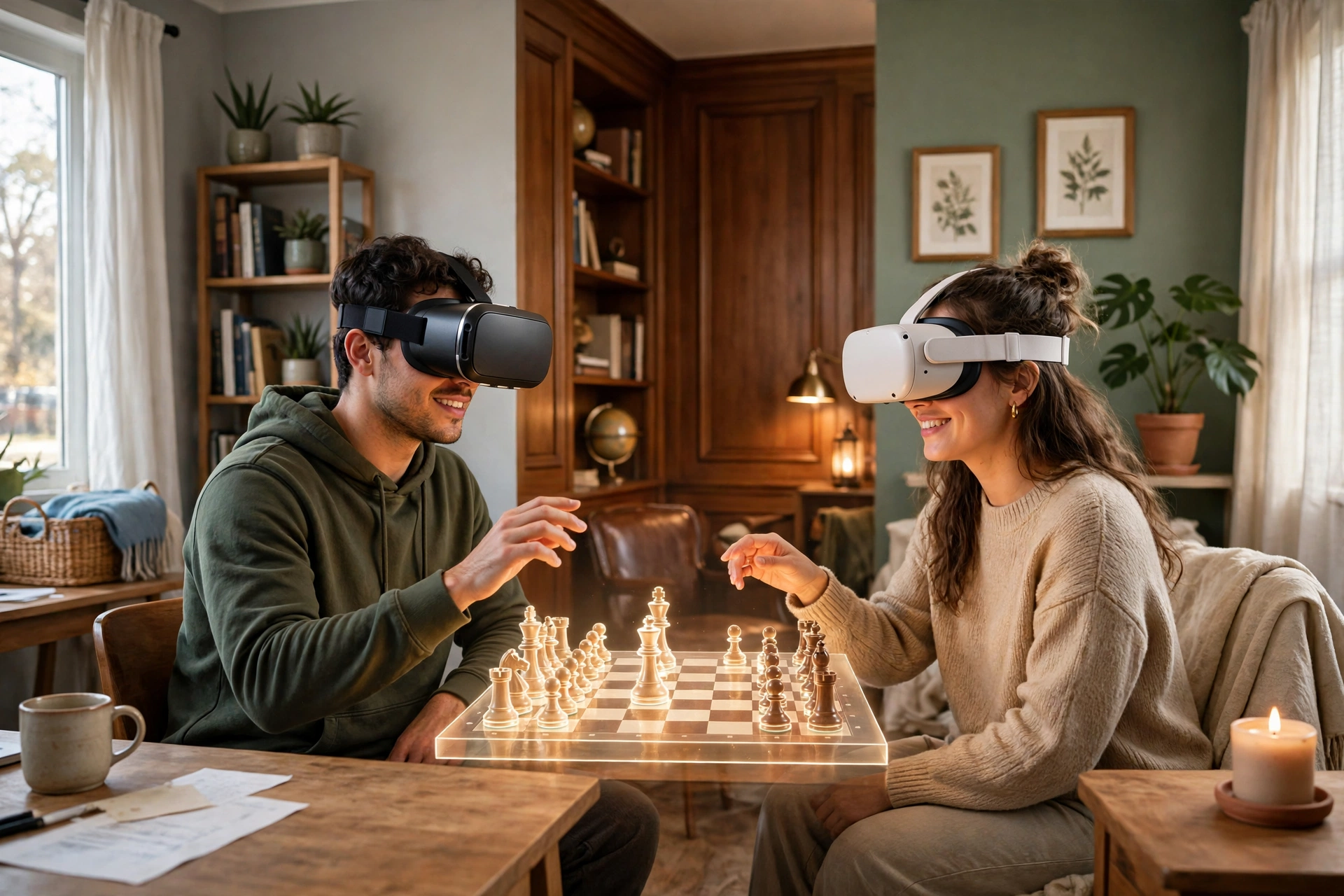
The second is a friend online. One of you hosts a room, the other joins, and you sit across a virtual table, talking while you play — one player can be in Dhaka, the other in Toronto, and the board looks the same.
The third is matchmaking against strangers. The app pairs you with someone near your skill level — the fastest way to find a game at any hour. If you’re new, check whether you can set a rating range first, so you don’t land against a far stronger player.
What does it feel like compared with a real board?
Close, but not identical. The social side is the biggest gain — an opponent’s avatar reacting, hearing them think out loud — and the biggest loss is touch. You can’t feel the weight of a wooden knight.
The view is better in some ways. On a real board, a tall piece can hide the square behind it; in VR, you can lean over or float the board to eye level, which helps you spot threats in a crowded middlegame.
There is a learning curve: your first games will feel slower than normal chess because you’re also learning the controls. That fades fast.
Do you need a powerful headset to play VR chess?
No. Chess is one of the lightest things you can run in VR — the scene is a room and a board, not a fast-moving world — so even entry-level standalone headsets handle it smoothly. If your headset already runs other VR board games comfortably, it can run chess.
What matters more is comfort. A game can last 20 minutes or more, so a headset that presses on your forehead or fogs up will cut the session short. A clean lens, a snug strap, and a charged battery matter more than graphics settings — our guide to how VR headsets work covers screens, lenses, and fit.
You can play seated at a desk, which is how most people do it. Standing gives you more freedom, but leave about a metre of clear space so you don’t knock into furniture.
What should you check before your first VR chess game?
First, update the chess app and the headset software — an update can fix tracking glitches. Second, check the lighting if you plan to use hand tracking: bright, even light works best, while a dark room can confuse the cameras.
Third, pick the right first opponent: a computer game on an easy setting, or a casual game with a friend, beats a rated match while you’re still learning the controls. Fourth, keep the first session short — twenty to thirty minutes is plenty. If your eyes feel tired, take the headset off and rest.
Frequently Asked Questions
Is VR chess the same game as normal chess?
Yes. The rules, pieces, and board are identical — only the way you see the board and move the pieces changes.
Can I play VR chess with a friend who doesn’t own a headset?
It depends on the app. Some let a VR player invite a friend on a phone or computer, so only one of you needs a headset. Check for cross-play before you buy or download it.
Does VR chess make you feel sick?
For most people, no. Chess is a slow, seated game with no artificial movement — the easiest kind of VR experience. If you do feel uneasy, play seated, keep sessions short, and check the fit: a loose or blurry headset causes more discomfort than the game itself.
Can VR chess help me get better at chess?
It can, the way any regular play helps. The 3D view can make board patterns easier to see, and playing a computer with hints on can teach you to spot tactics. But VR doesn’t replace study: puzzles and reviewing your games still do most of the work.
How much does it cost to start playing VR chess?
If you already own a headset, many chess apps are free or cost about as much as a coffee. If you don’t, that’s the real cost — chess alone rarely justifies buying one.
Conclusion
VR chess keeps the game you know and puts it somewhere new: a quiet virtual room, a board you can walk around, and an opponent who might be thousands of kilometres away.
The practical next step is simple: if you already have a headset, download a chess app with a free mode and play one casual game against the computer. If it goes well, invite a friend for a second one — that’s when VR chess stops feeling like a demo and starts feeling like a game night.