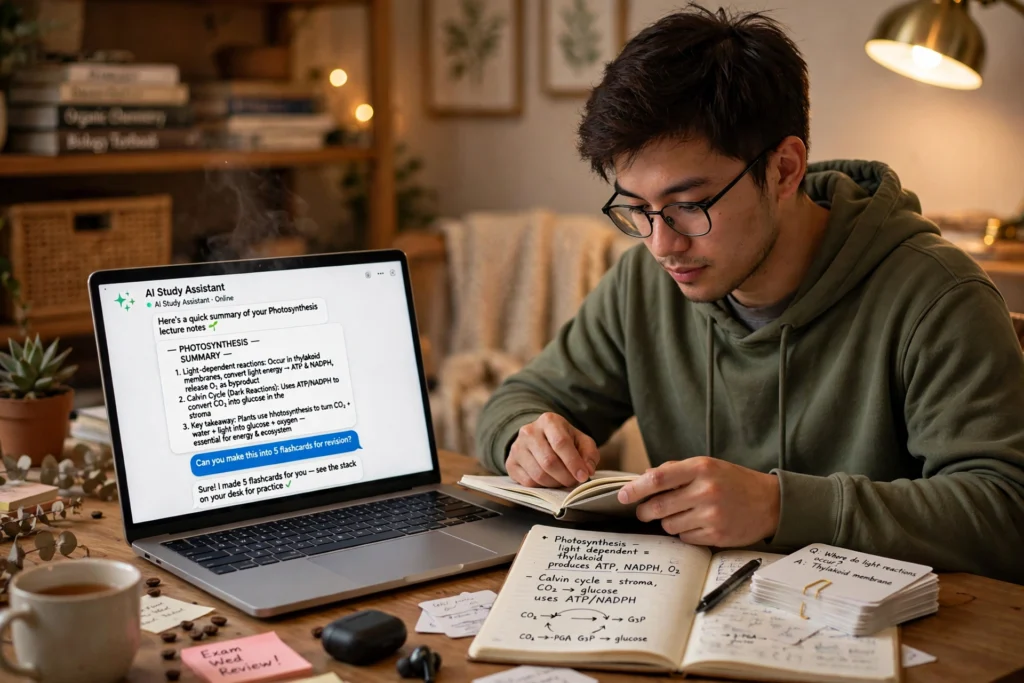
AI helps with studying by turning your notes into short summaries, practice quizzes, and a revision plan that fits your time. Paste in a chapter or a set of lecture notes, ask for the key ideas in plain language, then test yourself instead of re-reading. It works best as a study partner — the learning still happens in your head.
Key Takeaways
- AI can summarise notes, build flashcards and quizzes, and draft a revision schedule.
- Testing yourself beats re-reading, and AI generates fresh questions on demand.
- AI summaries can be wrong, so check anything important against your notes or textbook.
- Mix AI practice with your own notes and spaced review.
- Never paste exam questions, personal data, or assessed work into a chatbot.
How can AI turn notes into summaries?
Most students end up with pages of notes they never look at again. Paste in your lecture notes or a chapter and ask for the main ideas in five bullet points, or an explanation a 15-year-old could follow. If a paragraph still confuses you, ask for it explained another way, with an everyday example.
Treat the summary as a starting point. Read it, then close the laptop and explain the idea back in your own words — if you cannot, that gap tells you what to study next. Keep your own one-page summary alongside the AI version, and be specific in your prompts: “summarise this chapter as five key ideas, with one example for each” beats a vague request.
How do AI quizzes and flashcards actually help?
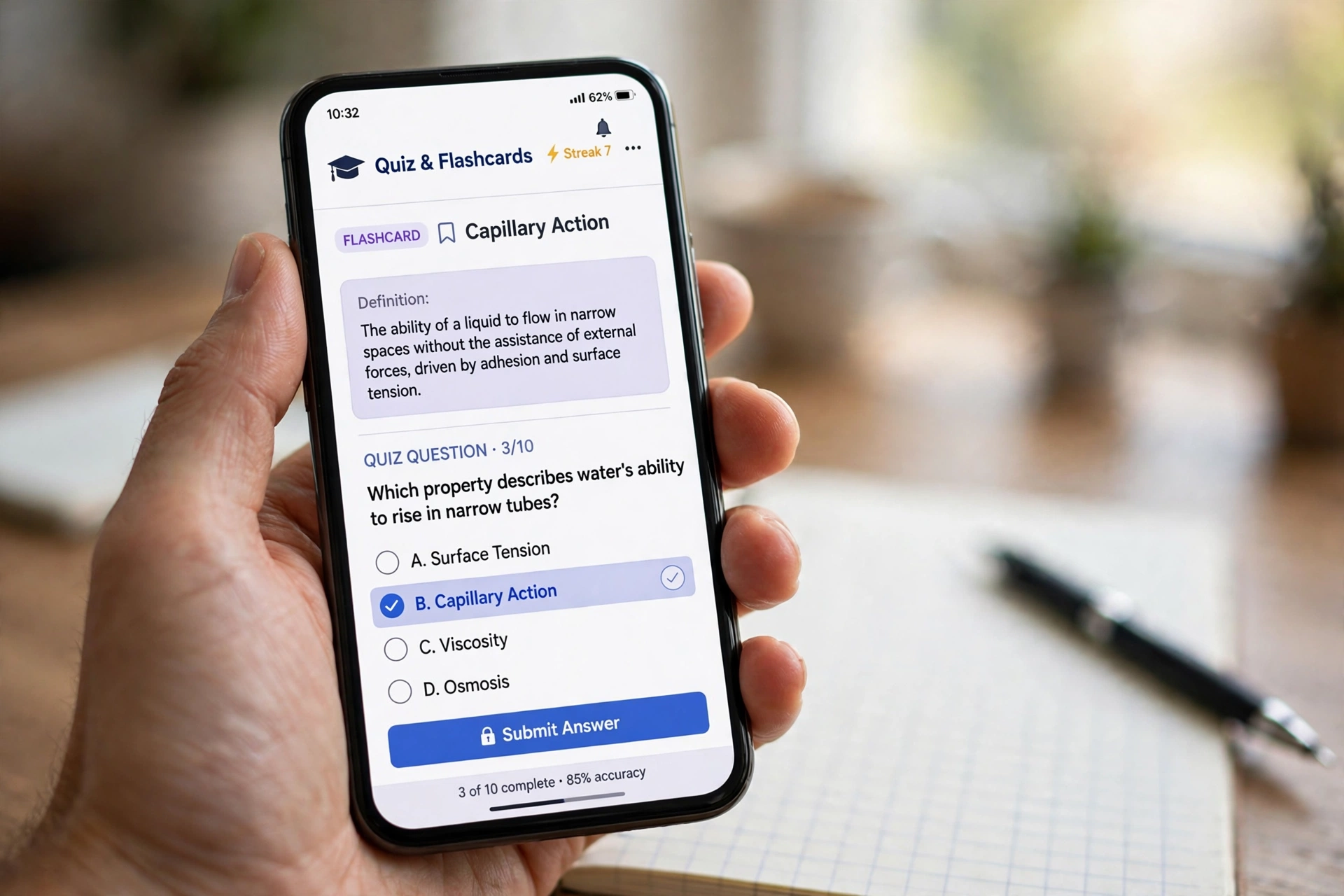
Re-reading feels productive, but it builds familiarity, not memory. Answering questions does the real work — it forces your brain to pull the answer out, as an exam does. AI makes that practice quick: give it your notes and ask for ten multiple-choice questions, or flashcards with the term on one side and the definition on the other.
The advantage is variety: mixed-topic questions, harder ones on the parts you keep getting wrong, or a quick five-question check before bed. Some tools explain why the wrong answer was wrong, turning a mistake into a lesson. The same idea powers much of the AI help with learning a language students use for vocabulary and speaking practice. Skim the questions first — if the AI misunderstood your notes, they will test the wrong thing.
Can AI build a revision plan that fits your week?
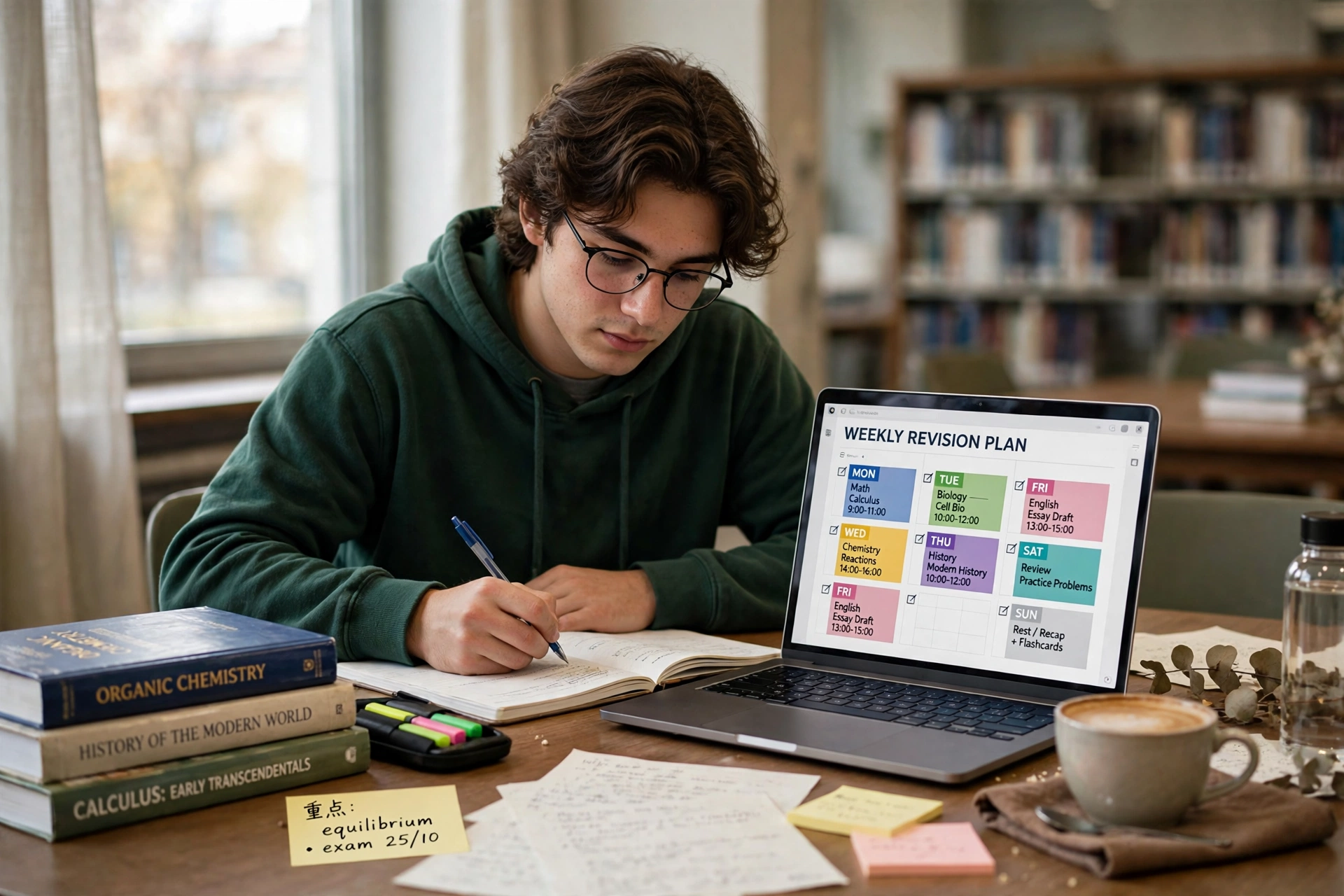
Yes — and this is the job most students underuse. Tell the tool your exam date, the topics to cover, and your realistic daily study hours, then ask for a week-by-week plan with review days built in. A decent plan spreads topics out instead of cramming them into the last weekend, and repeats older topics so they do not fade.
Be honest about your time: a plan assuming four focused hours a day will fall apart if you only have ninety minutes after school or work. Ask for one that fits your real schedule, with short sessions on busy days, longer ones when you are free, and breaks built in — short sessions with gaps beat marathon ones. Treat the plan as a guide, not a contract: if a topic runs long, move things around rather than skipping the review day, because the review is where learning sticks.
What should you watch out for when studying with AI?
The biggest risk is the most ordinary: AI can sound confident while being wrong — mixing up dates, inventing citations, or simplifying a tricky idea until it misleads. Anything that counts — a definition, a formula, a key date — should be checked against your textbook or class notes first. If two sources disagree, trust the one your teacher set.
The second risk is quieter: letting the tool do the thinking. If AI writes every summary and answers every question, you can finish a session feeling prepared without having learned much. Always do something with the output — turn a summary into your own notes, answer the quiz before peeking, explain a concept out loud and see where you stumble.
Privacy matters too: never paste personal details, your student ID, or anything from a live exam into a chatbot, and check your school’s AI rules first — some allow AI for practice but not for assessed work. Wikipedia’s overview of AI in education shows how schools draw the line.
How do you study with AI without cheating yourself?
Start with a simple rule: AI prepares the material, you do the learning. Use it to summarise, quiz, and plan — then close it and work from memory. That habit separates students who use AI well from those who just lean on it.
A routine that works: read the chapter yourself first. Then ask for a summary and compare it with what you understood — the differences show what you missed. Next, generate a short quiz and answer it from memory. Finally, note the three things you got wrong and review them tomorrow. The loop takes about an hour and beats three hours of re-reading.
Vary the tools: one chatbot for summaries, a flashcard app for drills, your own notebook for final notes. Each format asks your brain to do something slightly different, and that variety helps knowledge stick. If writing is part of your course, see how AI help with writing supports drafting without replacing your own thinking — and if you want the background, it helps to know what artificial intelligence is. OpenAI’s Teaching with AI guide shows how educators are using chatbots to support learning, with prompts students can adapt for their own study.
FAQs
Is it okay to use AI to study for exams?
In most cases, yes — summarising notes, making practice questions, and planning revision are widely accepted. What is usually not allowed is using AI during the exam, or submitting AI-written work as your own. Check your school or university rules first, because they vary.
Can AI replace my textbook?
No. AI condenses and explains well, but your textbook or course notes are the source of truth for what will be tested. Use AI to understand the material faster, then check the important details against the original source.
How do I check an AI summary is accurate?
Compare it with your notes or textbook, especially names, dates, numbers, and definitions. If something surprises you, look it up — and ask the AI to show where in your notes the claim came from.
What is the best way to use AI flashcards?
Keep decks small and focused on one topic, review them in short sessions over several days, and shuffle the order so you are not just memorising the sequence. Answer from memory before flipping the card, and retire cards you get right three times in a row.
Conclusion
AI can make studying faster: it turns messy notes into summaries, builds quizzes on demand, and plans revision around your time. But it cannot learn for you. Use it to prepare, then test yourself from memory, check the important facts, and write your final notes in your own words. Next step: pick one topic, ask an AI tool for ten quiz questions from your notes, answer them without looking, and review the three you got wrong tomorrow. That loop tells you more than an evening of re-reading.