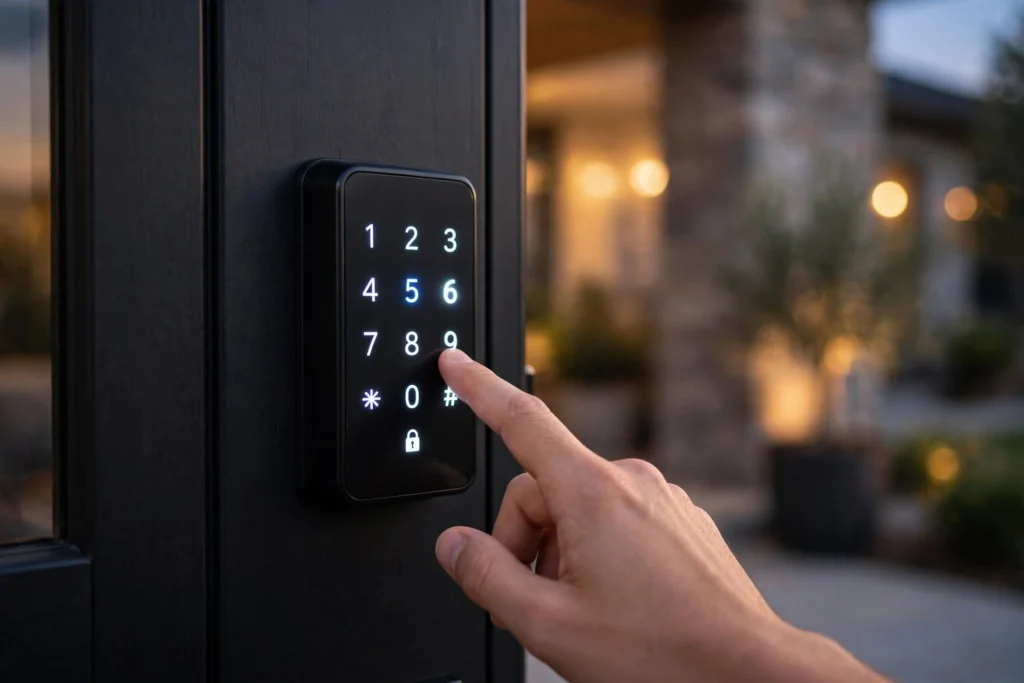
Smart locks work by swapping the key for a code, a fingerprint, or your phone. A small motor inside the lock turns the deadbolt once the lock recognises an approved signal, and most models still keep a normal key as a backup, so a flat battery never leaves you locked out of your own home.
Key Takeaways
- A smart lock uses a small motor to turn the deadbolt when it recognises an approved code, fingerprint, or phone.
- Most models unlock by keypad, fingerprint, phone app, or a combination of the three.
- They run on AA batteries and warn you well before the power runs low.
- You can give guests temporary codes and see who came in and when.
- The physical strength of the lock still matters — smart features sit on top of a normal deadbolt, not instead of one.
How does a smart lock actually open the door?
A normal deadbolt moves because you twist a key, and the key turns a small metal tailpiece that slides the bolt in and out. A smart lock keeps that same bolt but adds a motor. When you enter the right code or your fingerprint matches, the lock’s circuit board tells the motor to turn, the tailpiece rotates, and the bolt slides back. Locking works the same way in reverse, and many locks relock themselves after a short delay you can set in the app.
That motor has to be strong enough to throw a bolt stiffened by weather or a slightly misaligned frame, which is why a good fit matters more than the brand name. If your door needs a push to close, a smart lock will struggle — the motor cannot force a bolt into a hole that does not line up.
What are the different ways to unlock one?
Keypads are the most common way in. You punch in a four-to-eight-digit code, and the lock checks it against its saved list. Codes are not fixed: give the dog walker one that works only on weekday afternoons, a guest one that expires on Sunday, and delete any code the moment you stop trusting it. No locksmith visit, no new keys cut.
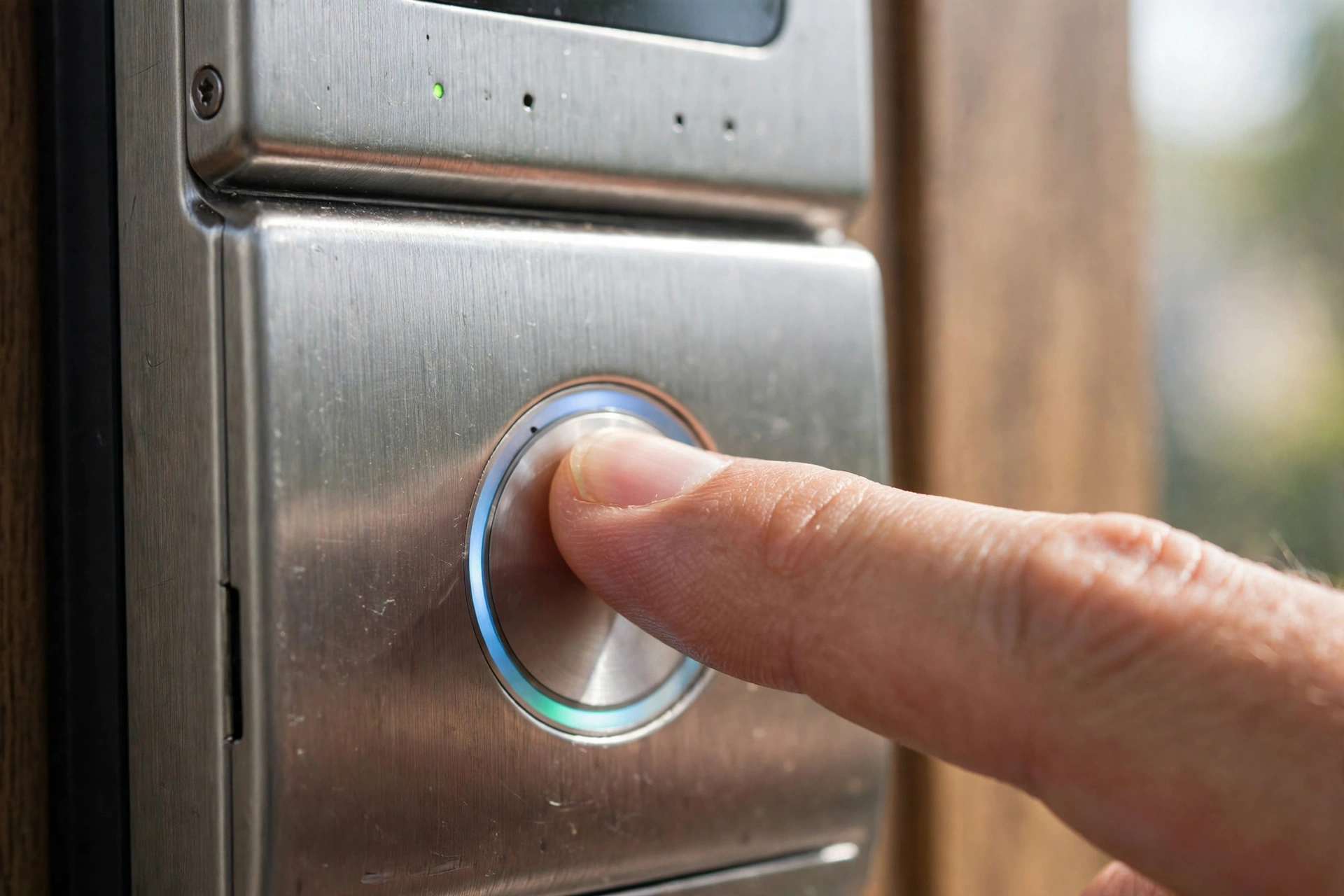
Fingerprint readers work like the one on your phone, scanning the ridges of your finger against the prints stored in the lock. It is quick — usually under a second — and there is nothing to remember or lose. Wet, dirty, or very cold fingers sometimes fail to read, which is why most fingerprint locks also have a keypad.
Phone unlocking uses Bluetooth up close and Wi-Fi from further away. Bluetooth can unlock the door as you approach, though many people switch that off so the door does not open every time they walk past it inside. Wi-Fi lets you lock or unlock from anywhere and check whether the door is locked, but it needs a connection at the door — built into the lock or through a small plug-in bridge.
Some locks also accept a key card or fob you tap against the reader. And nearly all still hide a standard key cylinder under a cover, so the old-fashioned key remains your fallback.
What powers a smart lock, and what happens when the battery dies?
Almost all smart locks run on four AA batteries inside the indoor half of the lock. Depending on use and Wi-Fi, a set usually lasts several months, and the lock warns you in the app and with a beep or flashing light when the charge gets low. You normally get weeks of warning, not hours.
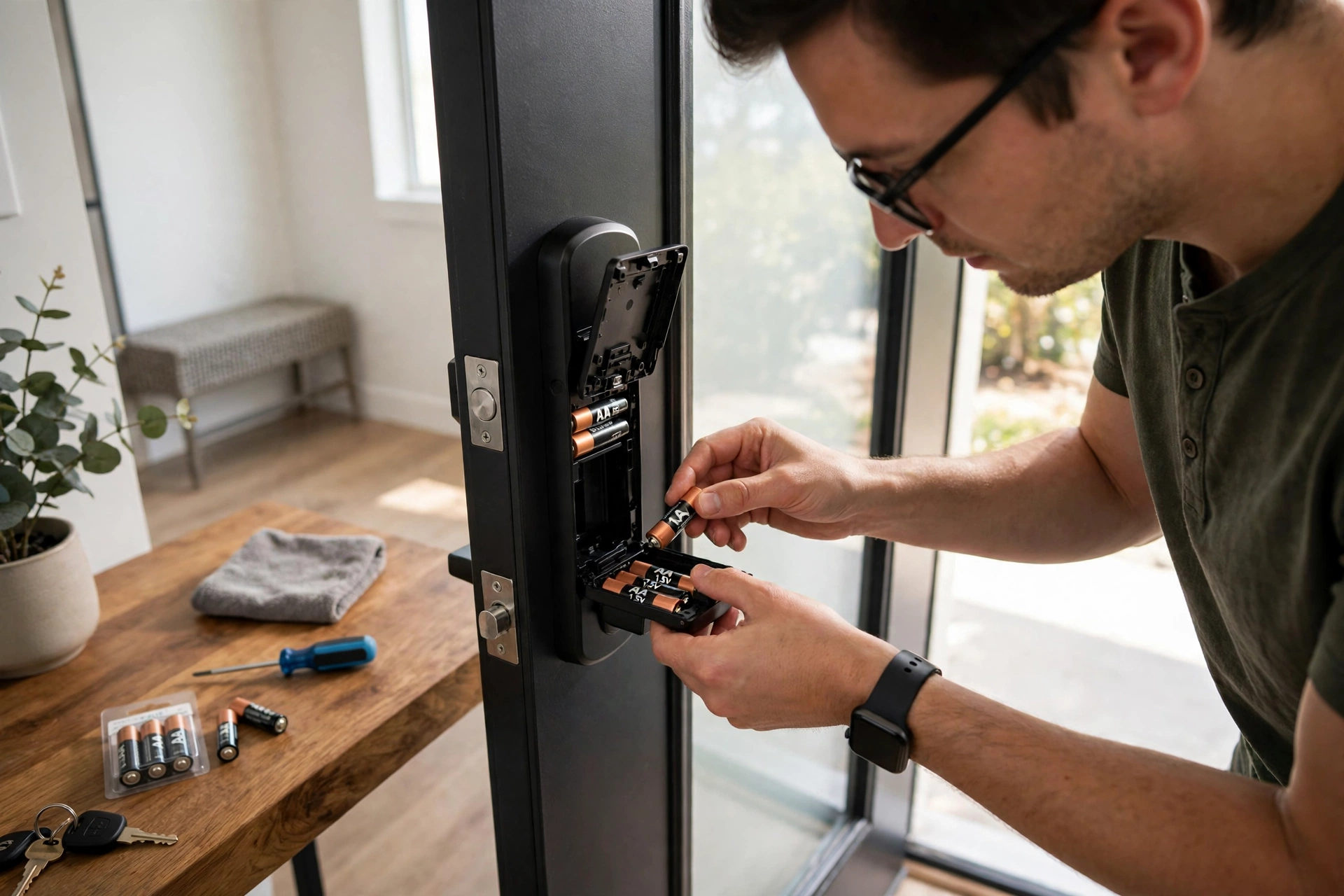
If the batteries do run flat, you are not stuck outside. Most keypad models have two small contacts on the outside; hold a 9V battery against them and the lock gets just enough power for one unlock. Others take the physical key or a brief charge through a USB port. Know your model’s fallback before you need it — check the manual when you install the lock, not on a rainy evening with flat batteries.
Are smart locks secure?
A smart lock is only as strong as its weakest part, and that part is usually not the electronics. The bolt, strike plate, and door frame do the real work against a forced entry, exactly as on a normal lock. A well-made smart lock is no easier to force open than a good traditional lock, and a cheap one with a flimsy bolt is no safer just because it has a keypad.
The electronic risks are mostly about habits. A code like 1234 or your birth year is a poor choice, and a code shared with half the neighbourhood stops being a secret. Reputable locks encrypt the connection to your phone and lock out further attempts after several wrong codes. Keeping the lock’s software updated matters too, because updates close gaps found over time.
One honest limit: a smart lock cannot make a weak door strong. A thin frame or a strike plate held by short screws will not be fixed by a smarter lock — longer screws and a solid door matter more than any smart feature.
Can a smart lock work without Wi-Fi?
Yes, and for most day-to-day use it should. Keypad codes, fingerprints, and Bluetooth unlocking all work without any internet connection, because the lock stores its codes and fingerprints locally.
What you lose without Wi-Fi is the remote part: no locking from the office, no code changes while you are away, no notification when the kids get home. Some locks have Wi-Fi built in, which drains the battery faster; others use a small bridge plugged into a socket near the door, talking to the lock over Bluetooth and to your router over Wi-Fi.
What should you check before buying one?
Start with your door, not the lock. Measure the door’s thickness and the distance from the edge to the centre of the existing hole — most smart locks fit standard doors, but older or unusually thick ones can be a problem. Check that the deadbolt slides freely by hand; if it sticks, fix the alignment first.
Then think about how your household uses the door. A family with kids might value fingerprint unlocking and guest codes, while a rental host might care most about remote code changes and an activity log. Make sure the lock supports enough separate codes or fingerprints for everyone who needs one.
Battery life and the low-battery warning are worth checking in reviews — a lock that dies silently is worse than one that complains early. And if you already use a smart-home system, check the lock works with it, since some only speak to one platform.
FAQs
Do smart locks need the internet to work?
No. Codes, fingerprints, and Bluetooth unlocking work offline, because the lock stores that information itself. You only need Wi-Fi for remote locking, code changes from away, and notifications.
Can a smart lock be picked like a normal lock?
Models with a key cylinder can be picked like any keyed lock, though that takes skill and time. Keypad-only models have no keyhole to pick at all.
What happens if my phone battery dies?
Nothing bad. The keypad and fingerprint reader still work, and the physical key still works. Your phone is a convenience, not the only way in.
How long do smart lock batteries last?
Most last several months on a set of AA batteries, though heavy use and built-in Wi-Fi shorten that. The lock warns you well in advance, and you can keep a spare set in a drawer near the door.
Can I install a smart lock myself?
Usually, yes. Most retrofit models replace only the inside half of your existing deadbolt and fit with a screwdriver in about half an hour, with no drilling.
Conclusion
A smart lock is a normal deadbolt with a motor and a small computer attached: it checks your code, fingerprint, or phone, then turns the bolt for you. The real benefits are practical — temporary codes for guests, no more spare key under a plant pot, and a record of who came and went. Before you buy, check that your door closes smoothly, pick the unlocking methods your household will actually use, and make sure there is a fallback for flat batteries.